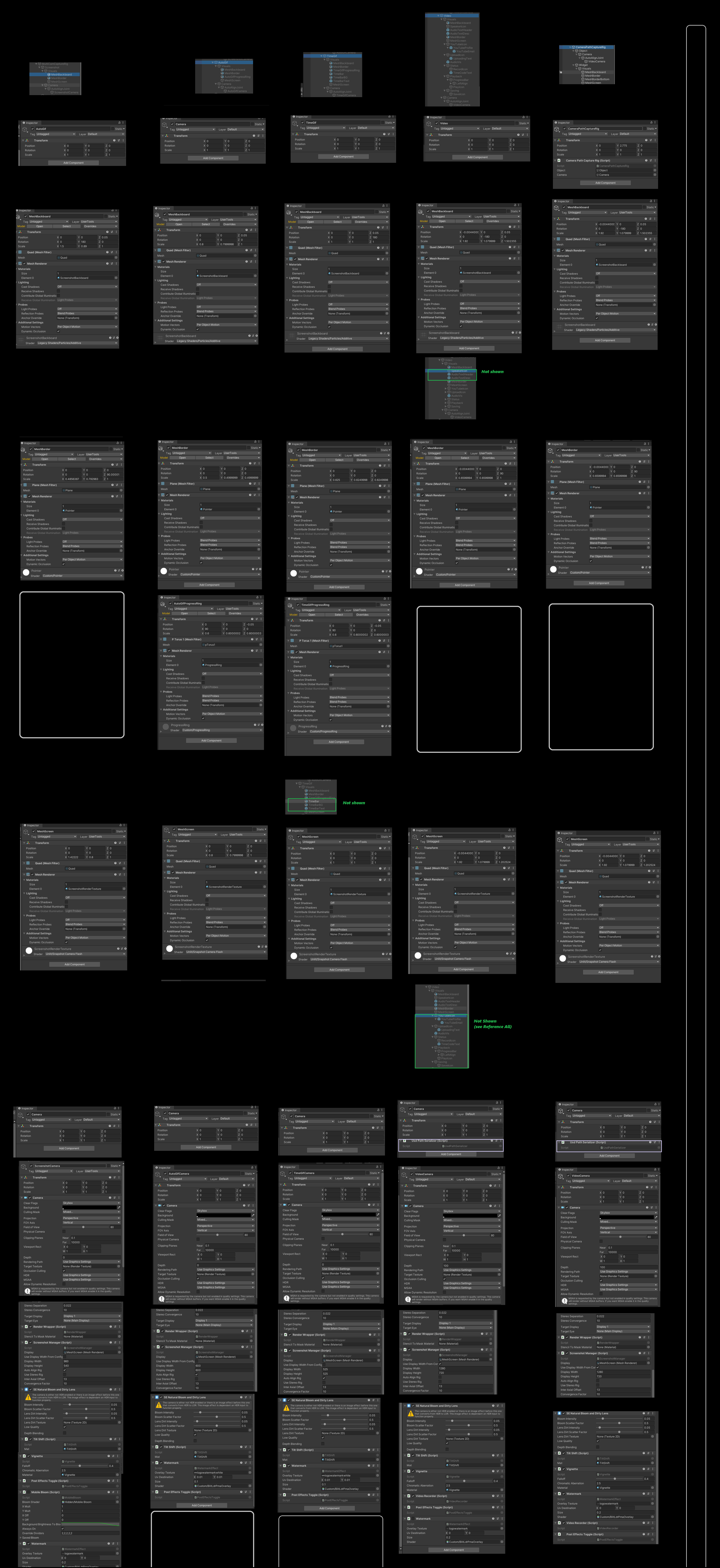
Just read through all that. From a users perspective, the value of layers is in keeping things separate so you can modify similar things without interfering with things you don't want to modify. Typically the advantages of layers are object isolation, and ability to "bulk change" everything on a layer
Open brush is a bit tricky, because in addition to the usual consideration of keeping objects or parts separate, there is huge utility in being able to select by stroke type or color. Presumably imported scenes/objects as well.
In traditional applications, layers create a user-tracking problem. Actively selecting a layer before working on it is needed, and failing to do so creates confusion such as placing content on an incorrect layer, or not being able to create content at all, because the strokes are expected on a different layer, just the active one, or just the top one, for example.
In most VR programs I've seen with this capability, active layer selection (identify layer, work on it) and usually "lock layer" options are how things are handled.
Having the ability to move objects/items from layer to layer is a fairly unique construct, as far as I know. So we're in a bit of new territory here. Especially if we have a mode (such as select all flat brush strokes) that can potentially cross layers or reorganize them. While very powerful, it's likely to be a bit confusing. Even more so, as groups are a form of default layer on their own.
I think in this circumstances the user needs to know if they are:
Working on all layers
Working on an individual layer (and exactly which one that is)
Moving things across layers needs to be an obvious and conscious decision, as it affects structure at a fairly deep level.
When it comes to something like "select all pink brush strokes", I tend to think a 'temporary layer' is the best user solution. Presumably this requires actively remembering what layer the objects were initially on. More control becomes available if the user has a toggle that visibly elevates (or changes color/brightness to signal status), and can choose whether they are working on "the active layer" or "the whole project". A use case would be "select all pink leaves on the tree" vs. "select all pink objects in the entire scene" and possibly "select all pink objects in this group". If three options are available, generally three icons where only one can is clearly active is easier to understand than flipping through toggle states (as currently implemented in the modify tool)
I haven't used layers enough in this program to really be sure about exact implementation. As a user it's important to know (probably by just glancing at the panel or on-screen ghosting)
What area I'm working on
If I move it or change it, where is it going and what parts are going to be changed
If there are areas I'm not able to work on, then I want that to be immediately apparent Ideally I want to know this directly without navigating menus that aren't in plain sight.
Deeper menu access is acceptable for a specific function that is temporarily available (examples: select strokes by color within jitter range, select instances of disco brush (currently dabbed/selected brush))
Yes, that would be ideal. Although if layers and layer actions become more developed, there are advantages to being able to affect just things on a layer. I think this would be especially useful with imported objects. Although I can see some form of localization control (current layer or group toggle) being quite helpful when rebrushing complex objects in a complex scene. A lot of times the issue is just 'getting at' mostly subsurface portions of a scene element that are otherwise hard to get at. Or for example, 'the hundreds of dragon scales should be blue, but I don't want to change the cloud colors'
Been a few weeks since I did it, but here is a commit that adds working texture loading for gltfast... I still need to use gltfast for exporting before I feel like the move to gltfast is "complete" https://github.com/omn0mn0m/open-brush/tree/features/gltfast
It's unlikely that we'll put out another release on 2019.4 so updating it to match the xr_v2 branch on 2021.3 would be a good idea. I'm happy to have a go at that if you like?
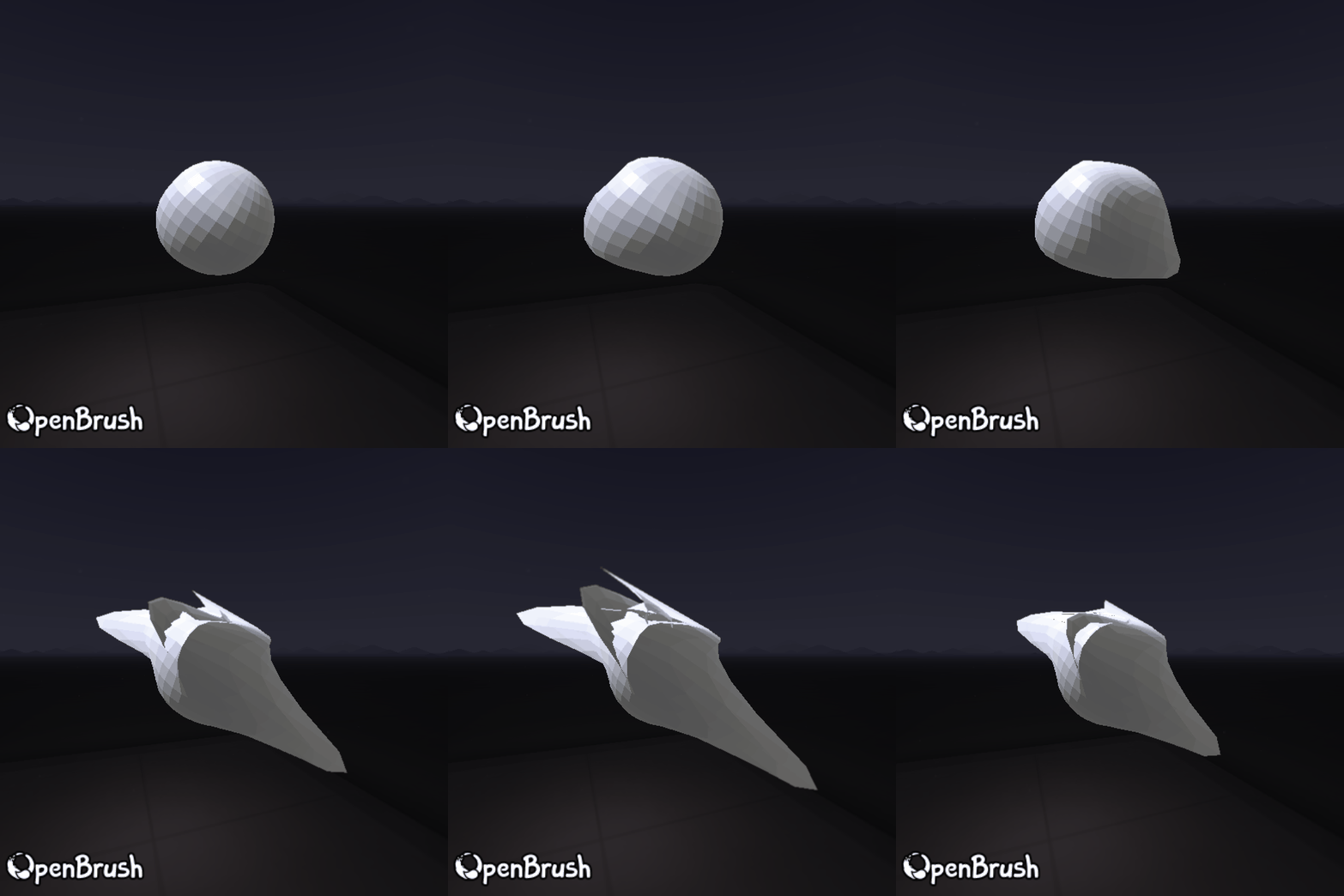
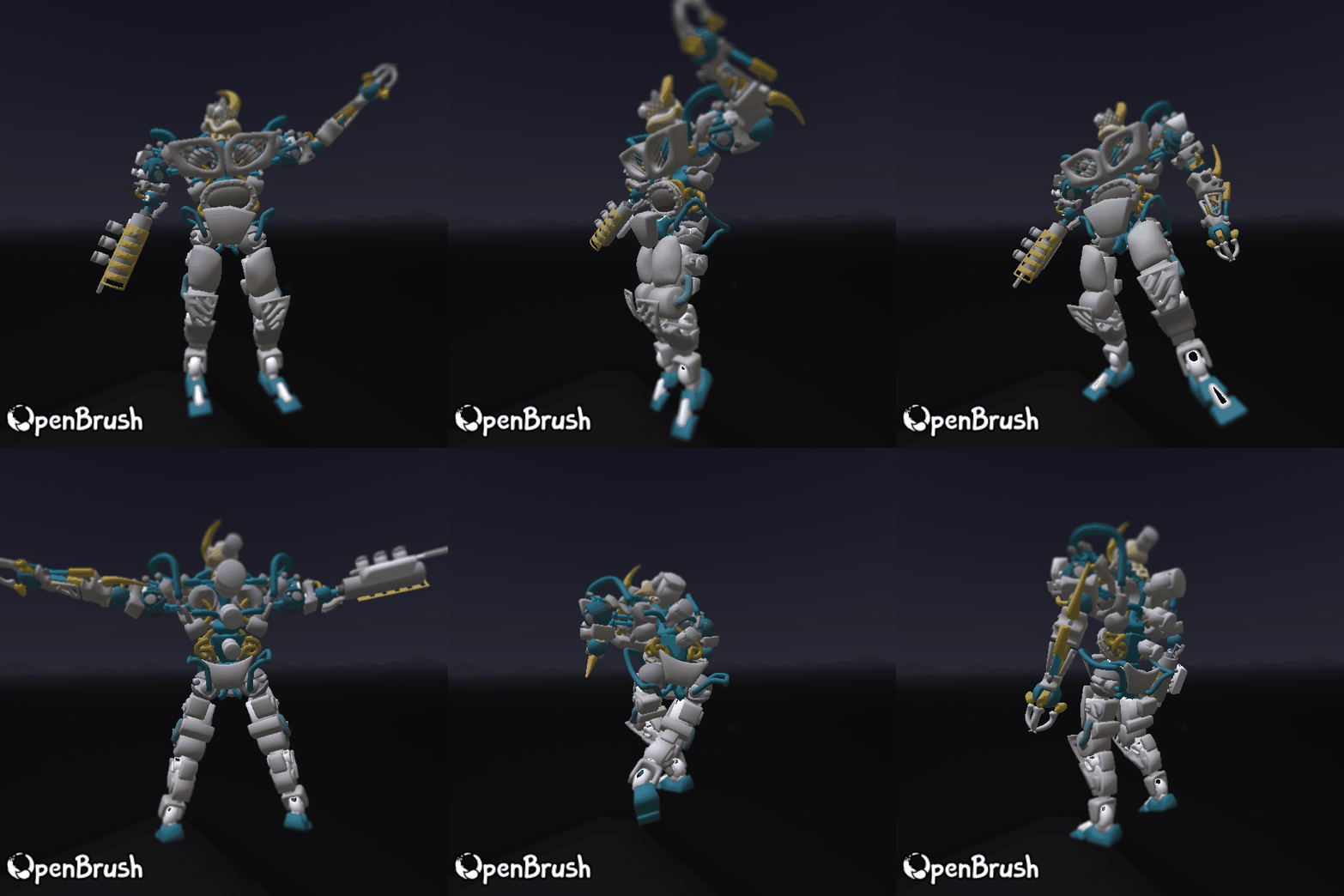
Was just discussion yesterday whether we can support gltf animation inside Open Brush (not editing, but at least showing existing animated models). Any idea how much of that GLTFast supports?
Yeah I noticed that as well :/ I think also the way that the thumbnails are staying loaded ends up costing too many resources (on the quest at least). Haven't looked too far into that
I started to, but ended up having to balance my dev time between trying to get this working and getting some sort of workable app using the Open Brush API for a teaching session soon
(Ah. Loading a scene with imported models fails after restarting the app. Probably because the models aren't initialized properly if the thumbs aren't loaded?)
yeah currently it looks like clicking the asset to load the thumbnail will create the object. And I think clicking the thumbnail again just duplicates it into the scene