
or any programming language you're comfortable with
or any programming language you're comfortable with
 H
H LLL
LLL FFHH
FFHHDoEvents on the 2nd threadH_window here is the Silk.NET windowHH H
H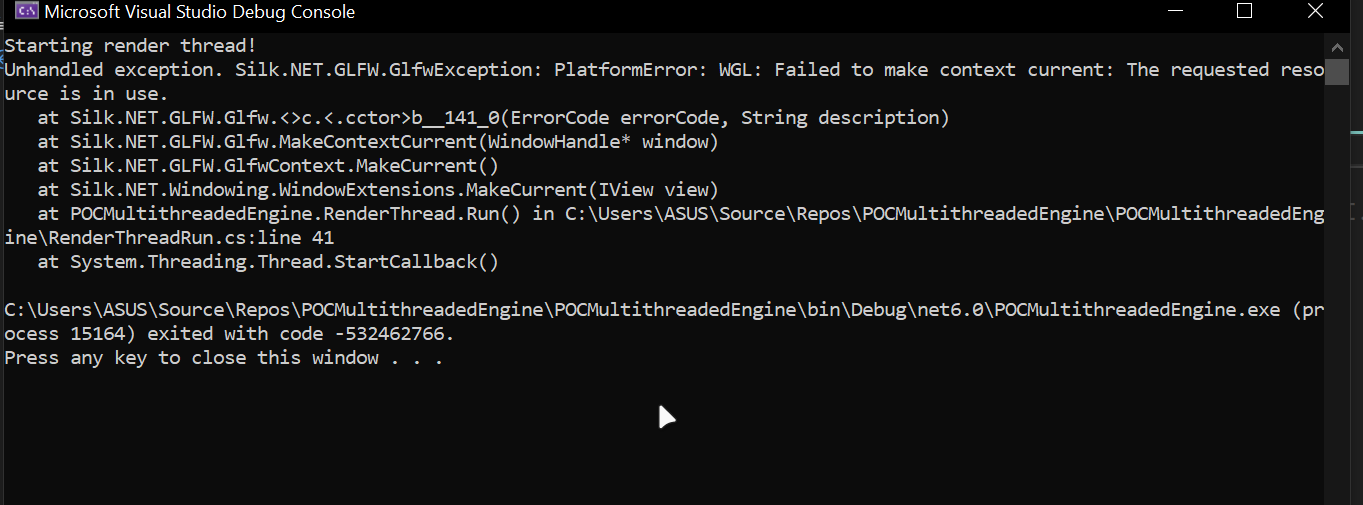 HH
HH PPHHPPHHP
IsContextControlDisabled is important as well, the window system will keep trying to move your context back otherwisePGameLoop class that can be configured to automatically multithread, but sadly just a pipe dream nowHH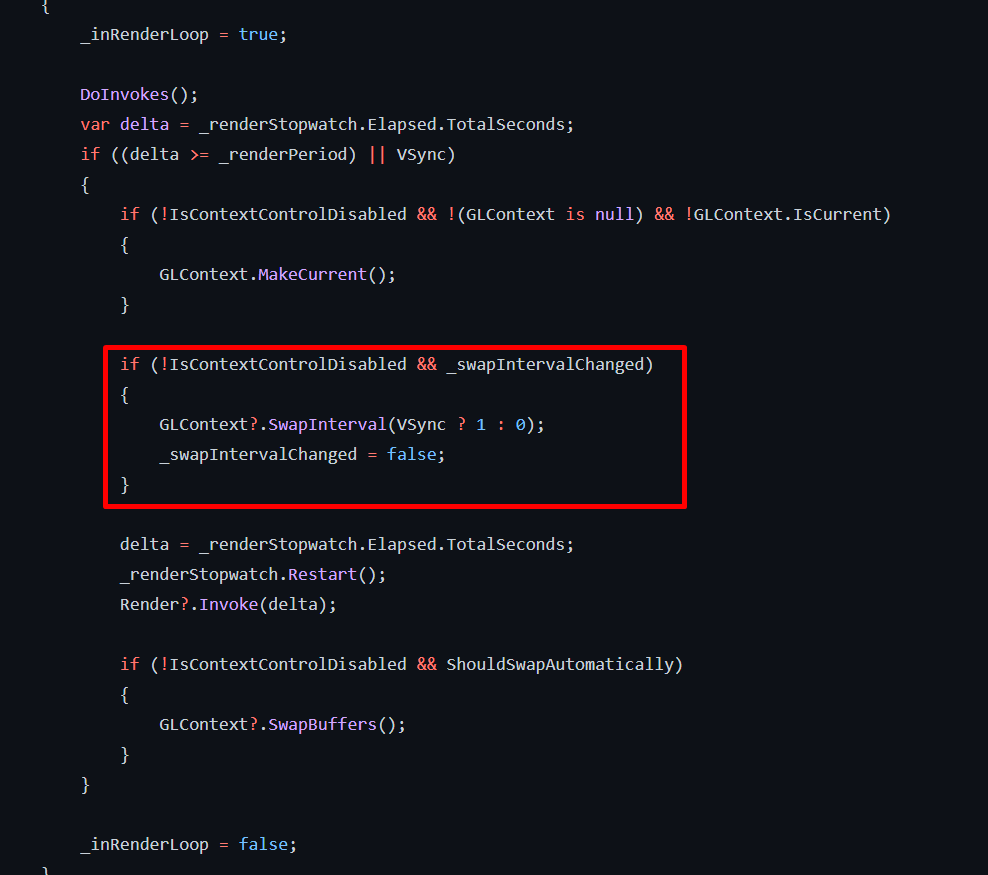 PPPHH
PPPHH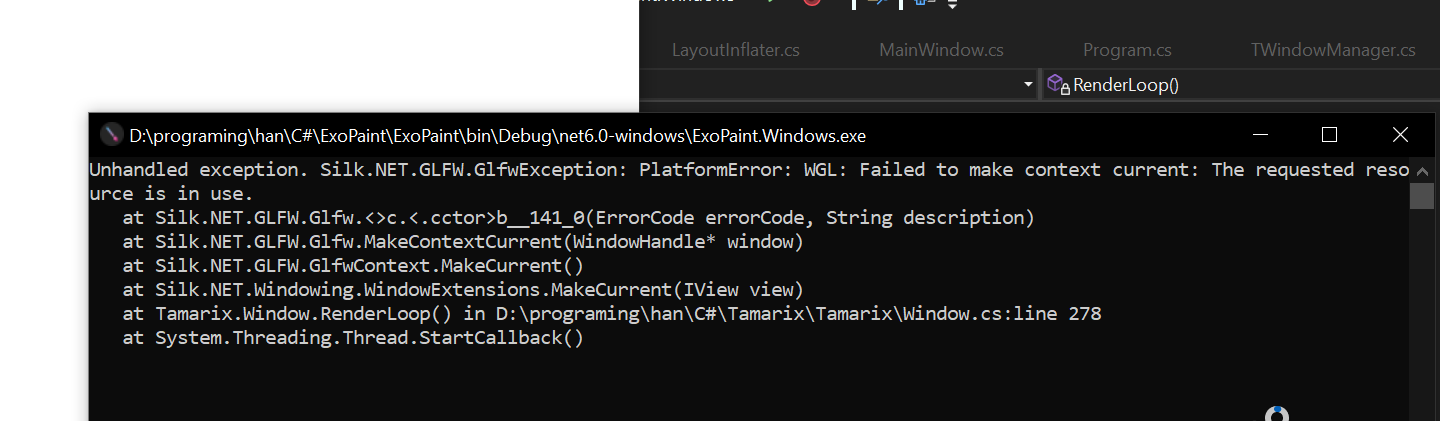 H
H RPRP
RPRPClearContext in LoadHPRPPRH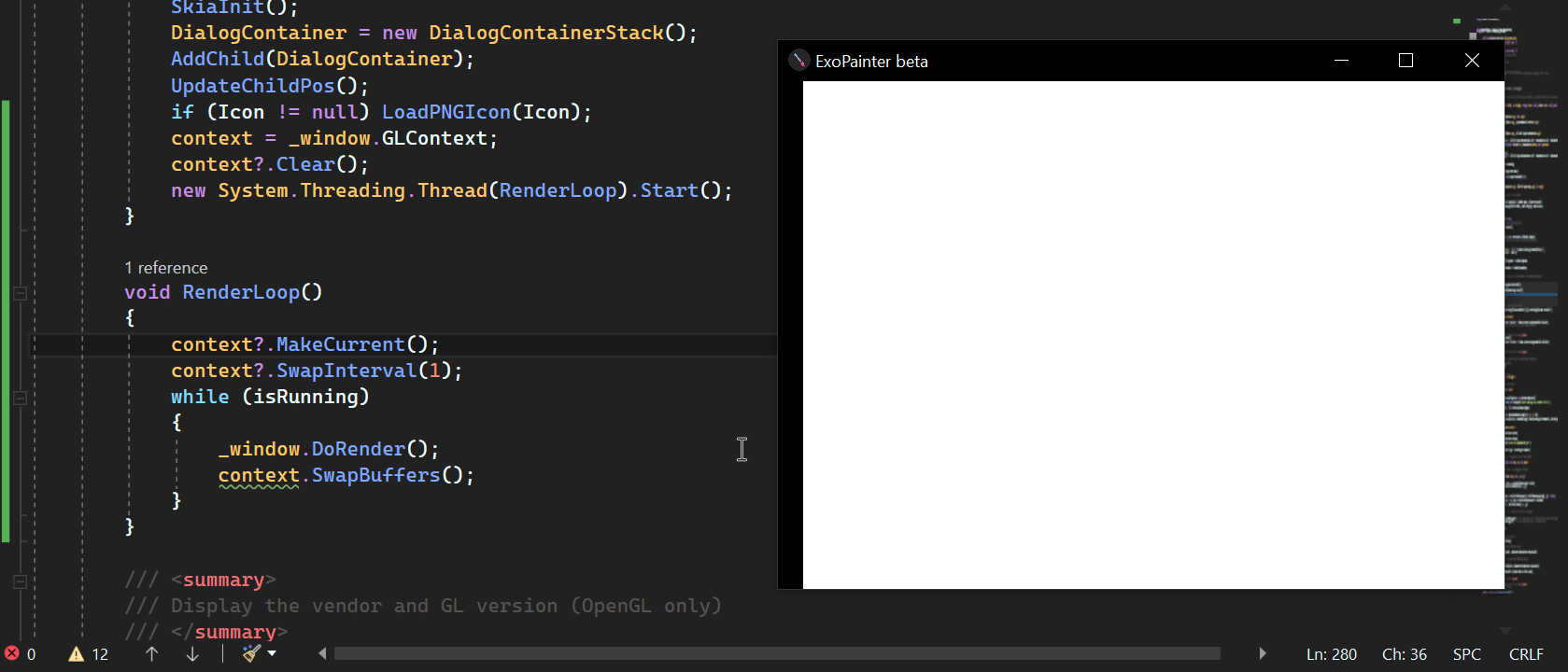 H
H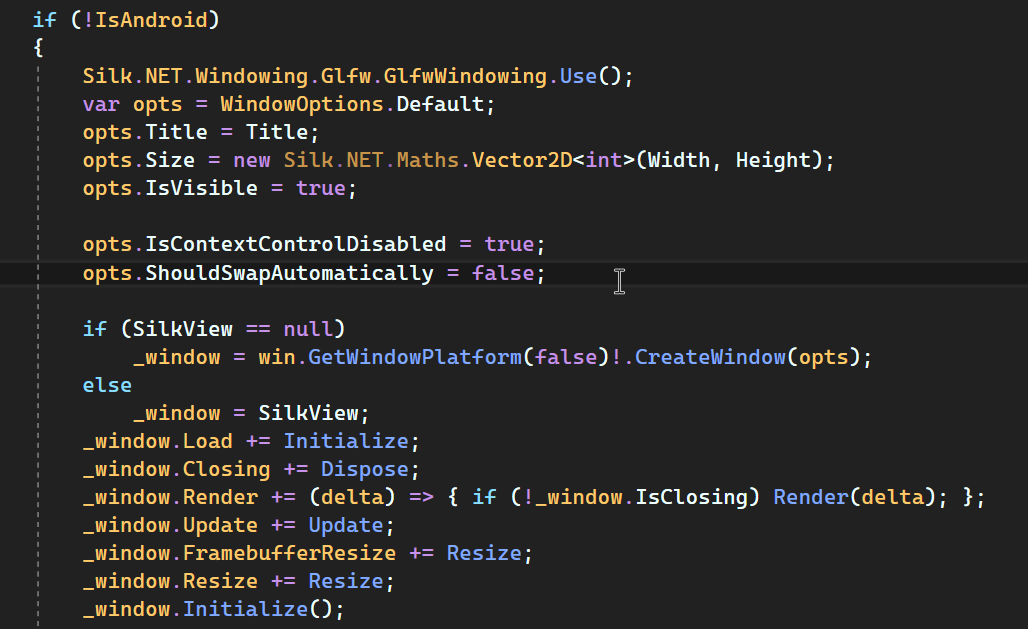 PH
PH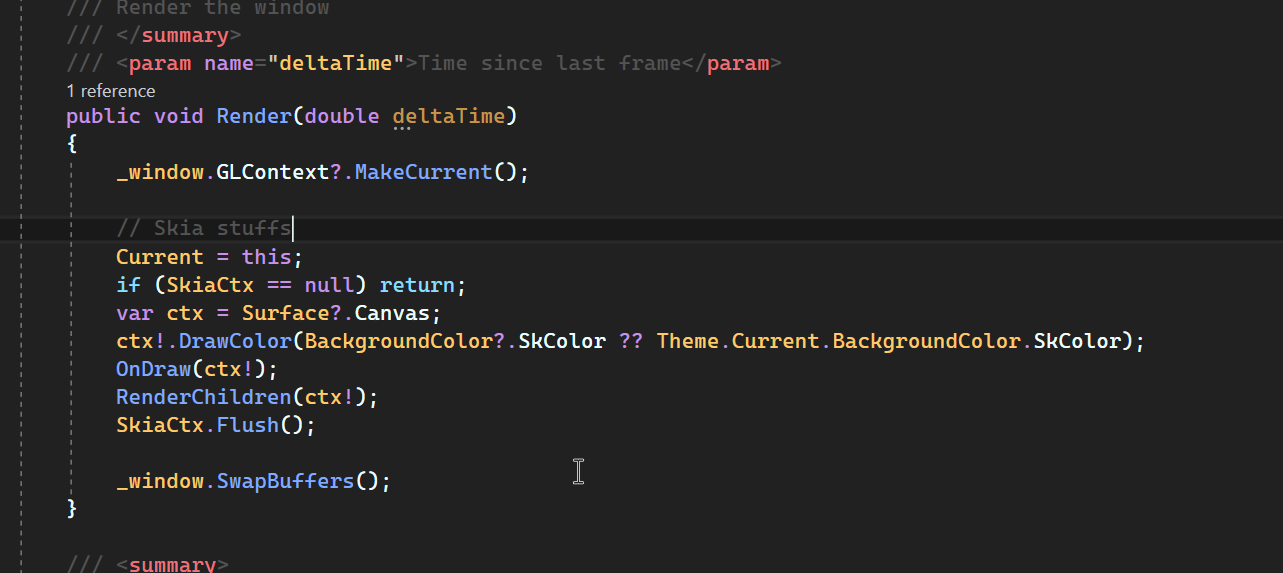 PH
PH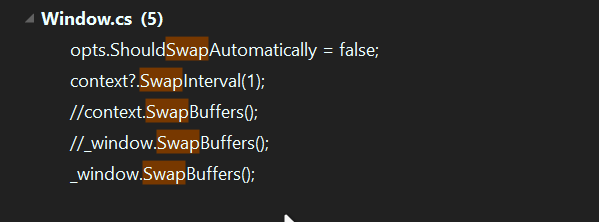 HP
HPDoEvents_windowNewThread({
while:
DoRender();
})
MainThread{
while:
DoUpdate();
DoEvents();
}IsContextControlDisabledGameLoopClearContextLoadWindow window = new MainWindow("Title",800,600, "logo.png");
new Thread(() =>
{
window._initialize();
// Initiate win32 APIs
new WinFormNativeWindow(window);
while (true)
{
//if (IWindow.API.API == ContextAPI.OpenGL || IWindow.API.API == ContextAPI.OpenGLES)
{
try
{
window._window.MakeCurrent();
window._window.DoUpdate();
window._window.DoRender();
}
catch (GlfwException e)
{
Console.WriteLine($"GlfwException[handle: {window._window.Handle}]: {e.Message}");
//continue;
}
}
if (window._window.IsClosing)
break;
}
}).Start();
while (true)
{
if (window._window != null)
{
window._window.DoEvents();
if (window._window.IsClosing)
break;
}
}bool isRunning = true;
IGLContext context;
void RenderLoop()
{
context.MakeCurrent();
context.SwapInterval(1); // for vsync
var sw = new Stopwatch();
while (isRunning)
{
var delta = sw.Elapsed.TotalSeconds;
sw.Reset();
// do rendering code
context.SwapBuffers();
}
}
void MainLoop()
{
var window = Window.Create(WindowOptions.Default with { IsContextControlDisabled = true });
window.Closing += () => isRunning = false;
window.Load += () =>
{
context = window.GLContext;
new Thread(RenderLoop).Start();
}
window.Run();
} window.Load += () =>
{
context = window.GLContext;
+ context.Clear();
new Thread(RenderLoop).Start();
}

