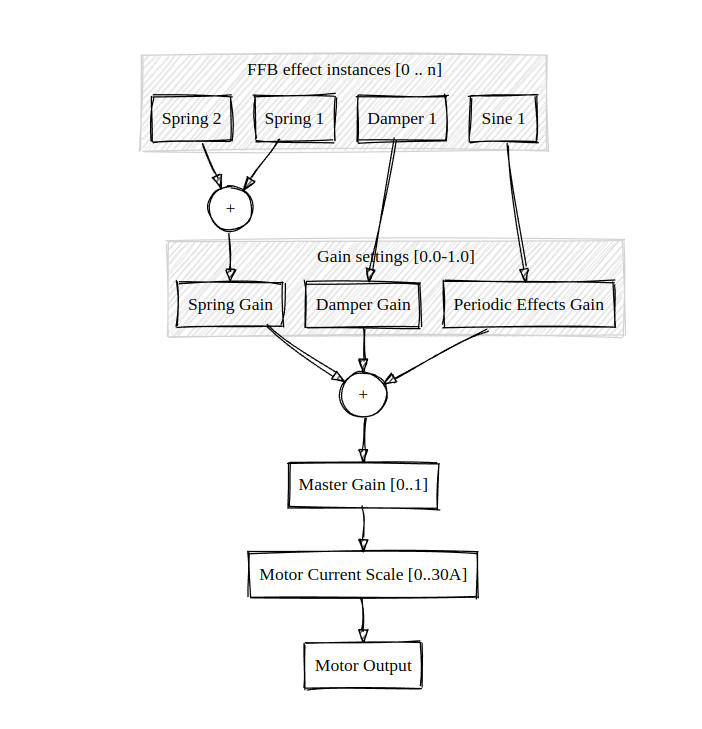
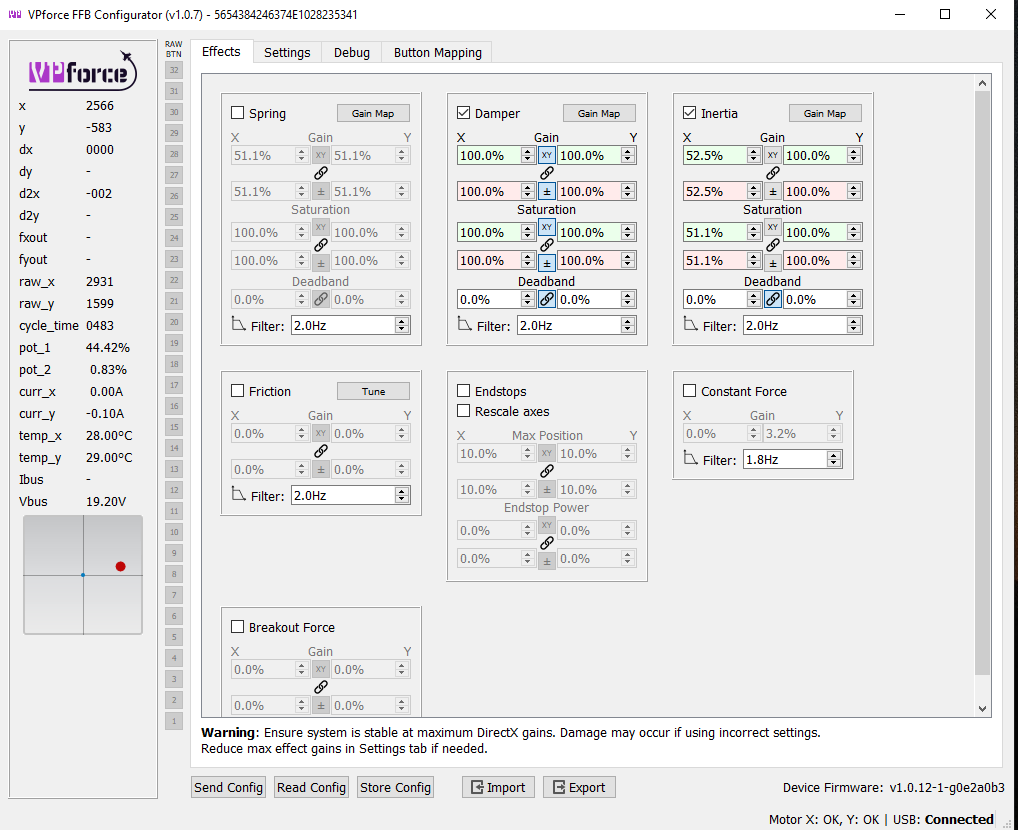
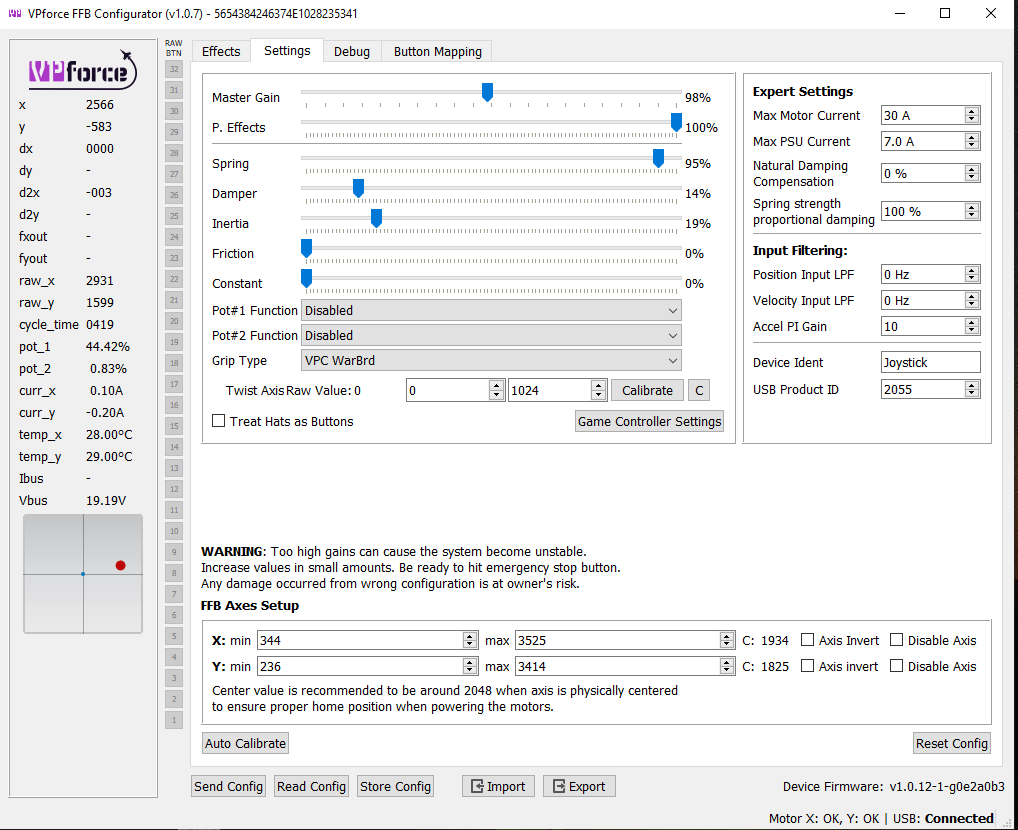
In the Settings those sliders adjust the global gains for that effect class, and in the effects you create an "instance" of that effect, similar how DirectX creates effects in DCS for example.
so for my 'global' settings to work I don't need to check the box in the related Effects tab? are totally separate? Sorry I also don't understand what you mean by an 'instance' of the effect, does this mean how much of those effects you will feel from the base when it's told to do so by the game?
So yeah, the game can create those effects and Rhino can create them internally too, the sliders in Settings adjust the global "volume" of those effects.
so they need to match in both tabs? settings & effects? other wise settinsg is letting it go to say 30% damper but in tab it's set to 0% so you get no damper effect?
ok, sorry my tiny chimp brain at 1:20am isn't understanding how it can know when to do these awesome things, but you know what? it doesn't matter how it does it I can just enjoy that it does! thanks again walmis.
The 'inertia' + damper effect gives it a feeling of some weight in the controls (weight of the actual control surfaces). And once the in-game spring effect kicks in everything feels like I "think" is should feel ... :)) I never flew any airplanes so my 'feeling' can be totally off, but nevertheless I enjoy what I have :))
the spring settings in the 'Settings' tab is the overall spring setting, so from what I understand it gives dcs acess to the % of spring effect you set
so I'm still not 100% on all this, but from my understanding the Settings tab is the overall settings that the base will use ie. 75% of the spring power can be used by the game etc. then the Effects tab is for setting the strength of the periodic effects that happen.