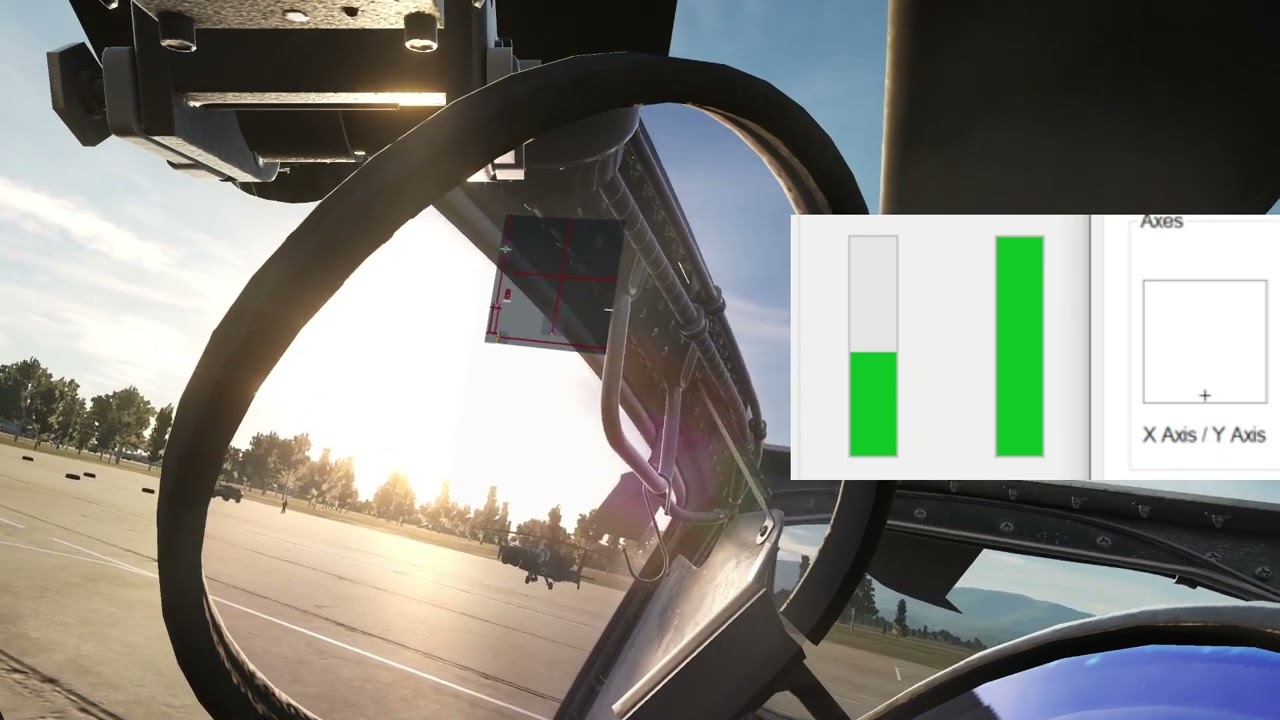
There’s also another tick mark to be made to actually hide the devices. It took me a minute to figure that out the first time. In the device box select the devices to hide and then under it select the box to enable hiding.
Thanks guys, got it sorted, most the confusion was cause I downloaded the master version or something like that from Github, once I got the right one it's all easy. I just selected the VKB grip I wanted blocked, I haven't made a whitelist yet, is it possible to make a blacklist instead? I only really need to hide the grip from IL2. Cheers again guys
I plugged in the kit board today and my computer is not recognizing the board as a game controller. In Device Manager it is described as "Unknown USB Device (Device Descriptor Request Failed)". Anyone run into this before?
Although I swear it was working at first but after a while it started acting weird. Couldn’t press individual buttons but could press them sequentially if held down. I’ll need some more time to play with it, I could have had something crossed up.
No matter what I did on the config store/send, I couldn’t get the “Read” config to work like I expected so maybe that was an indication of issues. When you click read is it supposed to adjust the configurator? If I clicked store/send and then changed my grip type and then clicked “Read” it wouldn’t do anything. I thought it might change back to the last grip type I stored.
I thought only store keeps the configuration in long term memory, shouldn't read revert back to the last store and have send only volatile, keeping it in memory until next shutdown/restart/read?
Quick question: mounting a Virpil or WWing stick to the Rhino: will that still allow me to use their respective software to setup buttons/axis and stuff? Or will those apps no longer recognize their stick?
I use a Virpil stick on the Rhino Base. Windows will only recognise the Rhino base device with the axis and buttons of the stick mapped to the Rhino device. So you can't use the Virpil configurator to change the settings of the stick. That's all done via the Rhino Configurator.