We are unable to provide assistance if you do not ask a question or state a problem, @Gina Mann. Remember to read through #faq before asking questions in the support channels.
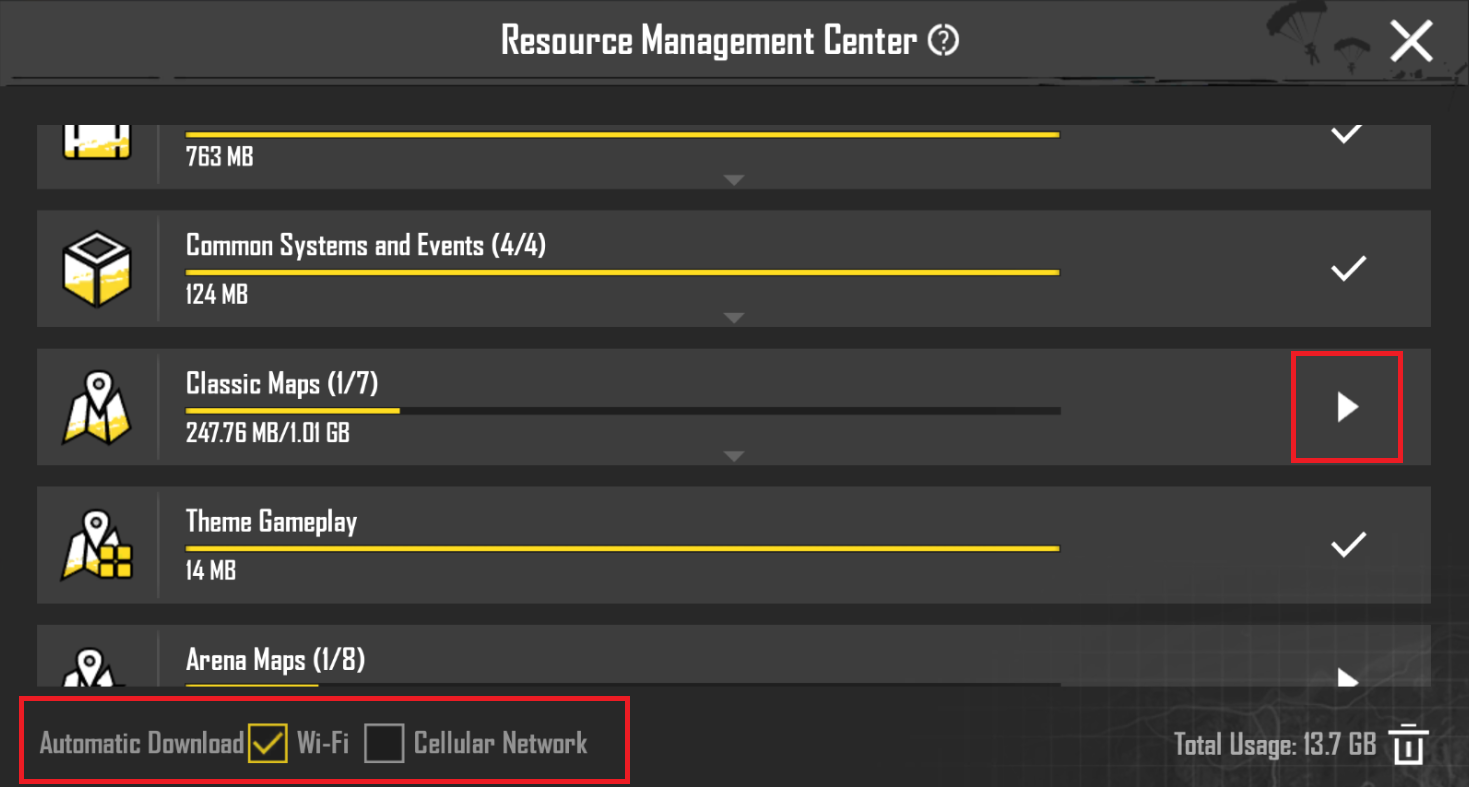
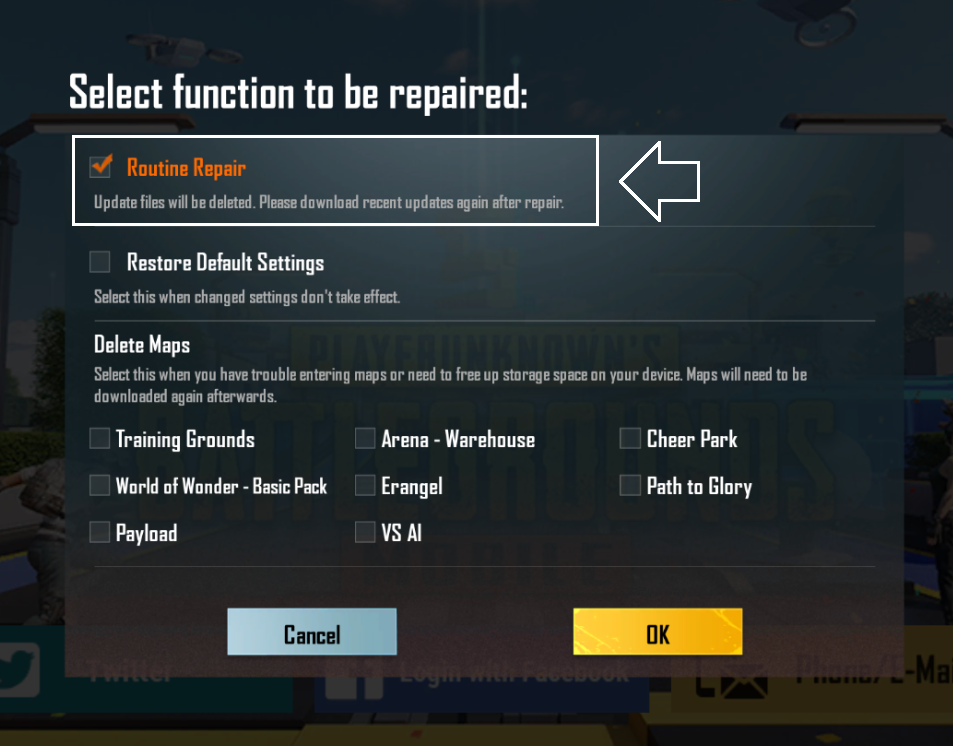
Please make sure to disable automatic downloads. If any resources are already being downloaded, you can stop them as well. If the auto-download persists, you can try to perform a routine repair of the game from login menu.
If Razer Gold is supported in your region, you can top up your wallet using PayPal and then use the balance to purchase UC in https://pubgmobile.com/pay.
We are unable to provide assistance if you do not ask a question or state a problem, @Vovka118. Remember to read through #faq before asking questions in the support channels.
This could be an issue with your network connection. You can try to perform a routine repair of the game from the login menu or switch to a different network.
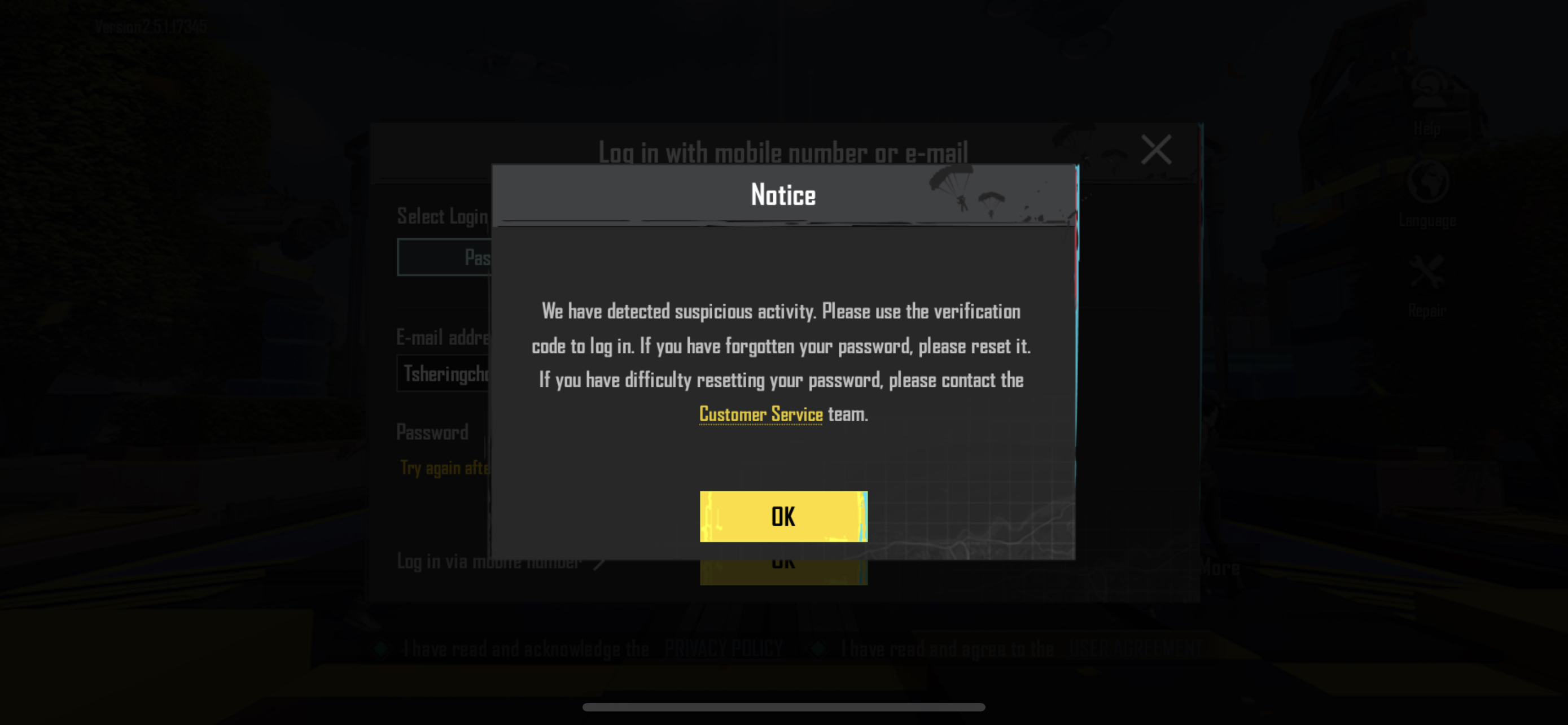
Please make sure of the following, @xxxxxxxxxxxx and @ExT丨Nono°親:
The e-mail address (noreply@pubgmobile.com) has been added to your email whitelist. Check your spam folder.
If you still do not receive a verification code, please contact the customer service for further assistance. Refer to subpoint 5.4 in #faq for further information.