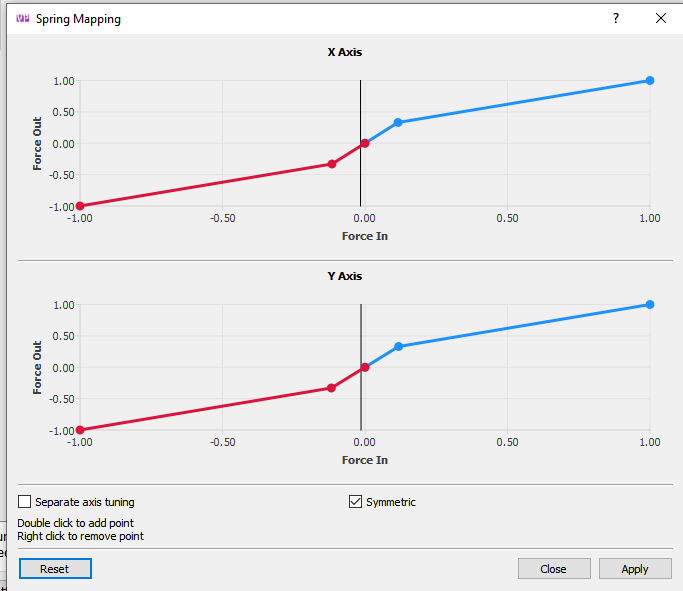
if you make that raised section on the curve really really tight you basically get detents, but there is a notable deadzone in the middle and there's a tendency for the stick to oscillate
the reason I tested detents was because some planes actually apparently have them and if I showed people it was possible, they would have to start using detents or not be true hardcore
I guess the point in detents is that on some plane types you want really precise stick movements rather than smoothness across the movement area and detents help you isolate elevator and aileron axis (for example when you're in alt hold and don't want to mess with elevator while changing heading)
That drawing shows the plate thickness to be 4mm. My MT adapter plate for my Virpil CM3 stick base is 6mm. Is 4mm enough to firmly hold the Rhino in place? At about 11.5 lbs, I think it's a lot heavier than the CM3.
@walmis I fear I'm having the same issue here. For a little background I had a WW adapter that the pins got bent on that came with my VP Rhino delivery so I ordered a new one, however, despite ensuring good contact and proper pin seating I'm unable to detect any input from WW F16/EX Grip in Rhino config tool
At this point I know the Z-Extension works because it worked with my Warthog Joystick, but nothing I plug into the WW adapter seems to work despite the grip working it's own WW Orion 2 Base
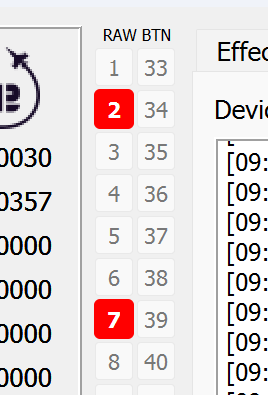
I had a similar issue, but when I started up DCS I saw the binds working. Ensure you have the proper grip type in VP Config tool, and test the changes in dcs. For some reason windows game control window did not see the buttons on the F-16EX
Looks like Rhino is able to read the adapter, the other end didn't mate properly. I've found you might need to push the 6 pin WW connector harder into the adapter socket.
@walmis is it still possible to get a replacement part? i noticed teh connection is quite unstable... it's very easy for the buttons to disappear if i move the stick
I had 2 adapters because I goofed and snapped a pin in half on my first (Adapter A)
I got a new one yesterday (Adapter B) and had the issue above
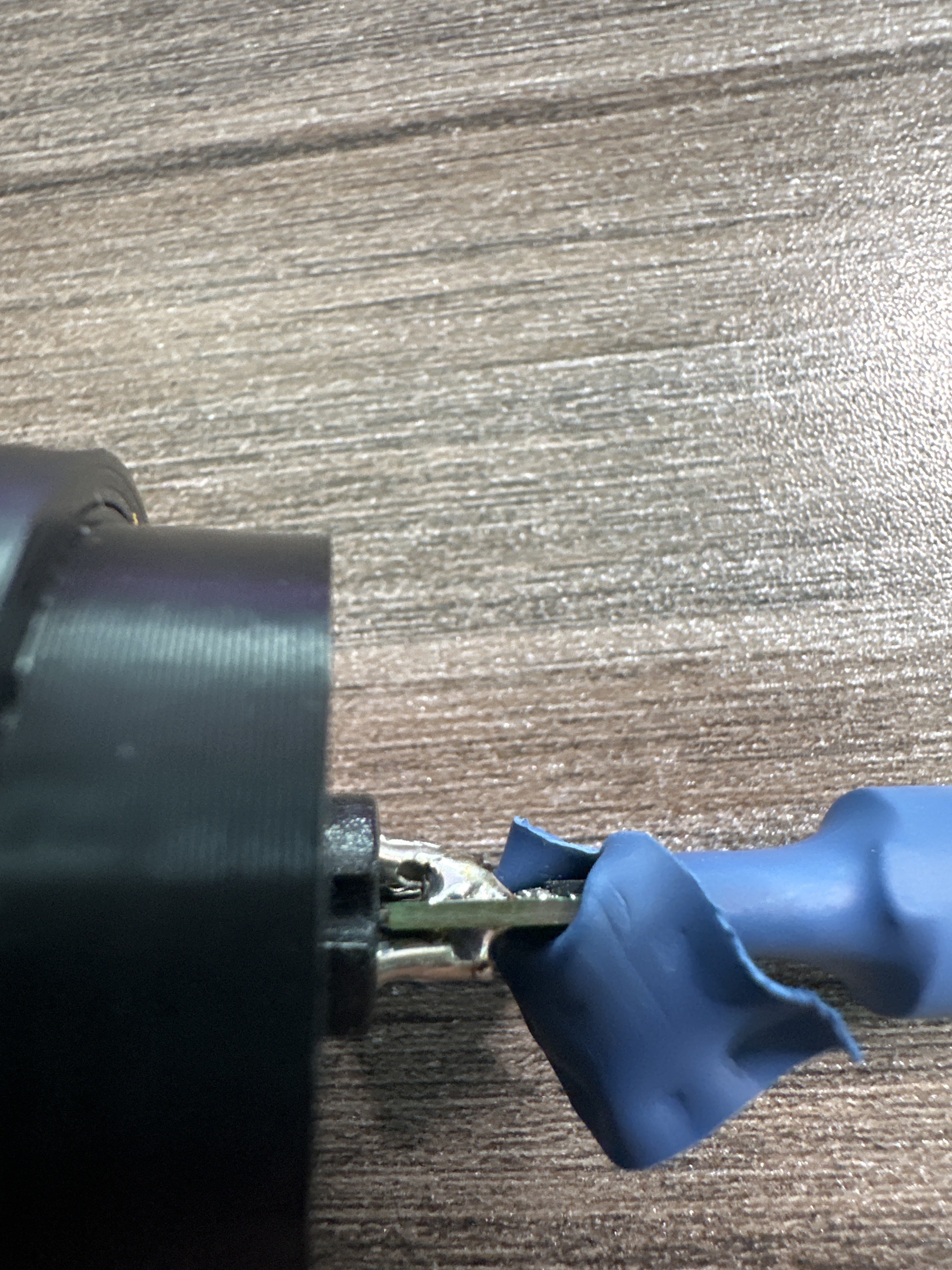
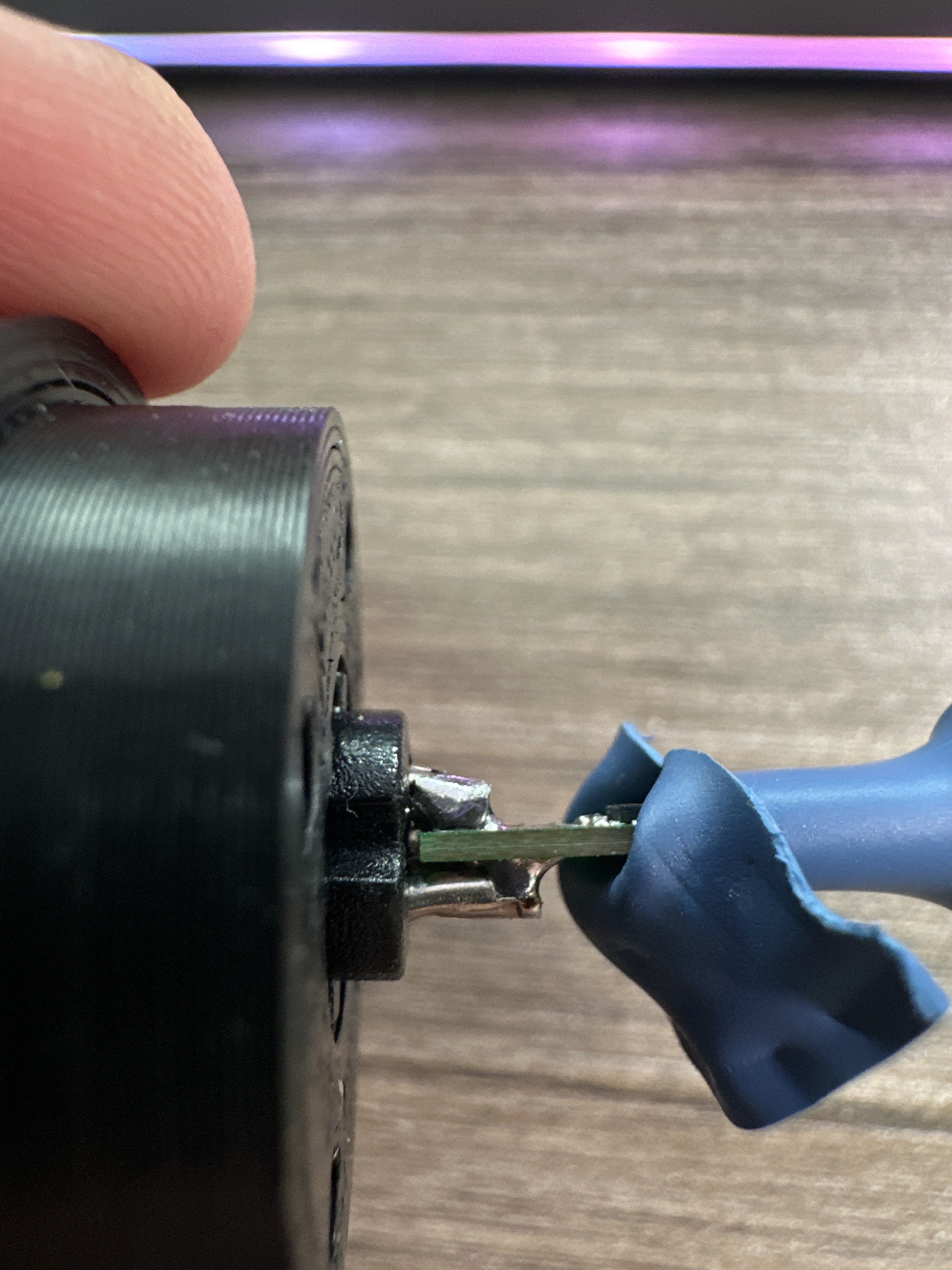
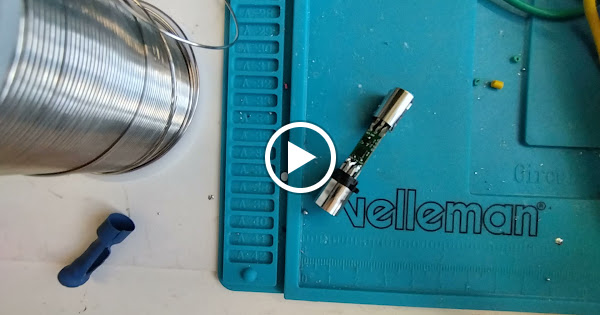
I tried the fix on Adapter B and it didn't work. I think I might have created a solder bridge so I removed the solder with some solder wick and couldn't find my excess solder so I figured I'd try the fix on Adapter A even with one pin being about half length and missing that middle stabilizing plastic piece.
I did a much better job with pushing the pins without messing up the solder on this one, however, when I put it all back together and tried it I had to get just enough force on the Rhino -> Adapter port for it to register. I'm worried if I move it too much it will likely disconnect one day.
So I'm waiting on some new solder for Adapter B to see if I can salvage that one
But pushing up the pins, did seem to have the desired effect for now.