yes, but its currently a fixed force that doesn't account for heavy grips, offset extensions and additional effects like friction and dampening... watch the vid. If your stick is always perfectly centerd when you let go of it.. then you dont need to enable the feature
Essentially yes - I just used a floor protector like this - https://www.amazon.com/Hardwood-Computer-Low-Pile-Anti-Slip-Protector/dp/B0BHNMBGFR/ref=sr_1_6?keywords=office%2Bchair%2Bfloor%2Bguard&qid=1692216502&sr=8-6&th=1 and then 3m DUALLOCK to mount the base and rudder pedals thereto. However, I use a chair with no wheels, so locking wheels or similar wheel-less chair would be preferable. Nonetheless, will shortly be upgrading to the SimFab cockpit as even with a piles protector, my arse hurts on my current cheap chair, and everything will be much more rigidly mounted with the cockpit than the current setup involving the floor protector and various deskmounts for ancillaries.
If I was going to put together a center mounted stick with an office chair, I would construct a rectangular piece of MDF to mount the Rhino on, and have some sort of "cups" (or maybe just rectangular holes that the caster wheel to slot into to lock at least the front two casters on the chair in place w.r.t. the Rhino (assuming your chair doesn't already have caster locks). The one thing I wonder, though, is if the stick would have enough clearance in front of the chair (that doesn't have a cutout like some sim-specific seats) and still be comfortable. Same question for the clearance between the stick/grip and the front table edge.
For a while I used Virpil table mounts. I had the stick on the side; some people apparently find it ludicrous that I fly aircraft with center sticks in real life that way but I honestly never even thought about it until someone asked how I could stand it . I liked the arrangement quite a lot -- I would just swivel the mounts away when I was working rather than simming. I eventually moved to a Monstertech profile setup -- which cost a hella lot more!
well, I still cant seem to get the stick trim to behave properly in the Apache. Regardless of how I set up trim in the VP configurator, the stick always pulls back towards the center when I release the trim button. My understanding is that the stick should be limp while I hold the trim button down and then lock into position when the button is released.
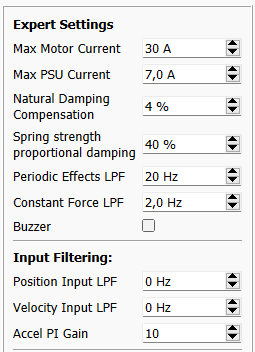
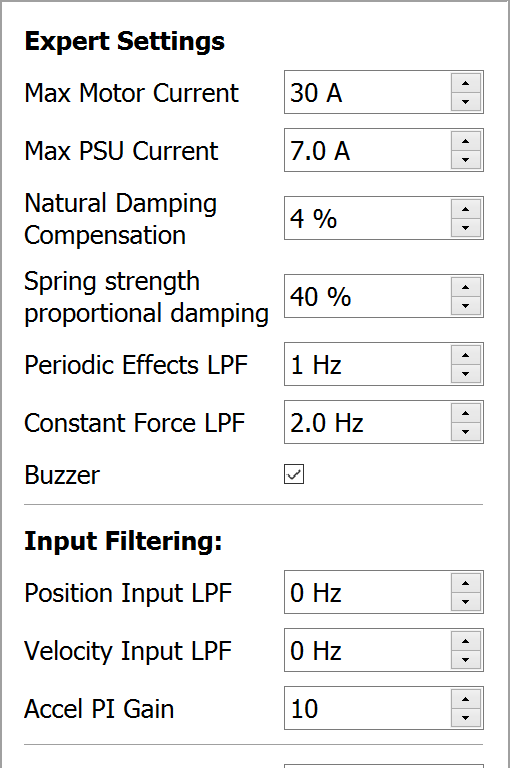
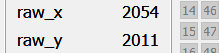
I always calibrate after making changes to these settings. I still get this weird tendency of the stick wanting to return to center and settling about halfway there. If you enable the controls indicator, there are three symbols, the red X, the white diamond and the green cross. These are not explained in the manual but it seems the red X is where the FMC is set to (the position that is commanded after the trim button is released). The actual stick position is the white diamond and it will drift back towards center- about halfway and you can feel this as the motors of the Rhino pull the stick into that direction. I dont know what the green cross represents.
balance spring can help negate the sagging effects of having a top heavy rear-offset grip.. but it shouldn't have any bearing on whether or not the stick is jerking towards center when releasing force trim
the only times I've experienced the pull towards center is when having curves enabled in DCS or.. last night when I discoverd my calibration must have been slightly off because it immediately stopped doing that after I recalibrated in VPFConf