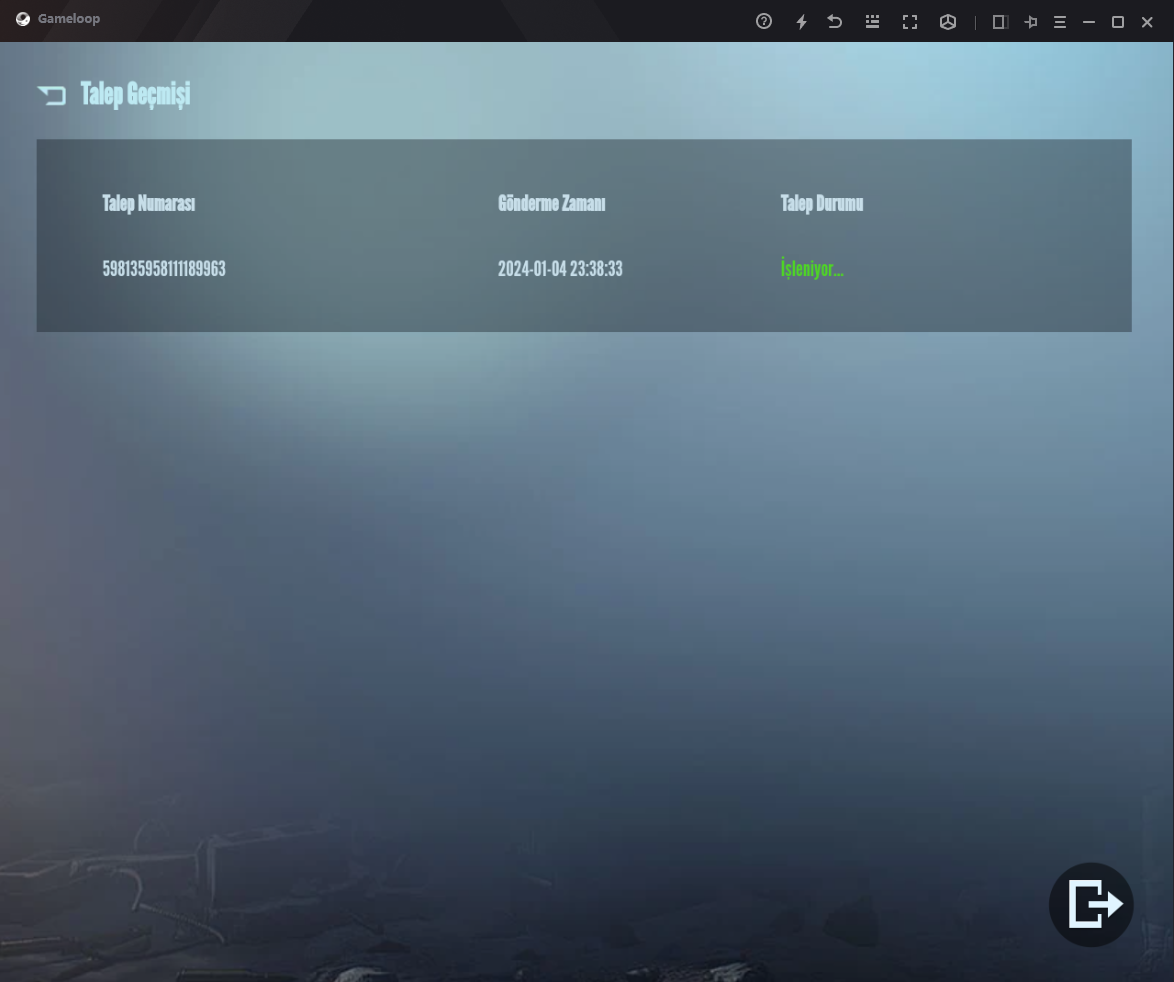
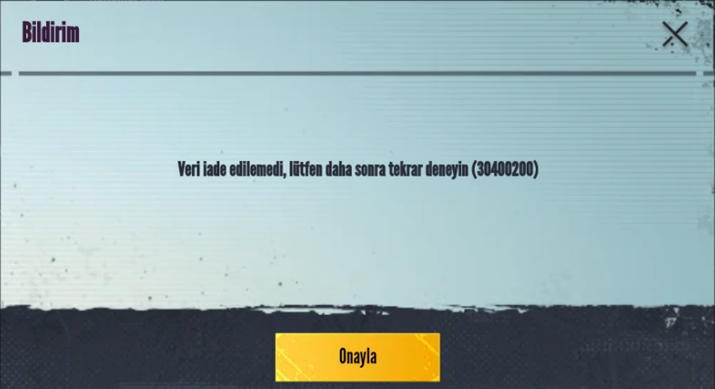
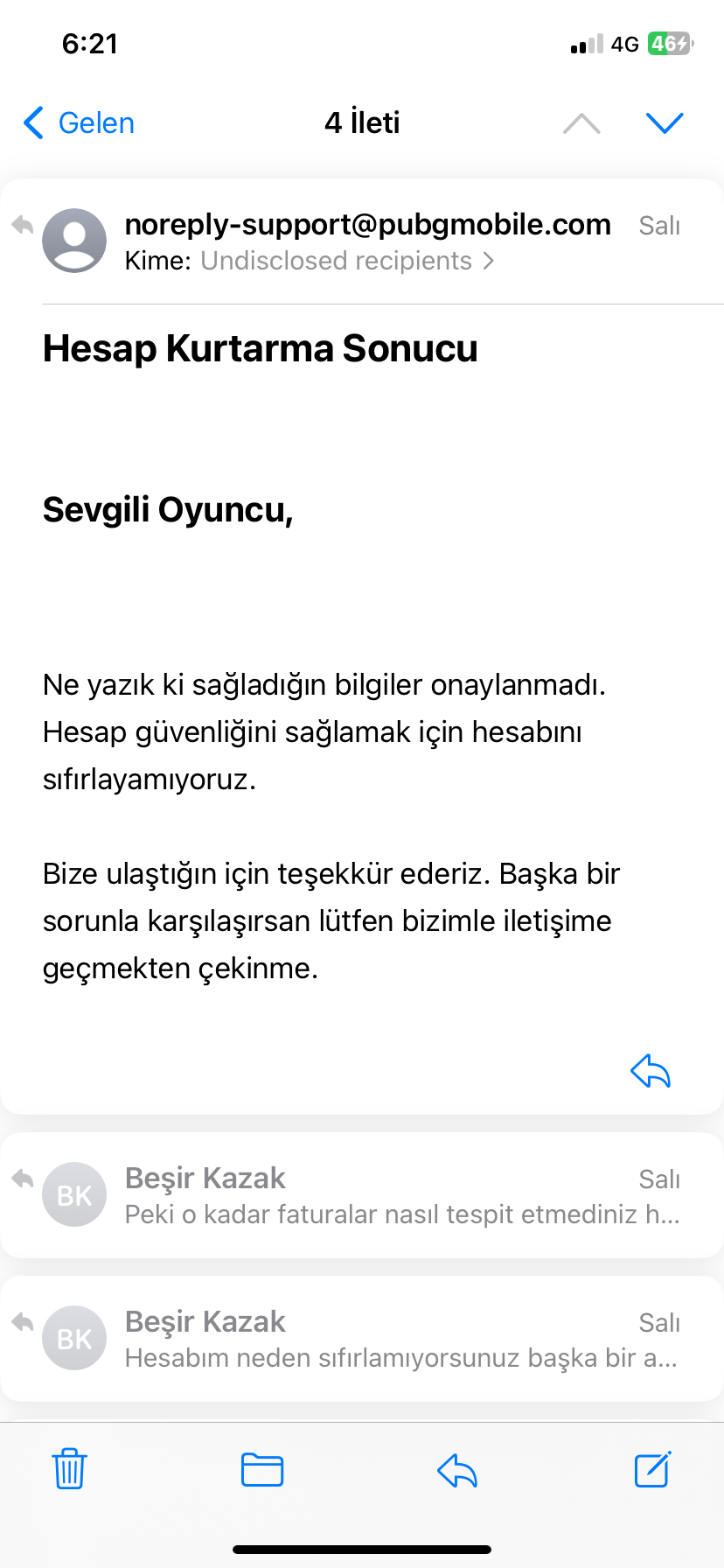
Please contact the customer service regarding hacked or compromised accounts as we are unfortunately unable to help you with account related issues any further through the community.
You can expect to receive a response within 14 days after submitting an Account Recovery request. If you do not receive a response within 14 days, you can let us know here.
Hey guys, is it possible to edit the GLIDE button for the event elsewhere on my screen? It seems to be in the way whenever I try to rotate my pov which makes my gameplay much more complicated.
The email for the customer service is service@pubgmobile.com. However, the only recommended way to contact the customer service is through inside the game.
Please do not share images that contain personal information, @Behzat Ç.. If you have already submitted an Account Recovery request then you need to wait until you receive a response from the customer service in order to submit a new request.
We unfortunately do not have any information regarding an upcoming event or event that is not available yet in the game or officially announced. You will need to keep an eye out in-game, #game-news and official social media handles of PUBG MOBILE for future game announcements, @Piet.
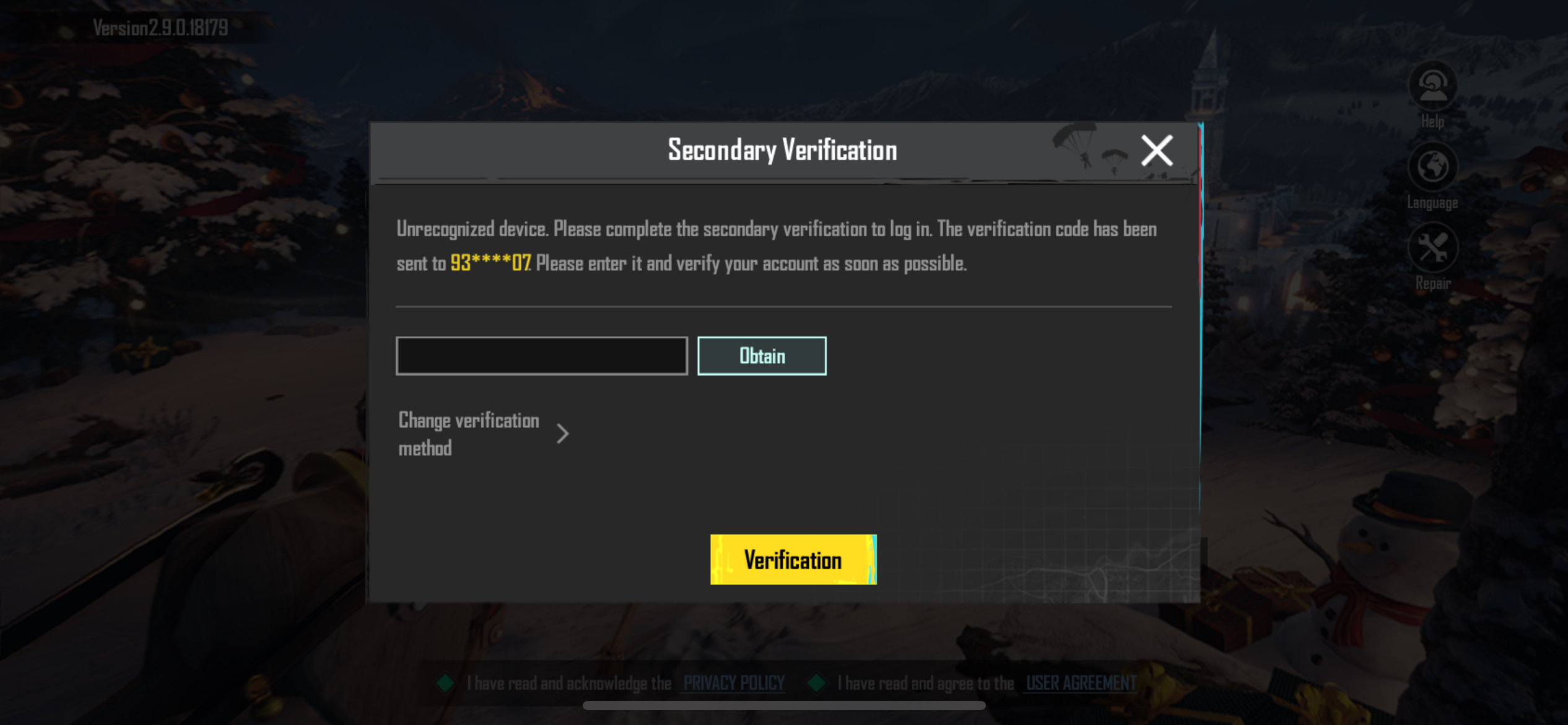
Hello, I changed my phone number on Facebook and when I log into the game, the game sends a notification to the old number, When I want to log in using Gmail, it sends notifications to the old number again
You made a video recording where it does not show the actual issue, @Mohamad. I understand the issue, but if you want to report it through #bugs, we need a video recording that can illustrate the issue so that it can be looked into by Tencent.
The phone number that is linked to your PUBG MOBILE account will show when secondary verification is required, @Pozavdm. Changing your phone number for your social media account will not change or remove the phone number linked to your PUBG MOBILE account. To disable the secondary verification or change your phone number, you can only do it through in-game through your Account settings after you have logged into your PUBG MOBILE account.
There are different types of emulators available, but the only recommended emulator is GameLoop. For further assistance related to GameLoop, please visit their website: https://www.gameloop.com/.
We are unable to provide assistance if you do not ask a question or state a problem, @Berat . Remember to read through #faq before asking questions in the support channels.