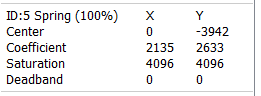
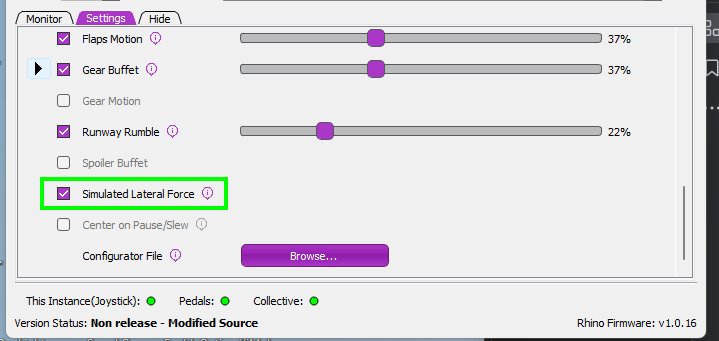
I am having an issue in the DCS F-14 that I'm hoping someone can help me with. When flying from the pilot's seat the Rhino works beautifully, with excellent force feedback effect. However, if I jump into the rear seat, the stick will slowly move almost all the way to the rearmost position. I use the Rhino as the RIO hand controller, but the same happens if I leave the Rhino unassigned for the RIO. When I then return to the pilot's cockpit, the stick is then way out of position (almost all the way back), and trimmed to that position. I have to hold the stick forward with full force until I can trim it to a usable level (maybe 20 seconds of holding trim). Is there any way to prevent jumping to the RIO cockpit changing the trim?
When on the ground, if I move to the back seat, when I move back to the front seat the trim position will be completely changed. It looks like it alternates between 2-3 degrees nose down and about 22 degrees nose up. If I go to the back seat then immediately push "F2" to go to the external view I...
Yes, already reported a few months ago. @Antares you can uncheck "Enable Trim Offset " in F-14 special options, but that will make the trim in the front cockpit a bit less realistic.
Oh, well that must have been my problem, I was on the stable Telem and the wip has evolved to a far better place. Much better than digging through a txt file. Thanks for indirectly finding me the answer by getting me to update, lol. The problem seems to be gone in this version!
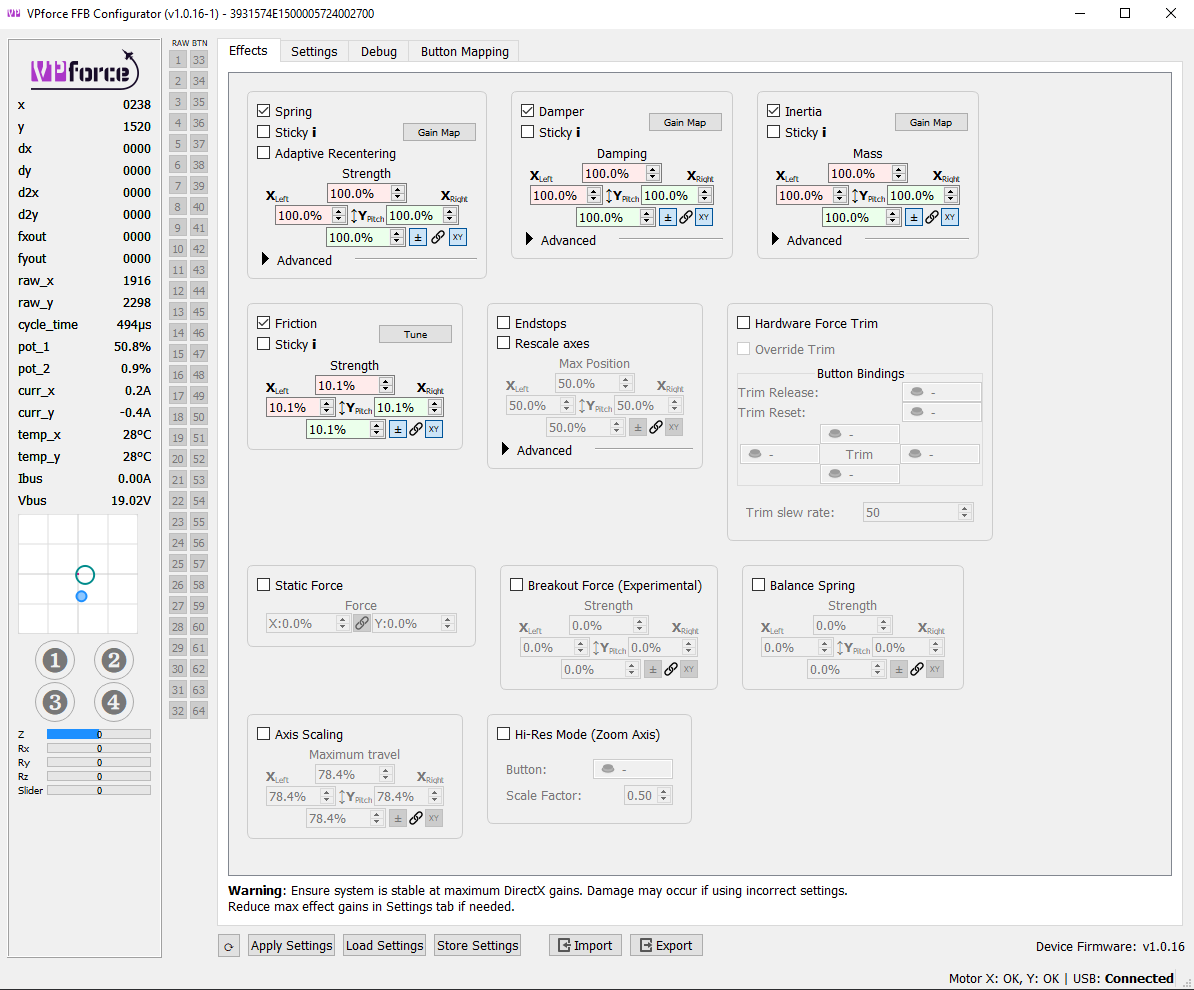
It works the same way, but the various physical and virtual gain settings are all slider bars. It’s all under the “axis control” setting (click the arrow when the setting is enabled to show all the sun settings)
Yes. The settings tab will always show the current loaded aircraft. You can edit any aircraft or the sim/aircraft class defaults from the settings menu in the menu bar
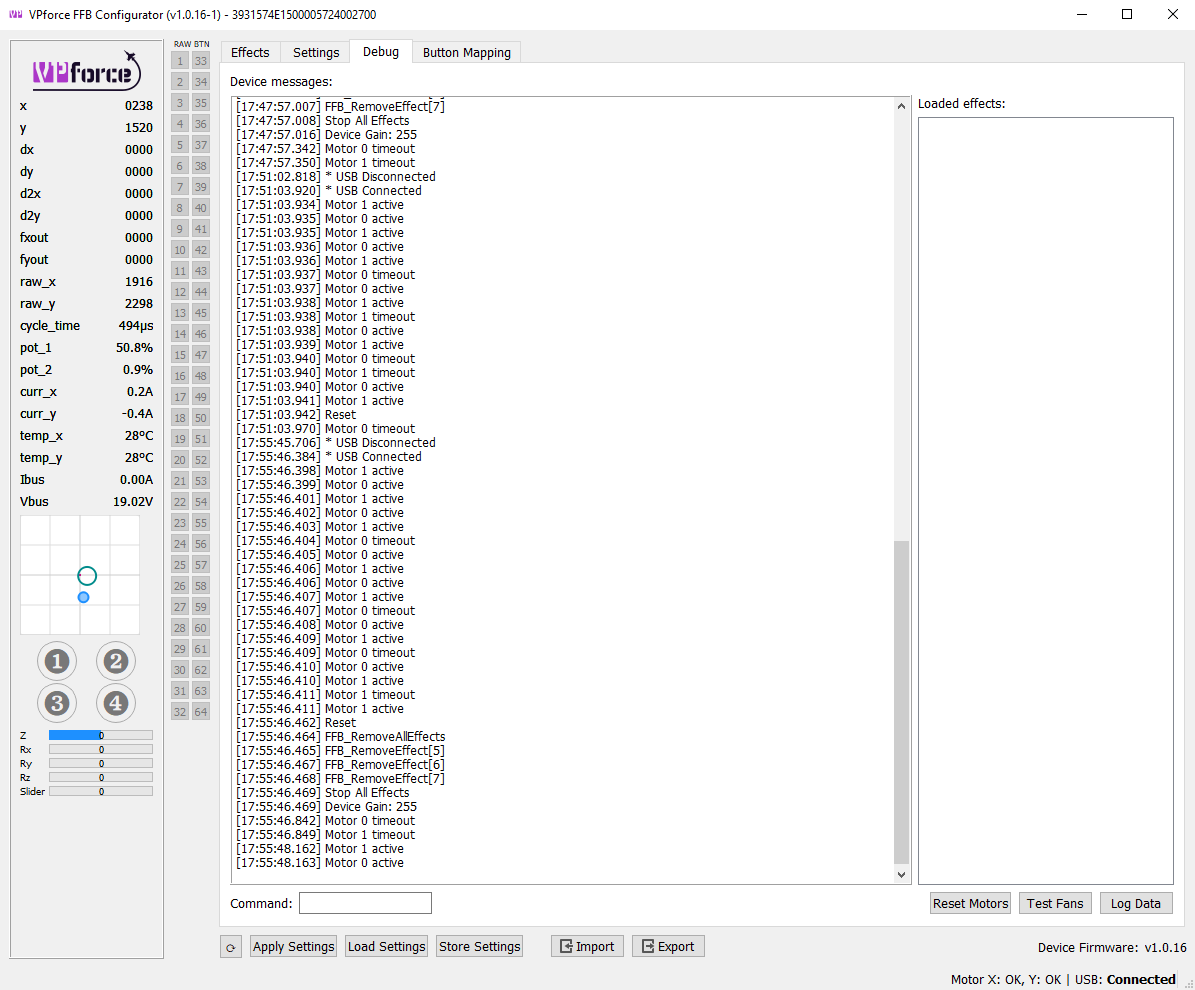
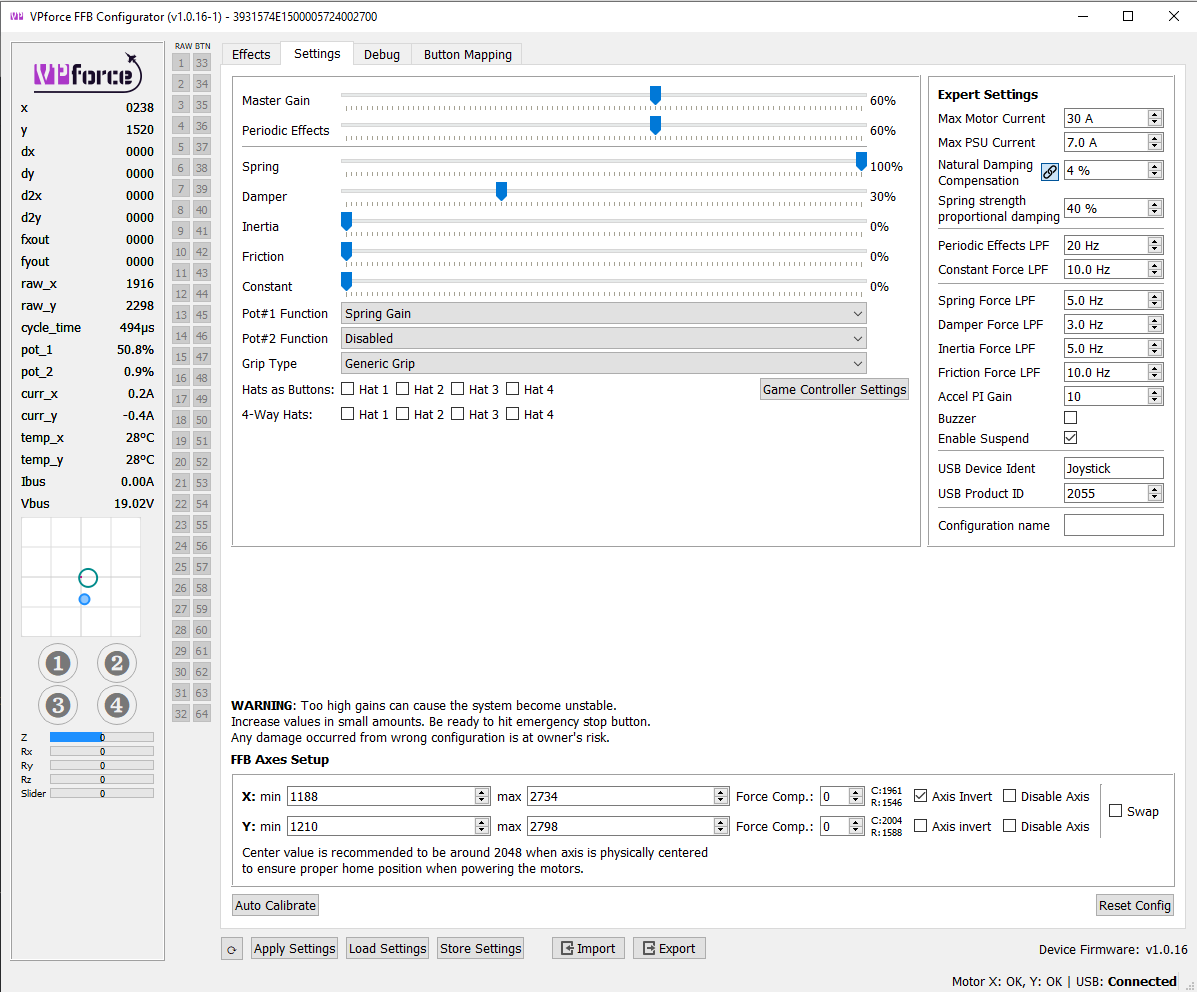
Received my Rhino today and have installed everything (VKB MCGU, 10cm extension), however I'm having an issue where the motors are timing out constantly in DCS. The effect is that the controls lock for a second every three to five seconds - i.e. unuseable currently. I've scoured the manual and tried some trouble shooting - reset everything etc etc. I think I'm a little stuck currently...
I've attached a screen shot of the debug screen, as well as the current settings. Really not sure what's going on here but I could really use some help! :/
Today suddenly all grip buttons stopped working did anyone had similar issue ? Yesterday everything worked fine today I've noticed that grip buttons stopped working I've tried warthog and alpha none of them gives any input in debug shows me bunch of FF's Rhino
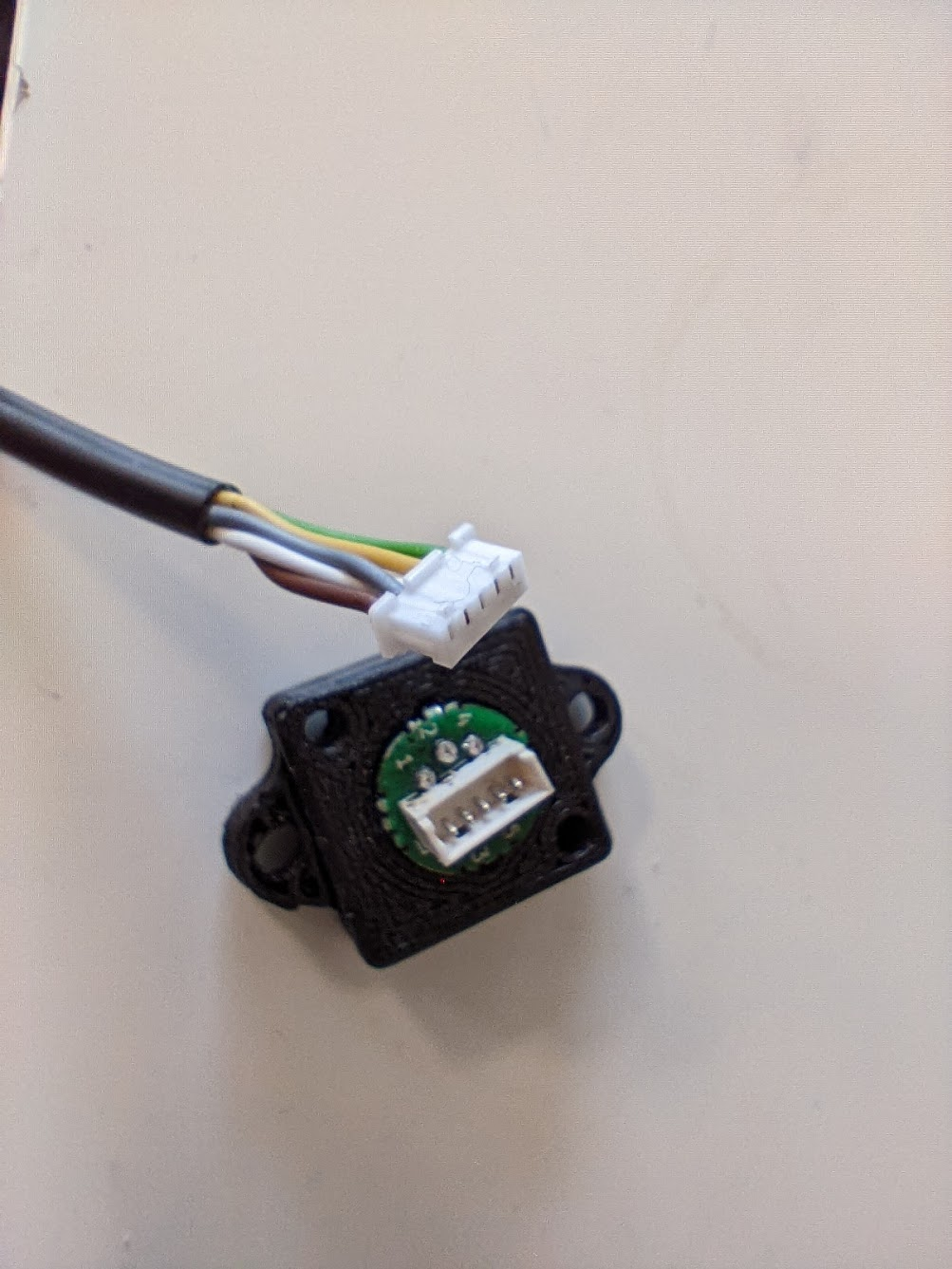
That's puzzling for sure. First I'd check the physical wiring. Maybe the grip side socket connector got loose? Or maybe the solar flare that happened today got something to do with this
I've just checked that all looks solid and connected , I've also used reset settings to factory which changed everything to some weird settings but still have no input from grip
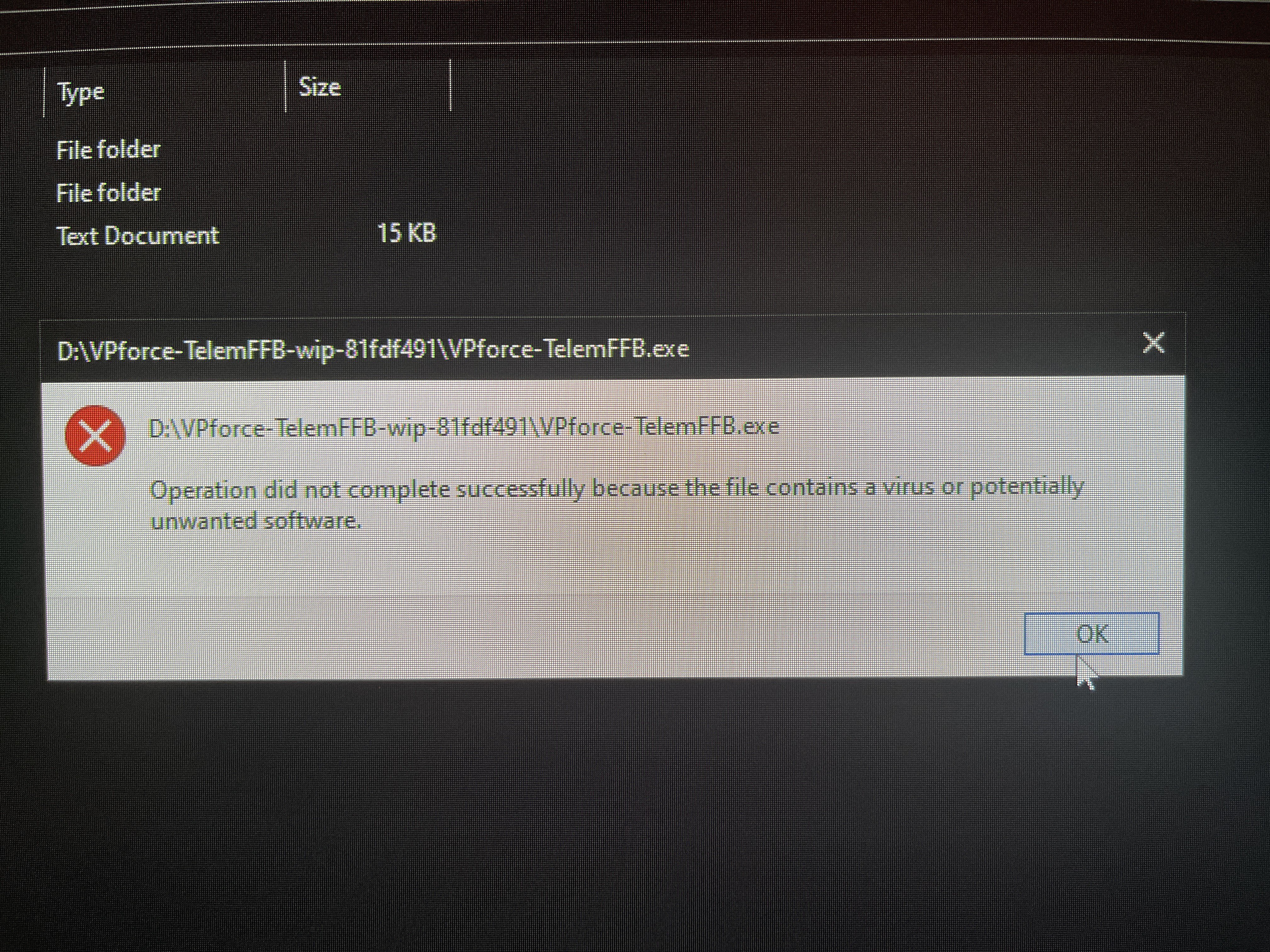
hello, quick question here, getting a warning about a trojan virus in the VPforce TelemFFB WIP... i don't think it actually has it, but has anyone else experienced?
one smaller question, noticing that the Mi-8 in DCS is not holding the trimmer button, anyone experienced? Both the Mi-24 and KA-50 are working just fine. Also I have special setting FFB stick turned on.
I just wanted to publicly acknowledge @walmis for spending some time helping me problem solve this one. It looks like a USB port was playing up. Everything is working fine
I updated TelemFFB to the new version. now after a restart my shortcut is gone. where is the actual installation now? the previous installed folder has only a couple of files and no exe??
Go to Start > Settings > Update & Security > Windows Security > Virus & threat protection. Under Virus & threat protection settings, select Manage settings, and then under Exclusions, select Add or remove exclusions. Select Add an exclusion, and then select from files, folders, file types, or process.