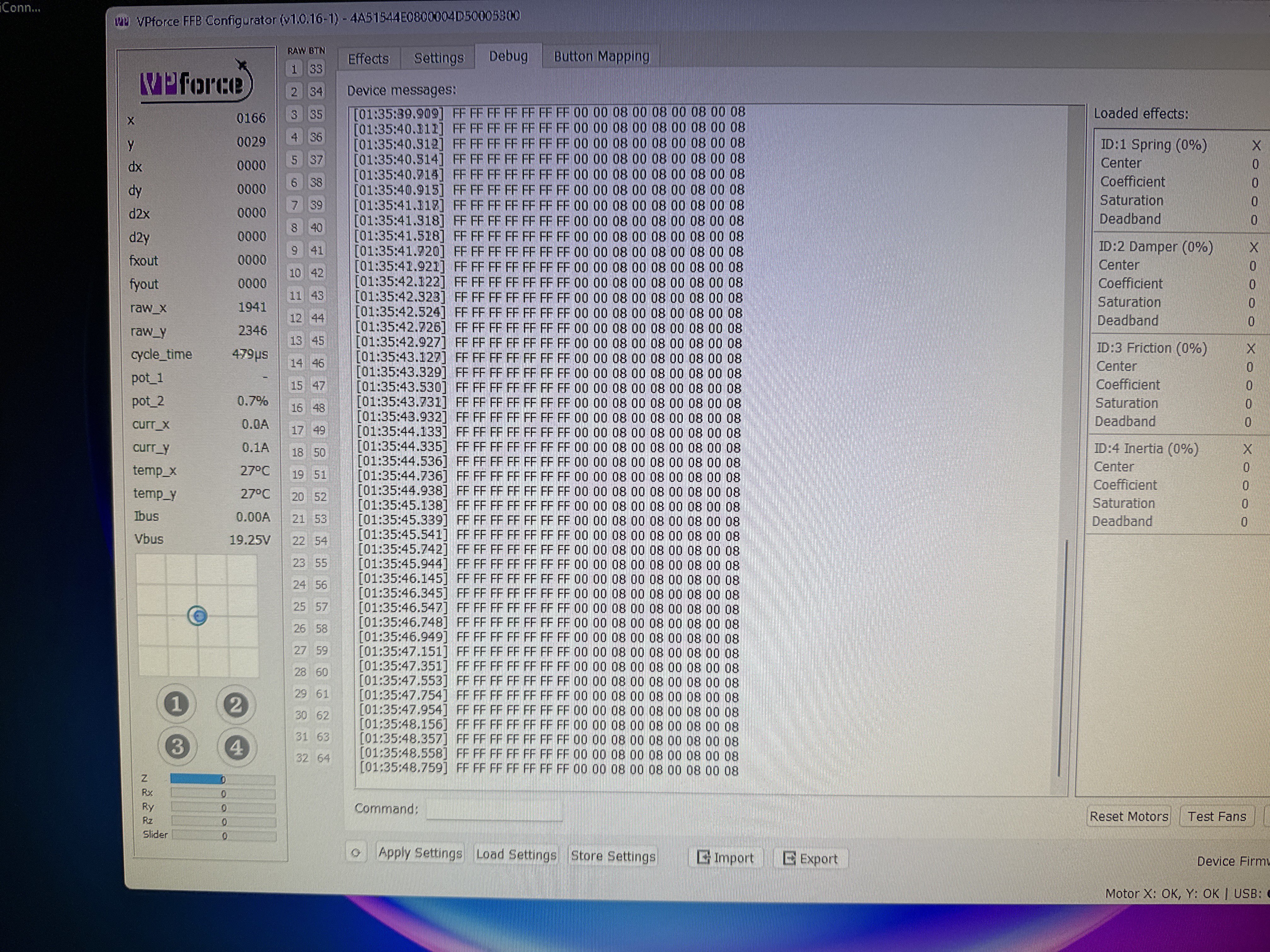
The first issue is that you cleared the settings to board defaults, that includes the calibration. T
The first issue is that you cleared the settings to board defaults, that includes the calibration.
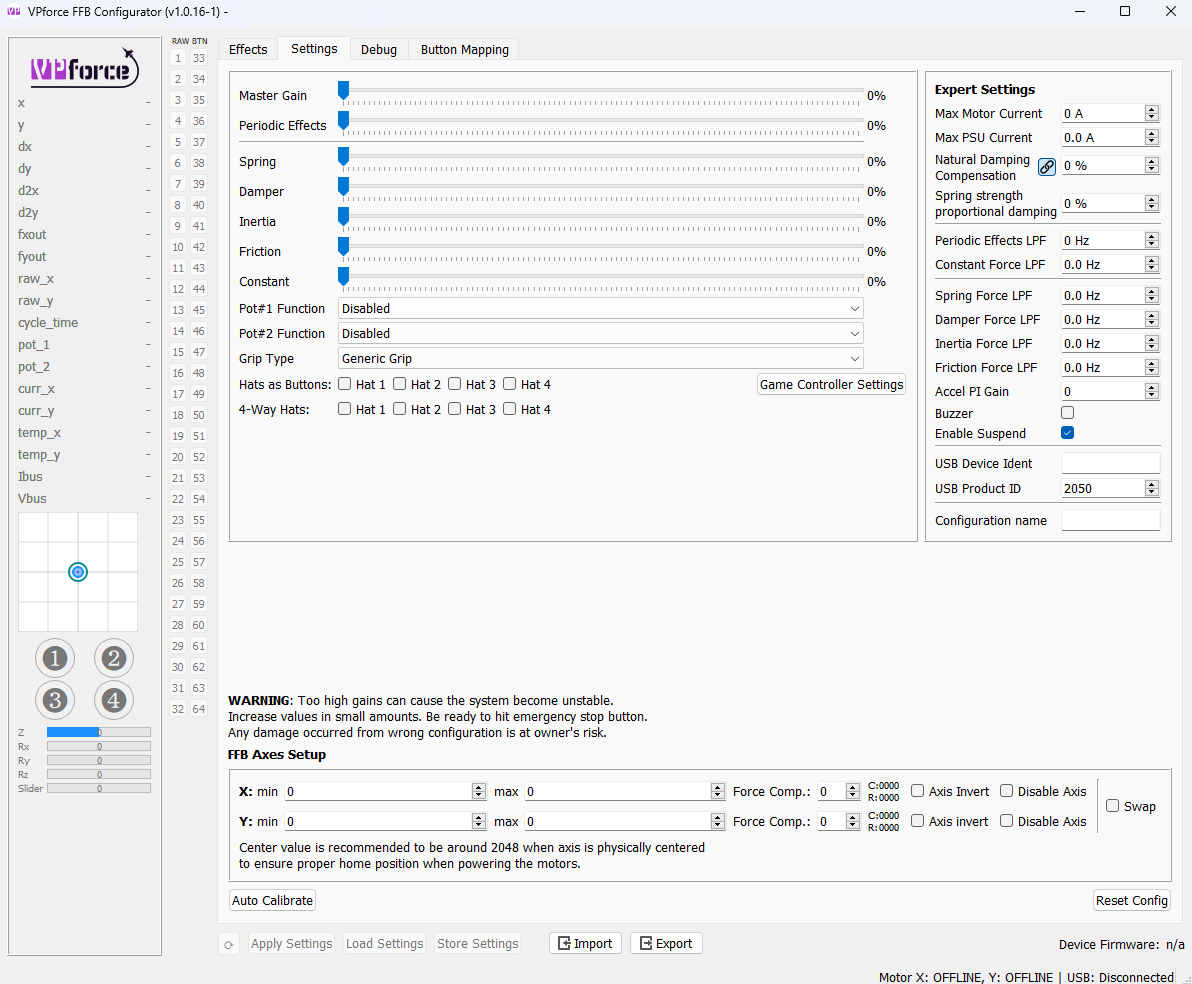
To recover you need to import the file
Afterwards you will need to calibrate the axes using
Check the invert tick boxes so the axis movement corresponds to the axis indicator.
Make sure to click
To recover you need to import the file
configs/RHINO-defaults.vpconf located where you extracted the configurator app.Afterwards you will need to calibrate the axes using
auto calibrate button. Make sure to move both X, Y axes to their limits while the calibrate button is checked (active).Check the invert tick boxes so the axis movement corresponds to the axis indicator.
Make sure to click
apply settings to check the changes and store settings so the settings are saved after device reboot.