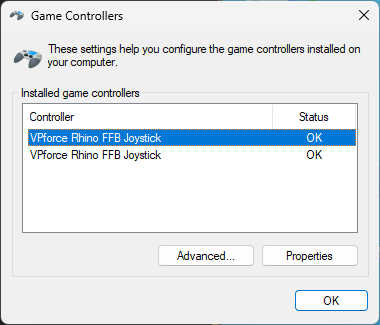
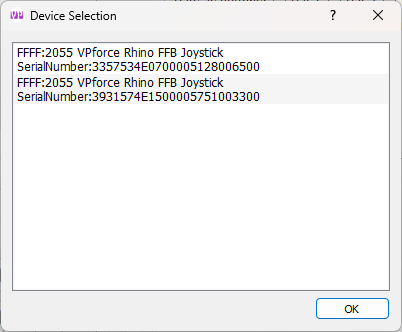
You have to select T50CM2 and then it shows the brake (pinky trigger) as an Axis. In the Rhino soft
You have to select T50CM2 and then it shows the brake (pinky trigger) as an Axis.
In the Rhino software you can then calibrate the Axis.
When you plug in a T50Mongoose and select “generic” it shows some erratic button presses so just select for the CM2.
Works totally fine.
Yep I have the Mongoose T50CM as well and this is the workaround.
The only actual difference was they replaced our thumb button with a Hat and they added click Hats where we have 4 ways.
So you just bind it as normal and good to go (the unused inputs don’t register).
In the Rhino software you can then calibrate the Axis.
When you plug in a T50Mongoose and select “generic” it shows some erratic button presses so just select for the CM2.
Works totally fine.
Yep I have the Mongoose T50CM as well and this is the workaround.
The only actual difference was they replaced our thumb button with a Hat and they added click Hats where we have 4 ways.
So you just bind it as normal and good to go (the unused inputs don’t register).