seems to work fine? The configurator isn't bundled with TelemFFB or anything. It needs to be installed on your system and you need to have run it at least once (so that it sets its own path in the registry which is how TelemFFB finds it).
that's because it tries to send the PID/SN of the device when opening configurator (even though it doesn't work which reminds me I need to make a FR to walmis to allow passing the device details via args to configurator). Since you are trying from the master instance, and there is no device, it is (silently) throwing an exception because there is no SN. If you showed the child instance window (pedals) and opened it from there, it would work.
No point in having the device information passed unless/until its supported by configurator so I'll fix that.
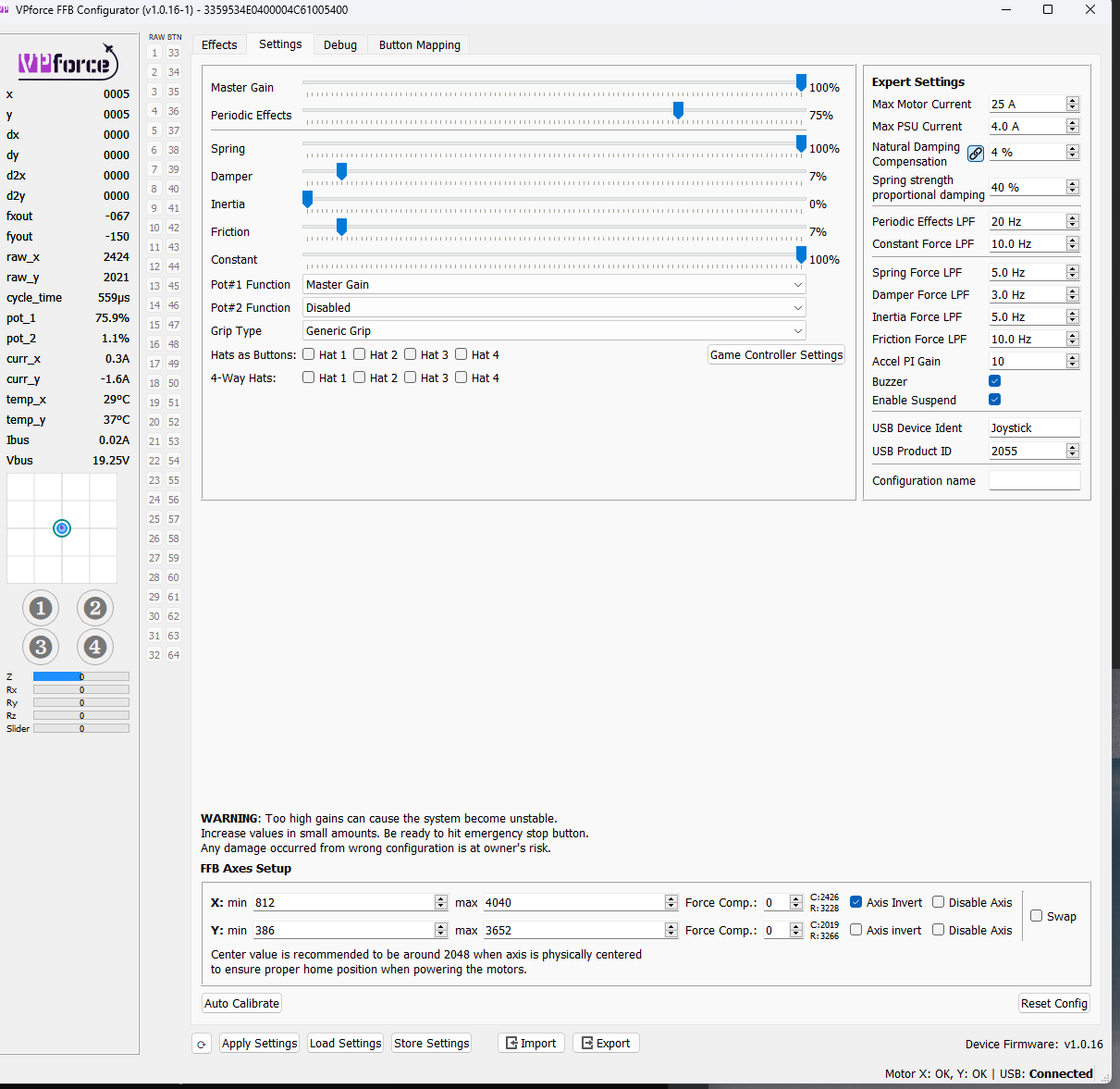
Hi all Seems I'm too stupid to set up my Rhino correct - I've followed the manual, connected the Rhino, did Auto Calibrate and use following settings but there is no FF at all - red knob is released not pressed. What am I doing wrong?
Thank you both! Have to apologize, the issue was sitting right in friont of the display!! When I did the Auto calibration something went wrong, everything (forces, etc.) were set to 0 and all forces were gone. When I reaplied my settings I forgot to send it to the device! Shame on me!
Hi guys, just had my delivery of the rhino, it’s bloody beautiful. I have absolutely no idea how to really use a pc, I’ve got the rhino plugged in and downloaded whatever it was, I have found the file vp force config, clicked on it. I’ve got a big red cross plus Qt5Charts.d11 not found. Wtf is that and how do I proceed? Guys I’m willing to pay for the time you spend helping me out. I did have one guy helping but he’s not around anymore. Thanks for any help in advance.
if you are getting an error like that with the configurator software, you probably copied or moved the exe out if its folder or you are trying to run it from inside the zip file without extracting it first. You must unzip the whole package downloaded from https://vpforcecontrols.com/usb/rhino/ and unzip it to your PC (location is not important). Then run the VPforce_FFB_Configuratyor.exe file that is in the resulting directory.
When I have my Rhino plugged into the same USB hub as my X56 throttle, I get phantom button presses on the lower 3 momentary switches on the throttle. I resolved this by plugging the Rhino directly into the computer instead of the hub, but I thought I'd put it out there for anyone else possibly experiencing something similar.
I was flying along and my gear would just randomly start coming out and sometimes the drag parachute in the phantom would deploy since those are all bound to those 3 switches
Anyone in wales on here willing to sort out my sim. I don’t know anything about setting up computers and I’ve had a fuck full of this already. Please don’t go saying save zip files and save to whatever because I don’t know anything about them. I just want a sim I can turn on and fly. I’m willing to pay anyone who can set this up.
Sorry for the noob question. I was altering the settings for the UH-1H (DCS) in TelemFFB and it just closed down. I tried launching it again.. and it closed down after a second on screen... I redownloaded the latest TelemFFB and extracted it and launched it and it closes down after 1 second. I have rebooted and get the same behaviour...
Any ideas? Is there a log file produced to trace these kind of 'behaviours'?
im trying to print the files for the design by protomaker and the first few printed good but now for some reason my nozzle keeps running into the infill i tried recalibrating the printer and changing the offset but its still happening does anyone know a possible fix?

 D
D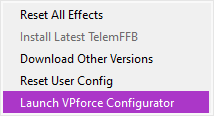
 N
N K
K W
W
 T
T P
P P
P
 telemffb-user
 A
A
 D
D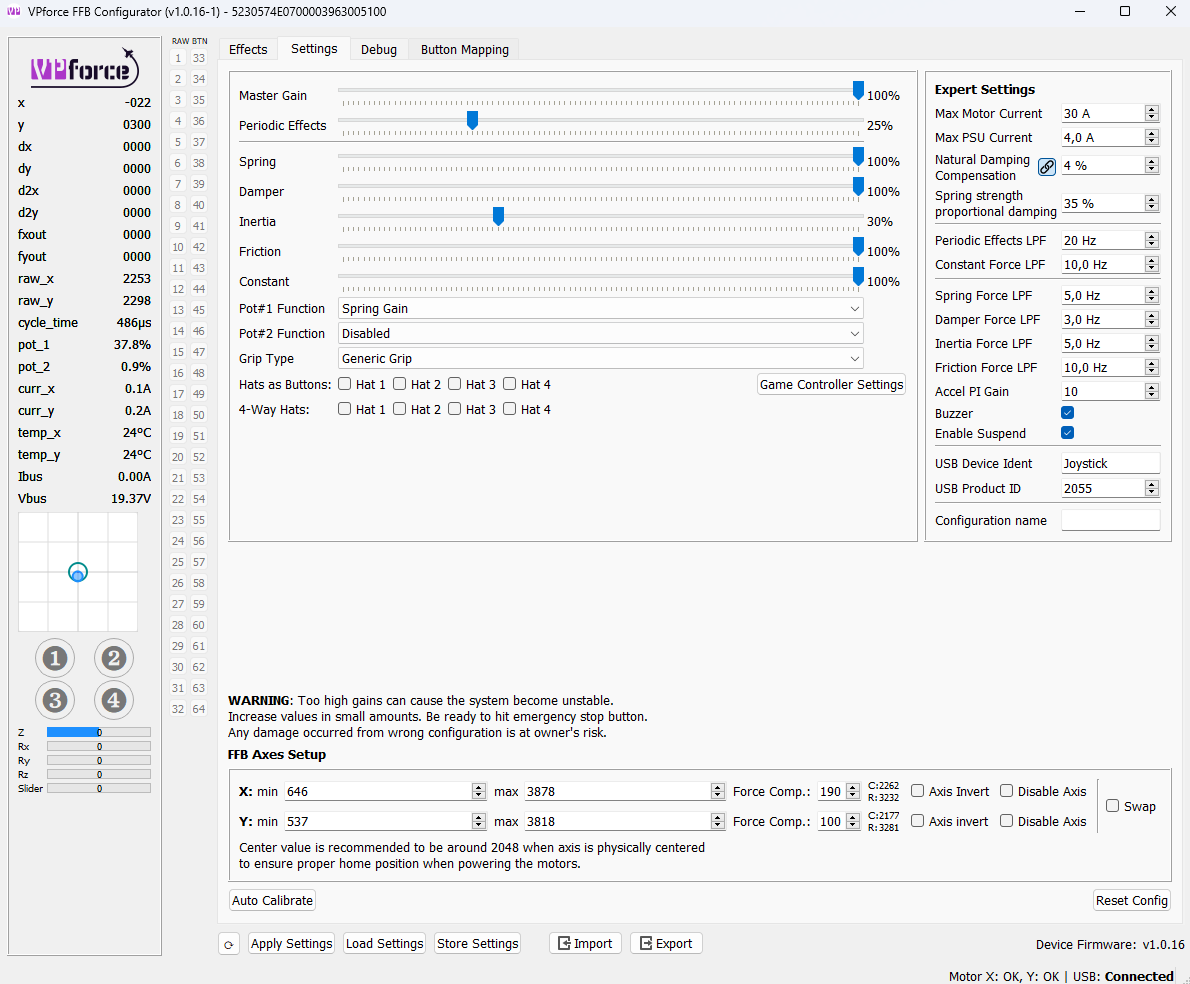
 L
L P
P O
O B
B I
I
 F
F
 Q
Q S
S


