
Have you tried a full system reboot?
Have you tried a full system reboot?
 CC
CC LL
LLuse wasm_timer::{SystemTime, UNIX_EPOCH}; and do something like this, JJ
JJ E
Ewrangler.toml I would like to create 3 environments with different secret within the same project. Basically, staging / UAT / Prod.wrangler run deploy --env uat for uat JE
JE J
Jwrangler.toml allows migration commands to work against 1.) remote preview DB & 2.) production DB.preview_database_id for local development, but KV has preview_id & R2 has preview_database_id which are for remote preview resources. preview_database_id = "<previewUUID>" should always and only be consistently used for the remote preview UUID. M
M V
V AS
AS--x-registry in a pnpm monorepo and running into an issue with service bindings... pnpm run -r dev works fine until I add a service binding. Using sleep 1 && wrangler dev in worker A (with the binding) gives enough time for the bound worker B to arrive and be ready to be bound to by A, so everything works. Is there a simpler/unhacky way of working locally with service bindings in a monorepo? Fingers crossed and thanks in advance for any help  S
Senv.production (so it's not available locally)V L
L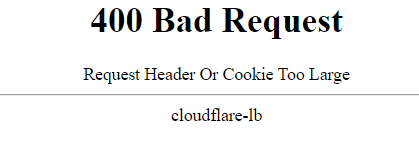
 WL
WL J
Jwrangler dev-d flag to Docker? I am specifically thinking for a CICD pipeline, where I might want to startup a local dev instance to test against before pushing my changes out to Cloudflare. H
H J I'm building with Rust at the moment, not Javascript. but I'll see if there's anything similar in the Cloudflare/Rust tooling
 F
F KK
KK J
J A
A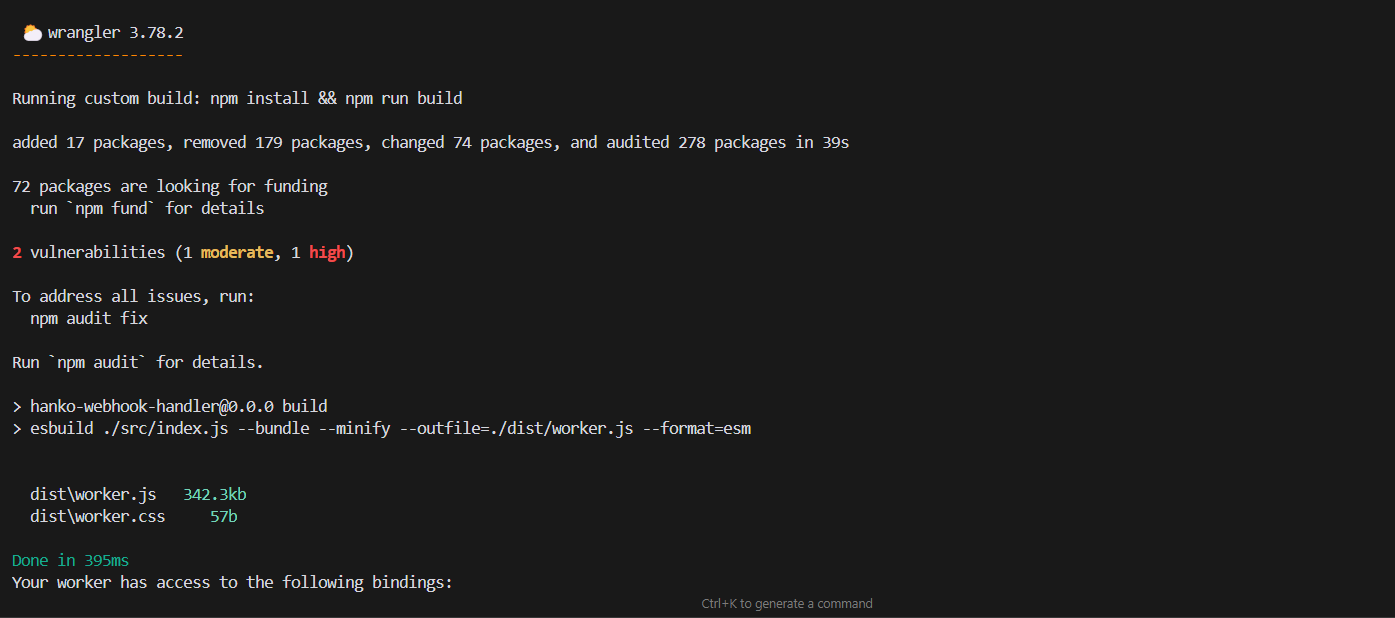
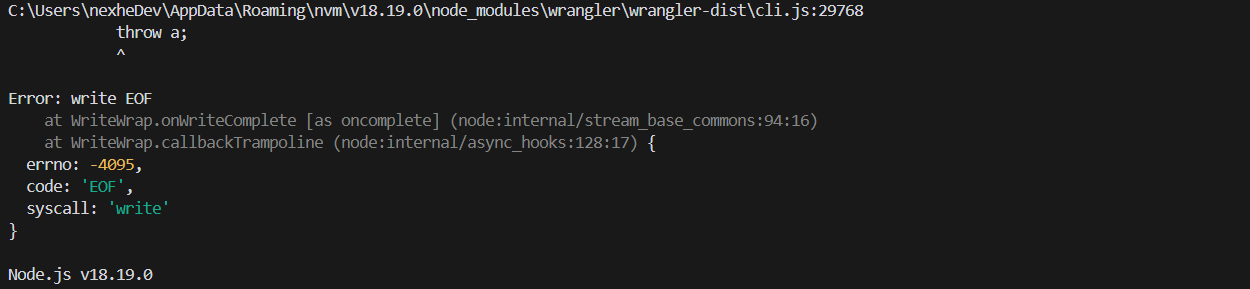
 S
S--old-asset-ttl for that and it keeps assets in KV, but seems links to that assets disapeare form __STATIC_CONTENT_MANIFEST (More details workers-and-pages-helpOld assets availability with `--old-asset-ttl`) JAK CKKJ
CKKJ P
Pwrangler dev DJJ
DJJ OK
OK DD
DD R
R A
Adatabase_id for pages development from .preview.vars and in the prod environment from a secret? The docs don't make it particularly clear if or how I might do that - or even how to use vars to be referenced with wrangler.toml (error) panicked at library/std/src/sys/pal/wasm/../unsupported/time.rs:31:9:
time not implemented on this platformuse wasm_timer::{SystemTime, UNIX_EPOCH};npm create cloudflare@latestwrangler.tomlwrangler.tomlwrangler run deploy --env uatpreview_database_idpreview_database_idpreview_idpreview_database_id = "<previewUUID>"--x-registrypnpm run -r devsleep 1 && wrangler devenv.production-d--old-asset-ttl__STATIC_CONTENT_MANIFEST# wrangler.toml
[env.production]
vars = { ENVIRONMENT = "production" }
routes = [
{ pattern = "sub.mysite.io/*", zone_name = "mysite.io" },
{ pattern = "sub.mysite.io", zone_name = "mysite.io", custom_domain = true },
]database_id.preview.vars[env.production]
route = [
{ pattern = "prod.mydomain.com", custom_domain = true }
]
[env.uat]
route = [
{ pattern = "uat.mydomain.com", custom_domain = true }
]
[env.staging]
route = [
{ pattern = "staging.mydomain.com", custom_domain = true }
][[d1_databases]]
binding = "D1"
database_name = "mysite-prod"
database_id = "<productionUUID>"
preview_database_id = "<previewUUID>" # this is different
migrations_dir = "./src/lib/server/database/migrations"[[d1_databases]]
binding = "D1"
database_name = "mysite-prod"
database_id = "<productionUUID>"
preview_database_id = "D1" # this is different.
migrations_dir = "./src/lib/server/database/migrations"let token = totp.generate(wasm_timer::SystemTime::now().duration_since(UNIX_EPOCH).unwrap().as_secs());


