Hey everyone, for the last few days I've had problems with my rhino in DCS, when either the roll axis or both are not generating any force. When I exit DCS it goes back to spring mode and becomes alive. Everything looks ok in the configurator, so it doesn't seem like a hardware/firmware issue, it's just in game. It used to just work, not sure what happened. I think the only thing I changed was the telemffb update. Has anyone had similar issues?
To rule out any of the override features you may have inadvertently enabled, does the same happen without TelemFFB running? Remember that the spring effect is part of the native sim implementation, not TelemFFB.
The blue dot does not smoothly follow the axis as you move it through the range of motion? A short clip showing the configurator window as your moving the axis might shed some light.
Not using simhaptic. The thing is I haven't changed anything in the settings recently, so I can't imagine it's related. I can only thing of either the telemffb update and dcs update
TeleFFB is off and I have that problem. Blue dot is not moving when starting the movement until the Force starts. Pinion is perfectly mounted for sure. We are speaking of only the standby behaviour at the moment. In Xplane the deadzone is the same... I upload a video now. Feels like there is an encoder plate loose and giving no signal.... But on two motors and controllers at the same way. Independent Controller, independent Power Supply.
20 Years of being a field service engineer teached me to be sceptical when an error is the same on two units.... But it learned me also never trust new spare parts.... even after changing two times , both spare parts can be broken :-9
there's a "force feedback" checkbox in dcs, if that's what you mean. I tried both f-18 and f-16. The strange thing is that sometimes the pitch axis does work, without any changes to anything.
The Rhino is first a machine designed to shake itself apart and second a fun input device. The loose pinion gear wasn’t the last thing I had to retighten and fixate with loctide.
Hey all, I'm new to this joystick and having issues with the AH64. When I force trim it snaps the stick almost all the way to the right. I have the special settings to INSTANT TRIM and the pedals to WITHOUT SPRINGS AND FFB
Make sure the axes directions are set correctly in configurator such that the position dot follow the stick inputs correctly. This ensures that “FFB direction” and “axis direction” are in sync.
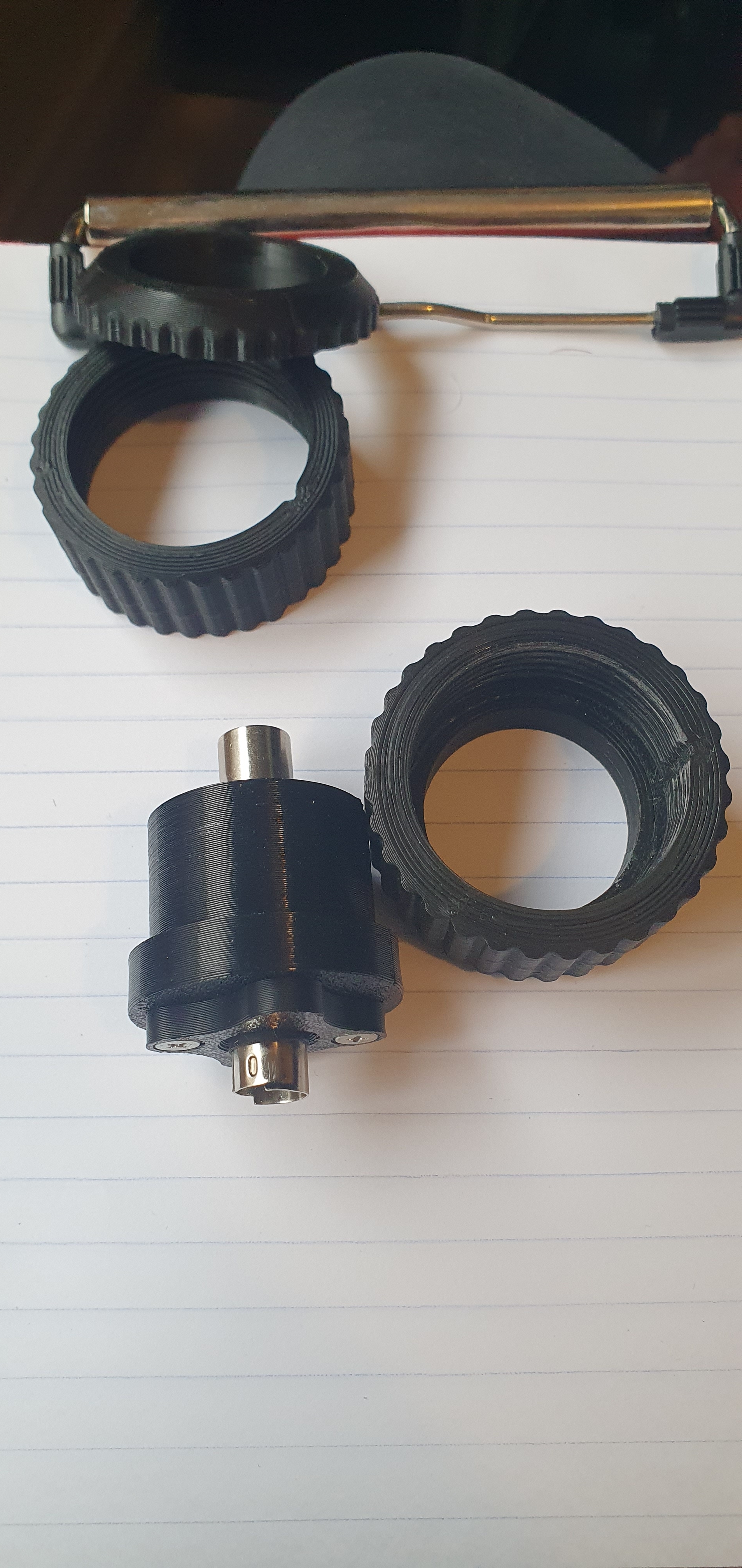
G'day @walmis , unfortunately my WinWing adapter snapped at the threaded collar. Could you let me know how to get another or if there's an stl I can try to print a replacement. #VPF-0702 Cheers.
@walmis sorry to ping you, but just about to use my rhino in a dcs op first time since the recalibration you did. Is it ok for me to import & apply old config profiles or will that break the new calibration you did on the x motor?
I don't know of course what Walmis did with your motor, but in general the auto calibration in the VP config is supposed to be a user level exercise that can (and must) be performed whenever you change something, like installing a throw limiter, change or re-tighten the belts etc. So I think it is save to say, that you certainly won't break anything if you do a calibration. Just look at the monitor in the config tab and see if everything is properly centered. Otherwise do a calibration.