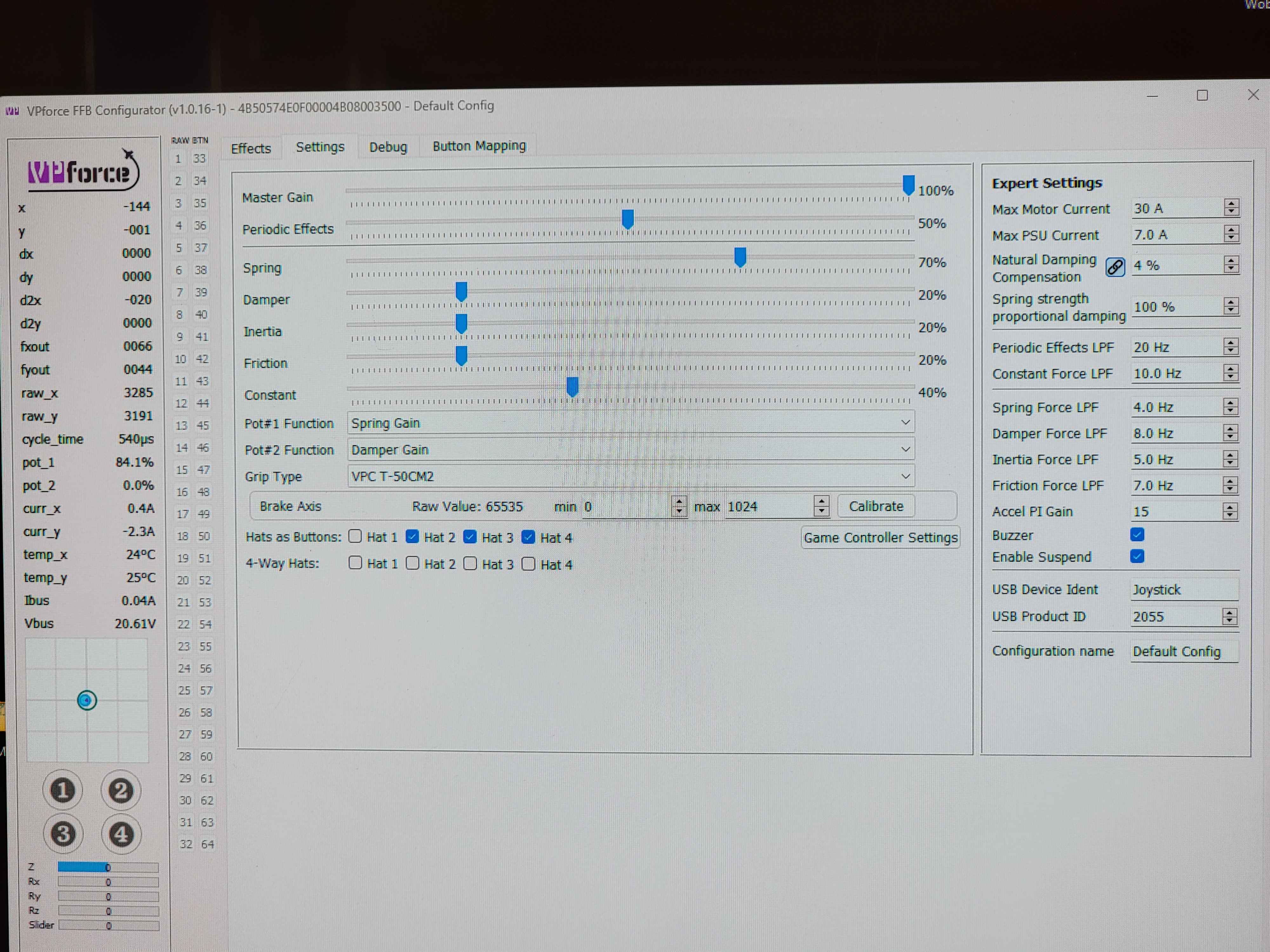
Anyone ever had this issue with the 86 motors with adaptive recentering overshooting and not being able to find the center? Once it starts it won't stop unless it's completely shut down or recalibrated or sometimes I have to put the stick dead center and hold it for a few seconds and this only stops it temporarily. After some use it comes back. Luckily when using a game with TelemFFB on this issue goes away and works as expected. Once the sim is closed and TelemFFB is not in use it comes back. Since I always use TelemFFB this isn't an issue. Just annoying haha.
Sounds as if you dampening is to low. Try to adjust the adaptive dampening (right side of the settings screen). Spring proportional dampening or smething like that it is called…..
I've only been able to recreate it semi consistently by bumping the stick lightly a few times to where the position is just to the edge of the centering circle in the screen. Then when it tries to center it it overshoots the center and that behavior starts.
Here is a video of me recreating it. It works just fine until I do the light jumping then the oscillation grows gradually until it reaches the maximum shown in my first video. No software limiters.
One more thing, are you positive you don't have something ingame bound to these axis, like vr hand controller or similar. I have had this happen and I chased this for days.
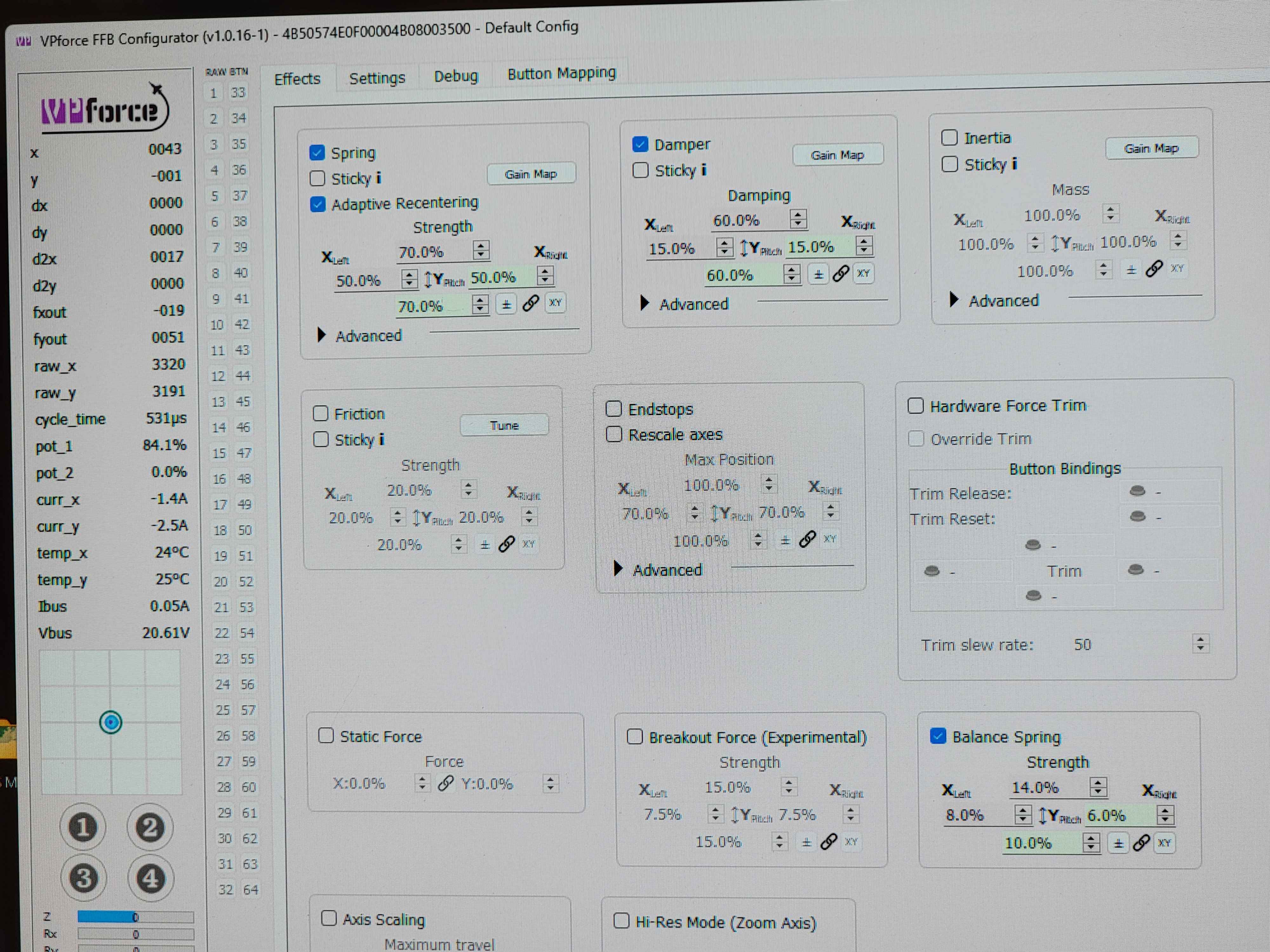
Effects settings. Nothing is bound to the axis and nothing running in the background. The original rhino I have with the 57 motors does not have the issue with similar settings except balance spring is different due to the lack of extension.
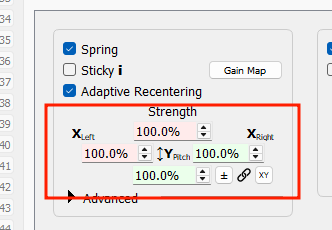
Ok I did some testing. Setting the springs to 100% in both the effects tab and the setting tab fixes the issue. So you are right. Adaptive recentering is needing more spring strength to work correctly.
remember that the settings here only apply when no game (or telemffb) have started their own spring effect. Those values only apply to the default spring effect that is started when using the base as "just a joystick".
If I remember correctly the grip you have is really heavy so you may have some negative inertia effects playing against you. More damping or some friction may help.
I received my Rhino base in June 2024 but with the death of my father-in-law, then solve all the problems and well I had not been able to play with my #Rhino.
I finally have time to play with it. I'm here to bother you to solve a problem! I drive on #Dcs /IL2 Bob and Mfs 2020! My #rhino is well recognised by my Windows 11pro/Amd 7800x3D/64 ram ddr5/Mobo-Asus B650E-E ROG STRIX/ RTX 4090/Pimax Crystal Headset /MFG rudder. I launch the 2 Rhino apps (VPFORCE Configurator+Telem FFB) I use the #Rhino configuration (default rhino), I didn't change anything! Everything works very well apparently. My problem is that my Rhino, when I push/pull it towards me, everything works very well with a resistance in flight but: Laterally? My #rhino from left to right is all soft? I don't understand at all?