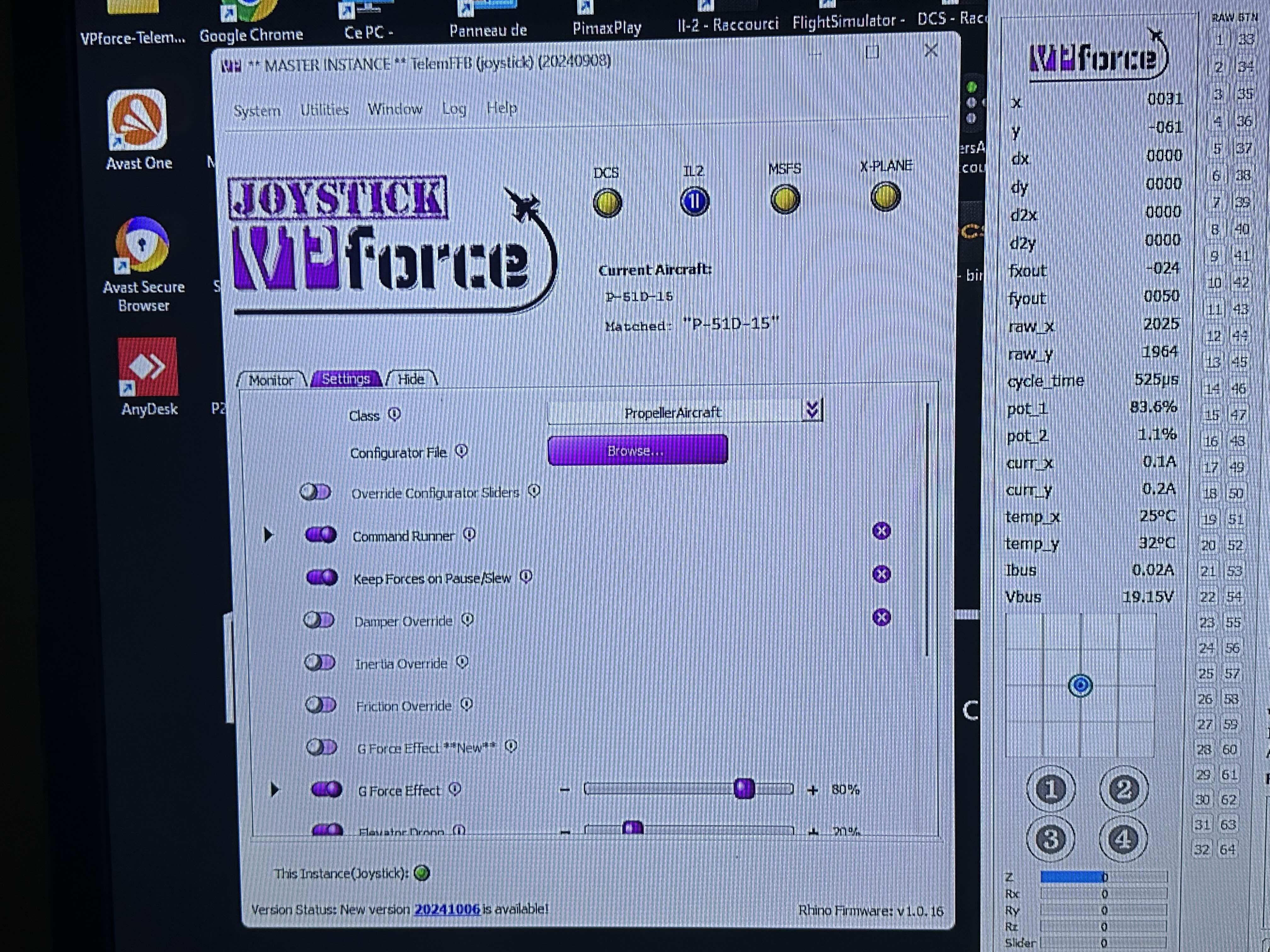
I received my Rhino base in June 2024 but with the death of my father-in-law, then solve all the problems and well I had not been able to play with my #Rhino.
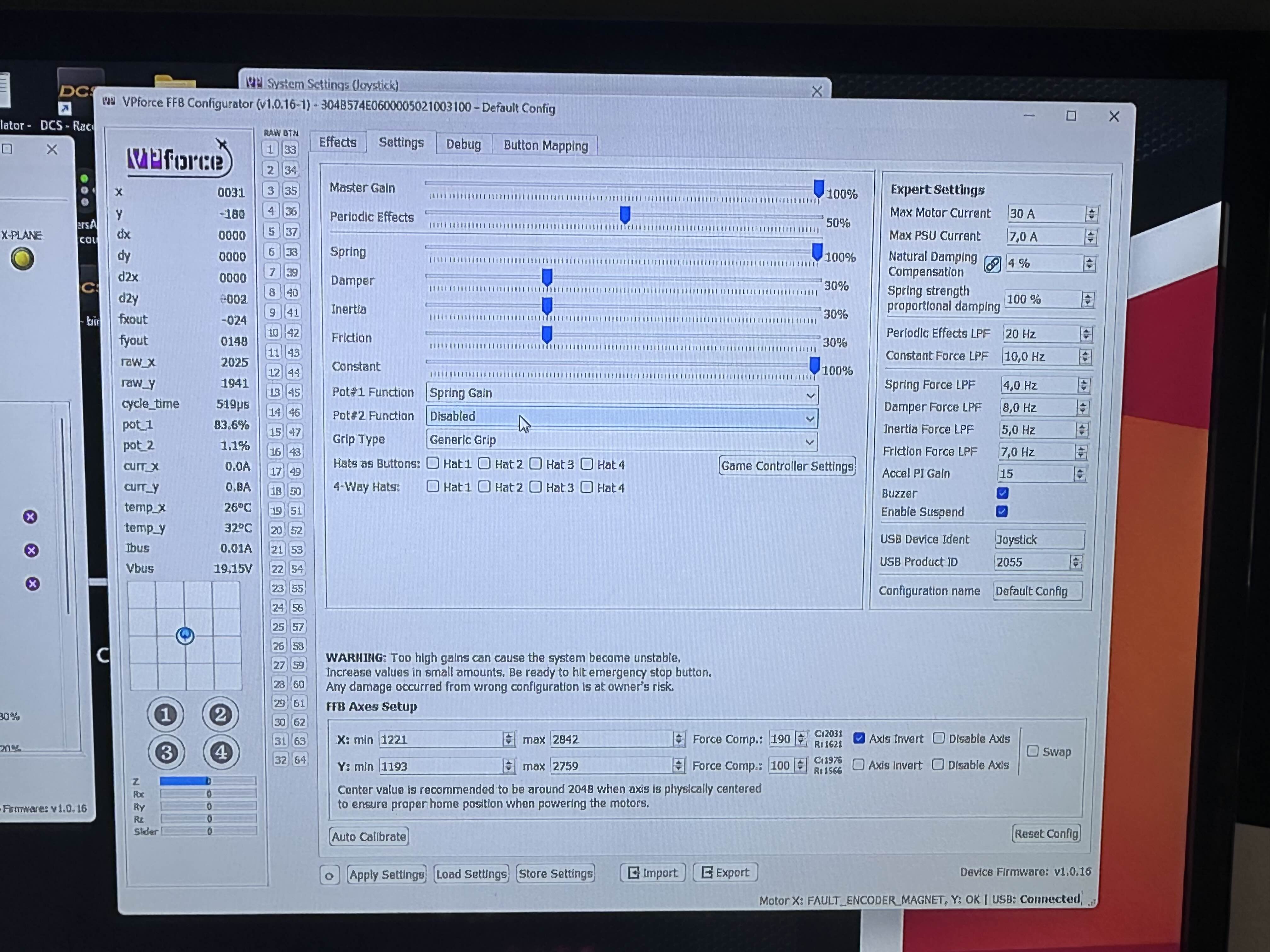
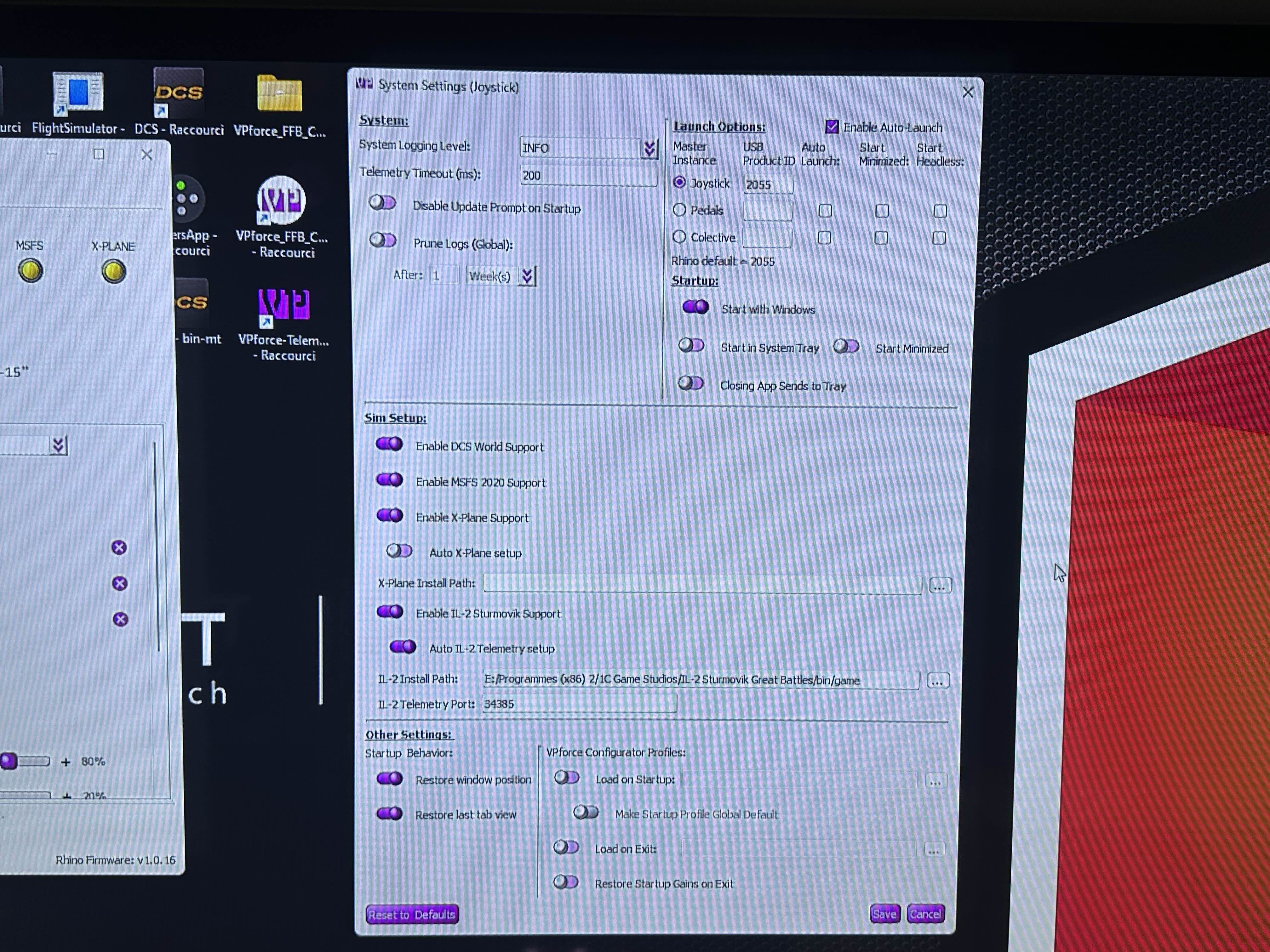
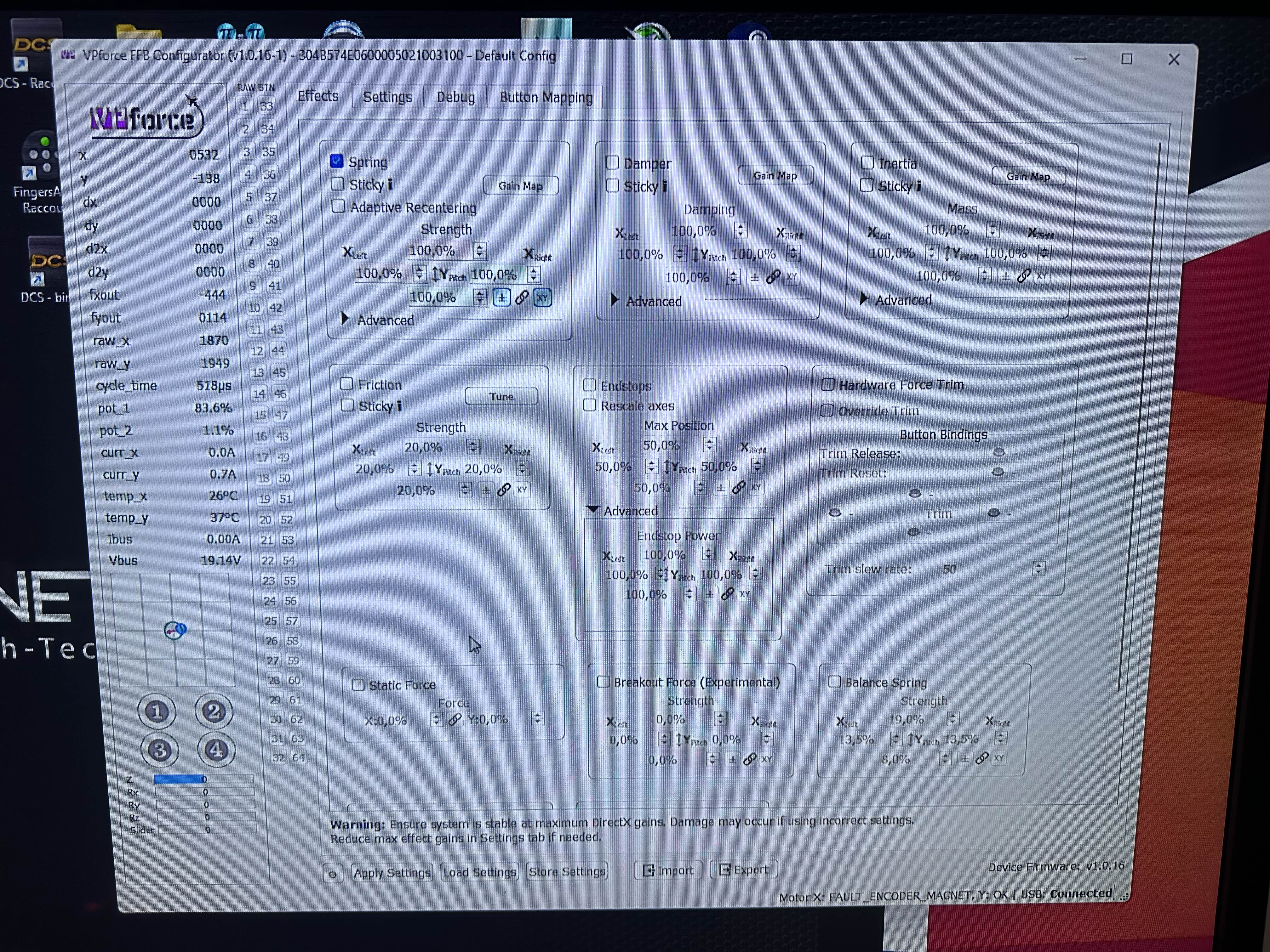
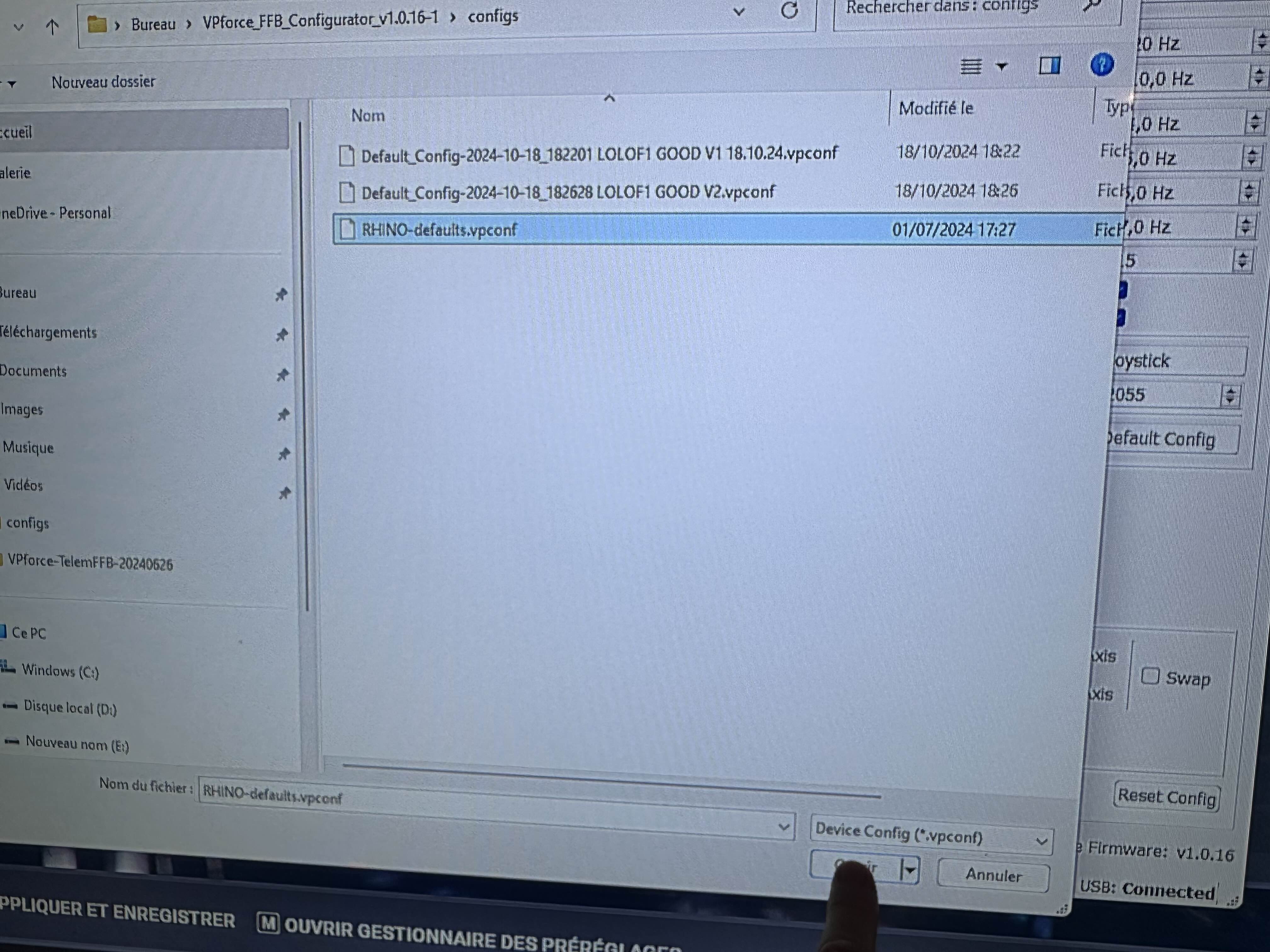
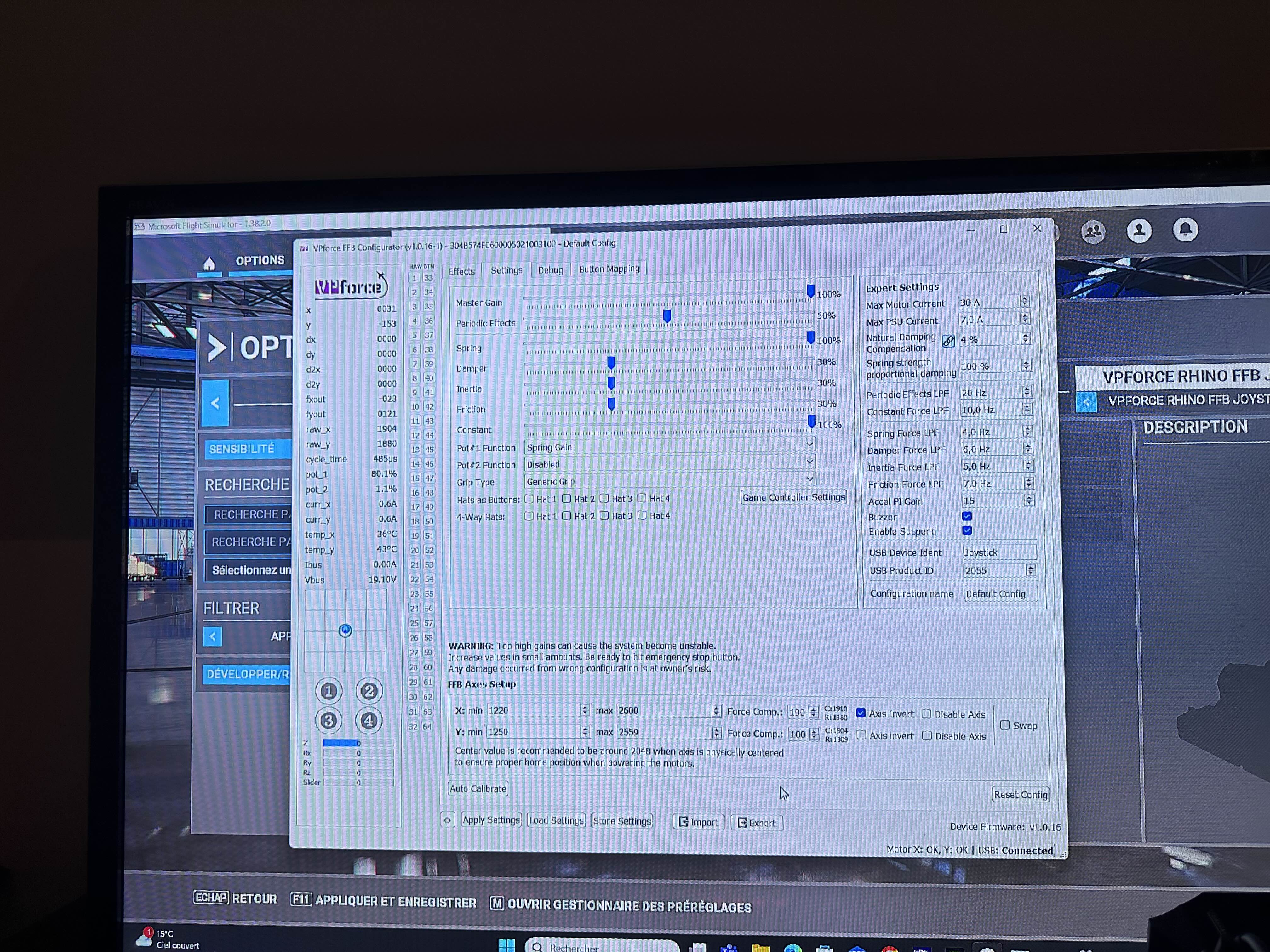
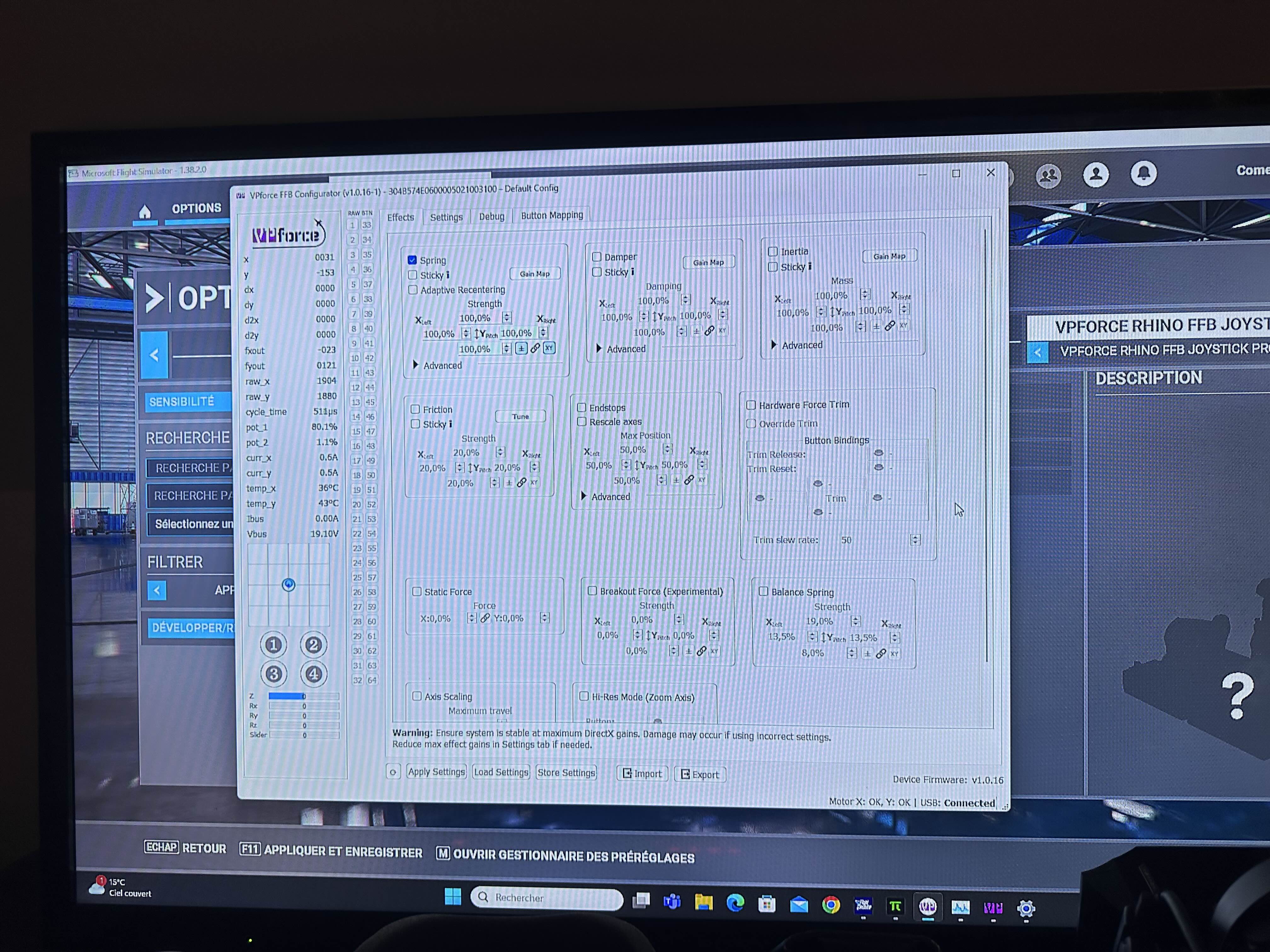
I finally have time to play with it. I'm here to bother you to solve a problem! I drive on #Dcs /IL2 Bob and Mfs 2020! My #rhino is well recognised by my Windows 11pro/Amd 7800x3D/64 ram ddr5/Mobo-Asus B650E-E ROG STRIX/ RTX 4090/Pimax Crystal Headset /MFG rudder. I launch the 2 Rhino apps (VPFORCE Configurator+Telem FFB) I use the #Rhino configuration (default rhino), I didn't change anything! Everything works very well apparently. My problem is that my Rhino, when I push/pull it towards me, everything works very well with a resistance in flight but: Laterally? My #rhino from left to right is all soft? I don't understand at all?
The X motor has shutdown due to instability, try reducing damper force LPFdamper force LPF to 5-6Hz5-6Hz in the Expert settings To reset motors click Debug tab -> Reset Motors button Both motors should have status OK at the bottom.
-You have to create new profiles to adjust our Rhino ? Because when I read the gamers who show their #Setting profile right here ,they have completely different settings from the #default config profile?
Just finished my build. Unfortunately i get the following: "[17:24:06.018] * USB Connected [17:24:06.029] Motor 0 timeout [17:24:06.029] Motor 1 timeout"
both motors appear offline.
They have power. I get see them both having green flashing led.
A picture of the board may help. I'd try disconnecting and reconnecting the data cables in both the motors and board just to make sure they are connected correctly.
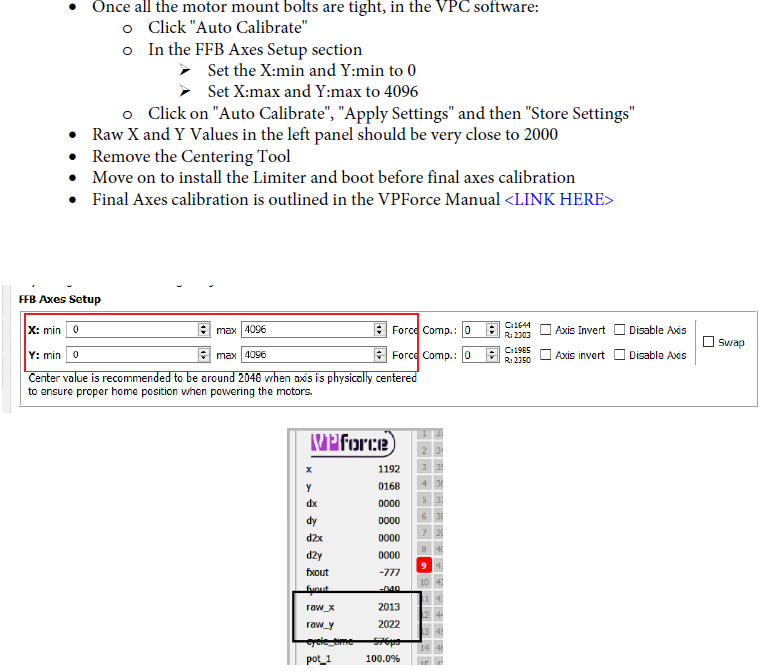
If i don't and just push Auto calibrate once, move the stick to max positions and click again, then joystick indicator is correct but still raw_x and raw_y are not 2048 at the center and values are way off the 0-4096 range
You don't need the centering tool. Just remove it. Select auto calibrate. Move the stick to its maximum making circles or squares and then select store settings.