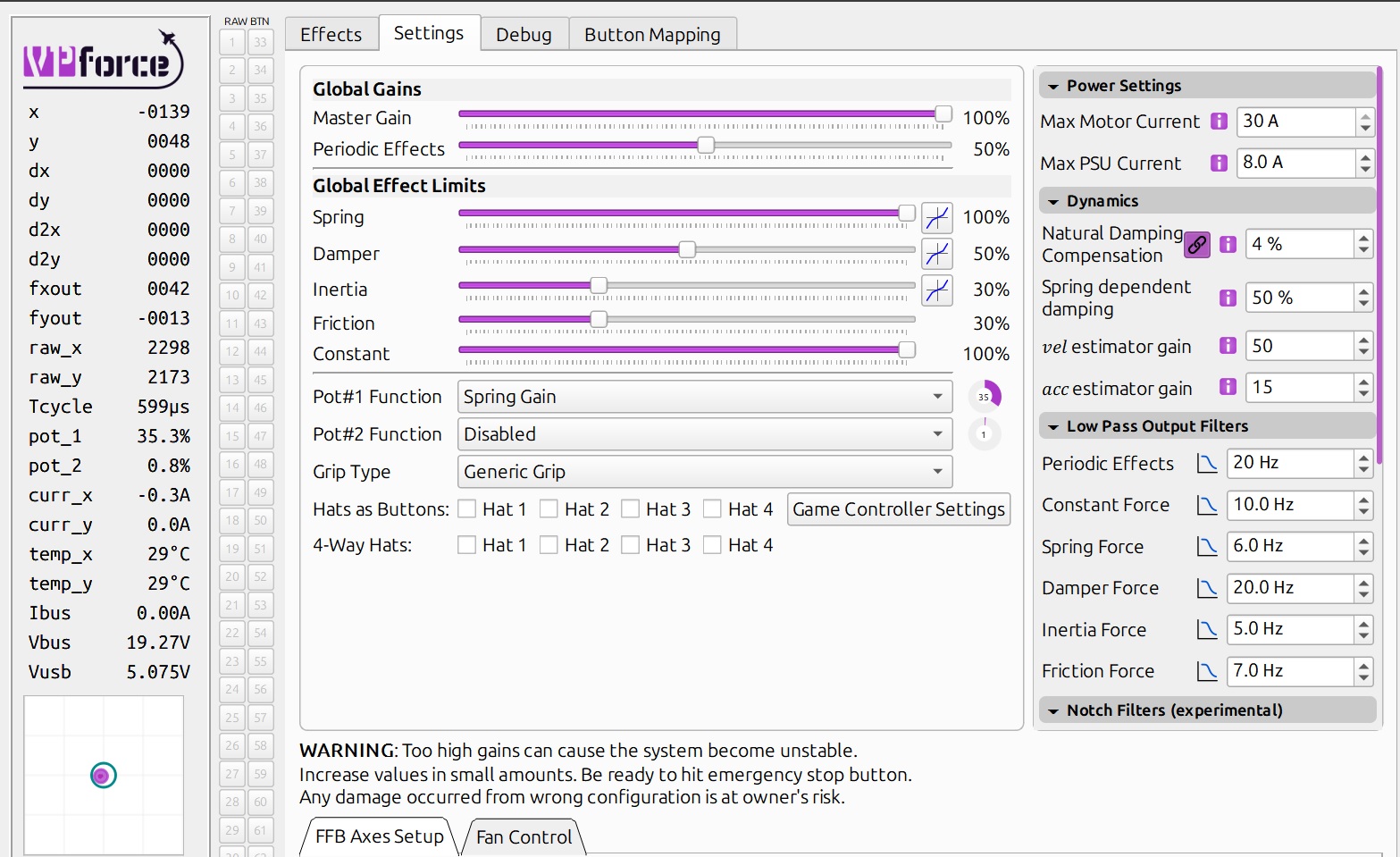
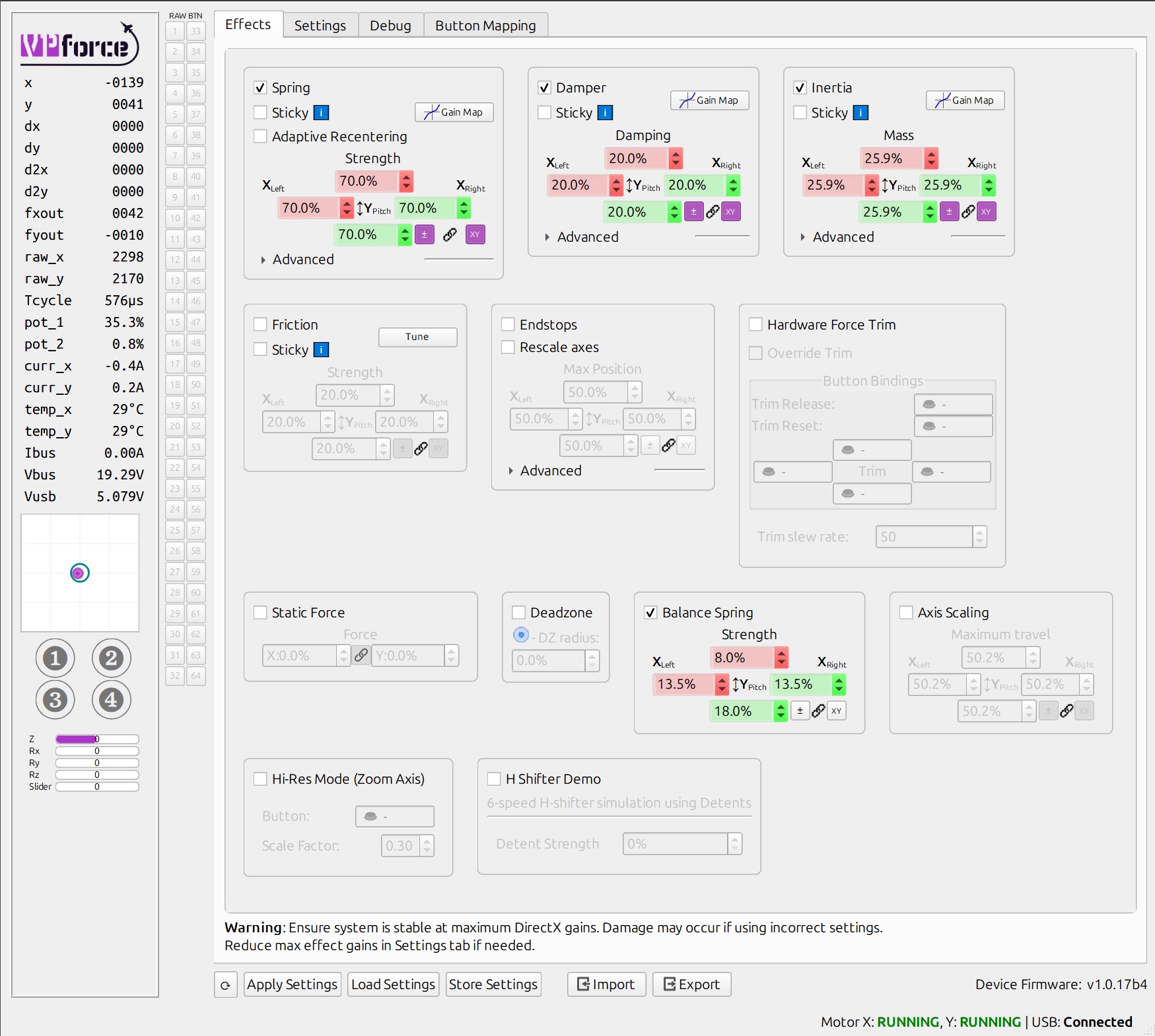
With the new update and the way you handling damper now, what are some good targets for those of us with really extensions who want to change the spring gain so it stronger in the middle? Keep the stick from oscillating I guess. Does changing the hz effect performance or is there is a risk vs benefits so to speak.
If you have a chance, would you mind posting your current settings that solved it for you? I am relatively new to all of this and probably shouldn't have updated my firmware yet, so I panicked a bit when I had the oscillation and did a factor reset to start over, but gimped my settings as a result. Thank you!
If you get in that situation in the future, you can import the default settings for the Rhino. There is a “default” profile when you click the import tab. If you accidentally saved over this, you can redownload the configurator.
For you I would suggest importing Rhino defaults, do your auto calibration and export as a new configuration (include calibration data with export). That will give you a good starting point to reset to in the future that has your calibration accurate for your device.
I’m not exactly sure if my settings would work for you since we have different set ups, that’s why the advanced tuning settings exist. I see them also as “adjust at your own risk” so be careful. If you hover your mouse over the text box or the “i” symbol it should give you some tips, pay attention to these.
Ive seen a few comments about USB hubs and Rhino issues. Is this a general "dont use" rule? I was hoping to use a hub connected to the chair due to my situation (wont have a permanent pit). Itll be a bit of a bugger if I cant do this.
Just my personal experience, but I was able to make the Rhino work on 3 different powered USB 3.0 hubs. HOWEVER, on 2 of the 3 hubs (including an "industrial" one) if I came close to maxing out the ports (even though I wasn't maxing out the available endpoints as far as I could tell with USB Device Tree Viewer) I would get disconnects from TelemFFB and the device would stop being seen as a game controller even though USB Device Tree Viewer still saw it.
I still have the Rhino on a powered hub (Startech Industrial 10 port USB 3.0 w/ 65 watt PS) but I am only using 8 of the 10 ports. Adding any additional device causes issues. Note that I've got a Stream Deck XL on that same hub and it's a resource hog, so could be part of the issue.
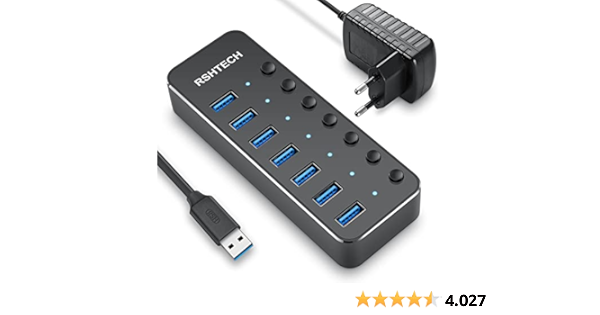
RSHTECH USB Hub Aktiv 3.0 mit Netzteil, Aluminium USB 3.0 Hub mit 7 USB 3.0 Ports, USB 3.0 Port Verteiler für Datenübertragung mit 10W (5V/2A) Netzteil, RSH-518-2
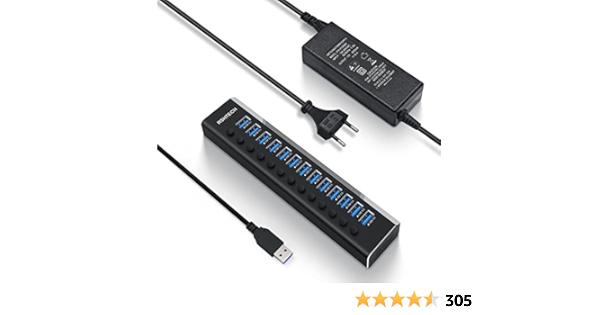
USB Hub mit Netzteil, RSHTECH Aluminium USB Hub Aktiv 3.0 mit Netzteil 72W(12V/6A), 13-Port USB Hub Aktiv mit 100cm Datenkabel, zum Laden und Datenübertragung, Professionelle Business Grade, RSH-A13-5
I had a rule of thumb since some years with DCS and USB hubs: "Connect everything that has an axis directly to the motherboard usb ports or a good pcie USB card." I had really strange behaviors by using some USB hubs. But I want to slim down my cable management. So I will try it again.
Ive used my Crosswinds, Warthog Throttle and Virpi Stick without any issues in DCS for many years using a powered 7 port TP-link hub. Worst I get on boot up is a funky stick but unplgging the usb sorts it instantly. Im hoping this continues with the Rhino though I will likely upgrade the hub (hence the asks) for those non VR moments when I have to drag out the TIR and headphones.
Thank you for the quick answers. My Rhino is imminent though I wont be able to use for a few more months. My next mission is seeing if Monsterstck can accomodate a wider cutaway in their MFC-1. Dont ask dont get.
You need to add an inverter on the CS for HC165 (inverter goes between pin1 of HC165 and VPF main board) the VPF shift register boards I bought had the HC165 with the inverter.
The alternate option is to build with CD4021B shift registers.
You could manually reduce the (raise the lower and reduce the higher values) values of your calibration and save that profile specifically for the Hornet. That would give you more reaction per movement. Also for FBW-Aircraft, you might try to make the spring sticky and
In the VP config where you made the main settings and the calibration. In the lower part of the screen you see the min and max axis values. You can manually change them, for example bring every value 200-500 points closer to the middle. That way you need less real stick movement for more virtual stick.