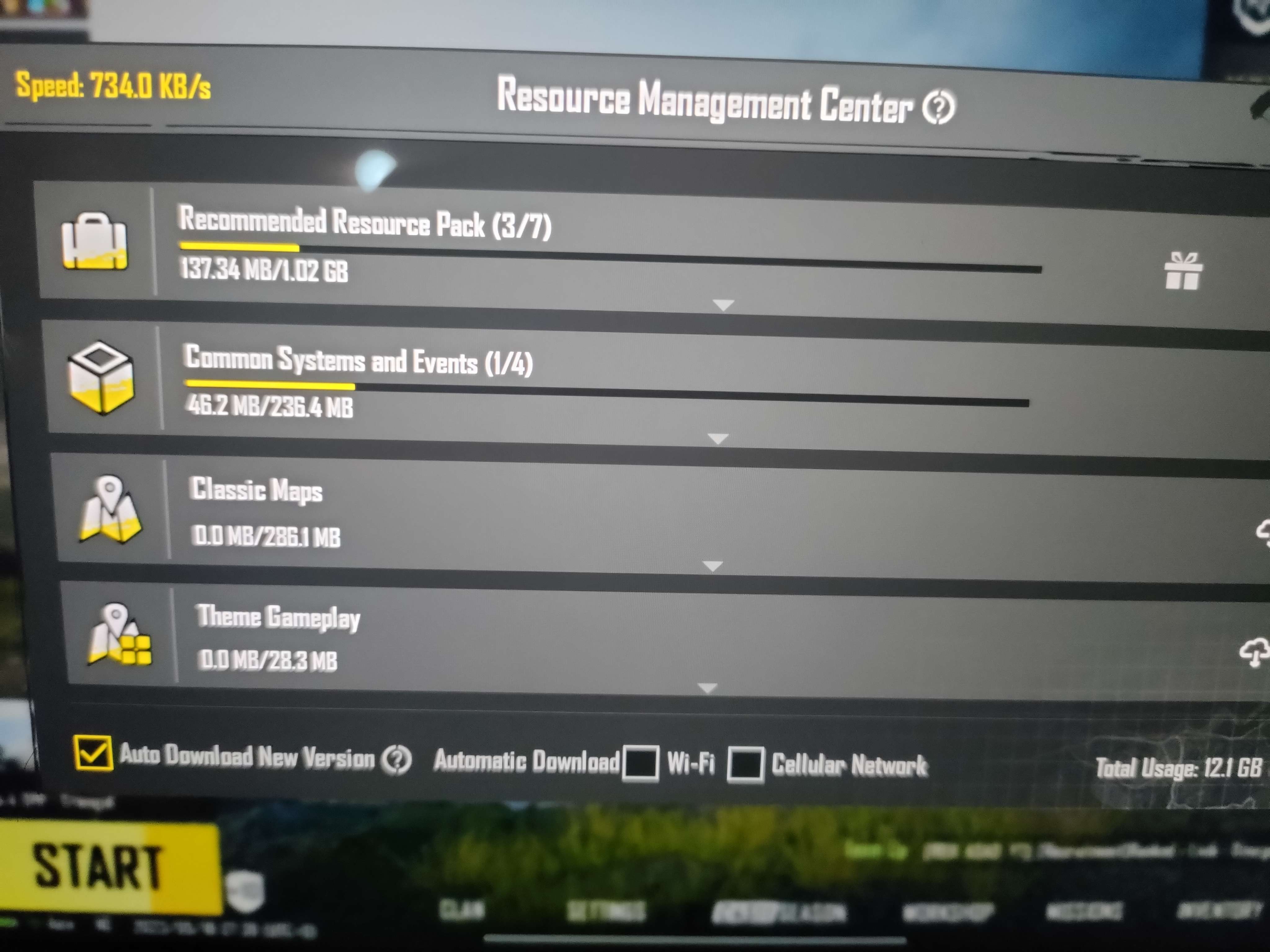
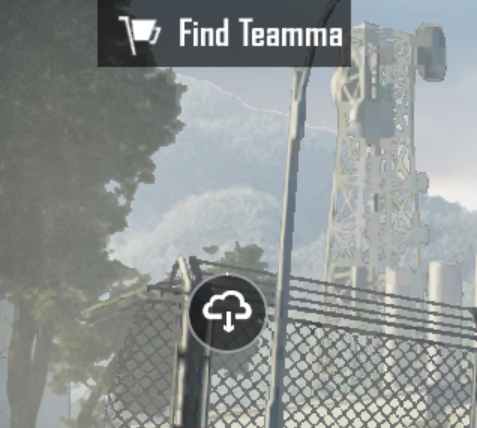
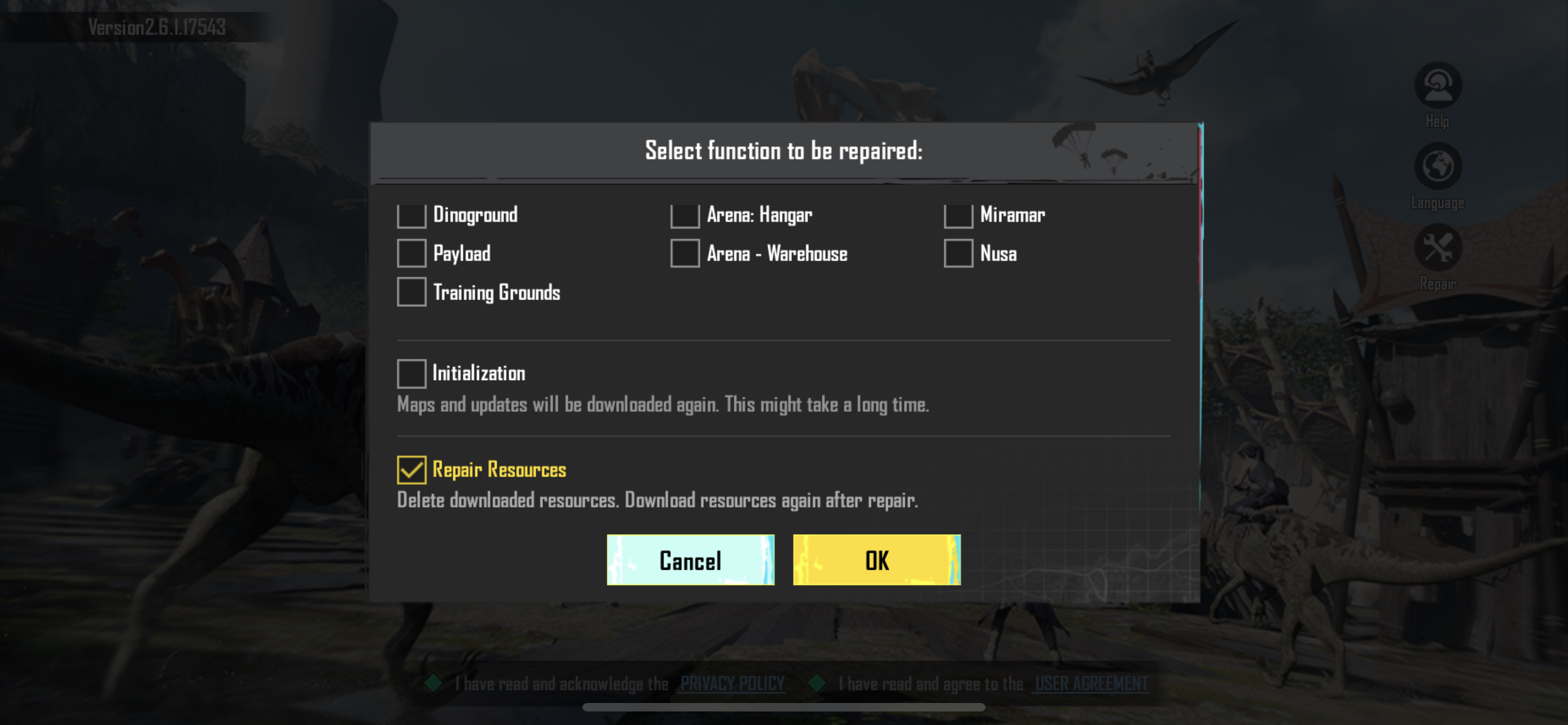
You can download resources from the Resource Management Center. This menu can be accessed by clicking on the cloud icon (located above the map selection).
We apologize for the delayed answer on your inquiry. Please let us know if you have any other questions and we will be happy to answer them.
Restart your game and just stay in lobby for few mins without doing anything.Don't open inventory or anything just stay on the home. The resource management button will appear after 2-3 mins. I had the same issue
It's working now without VPN. Now why is the download like that? Only KB/s ?? . I'll never be able to play. It's gonna take days to finish the downloads


 A
A B
B
 M
M I
I D
D C
C C
C V
V
 N
N
 T
T
 I
I S
S P
P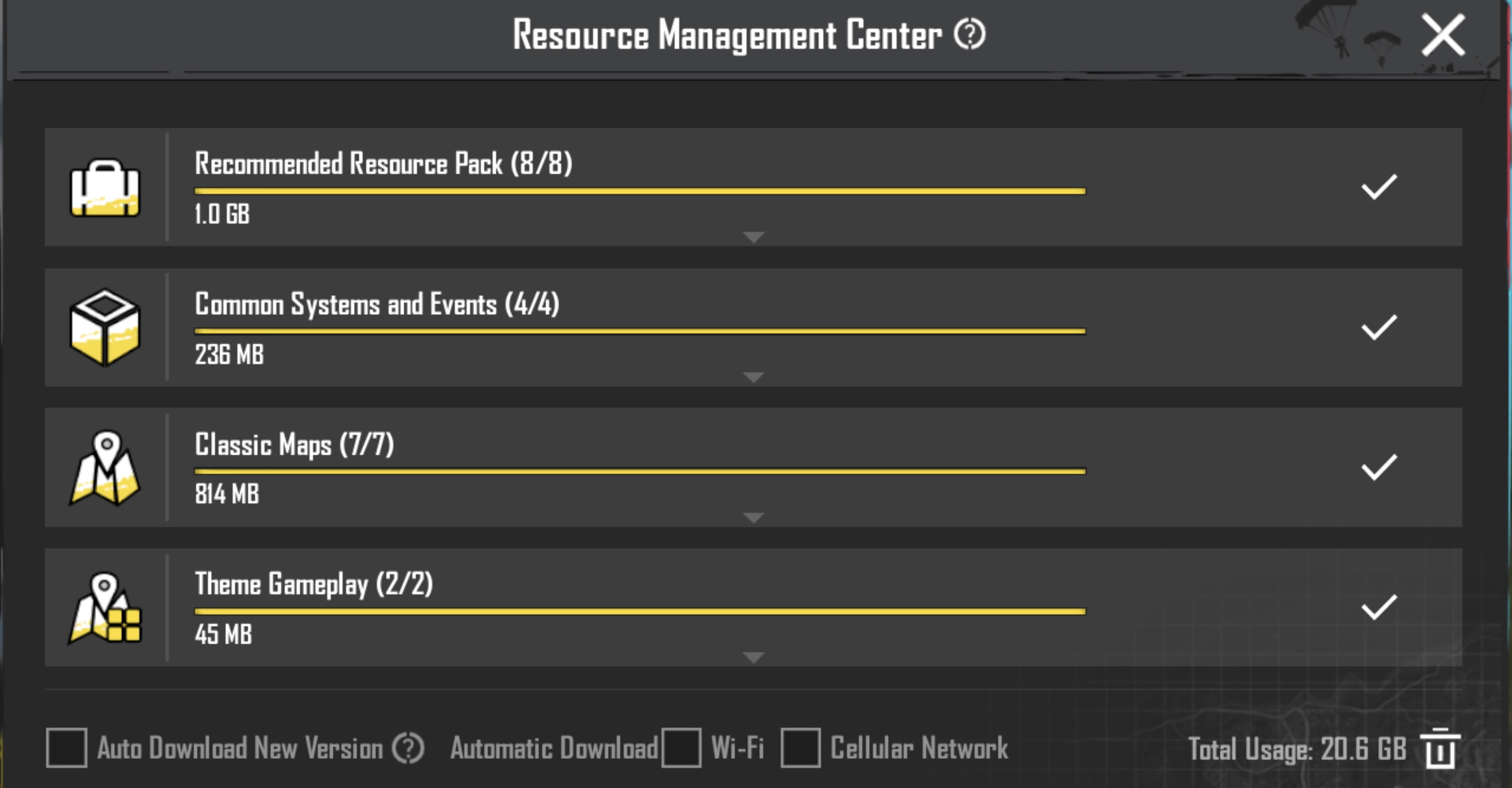
 L
L
 S
S A
A
 G
G
 . I'll never be able to play. It's gonna take days to finish the downloads