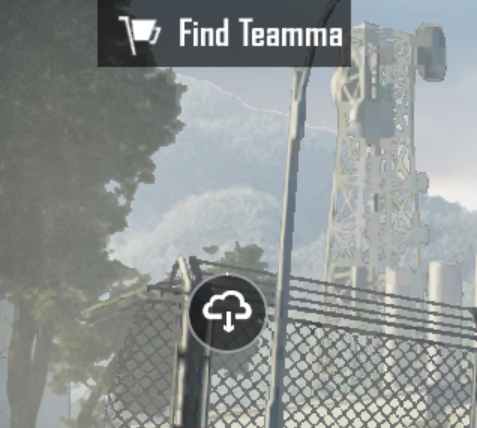
You can download resources from the Resource Management Center. This menu can be accessed by clicking on the cloud icon (located above the map selection).
We apologize for the delayed answer on your inquiry. Please let us know if you have any other questions and we will be happy to answer them.
Restart your game and just stay in lobby for few mins without doing anything.Don't open inventory or anything just stay on the home. The resource management button will appear after 2-3 mins. I had the same issue
It's working now without VPN. Now why is the download like that? Only KB/s ?? . I'll never be able to play. It's gonna take days to finish the downloads
Dear player, We really understand your feelings. If you cannot receive the verification code, it is suggested that you perform the following operations accordingly: 1. Please confirm whether the email address you entered is the same as the email address you linked to the game account 2. Please check whether you have added the email account: noreply@pubgmobile.com or service@pubgmobile.com to the whitelist of your email. 3. Please do not operate frequently. If it has been operated many times, it is suggested to wait for a period of time (at least 24 hours) and try again. If the problem remains unsolved, please contact us in time on whether the question is not included in the above situation. We will try our best to assist you after receiving feedback. PUBG MOBILE Customer Service Team


 B
B
 M
M I
I D
D C
C C
C V
V
 N
N
 T
T
 I
I S
S P
P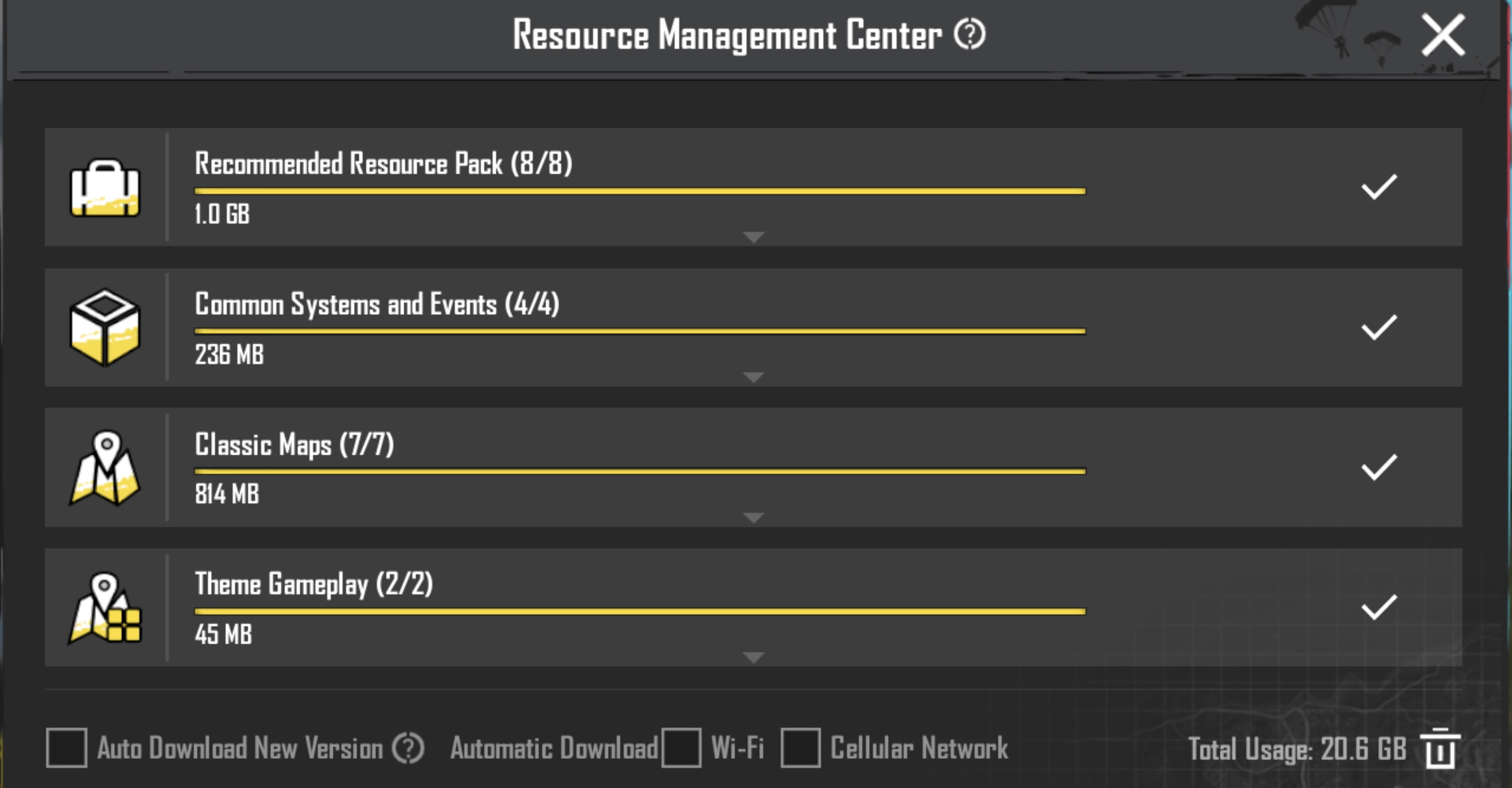
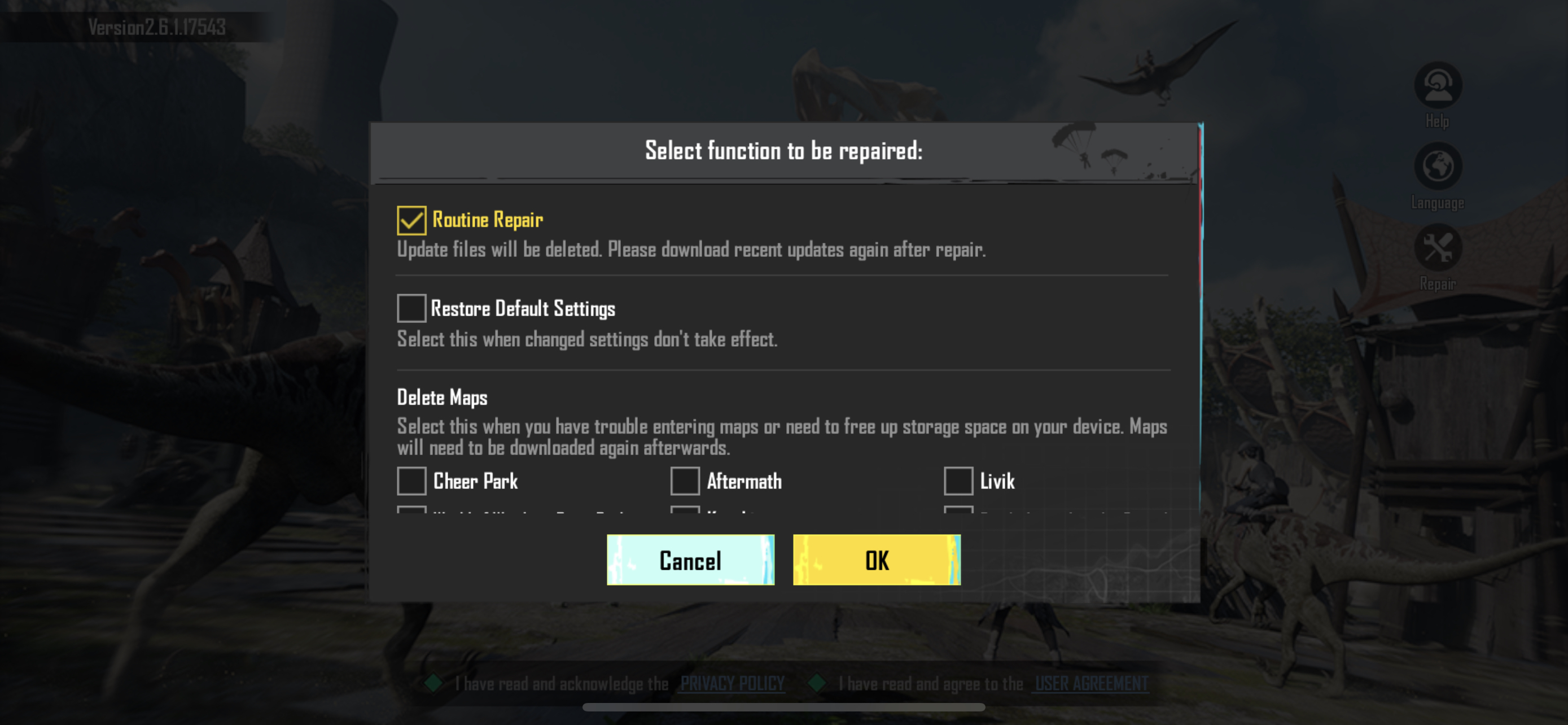
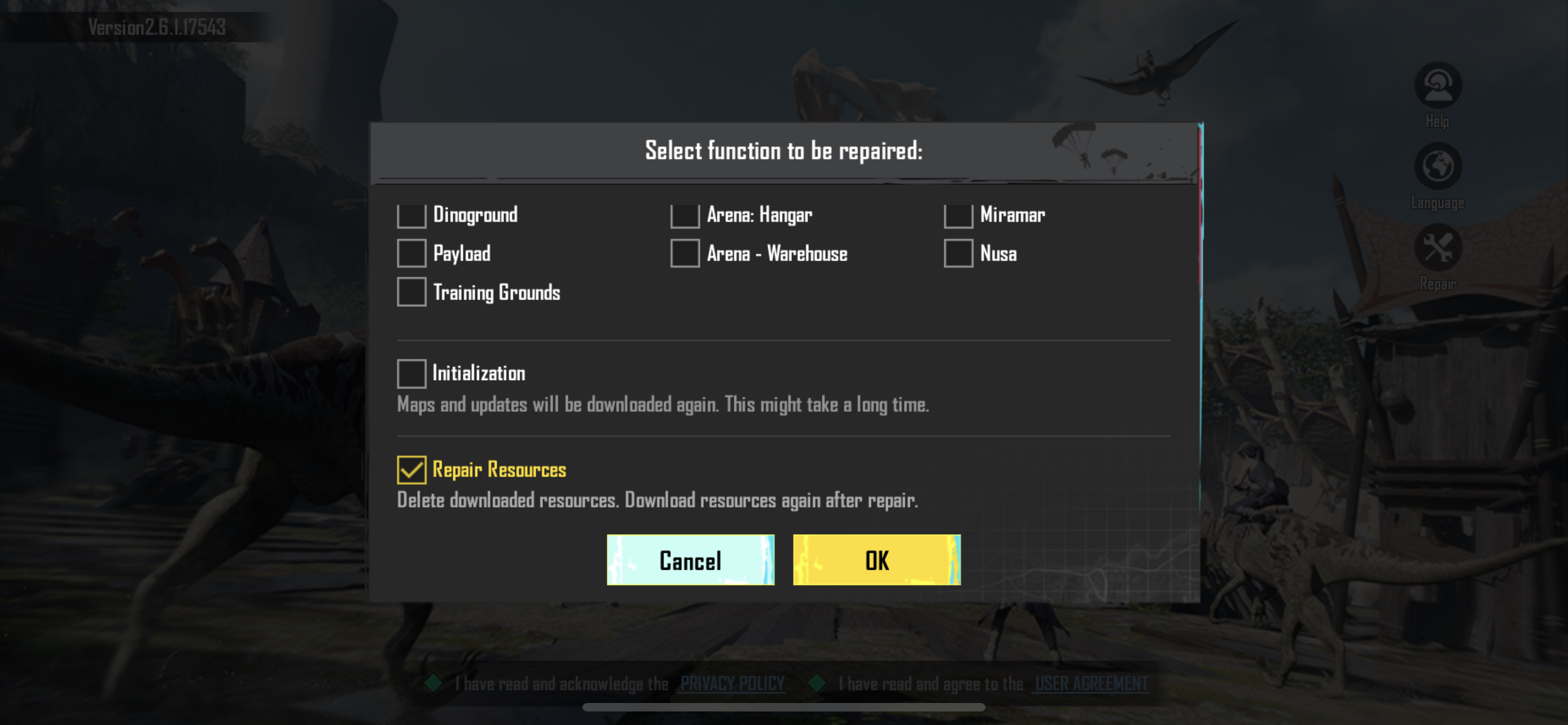
 L
L
 S
S A
A
 G
G
 . I'll never be able to play. It's gonna take days to finish the downloads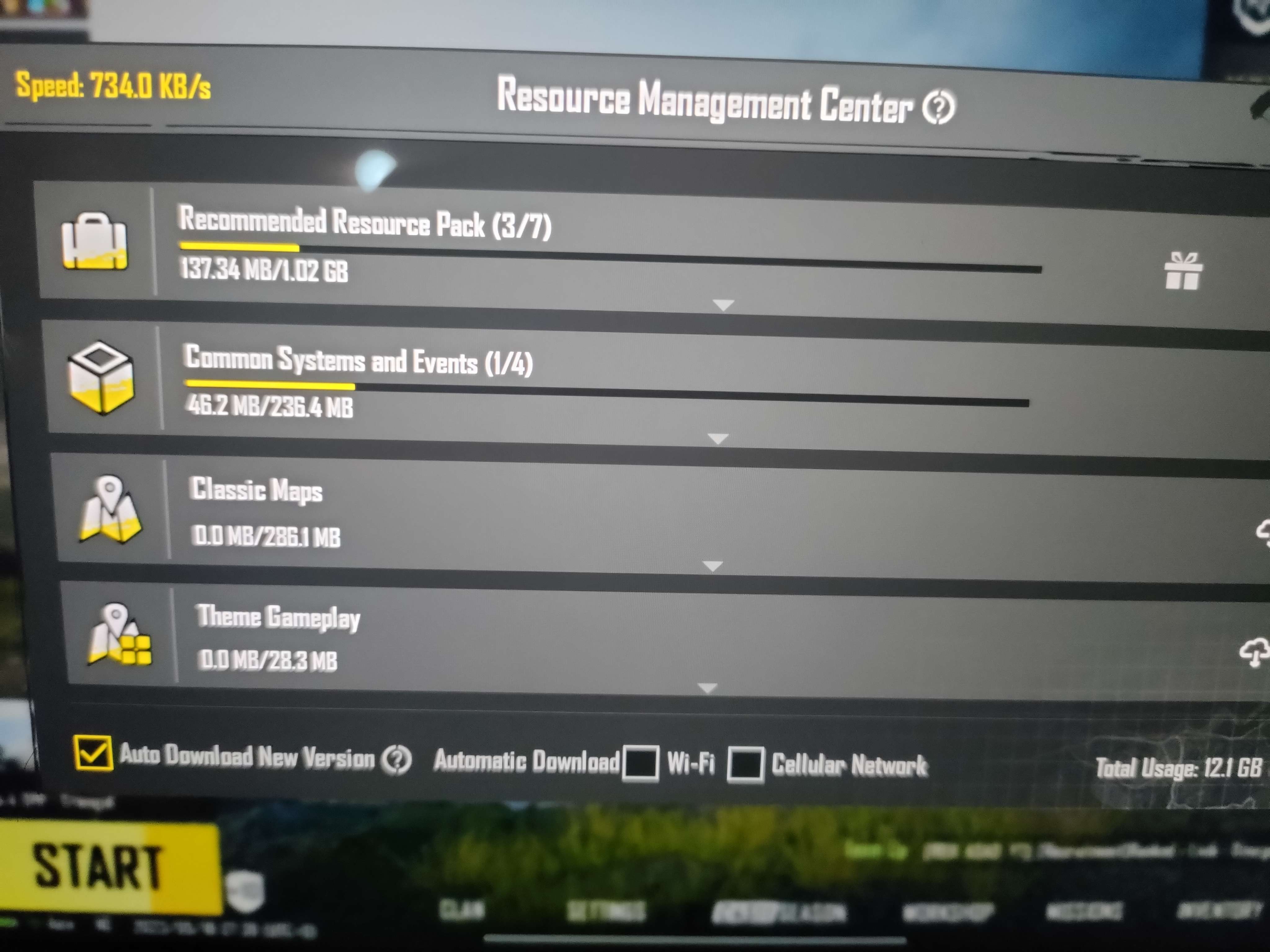
 M
M


