

 N
NStill waiting on that bill haha
NAnyone have an stl for the rhino grip adapter so I can make a grip attachment?

 P
PNope, there was a guy trying to use a bot
 E
ENoob question here...
Is the Rhino or any software the Rhino uses capable of reading out LVars from MSFS?
The reason i am asking is the following. The current H145 (and the soon to be released H160) use LVars to define the control positions. Now when you are flying with the autopilot, it will move the stick around depending on the regime (move the stick to the left for a left bank for example). Is there any possible solution to achieve this with the Rhino? Any help is appreciated!
Is the Rhino or any software the Rhino uses capable of reading out LVars from MSFS?
The reason i am asking is the following. The current H145 (and the soon to be released H160) use LVars to define the control positions. Now when you are flying with the autopilot, it will move the stick around depending on the regime (move the stick to the left for a left bank for example). Is there any possible solution to achieve this with the Rhino? Any help is appreciated!

 N
Nunfortunately it's nowhere near as simple as all that.
TelemFFB, the software that drives FFB for the Rhino with MSFS uses a library called pysimconnect. Pysimconnect, as the name implies, is a python library for subscribing to simconnect data. This is how we retrieve all the telemetry needed to generate the FFB stick forces as well as the other effects. AFAIK it does not support LVARs, and one would need to develop or make use of another interface library to do so.
All of that said, even if one did get a stream of the LVAR data working, there are further challenges that make something like this exceedingly difficult (or very messy) to pull off. This is the same challenge with implementing any sort of trim following movement to the stick in MSFS.
The fundamental problem is that when you move the stick (either with your hand, or by using the motors), that "moves the axis" since it is bound in MSFS. So if you try to purposefully move the centerpoint of the stick in response to trim telemetry data, not only is the sim adjusting the trim, but the stick is moving the elevator (or aileron, or rudder) axis at the same time so you end up with very coarse trim adjustments.
TelemFFB, the software that drives FFB for the Rhino with MSFS uses a library called pysimconnect. Pysimconnect, as the name implies, is a python library for subscribing to simconnect data. This is how we retrieve all the telemetry needed to generate the FFB stick forces as well as the other effects. AFAIK it does not support LVARs, and one would need to develop or make use of another interface library to do so.
All of that said, even if one did get a stream of the LVAR data working, there are further challenges that make something like this exceedingly difficult (or very messy) to pull off. This is the same challenge with implementing any sort of trim following movement to the stick in MSFS.
The fundamental problem is that when you move the stick (either with your hand, or by using the motors), that "moves the axis" since it is bound in MSFS. So if you try to purposefully move the centerpoint of the stick in response to trim telemetry data, not only is the sim adjusting the trim, but the stick is moving the elevator (or aileron, or rudder) axis at the same time so you end up with very coarse trim adjustments.
NThe Brunner software "solves" this by advising you to edit the aircraft config files in the MSFS file structure to render the trim inactive in the aircraft. By doing this, they remove the double-input problem but that is horribly messy.
They also advise that you do not bind the axis' in MSFS. They send the axis position via simconnect. This is what you would need to do in your example of "follow the autopilot". You would need to do that so that you can stop sending the stick position when the autopilot is engaged (so MSFS doesn't know the stick is moving), otherwise the AP will disengage because MSFS thinks the stick is moving.
That is also messy since simconnect data is sent/received at an interval equal to your framerate. That's fine if you are running 100+fps in pancake mode, but becomes a problem of poor control input resolution if you are in VR running at 30FPS and have a drop down to 20.
Sorry for the novel length response.. I've put a lot of thought into how to add trim following and/or autopilot following capabilities into TelemFFB in a clean way and have come up empty.
They also advise that you do not bind the axis' in MSFS. They send the axis position via simconnect. This is what you would need to do in your example of "follow the autopilot". You would need to do that so that you can stop sending the stick position when the autopilot is engaged (so MSFS doesn't know the stick is moving), otherwise the AP will disengage because MSFS thinks the stick is moving.
That is also messy since simconnect data is sent/received at an interval equal to your framerate. That's fine if you are running 100+fps in pancake mode, but becomes a problem of poor control input resolution if you are in VR running at 30FPS and have a drop down to 20.
Sorry for the novel length response.. I've put a lot of thought into how to add trim following and/or autopilot following capabilities into TelemFFB in a clean way and have come up empty.
 P
Pditto here - chch
 P
Pnovel length replies as just why I'm here- helps me understand some of the odd behaviour I see in sim- thanks for the effort 
 E
EHey, thank you so much for the very detailed and valueable answer!
While i won't say that it still should be possible there might be some ways to still do it i think. A nice guy over at the HPG discord build his own FFB stick using stepper motors and hall sensors amd using FSUIPC and a own lua script to get it done.
The LVars are in fact retrievable using another python based library.
Maybe i misunderstand you here, but the trims in helicopters work different than in airliners for example. In helicopters the AP actually drives the stick to the physical position needed to attain a specific attitude. This is the exact same position you need to move the stick to when handflying to achieve the same attitude. So i don't see the double input problem here or am i missing something?
Thanks again for taking your time and the detailed explanation!
While i won't say that it still should be possible there might be some ways to still do it i think. A nice guy over at the HPG discord build his own FFB stick using stepper motors and hall sensors amd using FSUIPC and a own lua script to get it done.
The LVars are in fact retrievable using another python based library.
Maybe i misunderstand you here, but the trims in helicopters work different than in airliners for example. In helicopters the AP actually drives the stick to the physical position needed to attain a specific attitude. This is the exact same position you need to move the stick to when handflying to achieve the same attitude. So i don't see the double input problem here or am i missing something?
Thanks again for taking your time and the detailed explanation!
NI fully understand trim in helicopters vs fixed wing aircraft. My comment about trim was more generic in nature as an example of the fundamental issue. Helicopter force trim has further issues in MSFS as it barely even implements the concept (why would it since it doesn't support FFB).
There is a force-trim implementation in TelemFFB for MSFS but it does not interact with the simulator in any way. It is a hardware only implementation and is identical to the hardware trim you can set up in VPforce Configurator (except that it doesnt implement hat trim adjustments, only 'force trim button').
Regarding the autopilot following.. it would entirely depend on how the sim, or the aircraft, handles the joystick inputs while the autopilot is active. My guess is that since it expects a joystick to always be at 0/0 when it is idle (remember, it has no concept of FFB or axis offsets), any deviation from 0/0 would cause an AP disconnect. Perhaps not, but the only way to really know would be to implement the feature and that wold be an awful lot of work just to find out it doesn't work.
There is a force-trim implementation in TelemFFB for MSFS but it does not interact with the simulator in any way. It is a hardware only implementation and is identical to the hardware trim you can set up in VPforce Configurator (except that it doesnt implement hat trim adjustments, only 'force trim button').
Regarding the autopilot following.. it would entirely depend on how the sim, or the aircraft, handles the joystick inputs while the autopilot is active. My guess is that since it expects a joystick to always be at 0/0 when it is idle (remember, it has no concept of FFB or axis offsets), any deviation from 0/0 would cause an AP disconnect. Perhaps not, but the only way to really know would be to implement the feature and that wold be an awful lot of work just to find out it doesn't work.
EThanks again for the clarification.
I didn't want to sound like i doubt that you know how helicopters work. Just wanted to make sure we are talking about the same thing.
The helicopter i am talking about has a 'no springs' option which let you deflect your stick while using (internal) trim release and creates a new center where you release trim release. So that should be helpful.
But i have no doubts that it will still be very complicated to implement the autopilot logic.
I will play around a bit and have a chat with the coder of the helo. Until then i will enjoy the Rhino in it's current state.
So thanks again for your effort and the very helpful information.
I didn't want to sound like i doubt that you know how helicopters work. Just wanted to make sure we are talking about the same thing.
The helicopter i am talking about has a 'no springs' option which let you deflect your stick while using (internal) trim release and creates a new center where you release trim release. So that should be helpful.
But i have no doubts that it will still be very complicated to implement the autopilot logic.
I will play around a bit and have a chat with the coder of the helo. Until then i will enjoy the Rhino in it's current state.
So thanks again for your effort and the very helpful information.
 M
M@VPforceBot
 J
J# faq
faq
faq T
TWhile waiting for my Rhino to be built and arrive I am thinking of going into VR….
I am undecided between the Varjo Aero and the Bigscreen Beyond.
Which one would you recommend?
I am undecided between the Varjo Aero and the Bigscreen Beyond.
Which one would you recommend?
NDepends on if you value comfort or clarity. I am biased as I have the aero (since day 1) and have zero complaints about the comfort. Performance in "my sim" (DCS) is second to none with dynamic foveated rendering support. Its an absolute steal at the new price in my opinion.
NThe BSB form factor is compelling but I won't sacrifice any clarity
NYou do need top notch hardware though to be able to drive the Aero (or any headset for that matter) at the highest resolutions.
NHead over to the Varjo discord. You will find a ton of new users over there since the price drop sharing their impressions.
 S
SBSB uses a 3d scan of your face to make the pad.. might make sharing to show a buddy or selling it in the future difficult. also it is stemvr only, there is no native openxr (unless mbucchia makes one like he did for pimax!)
 B
BReverb G2.
 S
SG2 is now old tech, plenty better available nowadays.
 M
MSo I recalibrated my rhino to work better for the stick throw limiter I made, then the forces were off, so I clicked the reset button, but it factory reset it. I can’t figure it out now. Does anyone have a way to upload the settings just like it came out of the box? Thanks
MI have dug a deep hole and just need a factory preset if that’s possible

 W
WThere's a file RHINO-defaults in the configurator
configs A
AYou have to click store to have device remember your settings too

 F
FLook for vr flight sim guy on yt, he has a few breakdowns on those 2 plus the pimax. Keep in mind the price decrease was recent so older vids will be taking the old price into account.
JWell the Varjo Aero just dropped in price to under $1k USD, and one website sells it for even less than that at like $890 USD https://twitter.com/SadlyItsBradley/status/1710414637135503417
As for BSB... it'll be some months before yours would ship out even if you ordered today.
As for BSB... it'll be some months before yours would ship out even if you ordered today.
JUploadVR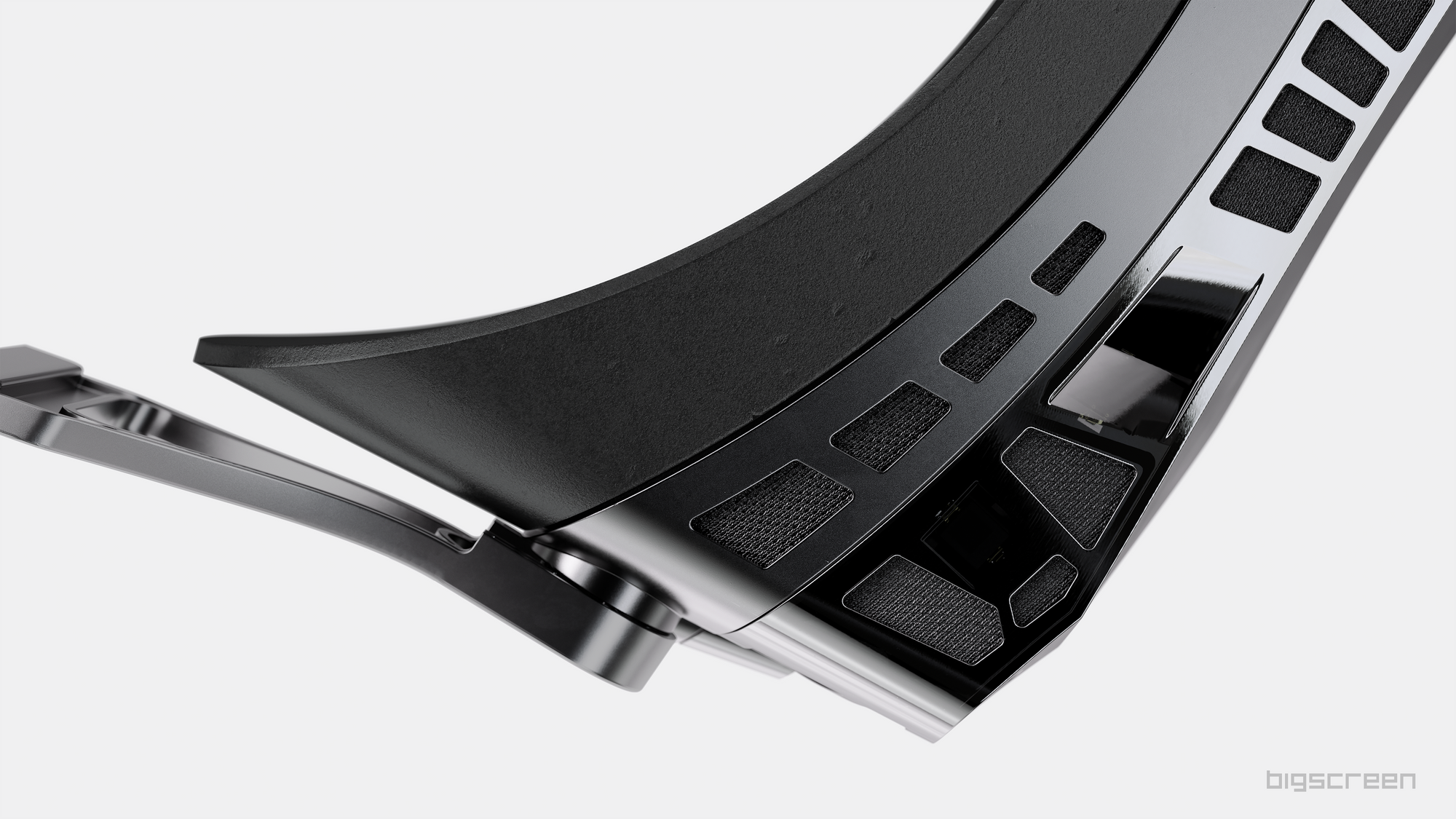
Most Bigscreen Beyond US preorders originally slated to ship in Q3 have slipped into Q4 as the startup experiences production delays.
 A
AI think the BSB is kind of a bit like the Rhino in the regard that you might need something to keep you going until yours arrives
JAnother thing to consider is the software powering the device. Varjo software is, simply put, incredible. Top of the line high end software that would be far superior to anything BSB offers.
JThere's also a ton of pre-established tweaks and fixes and setting adjustment by the community to get as much performance as possible out of the Aero for flight sim
 B
BAnd honestly don't really see it as that much of a competition for the varjo in general.
JThey are similar in 2 ways
1) they are similarly priced
2) they don't have built in audio solutions
1) they are similarly priced
2) they don't have built in audio solutions
Joh I guess 3, since both rely on Lighthouse 2.0 tracking
Aam I wrong in thinking that one of the strengths of the BSB is that you can easily use whatever headphones you'd normally use?
JNo, but you can do the same thing with the Aero
JThe primary appeal of the BSB is the small and light form factor
BBsb is premium video viewer at best, where the varjo with eyetracking etc is actually meant for simulation.
Adoesn't it have more involved straps that might make using headphones harder?
JHaving used an Aero I didn't have any issue with my headphones
Jused 2-3 different pairs with different types of headstraps/cup shapes
BI can even fit my regular corsair cans over my quest pro.
JAnd yeah the foveated rendering on the Aero is the bread and butter of performance
JAnd how they make the most out of the high res very clear lenses
JAnother thing to consider is PC hardware. Are you on at least a 3080 with a decent CPU? Also you need to be using Nvidia GPU for the Aero, not sure about BSB.
Aanyway I wouldn't buy BSB for myself, but I think it's fantastic that someone is already making a VR headset with such a small form factor
BIts even higher res, without the option for dfr, 4090 or dont bother.
 F
FWait, you mean static or eye tracked
JThe amount of variety in headset shape, design philosophy, and features available on the market right now is great for the industry as a whole.
FAlso i am not 100% sure but i remember the aero had more ppd in the center than the edges, correct?