
any recommandation to check if a package rely on **node built-in module** ?
any recommandation to check if a package rely on node built-in module ?
 I
Inpm installbufferfs, etc in node_modules but that might not catch everything. G
G RR
RR
 HHRHR
HHRHR GGG
GGGnode_compatnodejs_compatjustjust KK
KK T
T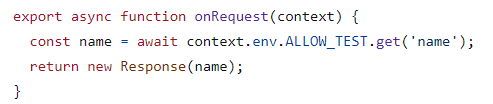
 K
K S
S J
JYour worker created multiple branches of a single stream (for instance, by calling or ) but did not read the body of both branches. This is wasteful, as it forces the system to buffer the entire stream of data in memory, rather than streaming it through. This may cause your worker to be unexpectedly terminated for going over the memory limit. If you only meant to copy the request or response headers and metadata (e.g. in order to be able to modify them), use the appropriate constructors instead (for instance, new Response(response.body, response), , etc).
 K
Kwrangler pages dev public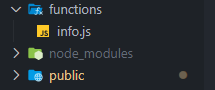 K
K
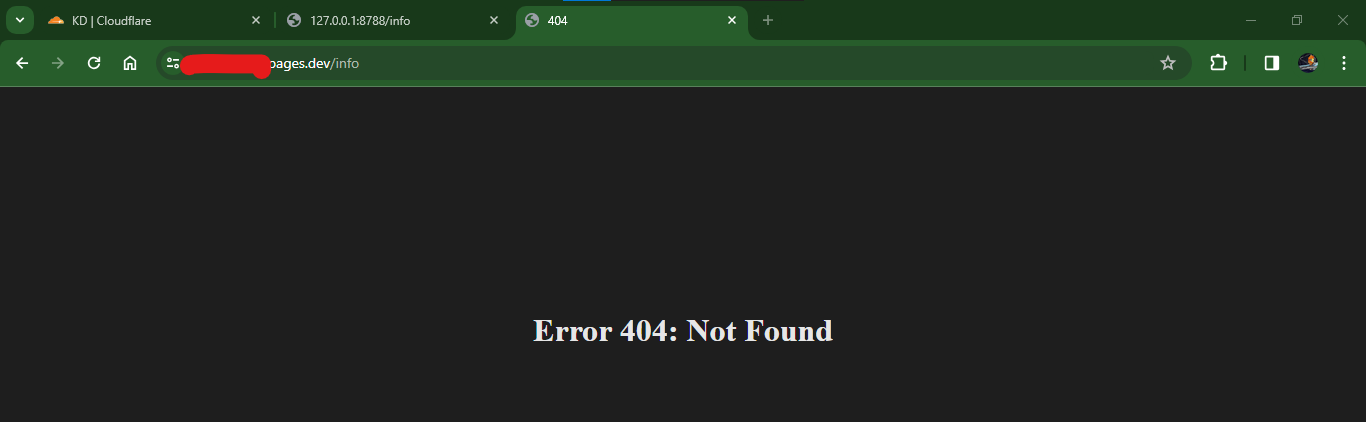 K
K W
W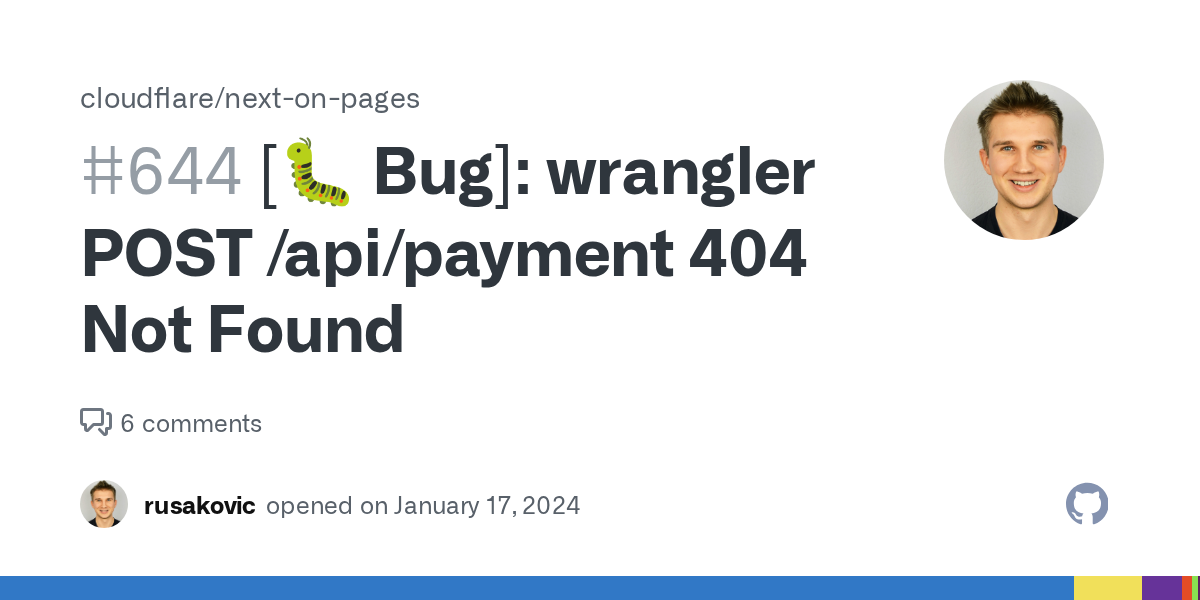 W
W P
Pwrangler pages dev/common/database/functions P
P PPPKP
PPPKP D
Dout.vercel/output/static DKKI
DKKI MHMMH
MHMMHpages dev) but did not read the body of both branches. This is wasteful, as it forces the system to buffer the entire stream of data in memory, rather than streaming it through. This may cause your worker to be unexpectedly terminated for going over the memory limit. If you only meant to copy the request or response headers and metadata (e.g. in order to be able to modify them), use the appropriate constructors instead (for instance, fs> Using @sveltejs/adapter-cloudflare
21:38:26.511 ✘ [ERROR] Could not resolve "crypto"
21:38:26.512
21:38:26.512 .svelte-kit/output/server/chunks/hooks.server.js:4:26:
21:38:26.513 4 │ import * as crypto$1 from "crypto";
21:38:26.513 ╵ ~~~~~~~~
21:38:26.513
21:38:26.513 The package "crypto" wasn't found on the file system but is built into node. Are you trying to bundle for node? You can use "platform: 'node'" to do that, which will remove this error.
21:38:26.514
21:38:26.516 ✘ [ERROR] Could not resolve "node:buffer"
21:38:26.517
21:38:26.517 .svelte-kit/output/server/chunks/hooks.server.js:6:23:
21:38:26.517 6 │ import { Buffer } from "node:buffer";
21:38:26.517 ╵ ~~~~~~~~~~~~~
21:38:26.517
21:38:26.517 The package "node:buffer" wasn't found on the file system but is built into node. Are you trying to bundle for node? You can use "platform: 'node'" to do that, which will remove this error.
21:38:26.517
...
21:38:26.532 error during build:
21:38:26.532 Error: Build failed with 4 errors:
21:38:26.532 .svelte-kit/output/server/chunks/hooks.server.js:4:26: ERROR: Could not resolve "crypto"
21:38:26.532 .svelte-kit/output/server/chunks/hooks.server.js:6:23: ERROR: Could not resolve "node:buffer"
21:38:26.532 .svelte-kit/output/server/chunks/hooks.server.js:7:26: ERROR: Could not resolve "node:crypto"
21:38:26.532 .svelte-kit/output/server/chunks/hooks.server.js:9:22: ERROR: Could not resolve "node:util" CDCloudflare Developers / workers-and-pages-helpCDCloudflare Developers / pages-helpCDCloudflare Developers / workers-and-pages-helpCDCloudflare Developers / workers-and-pages-help


