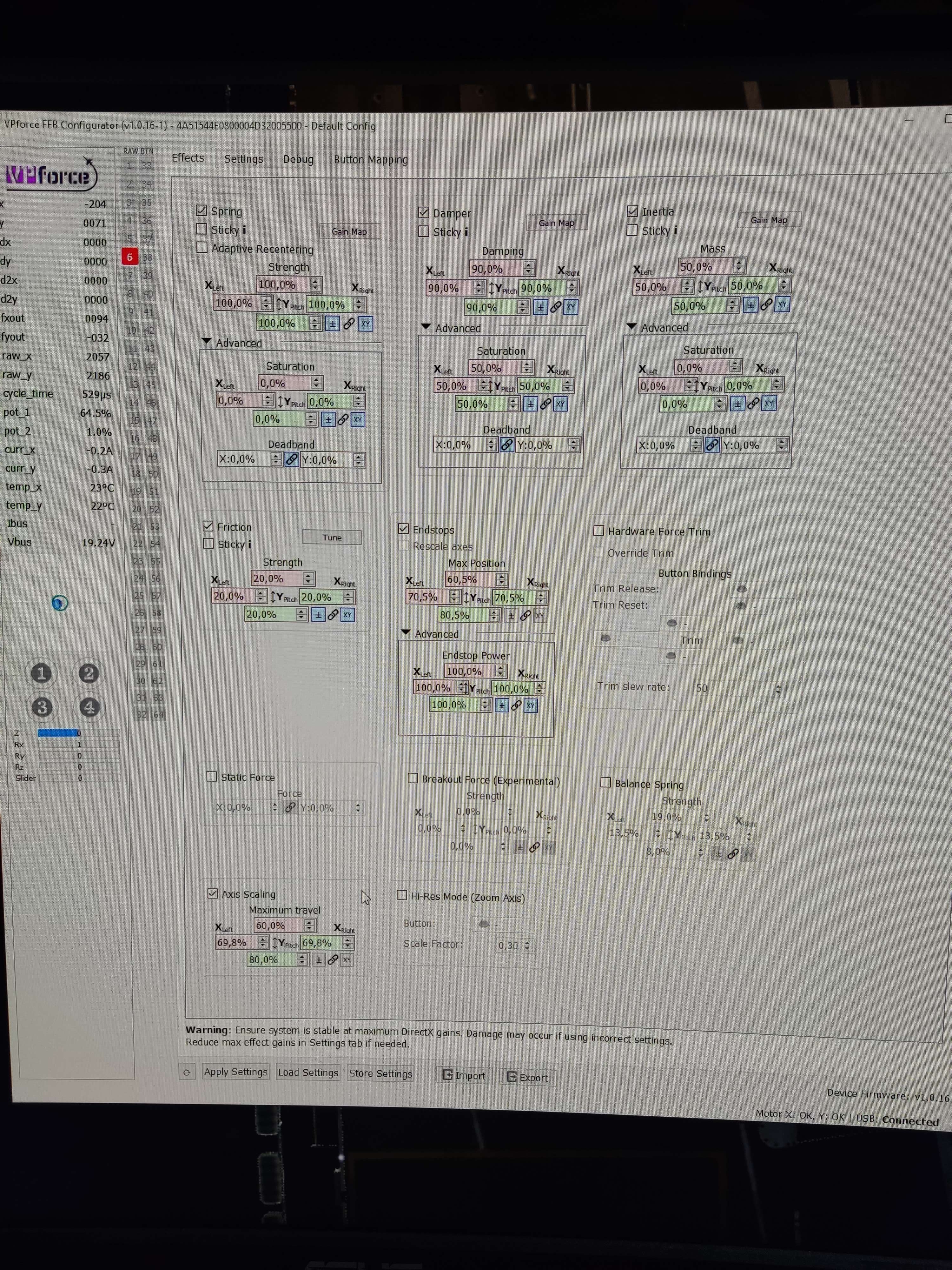
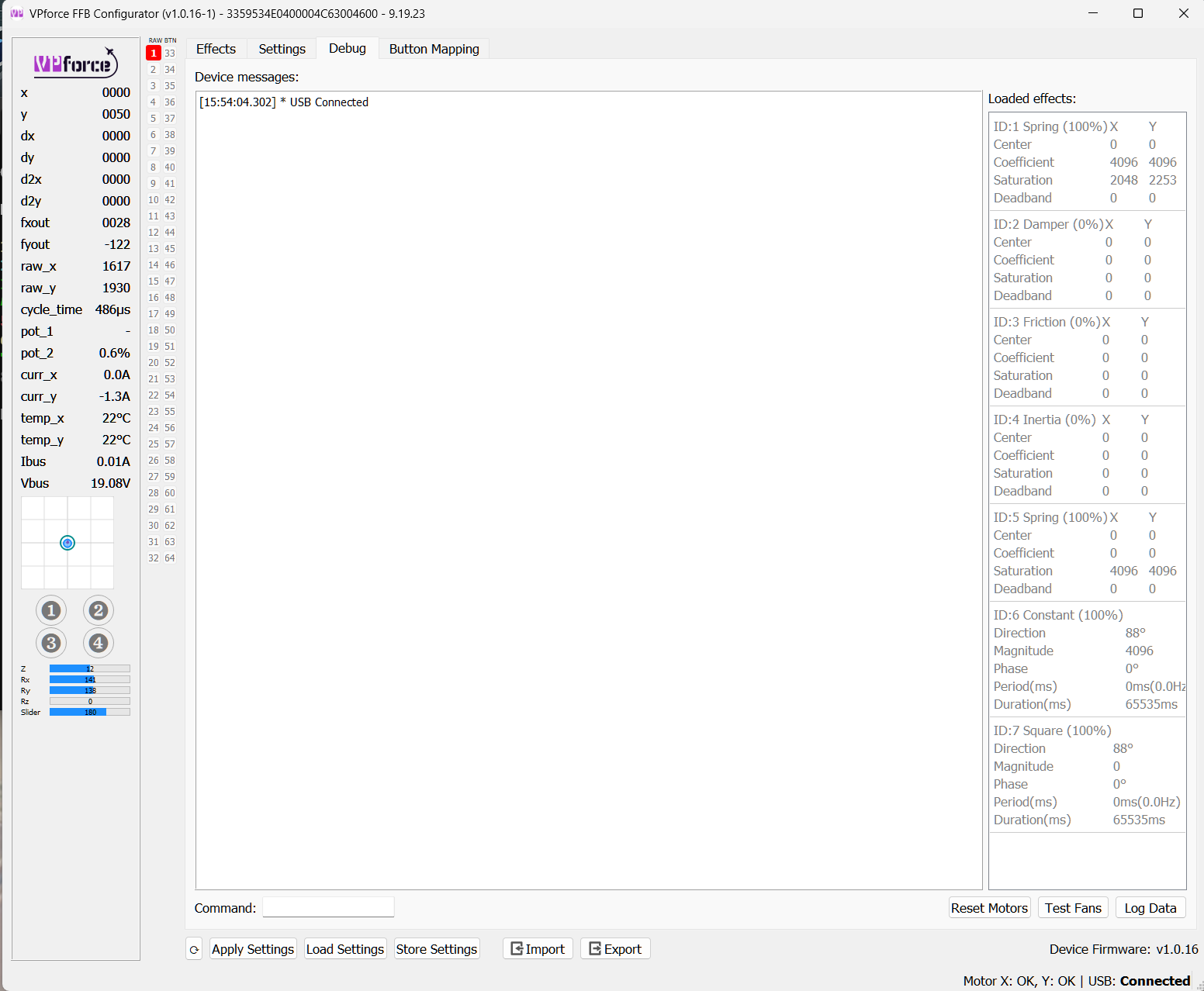
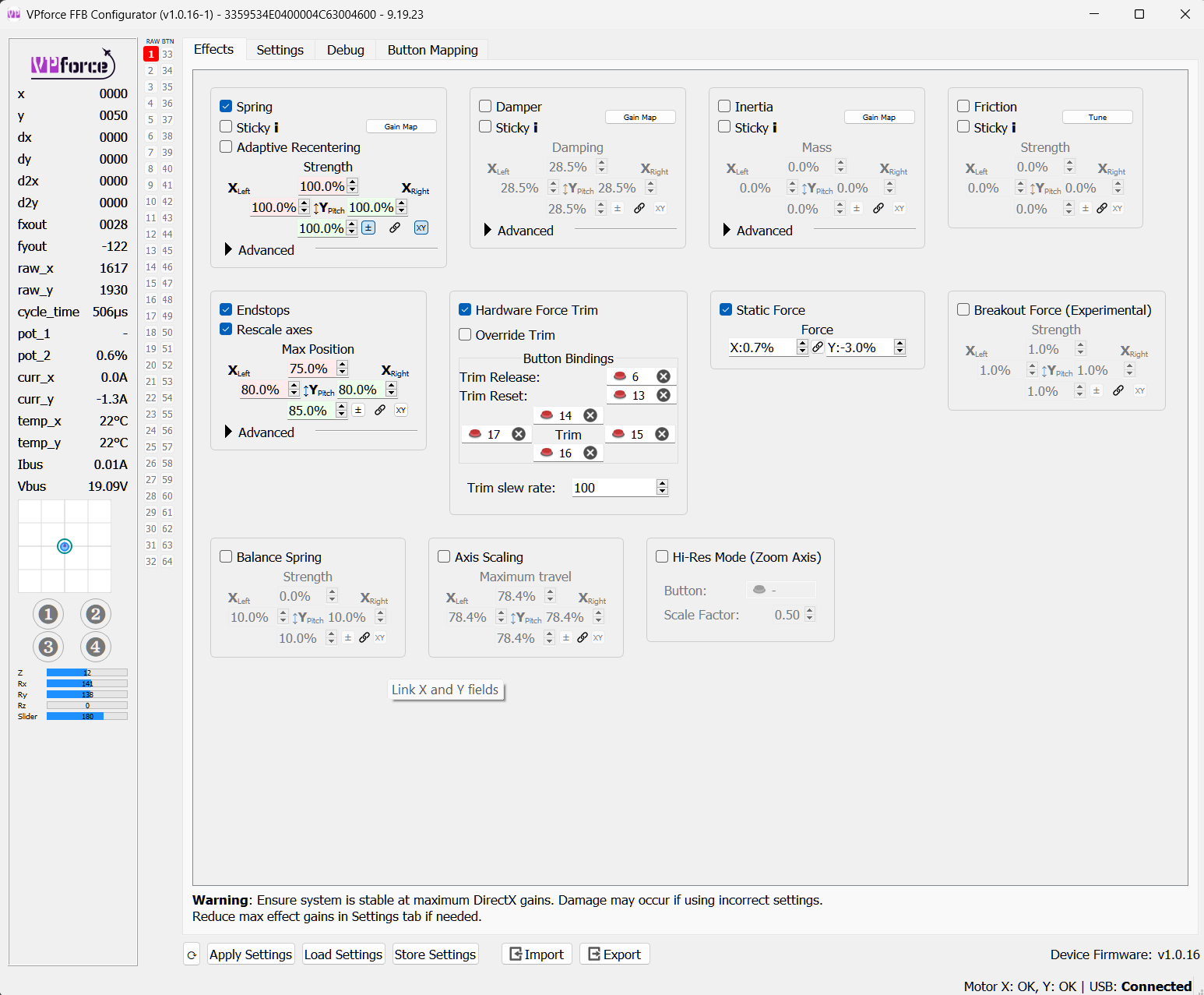
In that instance, as you can see, I was using the F18, but Telem was stuck thinking it was the F14. Going to turn everything on again this morning and checkβ¦β¦.I will turn off all mods as wellβ¦β¦.
Just sharing unsolicited advise, The F03 motor is more than enough for rudder purposes. I'd go as far as to say the F04 is a bit overkill as just having tried both myself. With the F03, you wont even need more than 50% spring force generally speaking, how much more for the F04.
Hi guys, well this morning on restarting, it was all working as it should....so obviously some kind of PC brain fart going on...sorry to have troubled you.......
Hi, I'm bulding joistick - not ruder so I need two X and Y. I've tried to disable offline motor. After that configurator can read data from online motor. Additionally I've checked:
motor data cable is ok (both pairs)
mainboard is ok (working motor is identifiable on any data port)
Motor X is offline in any combination but it is blinking the same as other motor when not connected (motherboard is always quiet) What to do? Is motor Id could be updated somehow?
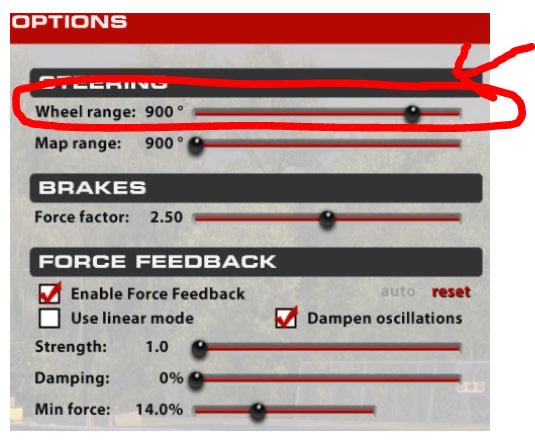
wonder, anybody has tried using the rhino for car racing? Unsure how to calibrate it, the in game wheel moves left / right very fast even when I do nothing, and it is barely playable so wonder if this is doable. Or I need to add a deadzone?
Most sim racing titles are built for wheels with 900/1080 degrees of rotation so you are essentially scaling it by a huge factor to get full travel. You donβt often need full travel during racing, maybe max 100 degrees either side. In iRacing you can define the limits of the wheel. If you can turn that down from 900 to 200 that may work. Not sure if PC2 has the same function.
ok thanks will check that. Or maybe I could use the gamepad option instead of wheel option in PC2, as gamepads still have analog axis but less travel... though maybe with gamepads force feedback will not work
I took the rhino for flight sims, and I removed my wheel as I do not have enough room in my cockpit for both a wheel and the rhino, but then if I can do some car racing with the rhino as well... ^^
just thought about something... PC2 asks me to turn wheel to the max then wheel to 90Β° for calibration. So if I push stick to the max left then for the 90Β° also to the max left, the sim will think I have a 180Β° wheel (90Β° each side). Will have to try that to check if this works.
This is dependant on the helicopter. On an H-60, when you press the trim release on the cyclic, it removes the force gradiant on the cyclic, and the pedals. If the particular model you're flying also has force trim on the collective, the trim release for the collective is exclusive to the trigger on the collective.
General query: Does the rhino retain as its settings the last applied vpconf file settings? IE when turning on the PC and before loading DCS, or any profiles, when the stick is powered, it uses the parameters of the last active profile....is this correct?
Is there an ETA on the bigger 86BLF04 motors? Iβm thinking about getting 3 of them for stick and rudder and then a small one 57BLF03? for a collective. Or will there be an even smaller one available? I thought I saw a 57BLF01 used for a collective.
TelemFFB can do it for you if you are wanting to have different configs load per aircraft. If you have another use case for doing it, you can call the configurator executable via CLI and pass the config and device serial with -config-config and -serial-serial
Quick Question: when I reach the edge of the Y-axis (roll input) the Rhino starta vibrating and finally beeps and seems to reset. I guess I trigger a safety mechanism, but I can't figure out why. What exactly is the cause for that "warning"/feedback?
yep, the latter is the case. I have issue with F14 that sometimes get crazy with the trim, pushing all the way forward or backward... I'd like, in case this appens during a mission, load a profile with the STICKY function on the spring and the trim override
The VP configurator shows the fault at the bottom right of the window, it displays OK when everything's normal. It'd be useful if you post your settings too.
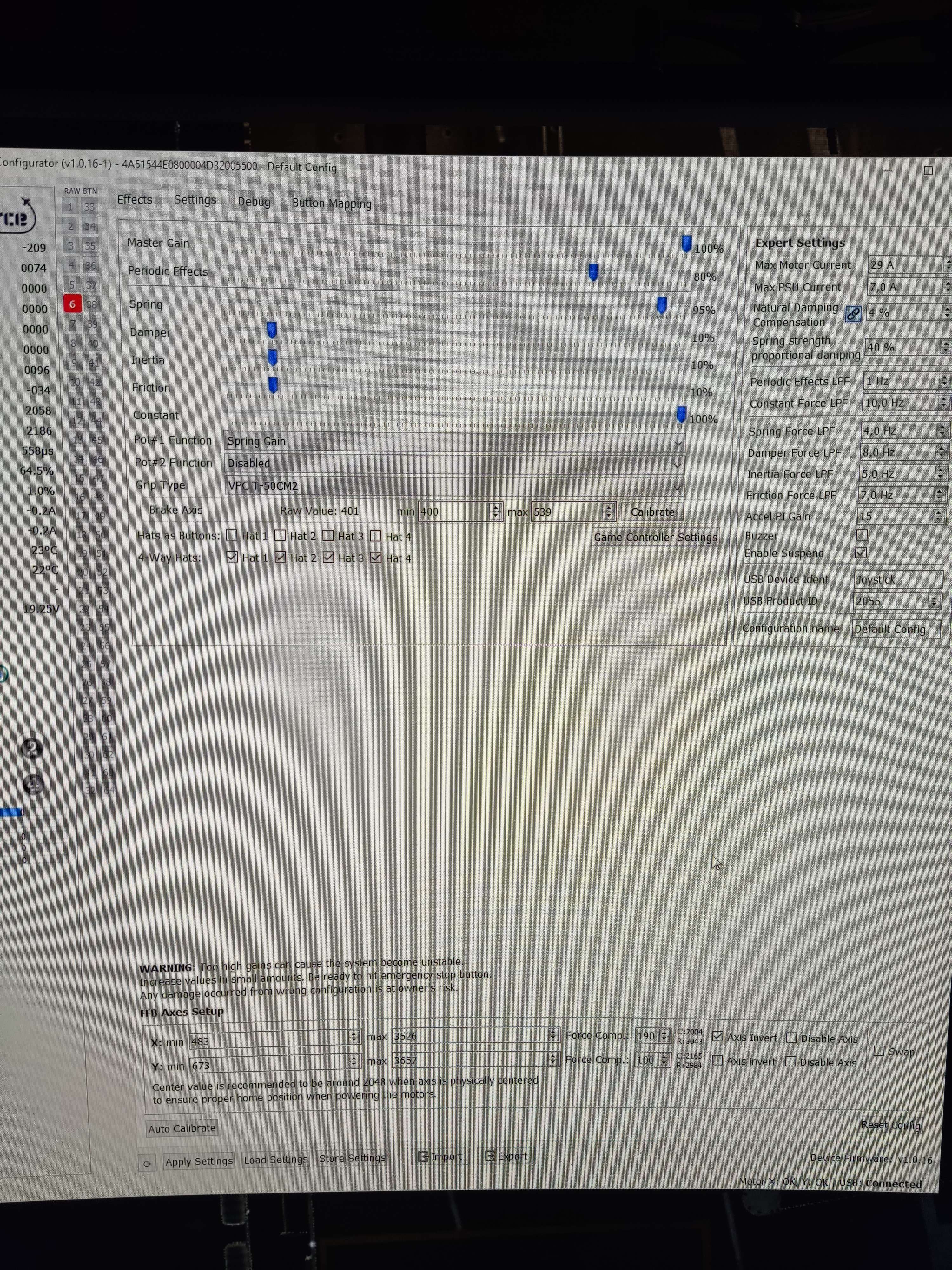
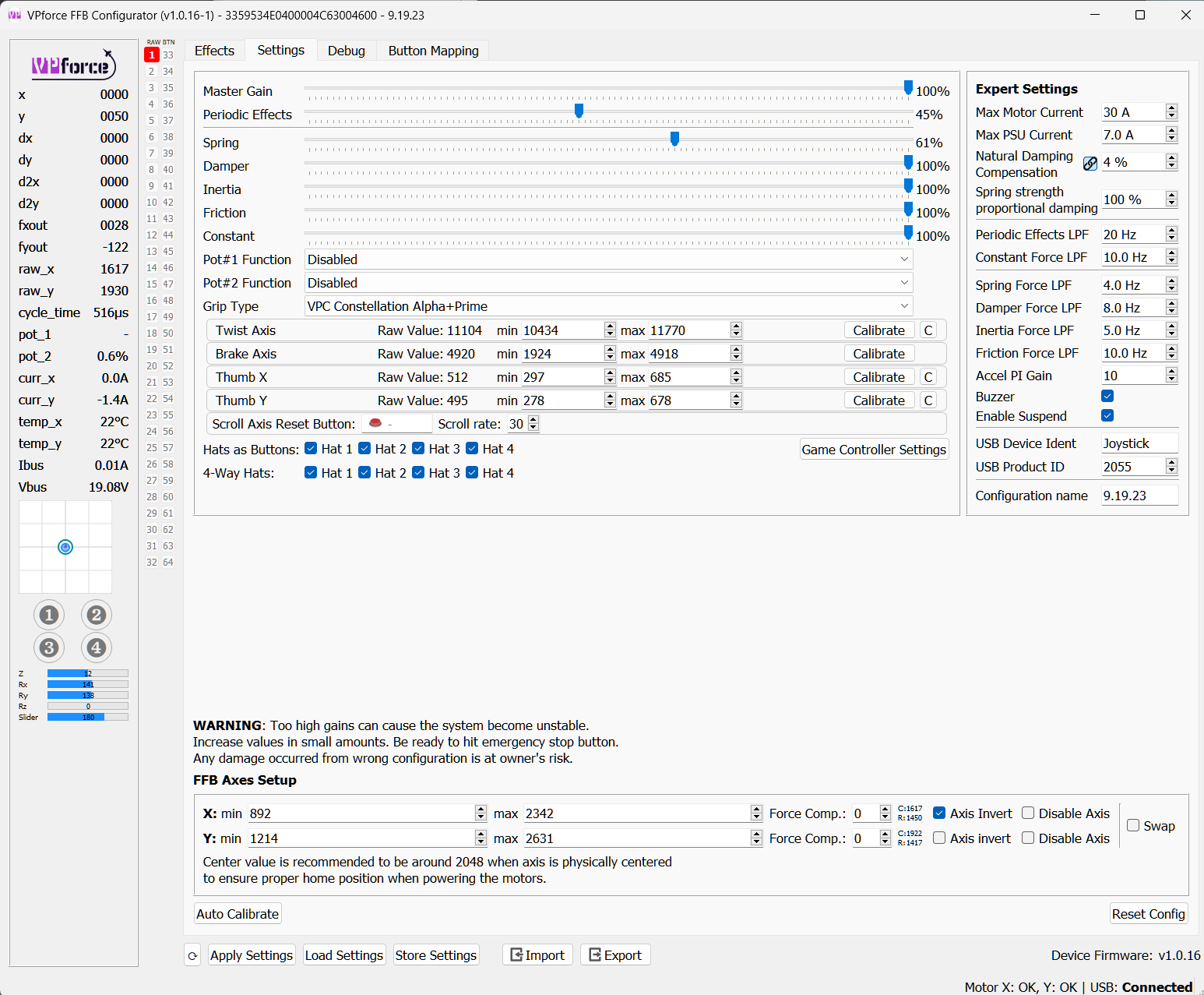
Figured it out, I guess, reduced "Spring Gain" to 95% and for whatever reason, "Spring strength proportional Dampening" in the Expert Settings was at 100% (I reduced it to default 25% and upped it to 40% now). With these settings (see screenshots), it didn't happen anymore.
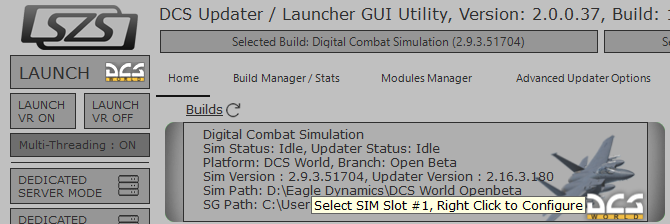
Introducing: The DCS Updater / Launcher GUI Utility v2.0 (DULU) LAUNCH - MANAGE - UPDATE - REPAIR - CLEAN Note: This Utility is not Affiliated with Eagle Dynamics, and not responsible for support. LAUNCH: Launch DCS using Multiple Options and Switches. MANAGE: Manage Your Builds & User Profil...
I created a .ps1 powershell program that's a button box where you can open up all the programs you want if you want I can put that on github from one button. Ill post a pic of it when I get a chance.
Oh for me i have like 5 programs i have to open so this helps so much, plus I start it with windows too. Hah i hear ya though, just might be useful for ya. I was learning powershell for work, but would be better if I made it into C#, no idea how to code that ... But ChatGPT does