i have added this block before thr t_axis_data of the dma what do you think: module EndianSwap( input [31:0] InputData, output reg [31:0] OutputData );
always @ (InputData) begin OutputData[31:24] = InputData[7:0]; OutputData[23:16] = InputData[15:8]; OutputData[15:8] = InputData[23:16]; OutputData[7:0] = InputData[31:24]; end
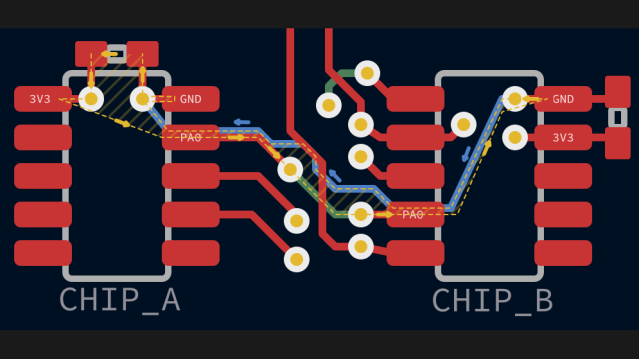
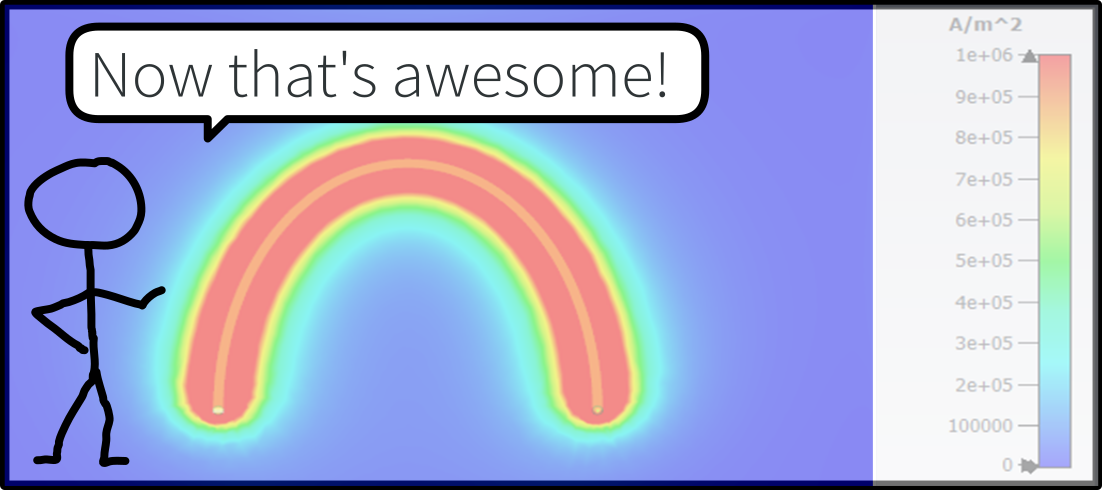
Here’s a question for you: when your PCB has a ground plane layer, where do return signals flow? It seems like a trick question, but as [Kristof Mulier] explains, there’s more to return…
Sorry for the late reply @Phoenix The internship was related to TI's TIVA and SimpleLink based low speed driver integration and product testing. I'm interested in IoT as well. The startup is working on smart and handheld medical equipment development and gives service to redesign of system with new features as per requirement. Thank you for asking
@pemcilwarrior12 Welcome! Can you let us know a bit about your technical background, what brings you to DevHeads, and what you're looking to learn/contribute?!
@Dev Bishnoi Welcome! Can you let us know a bit about your technical background, what brings you to DevHeads, and what you're looking to learn/contribute?!
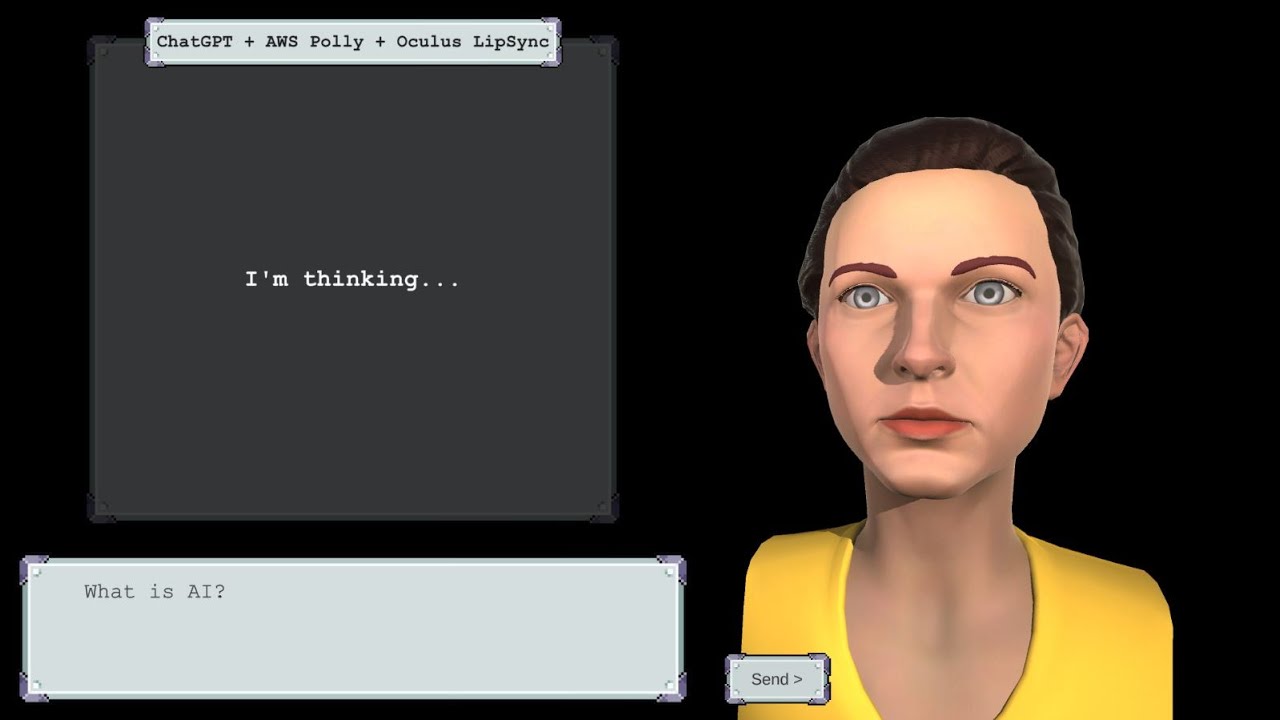
Good morning everyone,i am developing a project that translates voice to sign language using a 3D avatar. I am looking how to convert voice to sign language using a 3D avatar , i am using raspberry and mic Are there any existing avatars that i can use?
Learn RTOS or improve your skills online today. Choose from a wide range of RTOS courses offered from top universities and industry leaders. Our RTOS courses are perfect for individuals or for corporate RTOS training to upskill your workforce.
@vector90 Welcome! Can you let us know a bit about your technical background, what brings you to DevHeads, and what you're looking to learn/contribute?!
Content accessibility using a signing avatar. Accessible solutions are at the core of all that we do here at Kara. One of our main goals is finding smarter ways of using technology that will help build a better future for everyone, in all areas of life.
I am currently working on my graduation project which involves creating a human following robot. I would greatly appreciate your expertise and assistance in this project. Specifically, I am looking for guidance on how to download the Raspberry Pi operating system on a Windows computer and the recommended size of an SD card for this task.
@ticosanjr Welcome! Can you let us know a bit about your technical background, what brings you to DevHeads, and what you're looking to learn/contribute?!
Hi @406399 I'd suggest using 32 GB Micro SDCard. You can use Raspberry Pi Imager s/w which makes the entire process of writing OS image on SDcard easier than that of manually downloading RPi OS. https://www.raspberrypi.com/software/. I think for project you may need to interface Camera with RPi along with Computer Vision capabilities using OpenCV libs
Exactly, to download the Raspberry Pi operating system on a Windows computer, you can use the official Raspberry Pi Imager tool. Here is the open source repo : @https://github.com/raspberrypi/rpi-imager . As for the SD card size, a minimum of 8GB is recommended, but for better performance and storage capacity, consider using a 16GB or 32GB SD card. I wish u good luck with your project @406399
@Evelyndz Welcome! Can you let us know a bit about your technical background, what brings you to DevHeads, and what you're looking to learn/contribute?!
welcome @406399 , actually i did try doing human following robot using multiple methodes , for indoor , i tried to use LIDAR.. it is a bit expensive but if ur univ provide u with it would be a great choice , also i tried using computer vision to identify the person .. the problem is the person have to always face the robot ( here am talking about recognizing a spesific person...) , also i tried using gps ... didn't give a really good result ... for any qst please feel free to ask
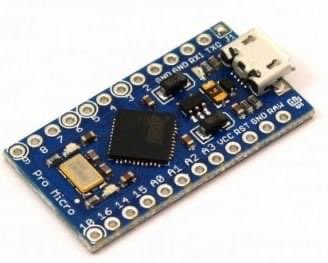
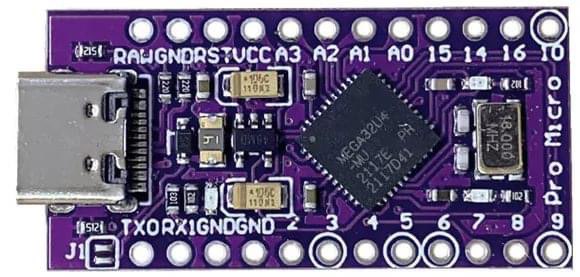
Good evening. I've tinkered with a set of 4 switches/pedals to generate keyboard shortcuts on PC. Everything works perfectly with a Chinese clone of Arduino Pro Micro. Are there any other Arduino boards with USB ports that also support the Keyboard.h library? I tried the Nano... Incompatible. Thank you.
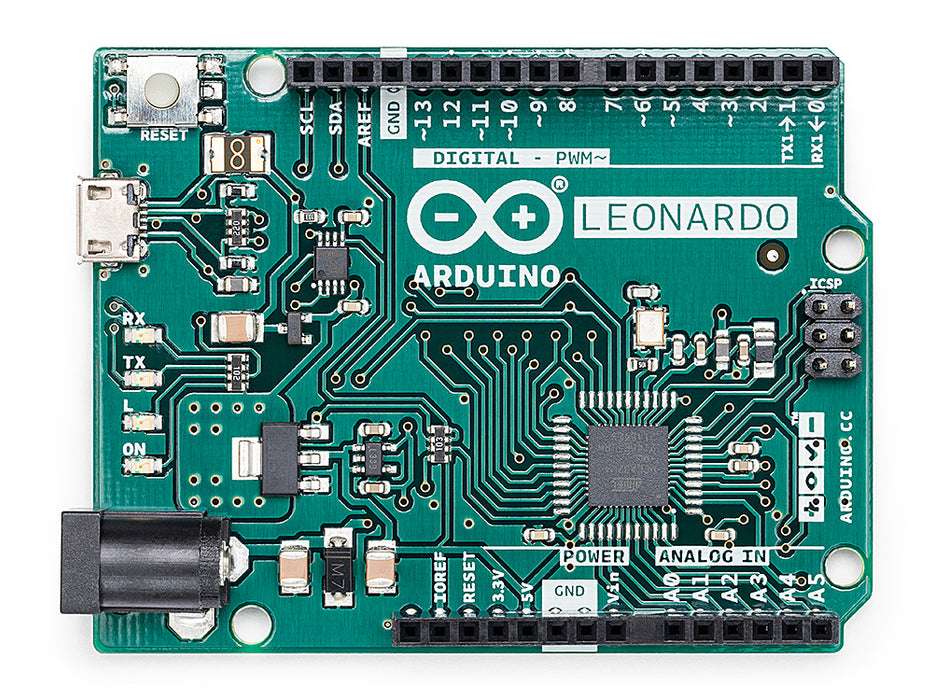
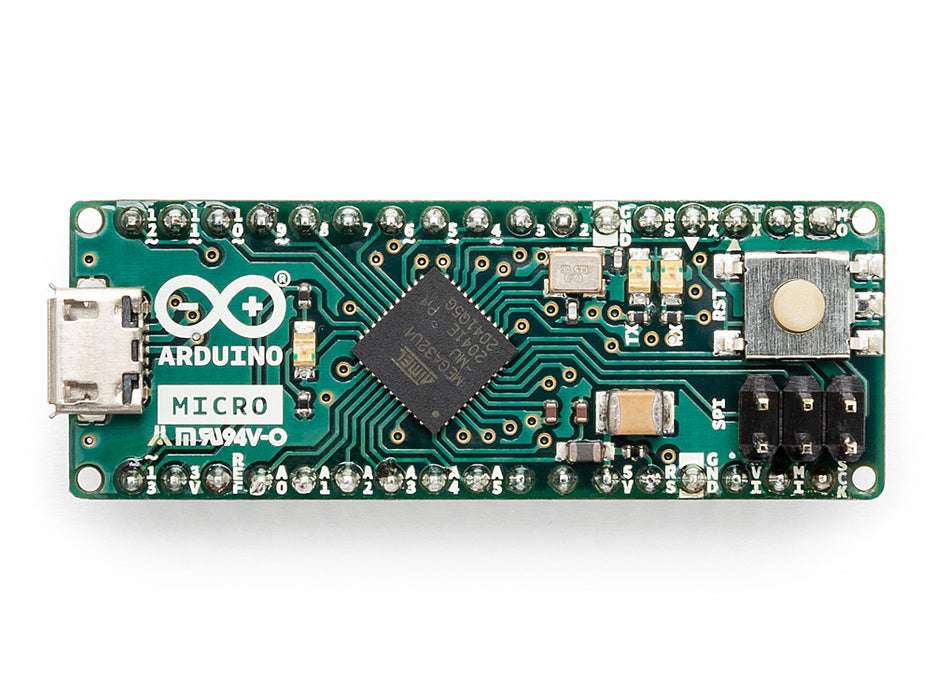
For your project, you can consider Arduino Leonardo or Arduino Micro. Both boards have USB ports and support the Keyboard.h library, allowing you to generate keyboard shortcuts on your PC, very similar to the Arduino Pro Micro but offer compatibility with the Keyboard.h library
@imbored Welcome! Can you let us know a bit about your technical background, what brings you to DevHeads, and what you're looking to learn/contribute?!
@shobhit94 Welcome! Can you let us know a bit about your technical background, what brings you to DevHeads, and what you're looking to learn/contribute?!