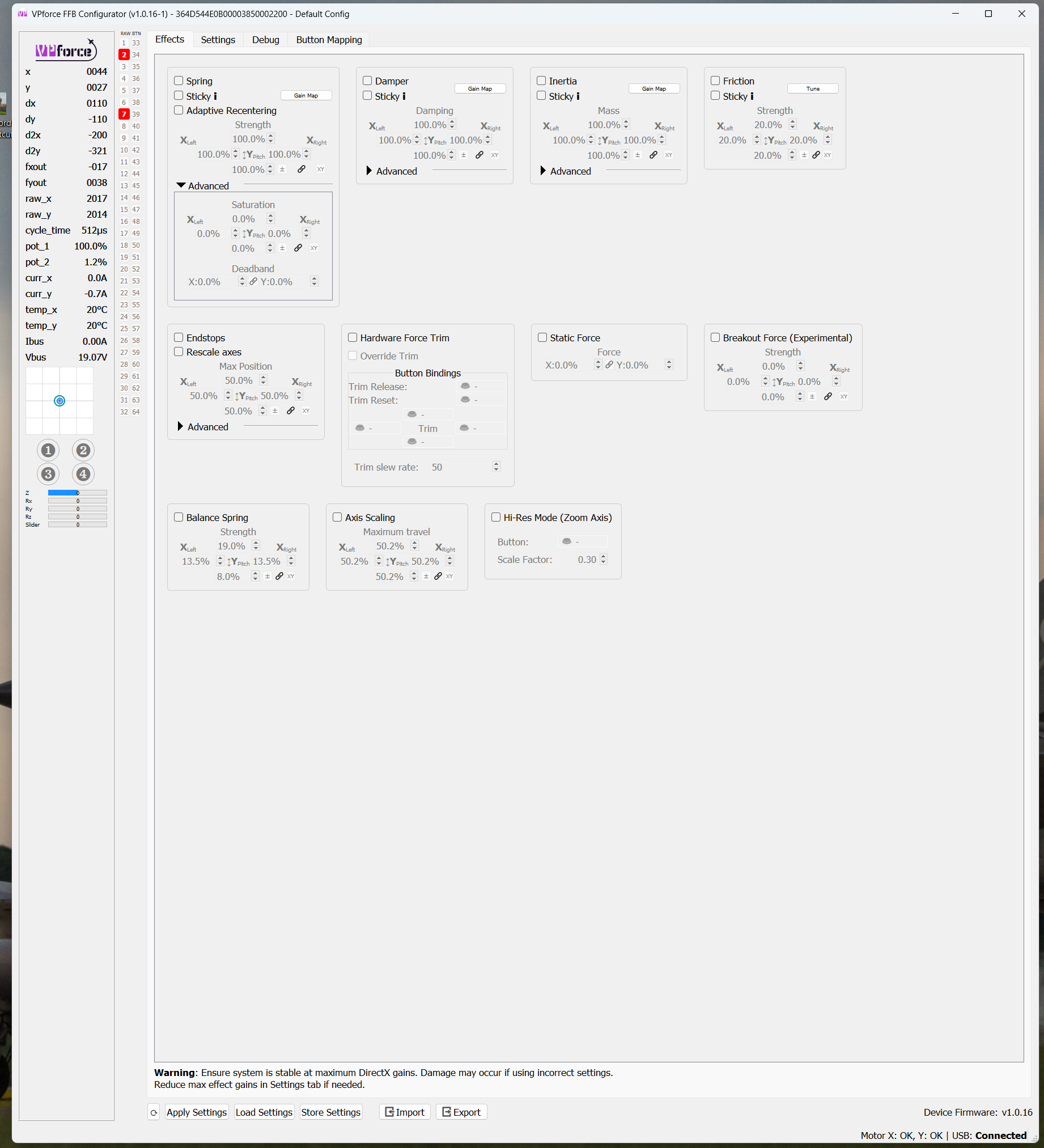
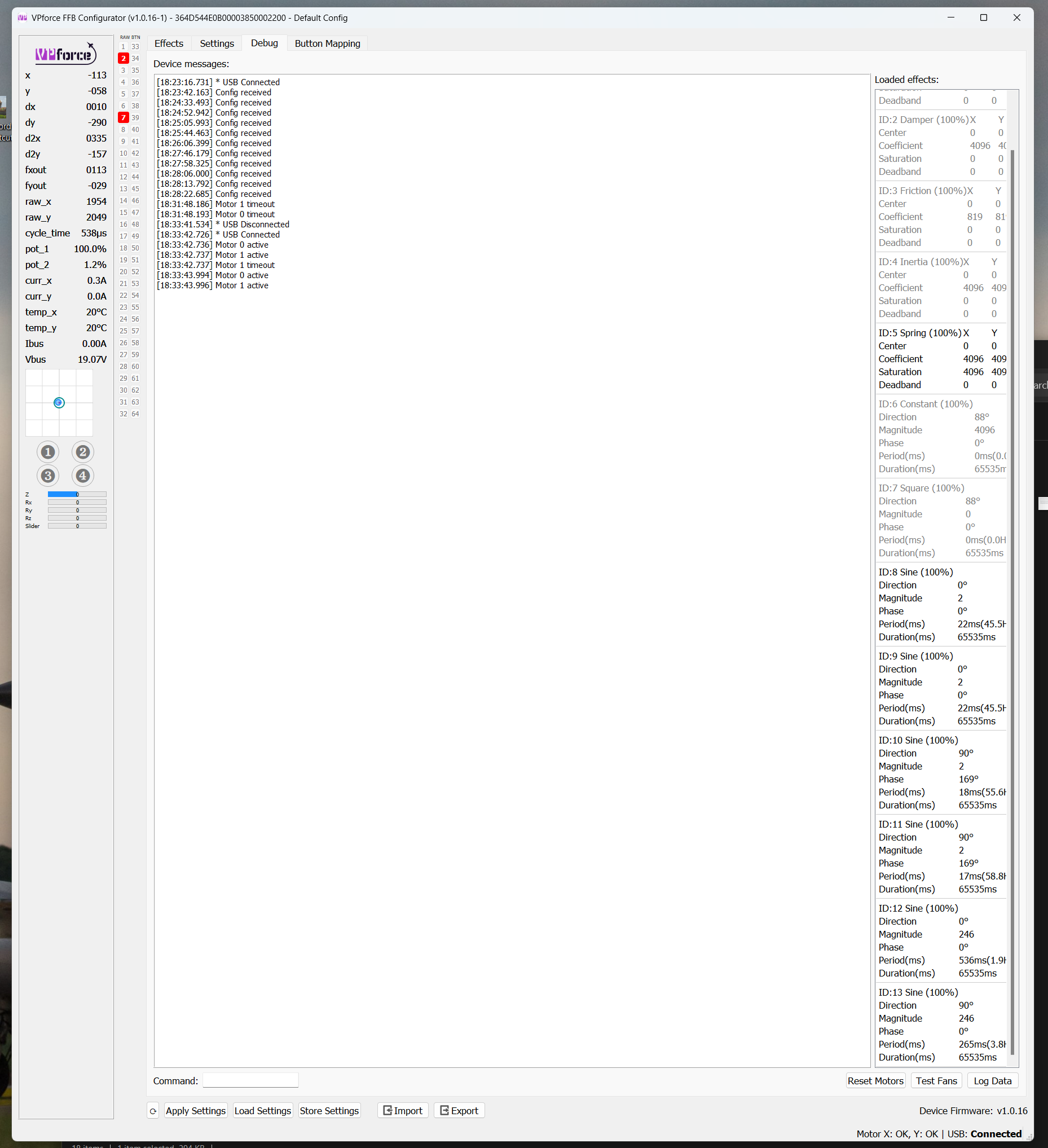
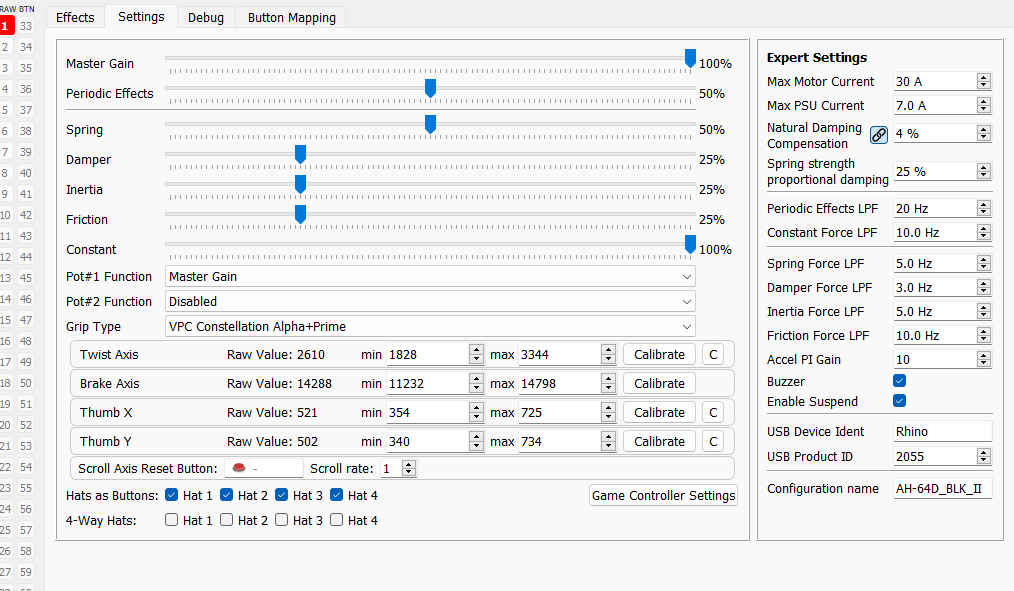
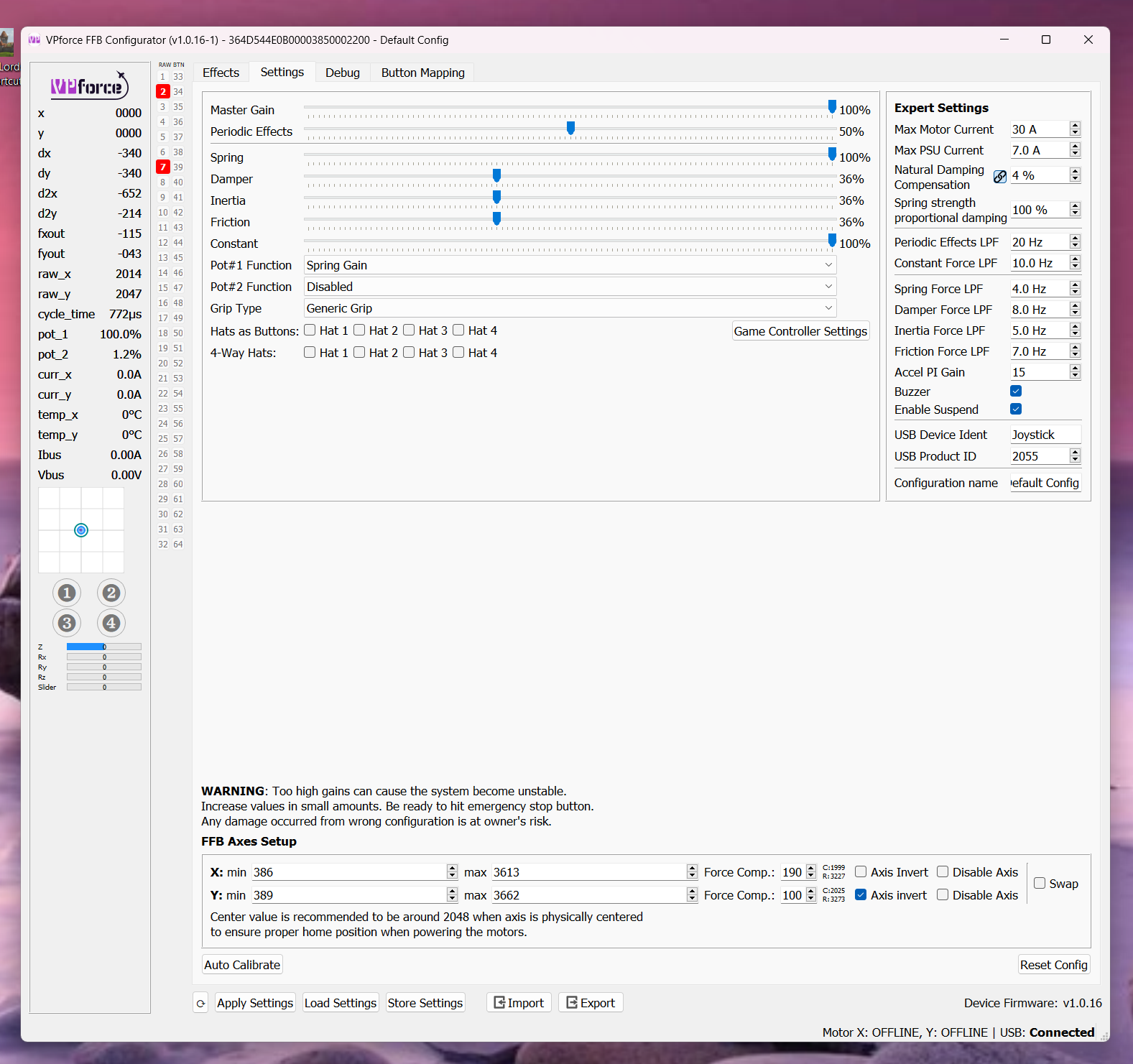
looks like there's a bunch of left over effects, probably from telemFFB ? You can click reset all effects in telemFFB or restart DCS it will reset the FFB automatically
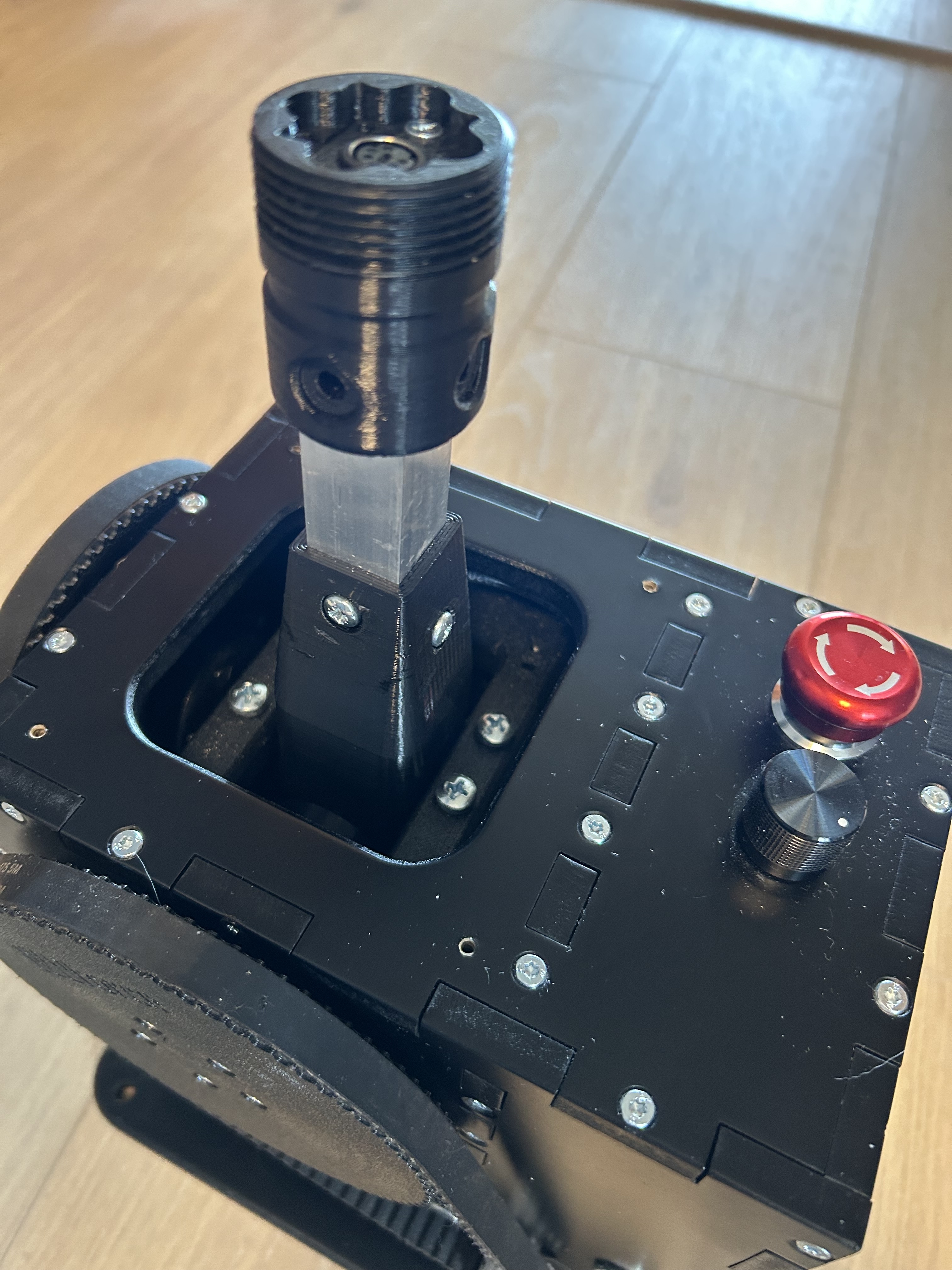
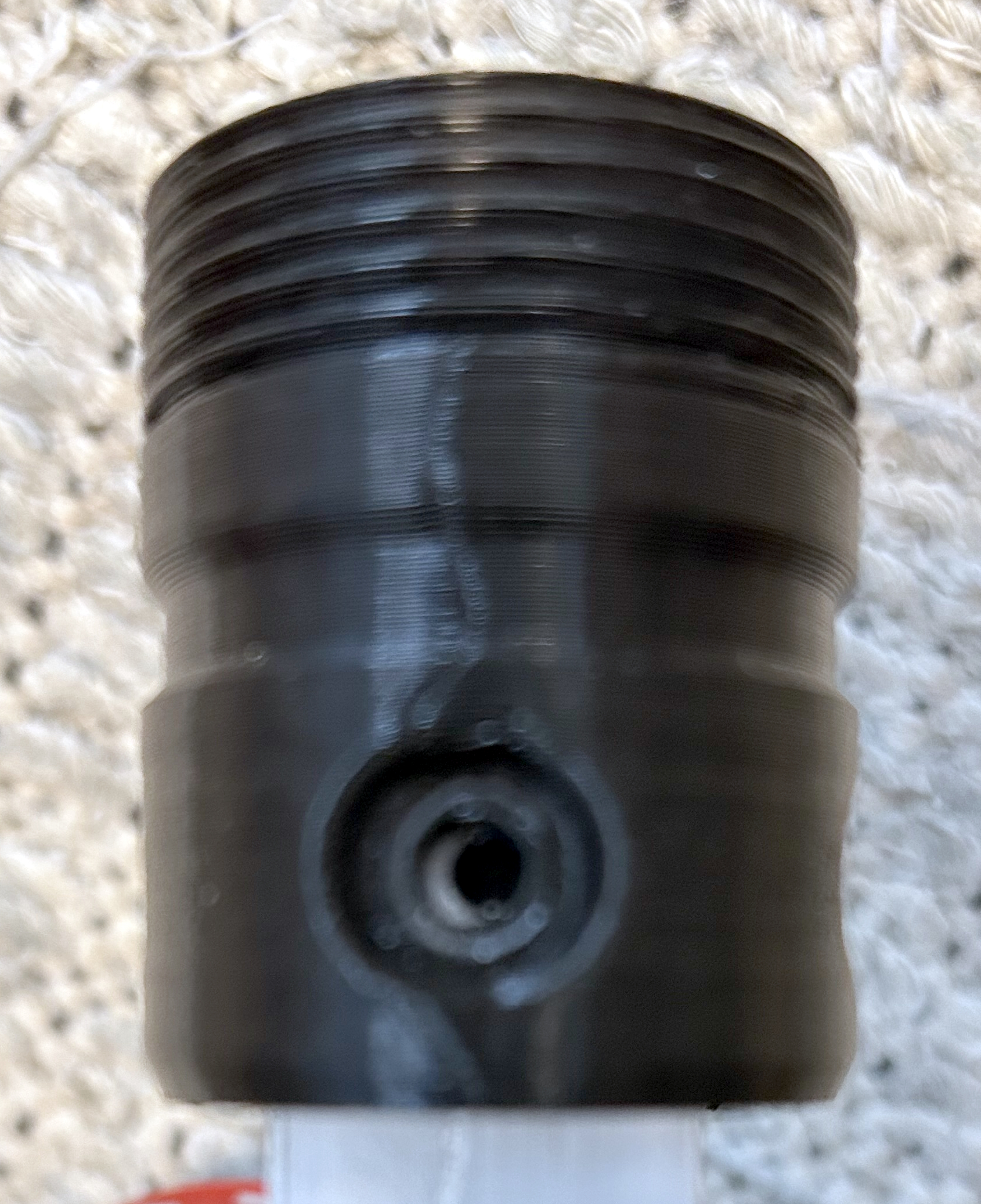
No. 0072 says hi! How do I pull the top part off the shaft? Only two of the four screws were in their threads and I was advised to insert a nut in the shaft to fix it. But my hands are too weak to pull the part out.
I removed some plastic with a dremel. I can now get the pilot-facing screw in, but the forward facing doesn't want to connect. I think it's the screw thread. I tried swapping screws but that didn't help.
I put it back together with just 3 screws. I realised the fourth screw could drop into the Rhino at any time. The noise is unchanged. It's like a thud and I feel it in my hand too. But I don't feel any play in Y-axis. Maybe I imagined the play and it was just the thump I felt?
I fought with mine for some time trying to source some creaking/popping. I focused on the connector for a while too, but it ultimately turned out to be the pulley screws. They had loosened themselves up a bit which was allowing the Y pulley to shift ever so slightly under heavy loads. Giving them a good cinching down resolved the issue for me.
It does produce a different feeling type of dampening from the normal "Dampen" effect type.
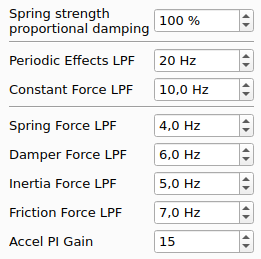
@legobirds , this effect actually uses spring force to generate the dampening effect. So if you have your spring set relatively low, you won't get a lot of dampening effect out of it.
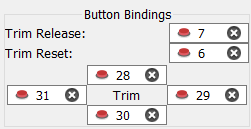
Button remapping question. I got a shorter grip and extension today with fewer buttons. I want to map helicopter trim, release and override buttons (on the Effects page) to match the button numbers in my other grip. But it seems that the Effects page disregards the mapping and assigns the physical button instead. Am I missing something?
I'm happy - and surprised - to report that the thump I heard and felt no longer occurs with my new shorter grip & extension even if I turn spring force to 100%. So it seems Rhino was not to blame.
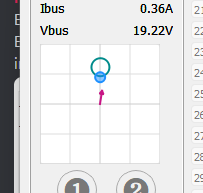
When using force trim in DCS, the further from center I am, the further it sets the center away from actual stick position. Then the stick jumps to the "center" In the screenshot, you can see where the stick is vs where it sets the center. It does this on game ffb or the sofware force trim overide mode.
I've got a Thrustmaster grip on the rhino, as a "generic grip". The hat is not recognized by windows, but is represented as a button press. How can I map this as a "hat"?
Is it normal for there to be quite a bit of play in the stick even with max spring force? I'm trying to have the stick be as stiff as possible unless trim release is pressed for flying helicopters.
If there is any play in my stick, itβs not noticeable. Not sure if the play youβre talking about is mechanical or some sort of digital play due to software or a moduleβs FFB implementation, but I fly the F-14 with max spring forces and I can make tiny instant corrections by barely moving my fingertips.
Yeah, you wouldn't be able to do that if there wasn't any play in the stick. I want the stick to be as immovable as possible unless trim release is pressed which is how helicopters with force trim systems work. I am just curious if being able override the spring force with not much effort even at max strength is normal or not.
Hi @walmis my VPforce Order #889 arrived but without the throw limiters to restrict the stick deflection. Were they supposed to be included or ordered separately?