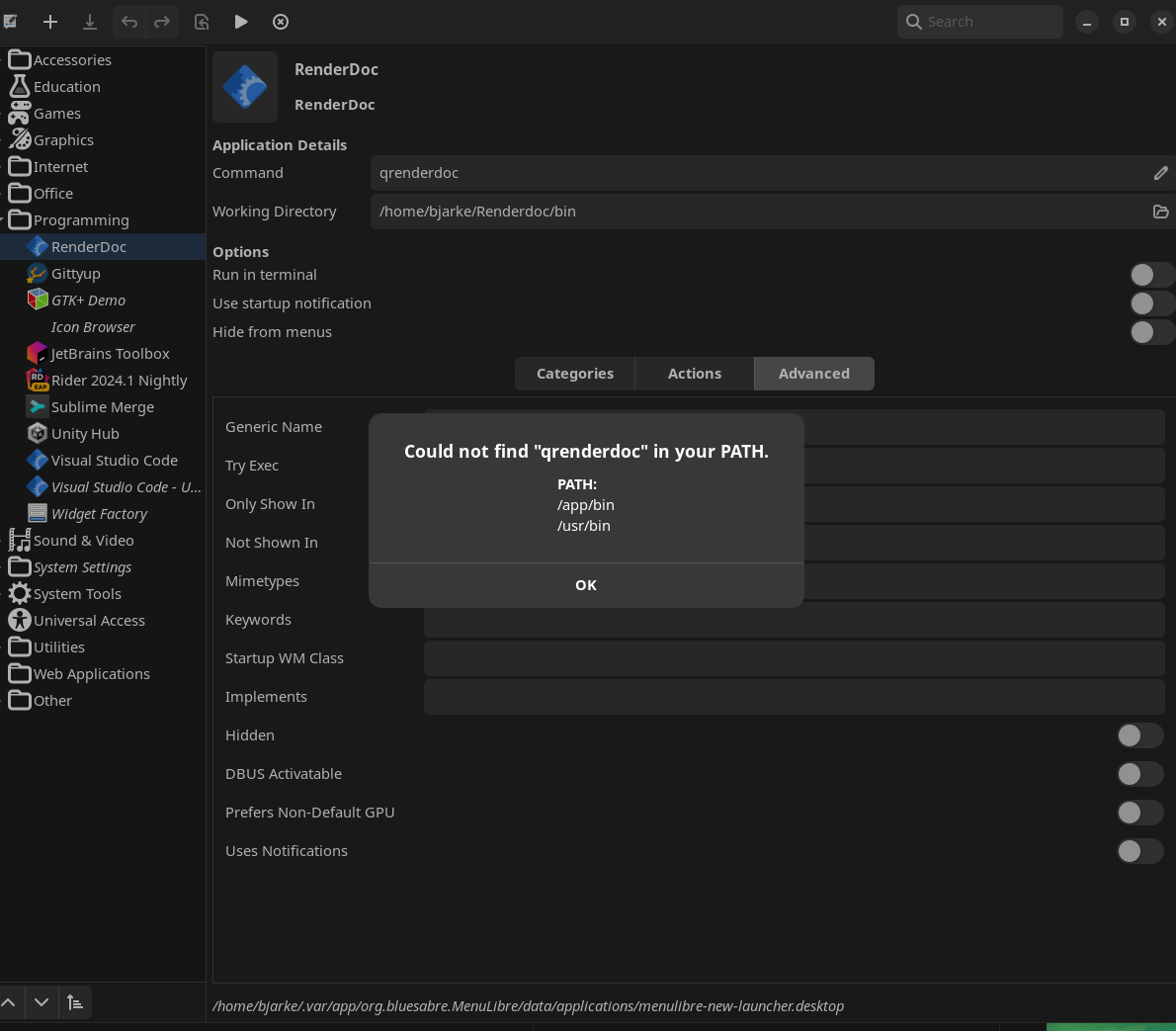
Anyone know how to create a desktop shortcut to an executable? The right-clicking and create a link
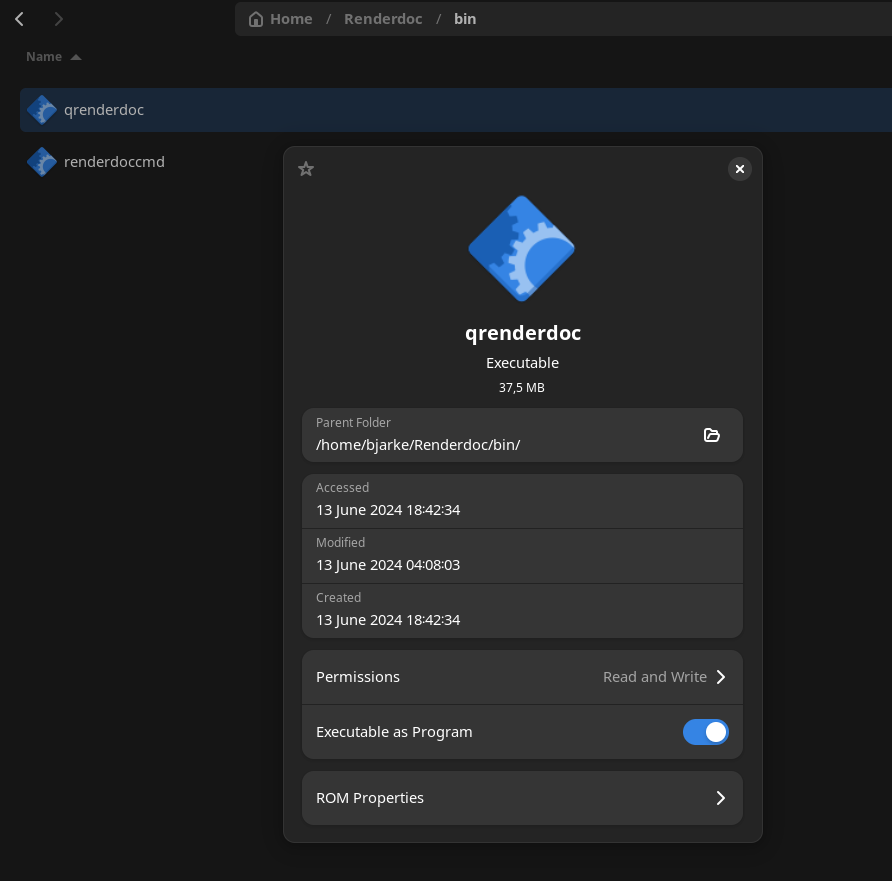
Anyone know how to create a desktop shortcut to an executable? The right-clicking and create a link doesn't work when moved to the desktop.
![Snoweuph[matrix]](https://cdn.discordapp.com/avatars/490814042563411968/2ad06ad44c5a78f76e968e9363d9bf9b.webp?size=40) S
S.desktop~/.local/share/applications/ directory B
B H
H.desktopmenulibre/absolute/path/to/executable KB
KB Works now! thank you
  K
K A thanks
  KK
KKgamescope ASS
ASS CSSSH
CSSSH V
V
 ZZCCKKVKVZ
 KVVCVVC
 S
S J
Jauthselectpam_u2fpamu2fcfg
 D
D K
K~/.local/share/applications/[Desktop Entry]
Name=My App
Comment=Description of my App
Exec=/absolute/path/to/executable
Icon=/absolute/path/to/icon
Terminal=false
Type=Application
Categories=Game; UBUniversal Blue / 🛟bazzite-helpUBUniversal Blue / 🛟bazzite-helpUBUniversal Blue / 🛟bazzite-helpUBUniversal Blue / 🛟bazzite-help
![Snoweuph[matrix]](https://cdn.discordapp.com/avatars/490814042563411968/2ad06ad44c5a78f76e968e9363d9bf9b.webp?size=16)