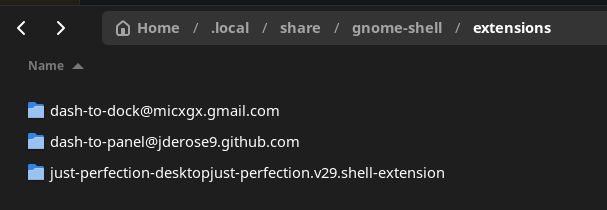
View gnome-shell-extension-just-perfection in the Fedora package repositories. gnome-shell-extension-just-perfection: GNOME Shell extension to change behavior and disable UI elements
Ok, what is sus about it? Would you recommend against dual boot at this time? I think the issue has to do with the Ally's Bios option for Secure Boot. Everything worked great except this Bios setting, which is not discussed anywhere in the documentation.
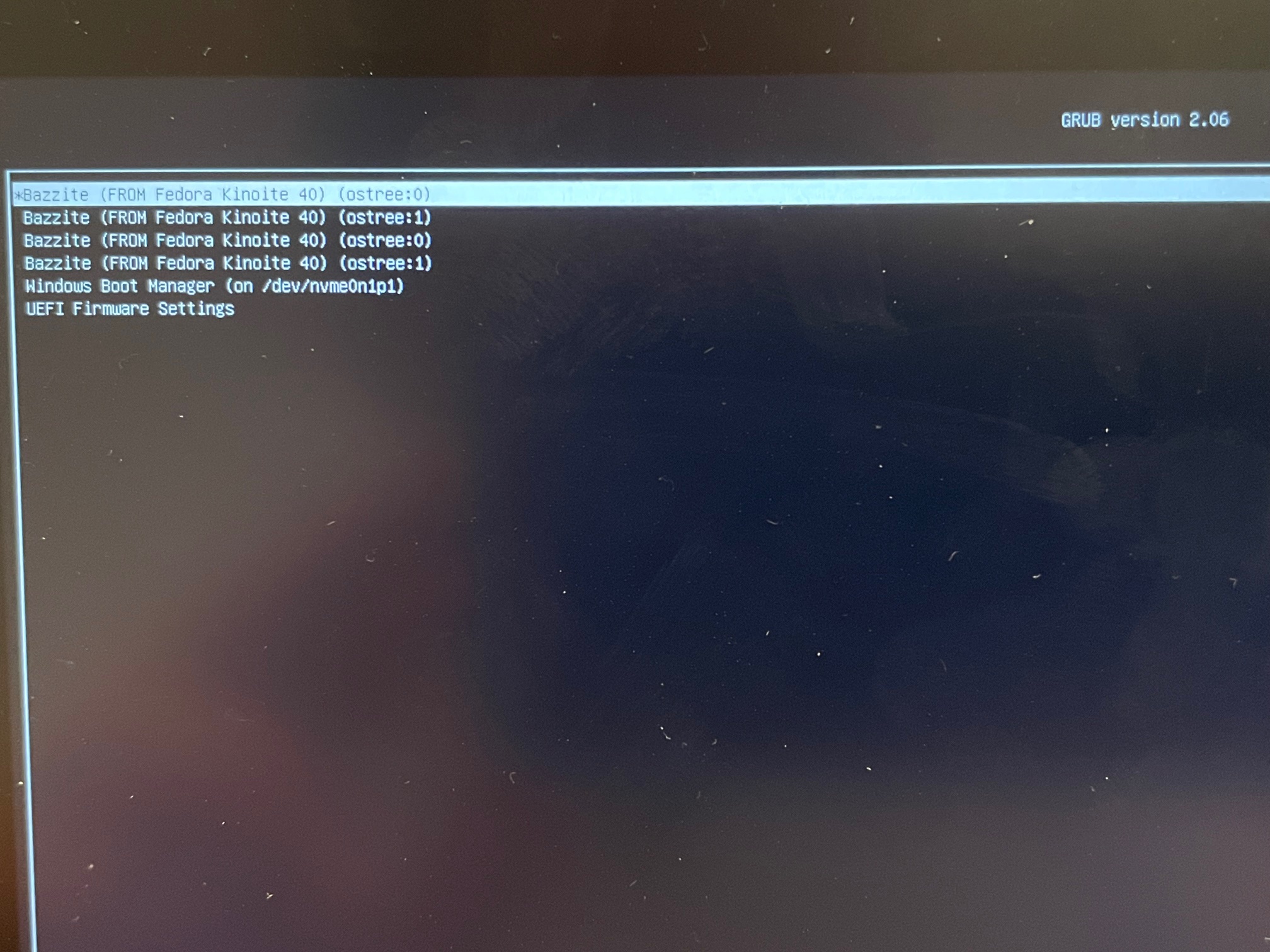
If I leave Secure Boot Control enabled in Bios (and it's on by default), I get this screen when booting to Bazzite. However, the dpad is nonfunctional so I have no way of getting past this screen. All the buttons don't work, this screen forces me to reboot, go into Bios, and disable Secure Boot Control. Then it boots to Bazzite without a problem. Secure Boot Control is separate in Bios from Secure Boot itself being on or off; in my case Secure Boot has always been set to off, but Secure Boot Control was set to enabled by default and I had to turn it off.
Otherwise I did everything according to instructions.
1: only one reporting a fundemental graphical issue our testers would have found 2: suddely broken Windows w/ issue that can't arise from mere dual booting
I guess my point is, I'm OK redoing the entire process but how do I handle the Bios setting I mentioned, do I turn it off before trying to install Bazzite? And is there anything else I need to do differently in my process? I'm just trying to understand why we would expect a different result if I repeat the process exactly the same.