I think that's reasonable. My plan as well. Just have them running constantly but almost inaudible and have them ramp up at their usual treshold (50 C I think).
Something went off, I've got joystick and pedal going on but only one of the board can be connected after the firmware update. Any way to fix this? I checked the PID is unique to each joystick(2055) and pedal(2052).
I should have said ''one at a time'. The second one gets detected as USB as beep goes, but it gets ignored on configurator, then USB gets disconnected on second board after a while.
Thank you for looking into this, I have a Sabrent powered USB hub. I'm trying the USBDview now, I see [Rhino FFB Pedal] (Green) while the Rhino FFB Joystick is disconnected and Pedal connected. When I connected the joystick, beep sounds but no [Rhino FFB Joystick] shows up. I noticed that [Port#0004.Hub#0013] is going red when I connected the joystick, and goes gray when disconnected. I disconnected the pedal and connected the joystick, the line [Port#0004.Hub#0013] changes to Rhino FFB Joystick.
The quick device selector dialog is now asking which device to work on, select Joystick...worked, close the configurator and start again, select the Pedal...worked. TelemFFB launched as normal. I think I'm good now. Thank you for helping me on this, I really appreciate!
I believe the Sabrent hub is USB3.0 but I think I connected a USB2.0 hub in between to see if I can get around the USB Endpoint issue. So far I haven't seen 'Not enough resources' message after I did it. I have too many USB devices, the way how resources are being managed are quite complicated.
My brain can understand just little part of the endpoint calculation but yes, that explains! Thank you again for saving my weekend, and introducing me the USBDeview, I was been using Microsoft USB Device Viewer but the USBDeview gives far better idea of what's going on.
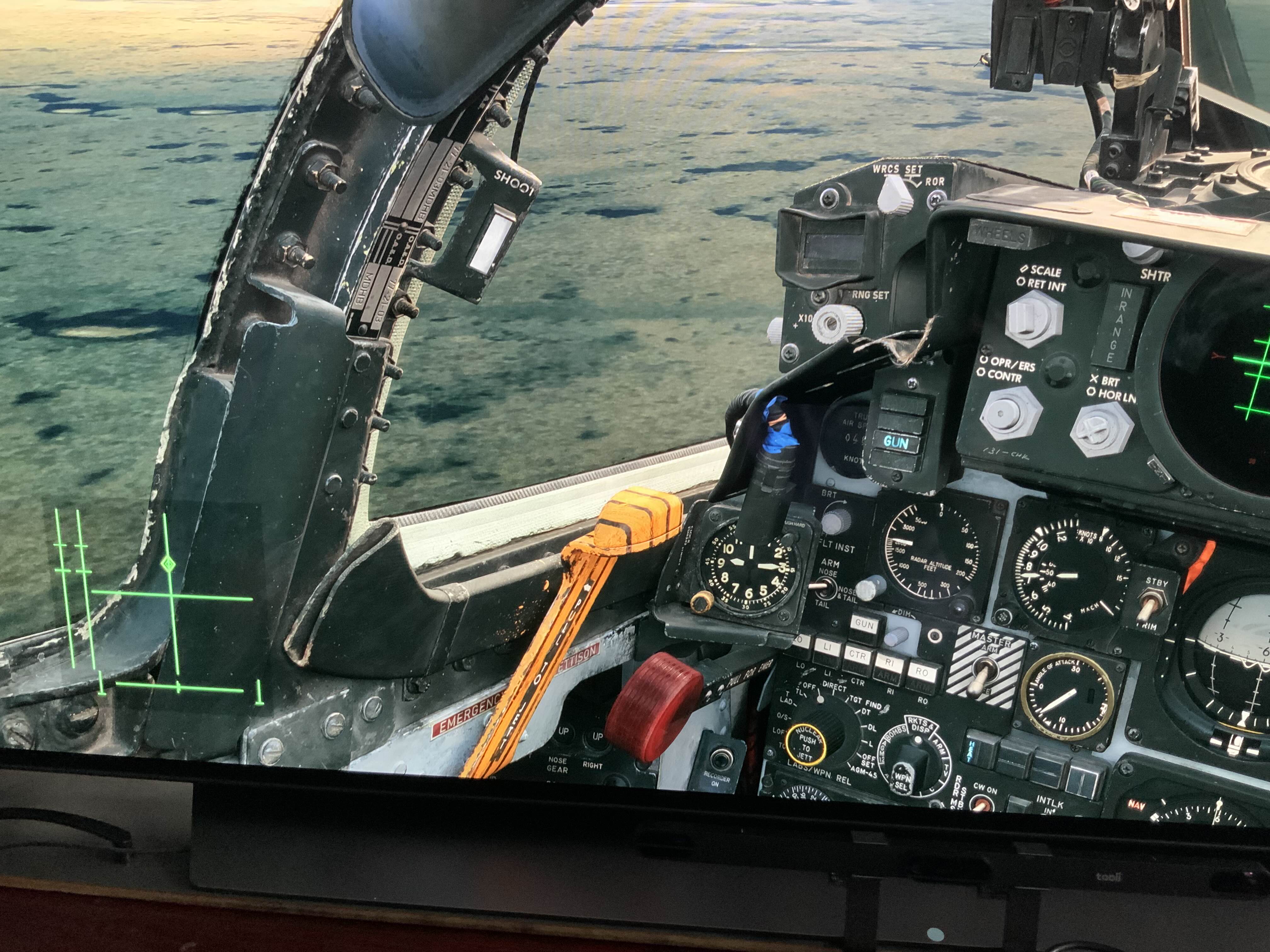
Iβve been reading through the old posts about the F4 pitch up issue and checking things list axis conflicts (I have none) and other settings. The only solution Iβve found that works is to disable FFB in DCS but then you donβt get stick trim that stays in place. Was a solution ever found that allowed both to work? Iβm using TelemFFB and VPforce with a Winwing adapter and extension
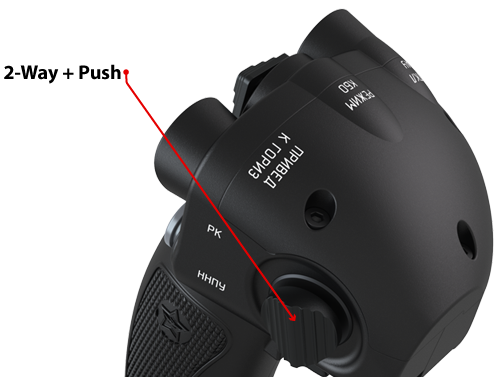
Did anyone have any buttons on their grip stop working after updating to 'v1.0.17b1'? I have a VPC MongoosT-50 CM2 grip connected to my Rhino. The forward and aft inputs of the 2-way+push on the right side have stopped working after the Rhino update yesterday. When connected to my Virpil CM2 base it works normally (confirmed by VPC Configuration Tool and Windows Game Controller), but when connected to the Rhino base, the fore and aft presses aren't detected. Downward press still works. I have VPC T-50 CM2 selected in the Grip Type drop down just as I did before updating. I noticed that the fore and aft presses are detected when I select Generic Grip or most of the other VPC choices, but using those can cause other conflicts. If it helps, the non detected inputs are normally listed in Windows Game Controller as 18 and 19, and 28 and 29 in VPC Configuration Tool.
Hmm. Guess I'll play around with the settings, then. It's just weird that it's only with it on the Rhino, only with the CM2 grip type selected, and only after yesterdays update.
@walmis hey m8, sorry again for ping. Is there a trick to removing the 3d printed grip attachment part? It seems to be on there really tight & I'm worried about damage to the gimbal??
ok got the 3d part off but there is now way to install the new cable without cutting the plug end off & I don't have the tools to redo a plug like that??
Someone refresh my memory. When you go to https://vpforce.eu/usb/rhino/ and click 'connect', is that pink dot then supposed to move when your stick does? Mine doesn't, and I feel like it did a day or two ago. I'll add that it doesn't move even if the Configurator program isn't open, because I think I remember that you can only be connected to either one at a time.
I tried a new beta firmware, but my old Virgil MongooseT50 is not supported yet. I already sent you requested information. Could you update firmware for it?
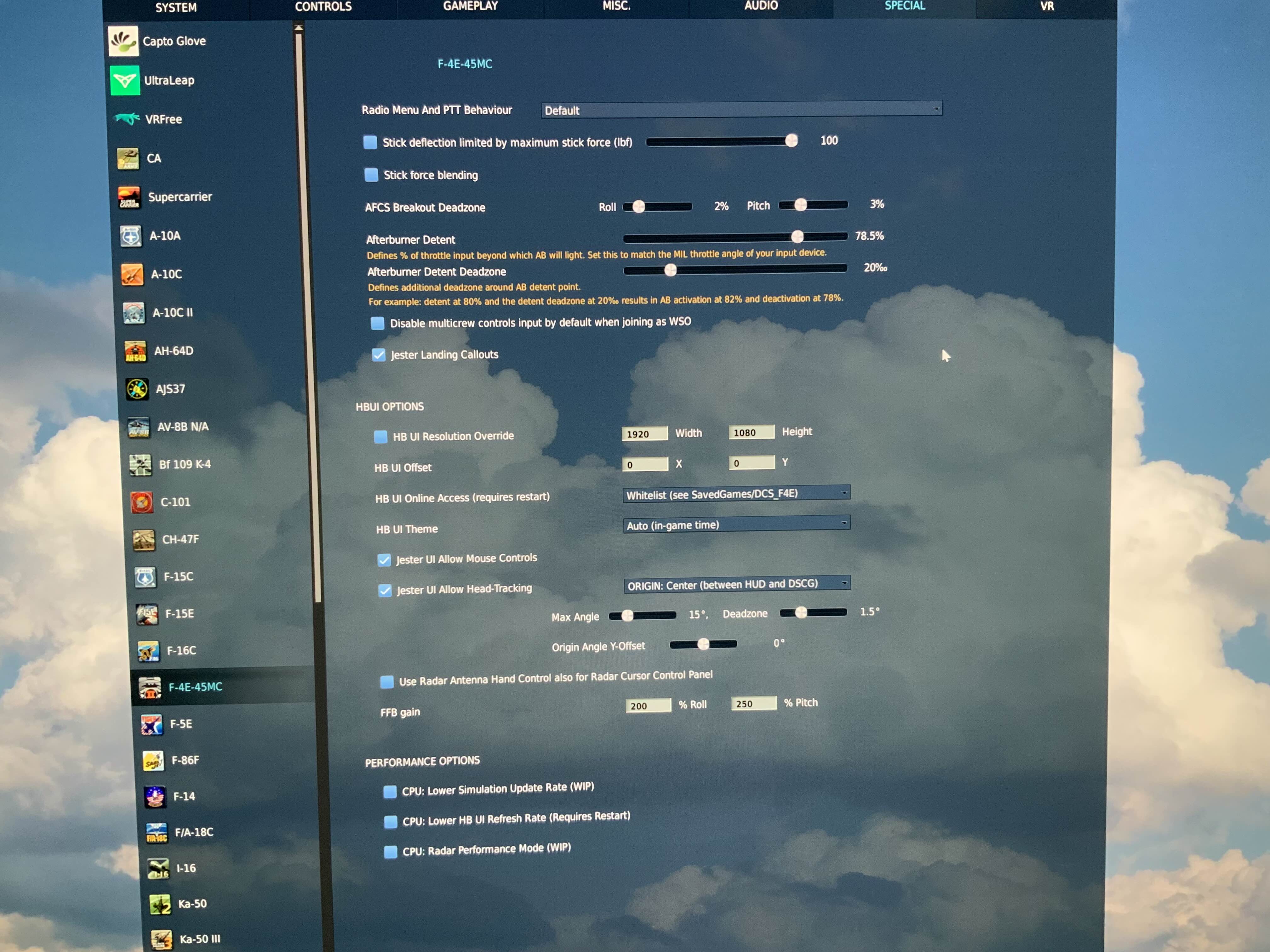
Hey, just retested with all the latest software updates. With FFB enabled and use of Rhino Stick and Pedals, I experience no issue. The Phantom trims just fine for level flight. Here are my settings:
Hi guys, I am using the Constellation Alpha on the Rhino, all works well BUT the Joystick "joystick hat "on the stick. Any hints how I can map this correctly (shows as hat 4 - always diagonal left up)