ive found a wierd bug. I have hardware limiters in. I have recalibrated and have full throw via software. in dcs the game isnt using the entire travel of the stick in the x,y axis of the rhino. The vpforce software is showing the full delfection, but dcs is only using about 80%, I have no curves, nor have i messed with the gain maps.
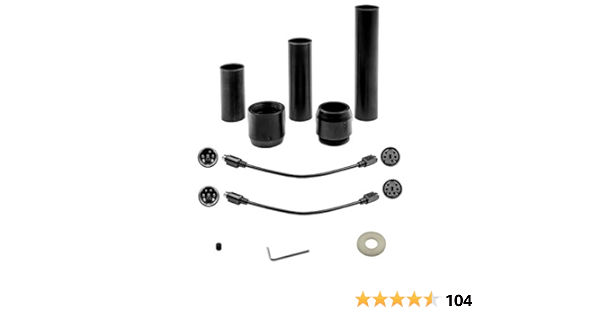
Flight stick grip extension kit. All light and strong anodized aluminum material (both tubes and adapters). Grip Extension kit includes various extensions: 70mm, 105mm, 150mm. Total length adjustment with adapters: 70mm (2.75 in.) to 190mm (7.5 in.) Included in the kit: three extensions, female/m...
Its identical to 2020 in operation. Enable MSFS in TelemFFB, start the sim. That's it.
Any aircraft you copy from your 2020 community folder over to 2024 should work without intervention.
Many of the default aircraft though have different "names" from 2020 so will require new profiles in TelemFFB. You can clone from the existing matching default profile. For example in 2020 you have "Asobo Cabri G2", in 2024 it is just "Cabri G2".
Always suggest using a wildcard option when creating a new profile so that it matches all the liveries (i.e.
Cabri G2.*
Cabri G2.*
)
Be aware that during menu transitions and in the career mode, the MSFS24 "pause" state is broken and will feed random telemetry to TelemFFB.. keep a hand on the stick to avoid whack-f*.**
Related to this request. The latest firmware seems to have some very picky requirements for inertia and friction to maintain stability. I’ve seen a few requests like this one pop up and have had the issue myself. I thought I had it tuned out using the estimator gains but in sim have had some unstable conditions pop up. It’s a bit of a head scratcher for me too. I’ve had to either disable friction or inertia completely as the only reliable way to fix it.
Can you try vel estimator @ 50 and Damper LPF @ 12Hz It's also possible to use the pre v17 behaviour, by setting the Vel estimator to 0 and using lower damper LPF values (<8Hz)
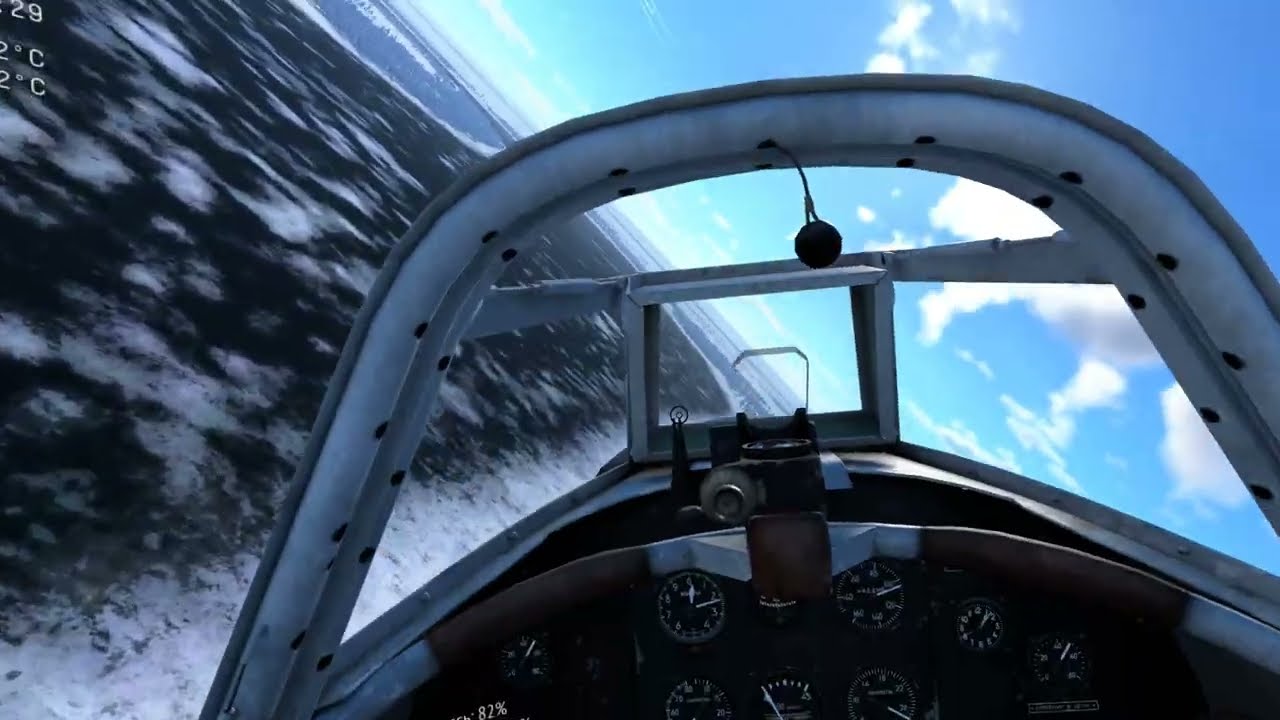
How do I get the Rhino working in War Thunder? (Sim Battles mode with planes) I see FFBeast users getting it working there https://www.youtube.com/watch?v=Ji7rUlsiWB4&t This guy has total superiority as a result. I asked him how he did it and he simply replied it has to be configured correctly in software? Other MSFFB2 guys also report great FFB there, but I've had no luck with either MSFFB2 or the Rhino. I've tried just about every setting but result is the same, the stick is completely limp at all times and just intermittently rattles and shakes :/ Edit: Have to add I can of course get it "working" by configuring it as a non-FFB
Thank you for the tips! I’m currently at vel 100 and acc 50. Damper LPF at 15 and 20 had minimal effect so I did not try to tune down further. Turning the estimator gains up eliminated the minor oscillation with hands off at idle state but in sim has had some more powerful oscillations under certain telem FFB effects. Maybe I’ve got them up too high now. I will try these settings later tonight. should I set acc gain back to the Rhino default?
We need to see his effects settings. Maybe he has it on 10% there or not even enabled. I would recommend though to leave it on 100 on the effects page and dial in the desired intensity on the settings page. Such values wouldn’t work then of course. @slowmover You can reset the motors on the debug page if they tilt out.
Not right now, sorry. But it is easy. On the effects page enable all four (spring, inertia, damping and friction) and set them to 100%. Then on the settings page, set spring to 0 and start dialing in the other three one by one (start small and increase step by step). When it feels good, increase spring again.
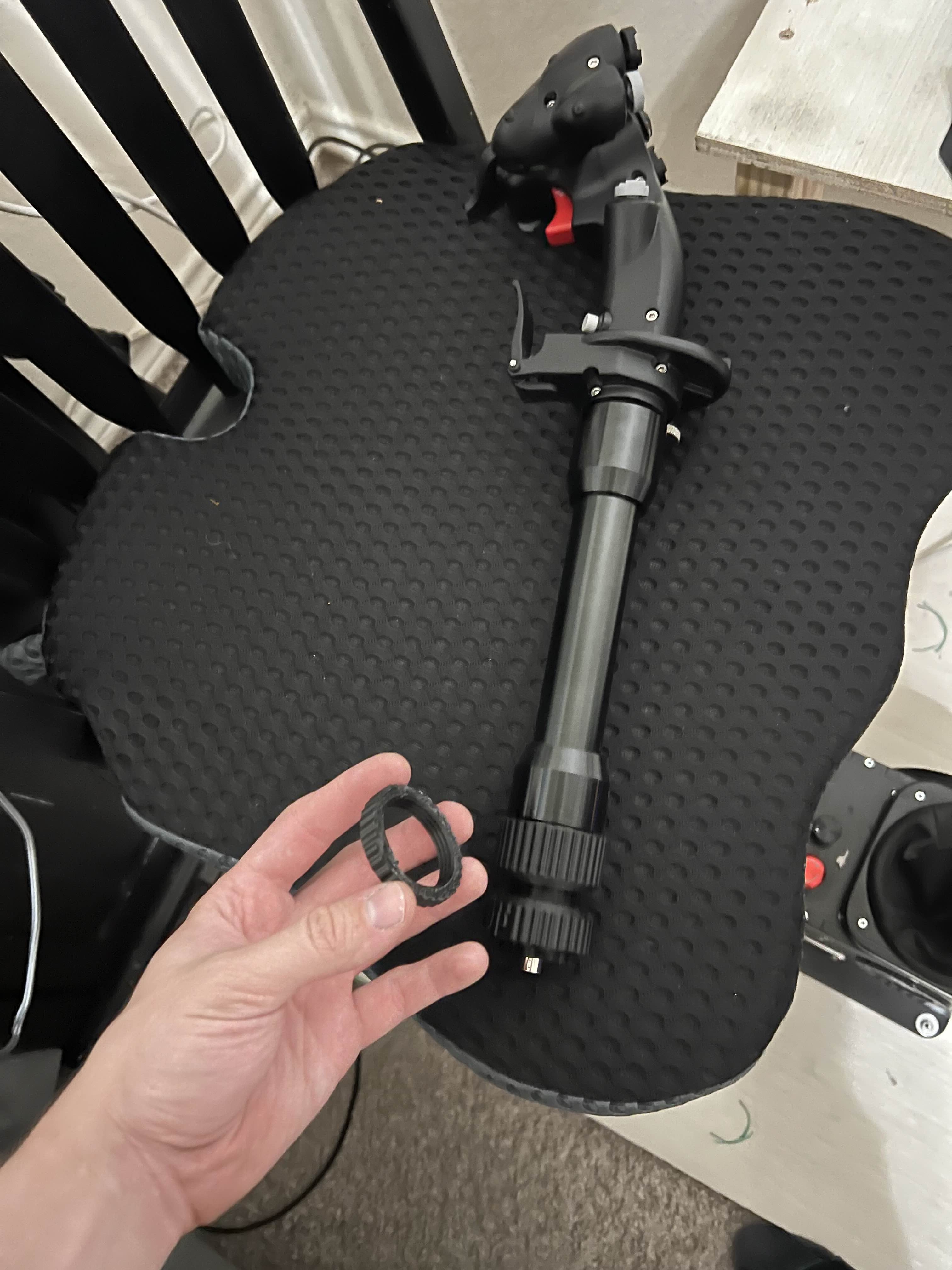
I just got my rhino hooked up today and I was wondering if my joystick is supposed to be able to spin 360 degrees. I have a winwing orion 2 stick and I have the appropriate adapter for it.
i'm not familiar with how that adapter works, but i would assume it needs to be able to tighten to prevent that? but will probably need someone who knows more about the winwing adapter works to comment