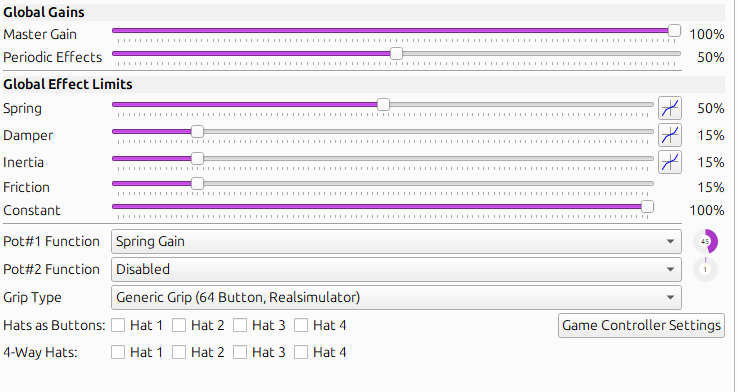
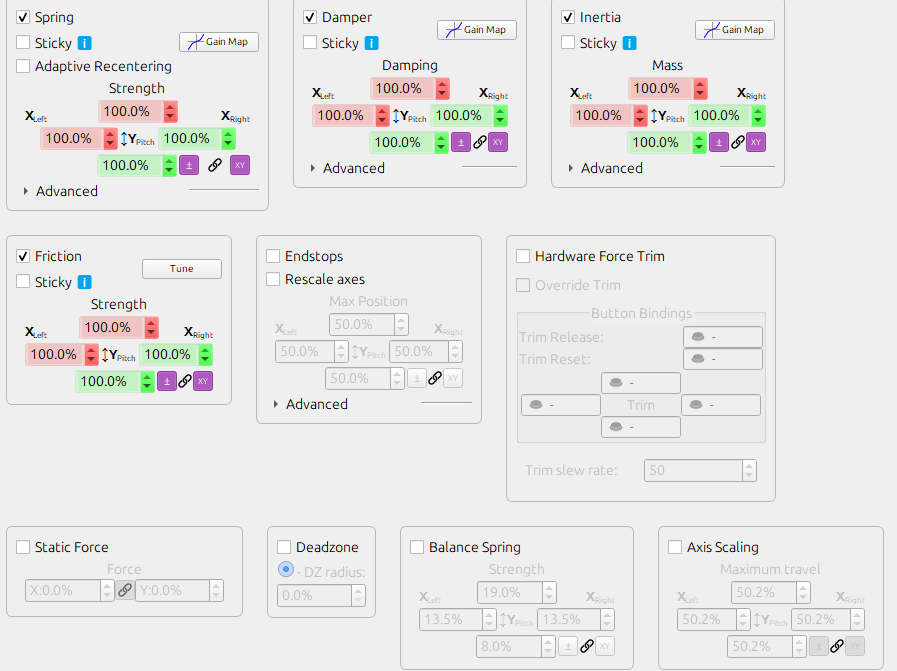
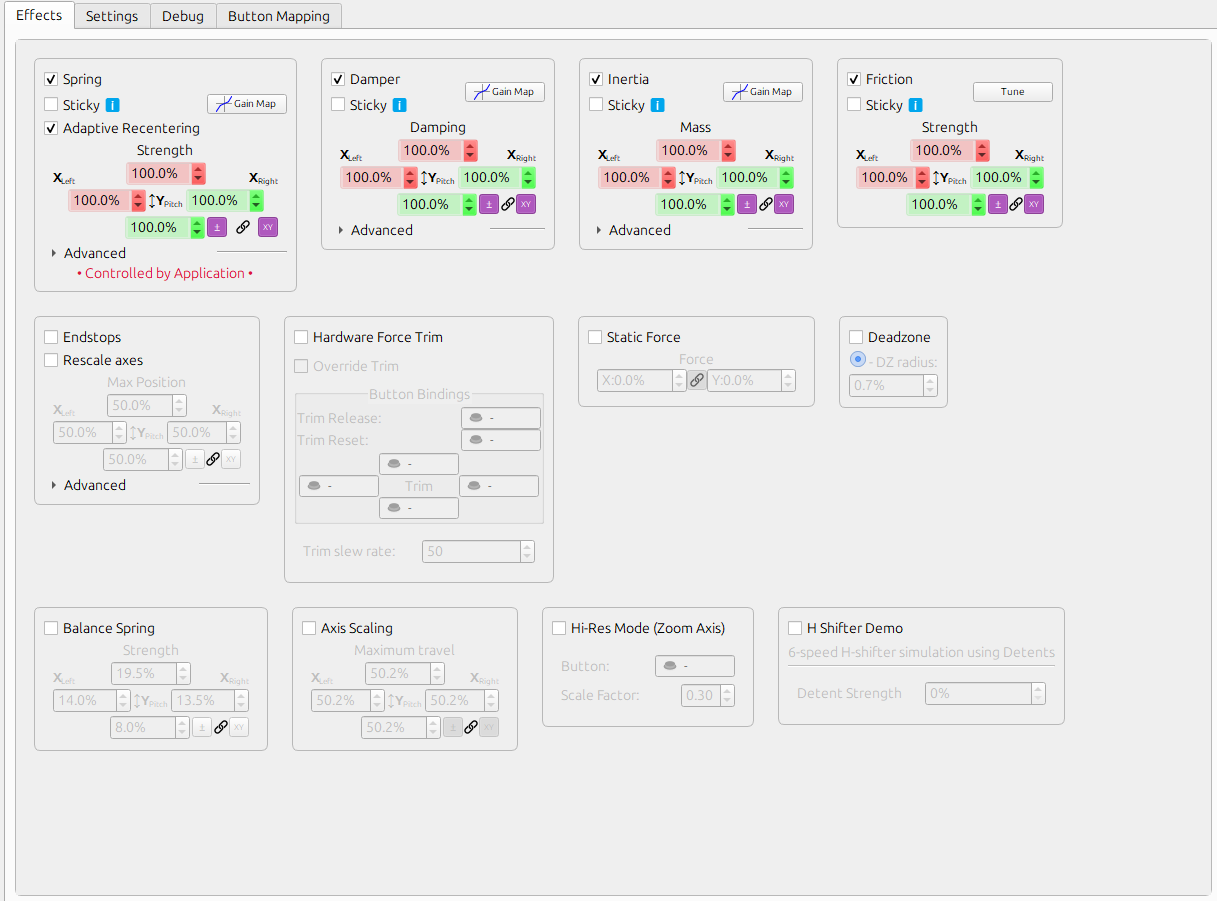
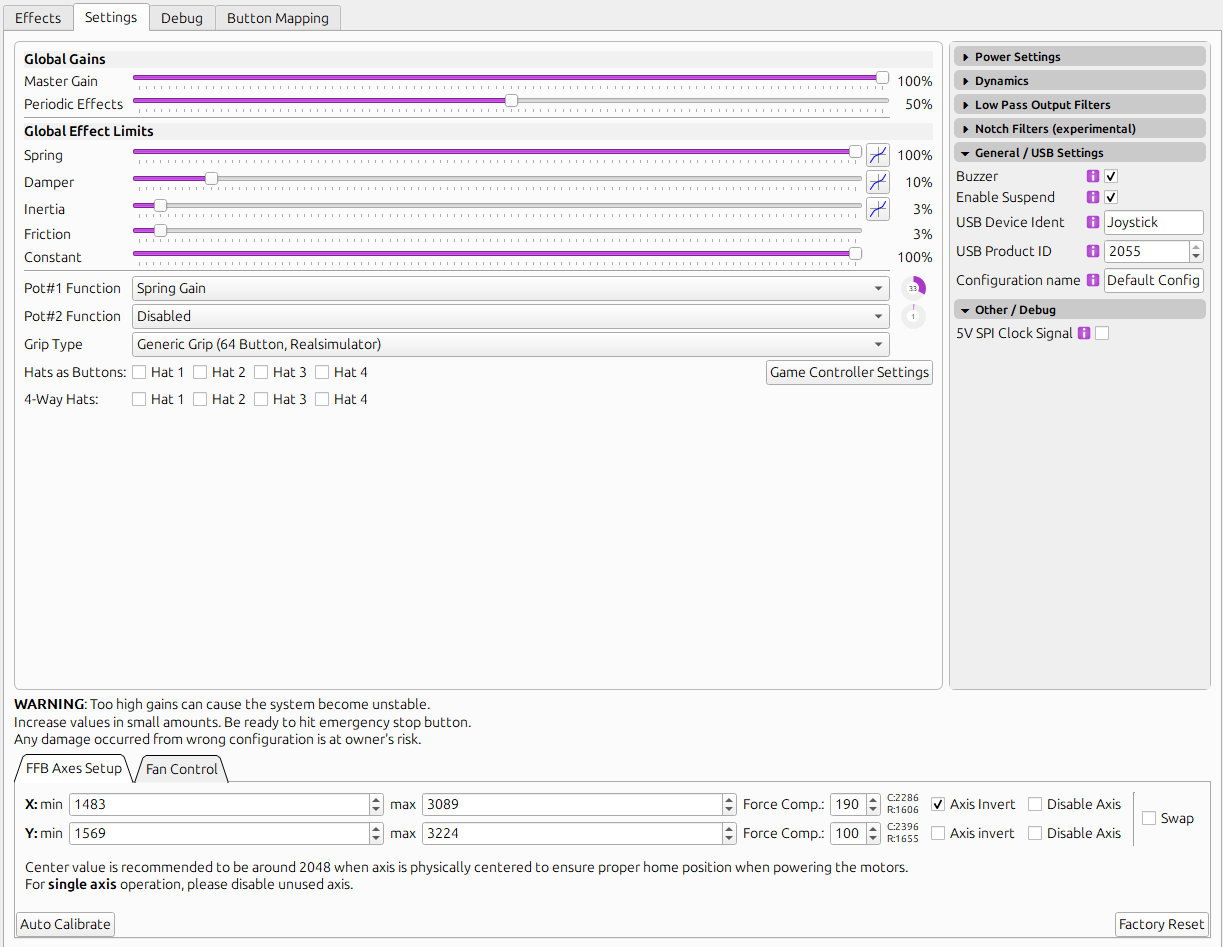
We need to see his effects settings. Maybe he has it on 10% there or not even enabled. I would recommend though to leave it on 100 on the effects page and dial in the desired intensity on the settings page. Such values wouldn’t work then of course. @slowmover You can reset the motors on the debug page if they tilt out.
Not right now, sorry. But it is easy. On the effects page enable all four (spring, inertia, damping and friction) and set them to 100%. Then on the settings page, set spring to 0 and start dialing in the other three one by one (start small and increase step by step). When it feels good, increase spring again.
I just got my rhino hooked up today and I was wondering if my joystick is supposed to be able to spin 360 degrees. I have a winwing orion 2 stick and I have the appropriate adapter for it.
i'm not familiar with how that adapter works, but i would assume it needs to be able to tighten to prevent that? but will probably need someone who knows more about the winwing adapter works to comment
Also having spring gain at 50% and the potentiometer at 45% means your spring gain is less than 25%. I'd say set spring gain to 100% and adjust the potentiometer to the spring gain setting that works for you while in the hornet.
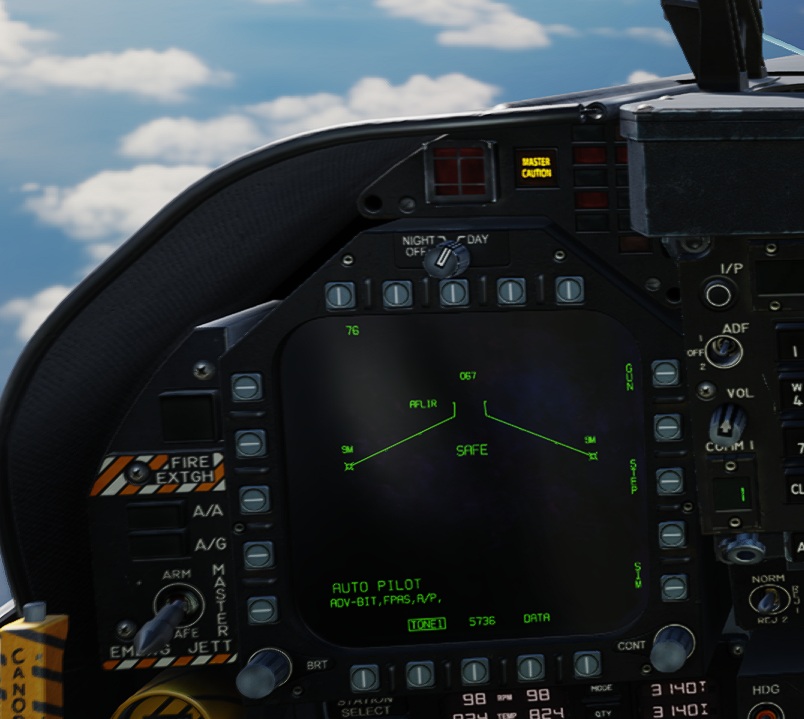
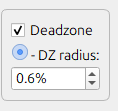
I've never experienced any jittering when in the hornet using the autopilot. I wonder if any of the filter settings may be causing that. A screenshot do the whole configuration page help to see if anyone notices an unusual value there. And maybe a video of the jittering showing the stick movement and also the config page as it happens.