another stupid question.. the axis dot in configurator moves in the correct direction as you manipulate the stick (ie not reversed)? I know this is a stupid question because you already said you don't have anything mapped in the sim and I'm pretty sure you'd have noticed if the stick was moving backwards in the sim but if the direction was reversed it could cause a runway condition, so I gotta rule it out...
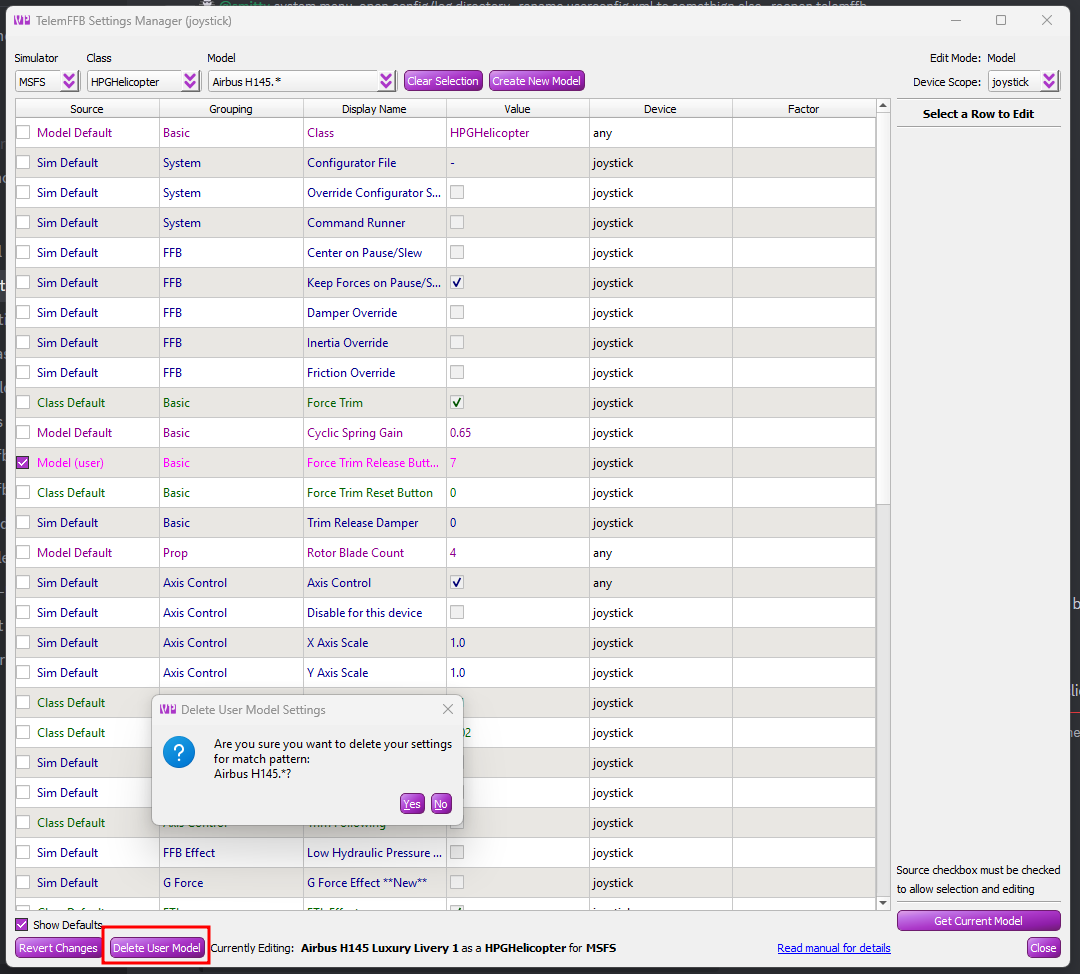
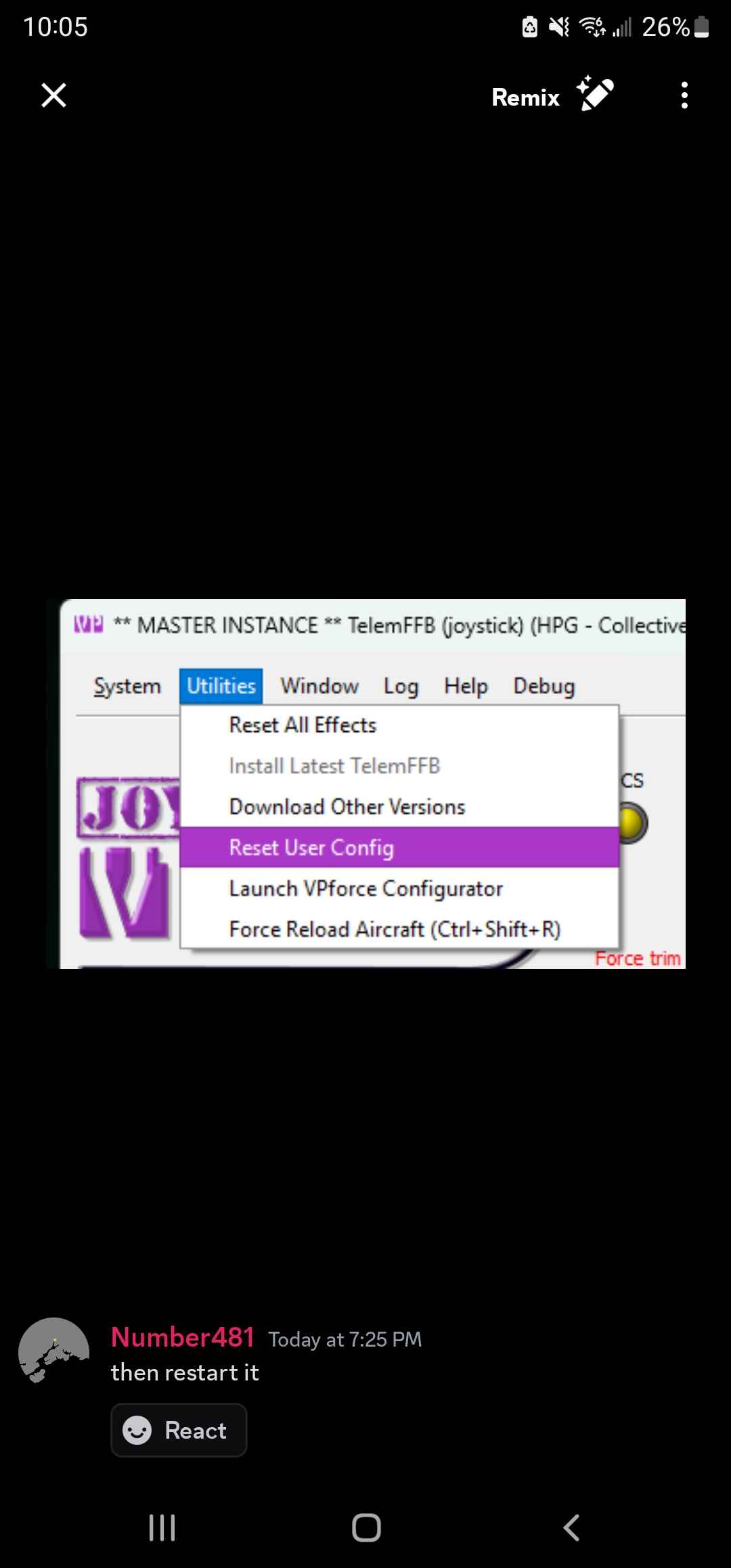
Okay so I reset the config in telemffb. Exit. Went in fs2020. Loaded aircraft, waited for avionics to fire up. Paused. Started telemffb. Mapped my TR button, verified that the heli has a match in telemffb. Unpause sim, same issue.
Yes the direction of my movements move in the direction I move the cyclic. Nothing is reversed
When I load into the aircraft the stick does not move. Stays put but the 2nd I hit the trim release that is when my heli went to the bar and had a few to many
in TelemFFB can you quickly try binding TR to some other button than your usual TR button? any other button on your cyclic will do... just to see if the behavior is any different.
What you are seeing is not something I have ever seen or every heard of anyone else seeing
I don't know what's going on and why this happening. I can also try my laptop. I have an instance of fs2020 on it. I can hook up just the stick to that and try and see if I have the same issue.
my next best suggestion is if you can screen share with me so I can look at TelemFFB, configurator and the sim at the same time to see what's going haywire. We can try the discord voice chat but the only time I've tried that, the screen sharing resolution was pretty bad (may have been a bandwidth issue from the other user.. not sure)
are you using a USB hub? If so, any chance you can try direct attach to motherboard? (I know your setup isn't exactly portable ). I've not seen issues specific to MSFS or the 145.. but some folks did have wierd force trim centering issues on the latest rhino firmware that were ultimately caused by their USB hubs (grasping at straws here).
I wanted to rule out that my max flight stick cyclic top wasn't the issue so what I did was unplug ghr max flight take a VKB joystick plug that in, ran loop back, found a button, bound, set it in telemffb and press the button on the vkb while I phsycially moved the joystick gimbal with my other hand. Same issue
if you want to jump in voice https://discord.com/channels/965234441511383080/965234441511383084 we can try to screen share and I can look at it live.. I can't think of what else to have you try but if I see it live and can watch TelemFFB data and configurator it might jump out at me
Just an update guys, @number481 helped me get the cyclic drift issue resolved. He had me set the hands off detection from 2% to 5% and he had me run a bunch of tests and all is working.
I'm not entirely convinced that the hands-off detection zone was the original culprit, but it is really the only setting we changed from default.. either way I'll take it as a win.
In general however, it is important to make sure that you get reliable hands on/off detection ("OVERRIDE" visible/absent on the PFD) when deflecting the stick against the spring and then releasing it back to center. If you don't reliably get "hands off" (OVERRIDE goes away), AFCS thinks you are still manually overriding and so won't "do its thing".. however simply being in a constant override state should not cause the runaway condition that was originally being seen.
Yeah, so odd. We really only changed one thing but here's the kicker I went and plugged the rhino into the laptop. Completely separated from my desktop. It did the same exact thing where it drifted. 1 usb cable, no extra programs besides loop back and telem.
For shits and giggles tomorrow I'm going to plug back into my laptop and leave the 2% hands off and see if it drifts again. If it does I'll set to 5% and see if the problem disappears. This will indicate its most likely the default value of 2% was the culprit in my use case.
I thought maybe it was my flight stick so on my laptop I plugged a vkb into the lap top and removed the max flight stick. I bound a button from the vkb joystick as trim release and manually moved the gimbal by hand and still got the drift. Ruled out pc and hardware
either way would get you a fresh install. but, its nicer to just edit the xml file and trash individual settings you dont want. or just click the X button on the right side of settings. scalpel vs. sledgehammer
XiMpLe - simple XML and JSON grid view editor, XML comparator, XML splitter and XML joiner, XSD validation and generation - one file, no installation (portable), freeware for non-commercial use
Oh Boy I’ve got a lot to learn. I have the VP rhino, finished my VP based pedals with FTR pedal switch and half way finished my VP based collective. All this so I can fly the excellent X-Trident A109SP……it’s so close to the real SP I fly……so keen to emulate the 4-axis AFCS based controls. BTW what time zone are you guys? Just for future reference as I’m sure to need a nudge or two in the right direction! I’m in GMT+10 Cheers