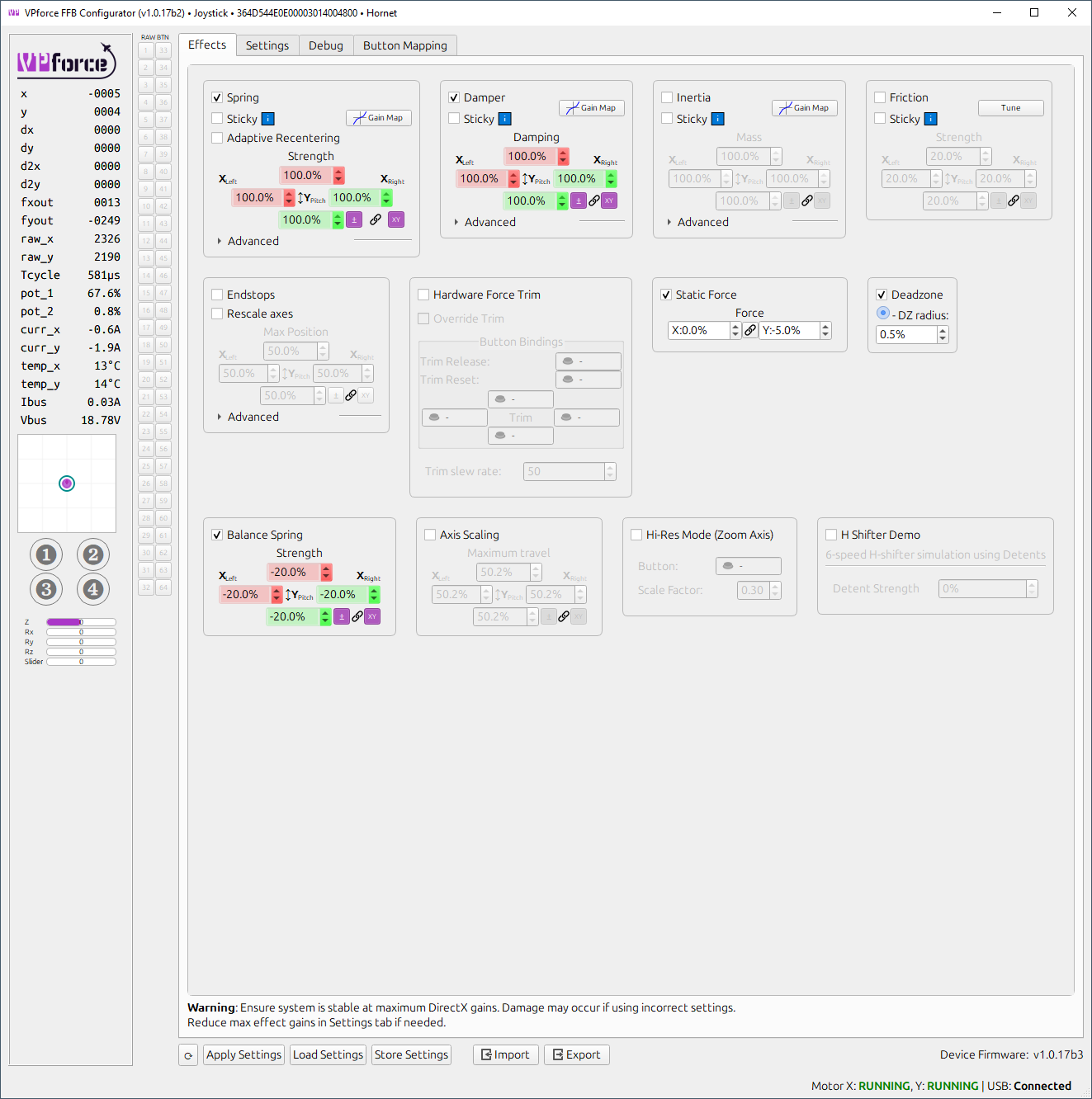
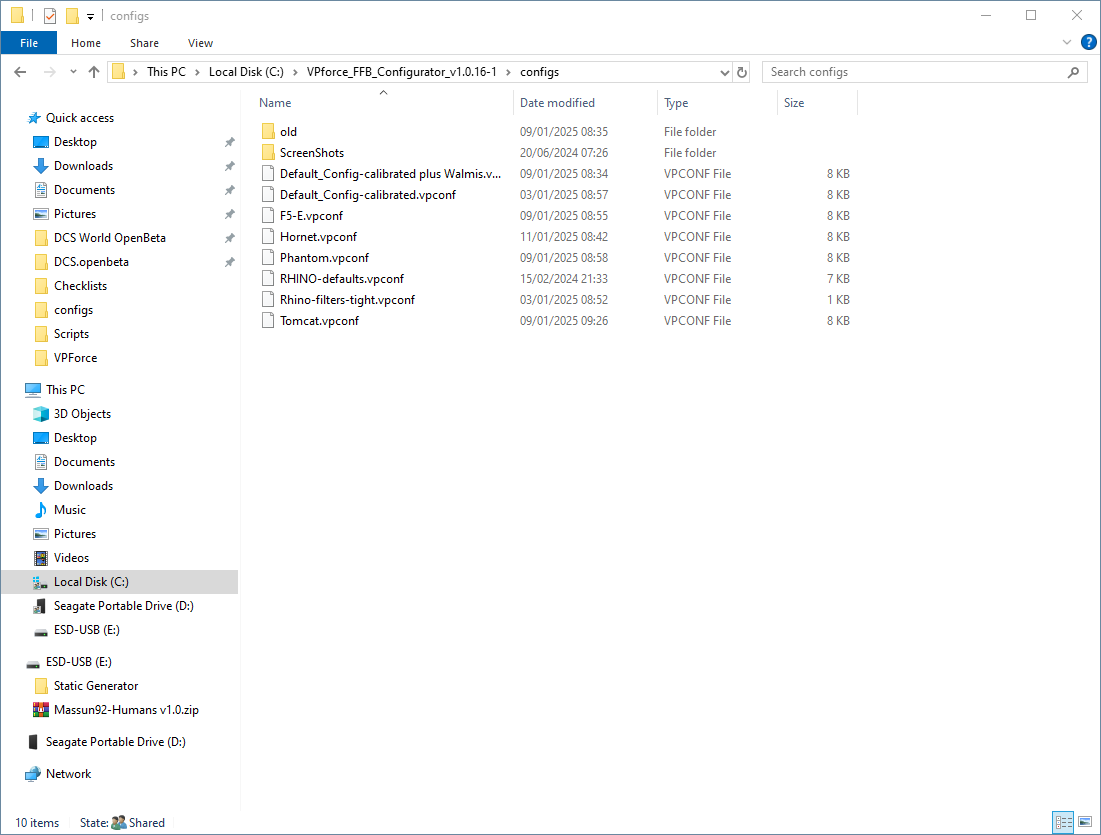
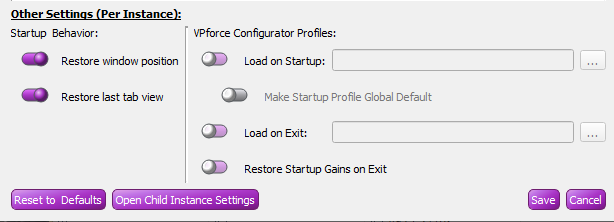
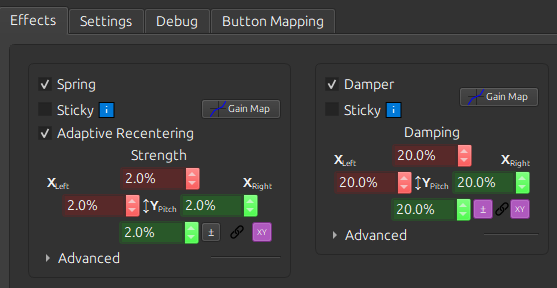
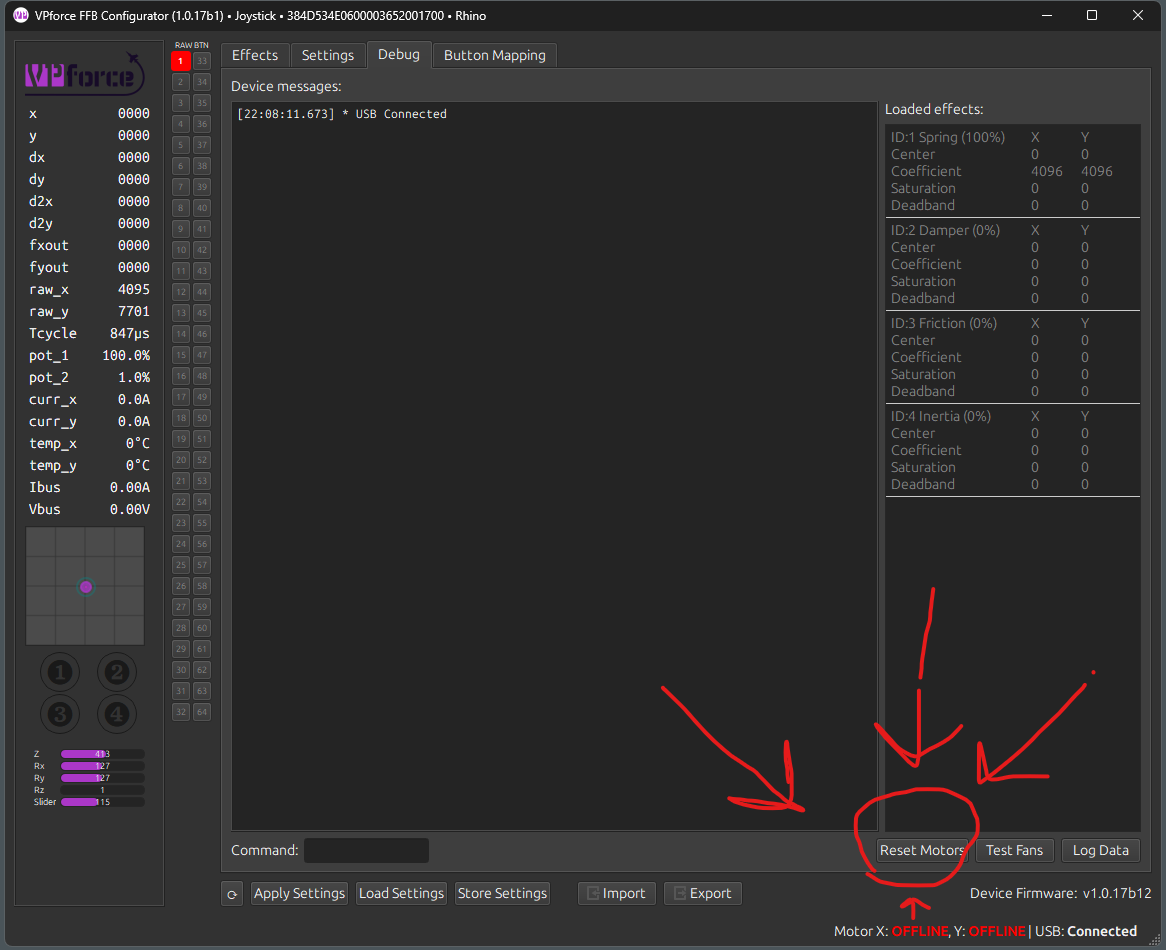
Try this I had the same issues a couple of days ago this fixed it for me, @f14billy was the one who
Try this I had the same issues a couple of days ago this fixed it for me, @f14billy was the one who helped with it
This bug happens in Win11 with the current firmware. Managed to make a one-liner workaround, but should be fixed in the upcoming firmware release.
Open up a PowerShell window as Administrator and paste the following
Then unplug and plug the Rhino USB
*Reboot might be required
This bug happens in Win11 with the current firmware. Managed to make a one-liner workaround, but should be fixed in the upcoming firmware release.
Open up a PowerShell window as Administrator and paste the following
Then unplug and plug the Rhino USB
*Reboot might be required