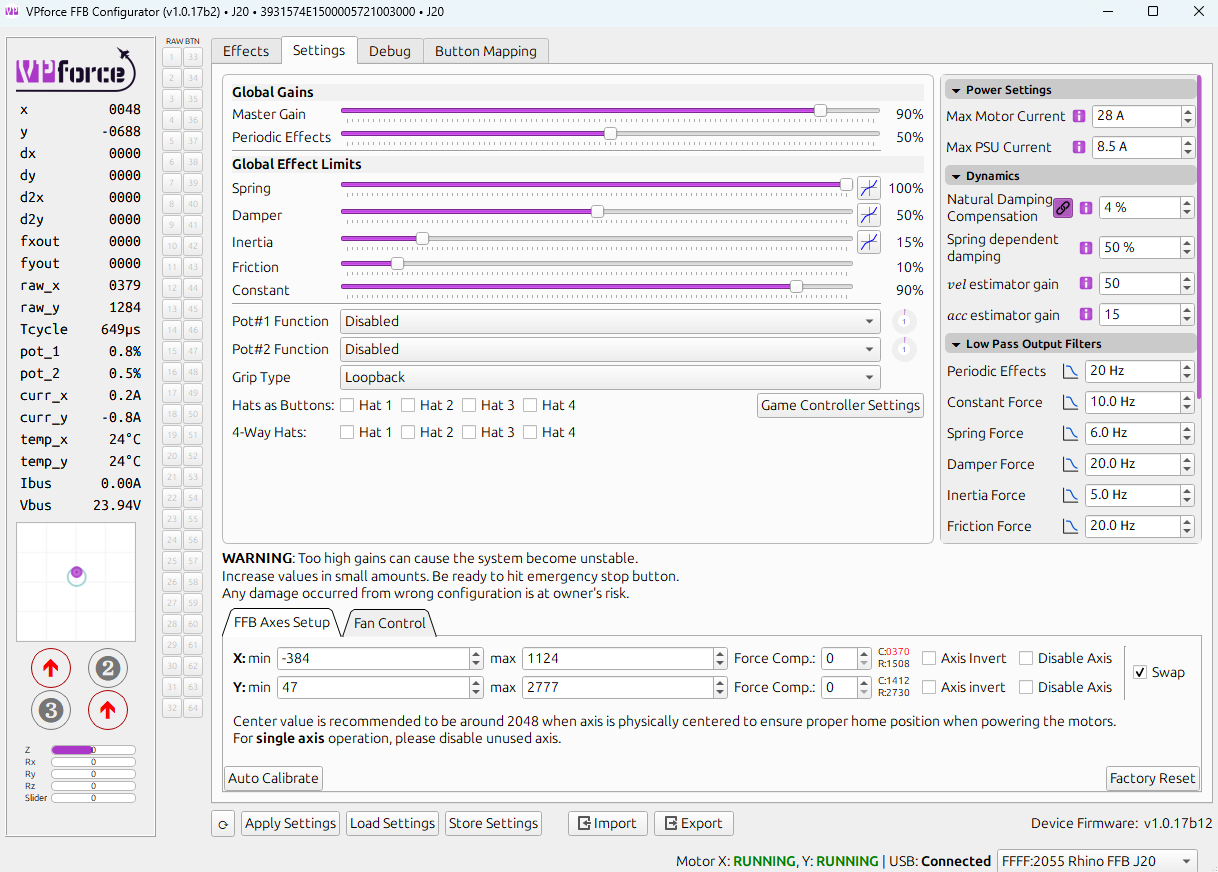
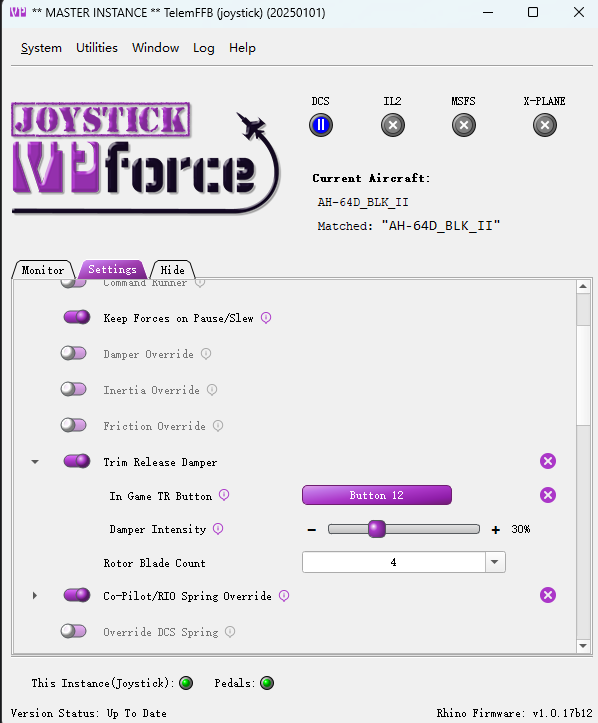
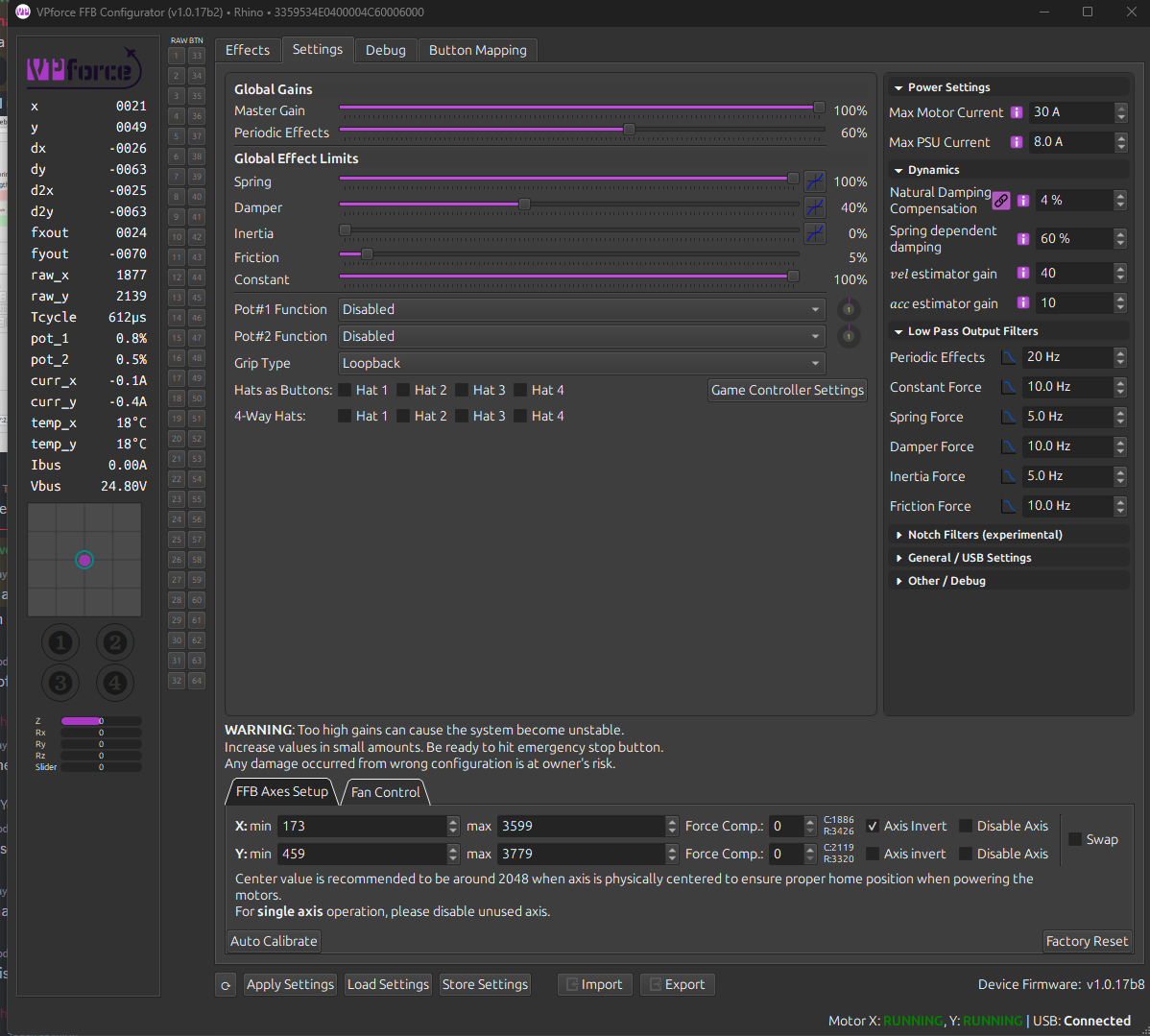
There are no endstop settings in TelemFFB, but you can use the Dynamic Configurator Profile Assignement feature to push a profile when a specific aircraft is loaded.
Hey, Since the last update of TelemFFB, the VP configurator behaves very strange. It takes several seconds till I got the device selection window. And then switching between the devices inside the configuration takes also very long. Sometimes they are not initialized correctly in the configurator. Can anyone else confirm this problem or can someone help?
Yes.I have a simpit with 11 USB devices. But I have not changed a thing. It has been running without issues since I first plugged the rhino in. 2 years ago.
Before I attack stuff, is there a guide to switching the din connector 180 degrees as I am running with the emergency stop at the front and already reversed things in the software. just be nice to fit my TM WH stick
@Blackrat just be carful when pulling out the din as the other side is a jst conector so ensure that’s seated securely when putting all back together also ensure you don’t trap and nick a wire
Already rotated, but I literally pulled it up just enough to rotate 180 degrees without fouling the seating area so never saw a wire or what was underneath. If I have an issue I will strip it down, but tested with my TM grip and all buttons work.
If you cannot see it at all then I think IL2 only sees the first so many controllers plugged in and ignores the rest, maybe you have hit that limit. Its been a few years since I flew it.
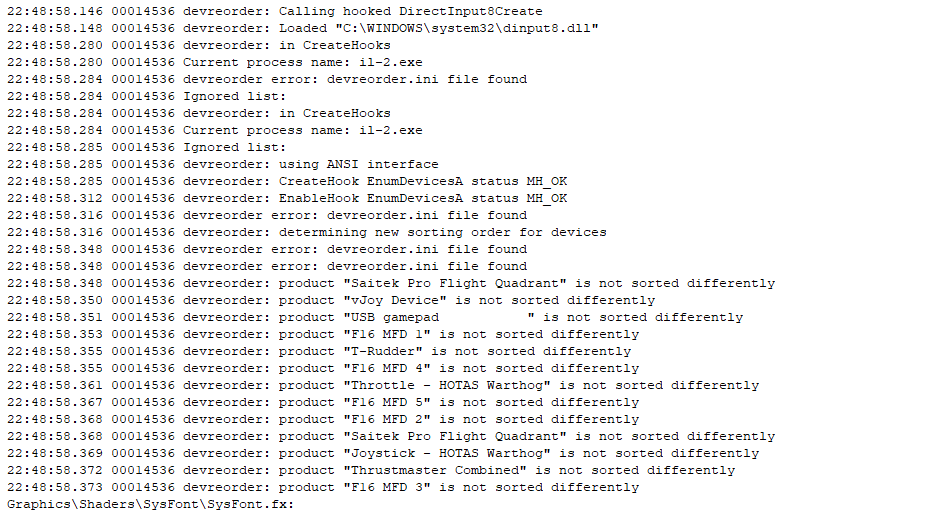
Blackrat is likely on the right track. IL2 only supports 8 devices and will only see the first 8 that it sees. The order it sees them is seemingly random and likely dependant on in what order the devices were connected to windows. Check this thread on how to re-order the devices that IL2 will see. https://forum.il2sturmovik.com/topic/72473-so-you-went-and-bought-too-many-peripherals/
Il-2 supports up to 8 devices. It's possible to exceed that limit, either because you have multiple vjoy devices, have racing gear attached in addition to your flight hardware, or maybe you just went a little wild building your home cockpit. This is a short guide to fixing that problem. If You On...
Or use program called "usbdeview" to selectively shut off unneeded USB devices (also works for regular games that insist on treating every piece of your expensive HOTAS as a gamepad)
Thanks for the help guys! I downloaded the Devreorder utility and hid a bunch of controllers I don’t use in Il2. I had already unplugged some of them but apparantly had to put them in the right order. I know have all my my axis working. Thx again.
Yeah if you visit the IL2 forums or the Reddit you’ll see this posted every so often because the whole “it can only see 8 devices” thing is a well known, but under the radar, type of bug.
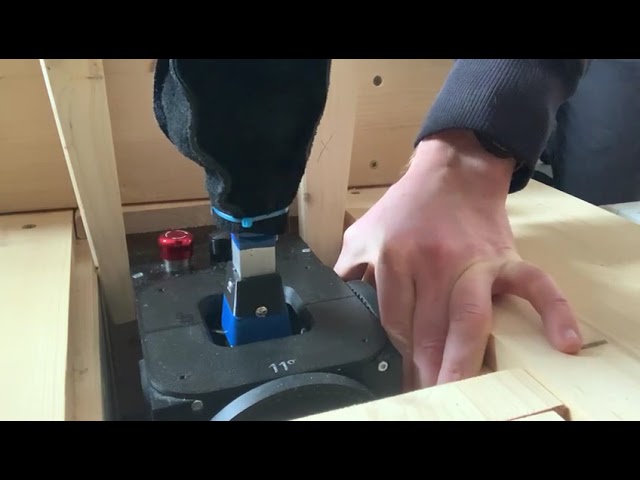
I do have a cracking noise on the elevator. When holding the outer wheel and moving the stick, there is some play in the system which causes the noise. Is there some screw to tighten? If yes, which one? You can see the effect on this video: https://youtu.be/Z0OZHrEYDCQ
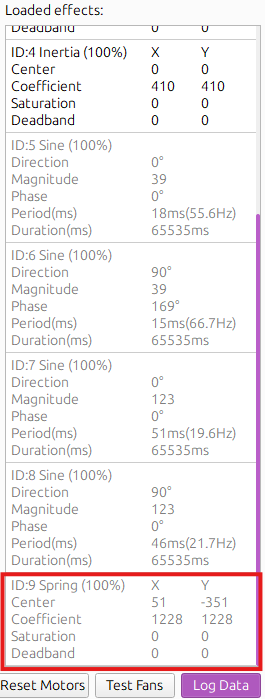
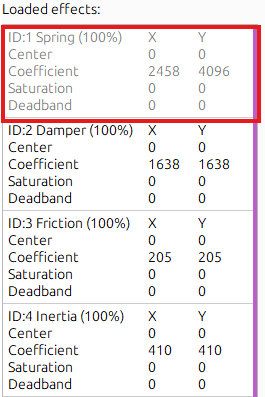
DCS AH-64 TRIM ISSUE! !HELP!!I had update the newest firmware an telemffb software. When i press the Trim release button, there is a ID9 spring effect with a new center position and the ID1 spring effect with the 00 center is fade .then i release the Trim button and a few second later,the ID9 spring effect is gone and the ID1 spring effect is back .My stick get a force back to the 00 center. It's not the way for a heli Triming. the stick should be stay in the new certer position.
"Trim release Damper" is not "force trim". It is a effect which, temporarily overrides the games spring effect in order to provide a configurable dampening feel while you have trim-release depressed. When you release the button, it hands control of the spring effect back to DCS. DCS itself manages the center position of the primary spring effect.
Disable the trim release damper feature, then troubleshoot why force trim isn't working with DCS (doesn't require telemffb to be running at all).