Hey 🙂 Here you have 2 possible problems (most likely 1 is the answer): 1. You are not looking at th
Hey 
Here you have 2 possible problems (most likely 1 is the answer):
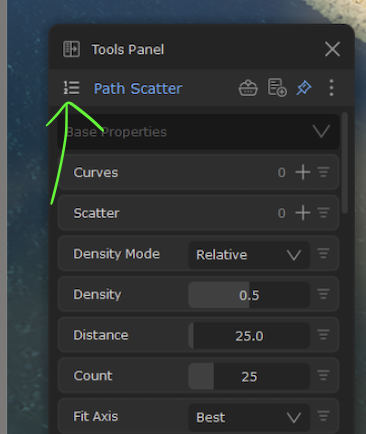
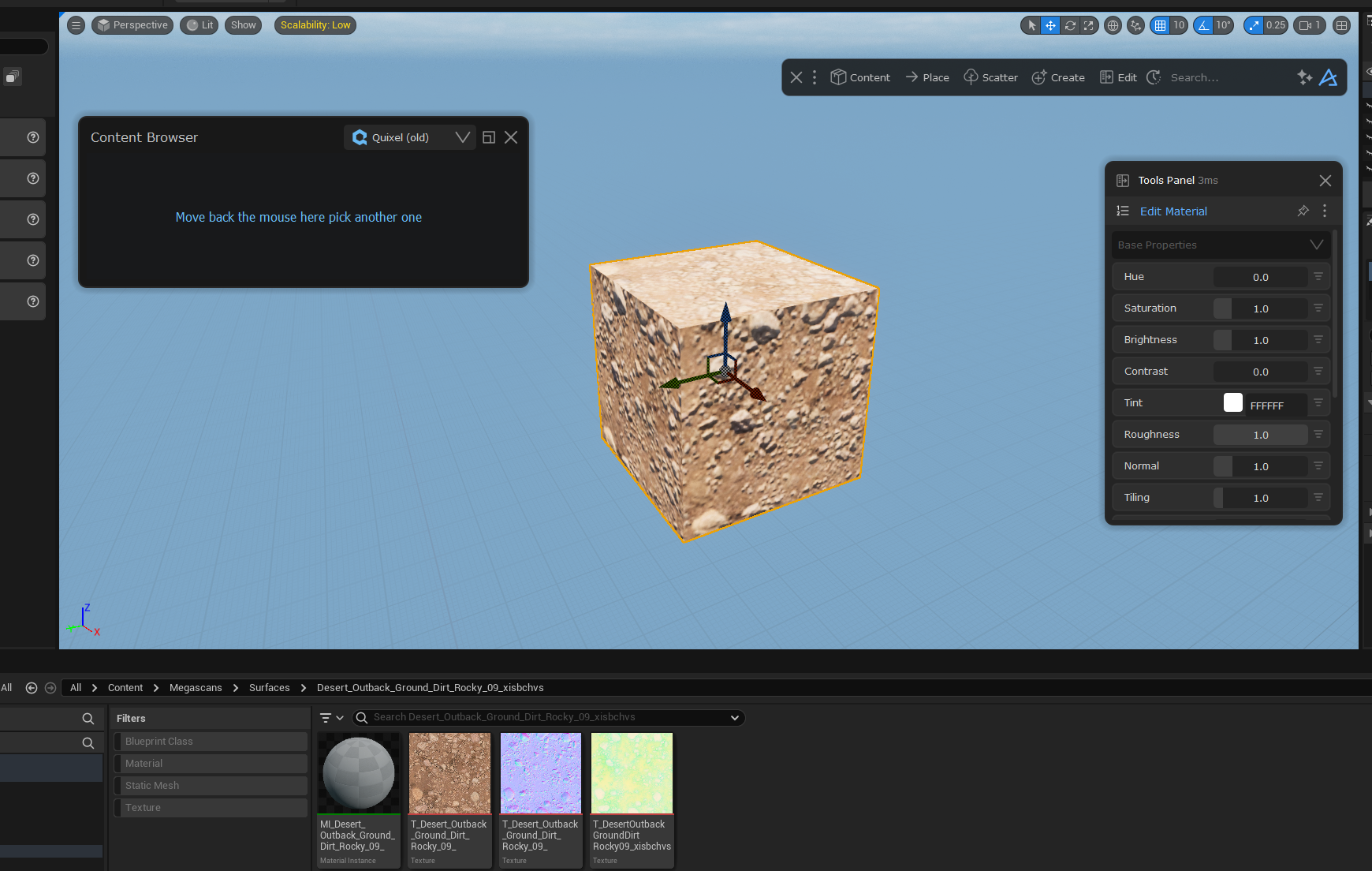
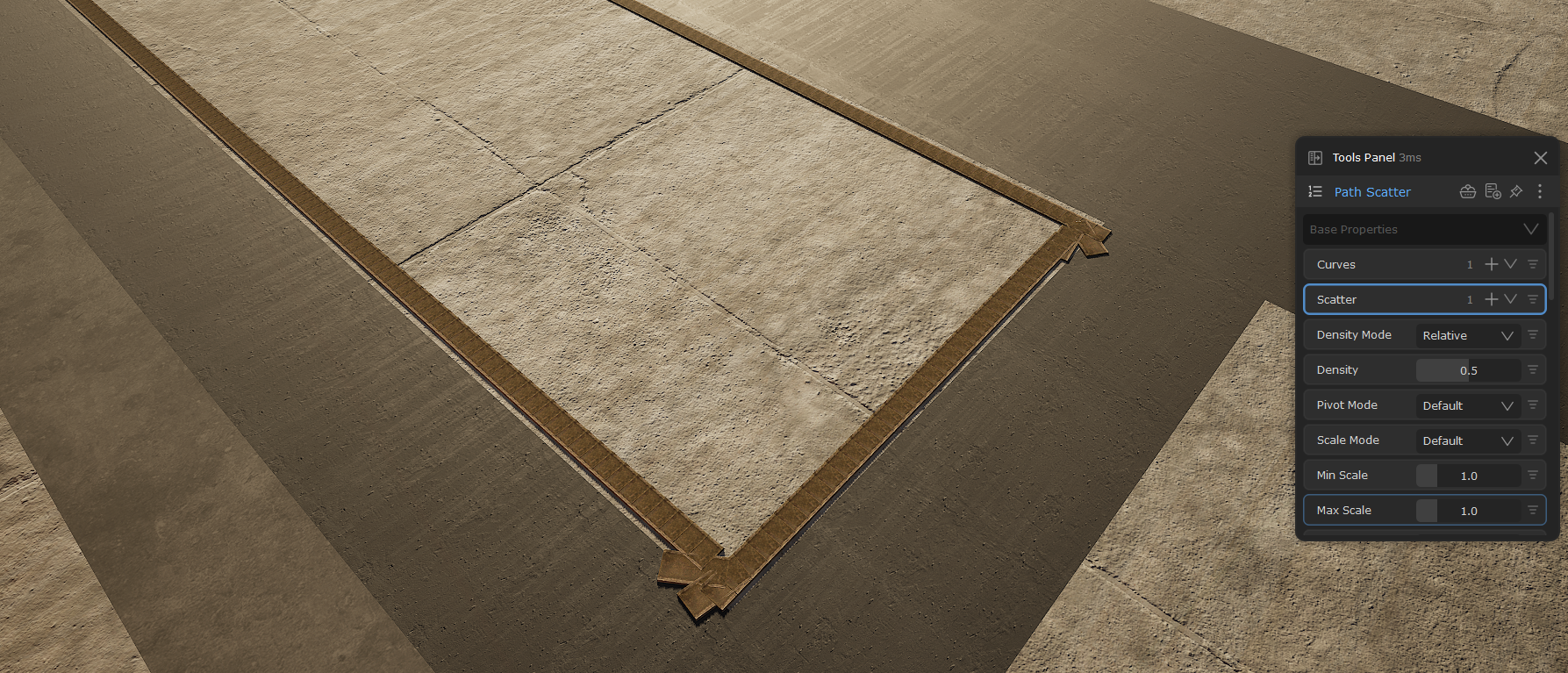
1. You are not looking at the correct Path Scatter in the Tools Panel. You can see the Pin icon is blue, which means that Path Scatter is pinned and therefore you don't see the Path Scatter you actually selected in the viewport. So you can try to un-pin the PS in the Tools Panel, and then de-select and then re-select your Scatter in your scene
2. Or this Path Scatter has lost its connections to the Curve and the rock you scattered. So if it is the right one displayed in the Tools Panel, you can see it says 0 at Curves and Scatter, so you need to assign the Curve and Scatter again. Then when you change the settings such as Density, you will see changes happening in the viewport
Here you have 2 possible problems (most likely 1 is the answer):
1. You are not looking at the correct Path Scatter in the Tools Panel. You can see the Pin icon is blue, which means that Path Scatter is pinned and therefore you don't see the Path Scatter you actually selected in the viewport. So you can try to un-pin the PS in the Tools Panel, and then de-select and then re-select your Scatter in your scene
2. Or this Path Scatter has lost its connections to the Curve and the rock you scattered. So if it is the right one displayed in the Tools Panel, you can see it says 0 at Curves and Scatter, so you need to assign the Curve and Scatter again. Then when you change the settings such as Density, you will see changes happening in the viewport