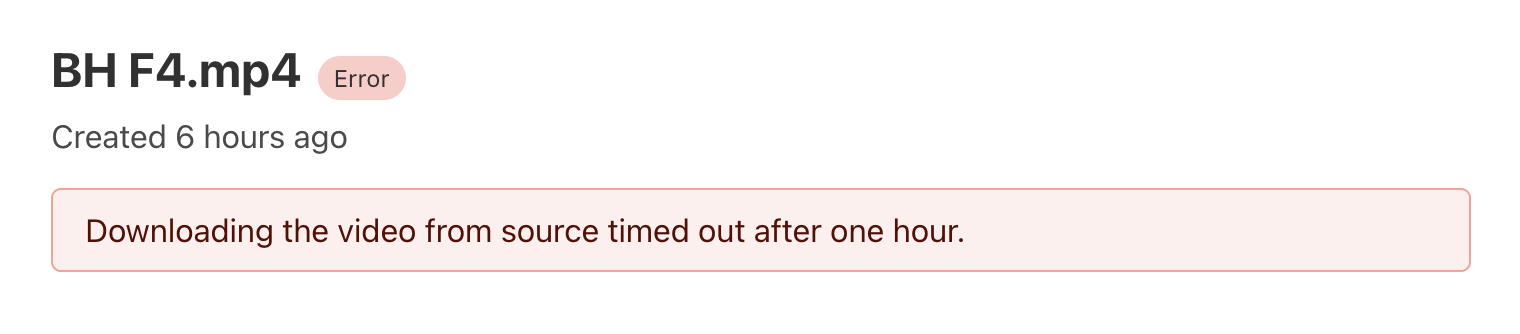
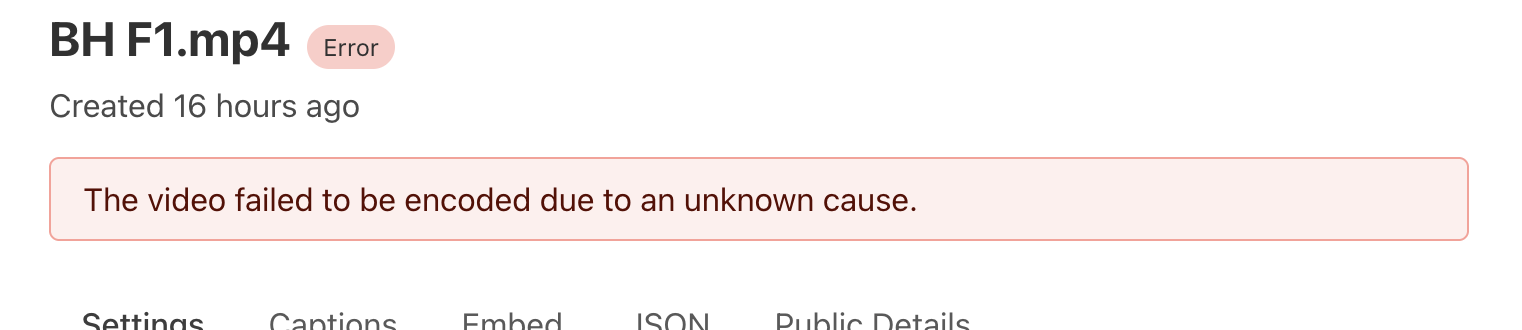
but in manually uploads as well there is one weird thing i have noticed which is if I manually upload the video and after video uploading complete it does not show in the stream dashboard, so I wait for 5-10 mins that may be it will show but still not and then need to upload again. and second time it shows. This is also weird in manual case.
these errors are showing on stream, what can I do to debug this, as I am sure this is not from my side, because most of the videos are uploading as it is showing for any 1-2 random video. which is causing issues client side. and every time I cannot fix this by uploading manually videos. Please provide a solution for this.
Also a note I'm not an employee, I'm just trying to suggest possible solutions. You won't get much direct help from the Stream team in here, if it's happening regularly then you should file a support request
I am uploading videos like 15-20 in a day of each size above 4-5 gb upto 30gb and and all are uploading one by one using queue but its upto cloudflare how fast cloudflare stream makes it to ready state. as it can happen if one video is in processing state then other would come if it has uploaded.
Is anyone else experiencing problems with video deliverability? We have users raising tickets about videos loading up to a certain point, but then the video stops (it freezes; it does not show as it is loading; it just freezes), and they are unable to watch no matter what they do (clear cache, restart computer, use a different browser, etc.). We tried to replicate this and it actually is true, even in cloudflare, the video does not run all the way to the end.
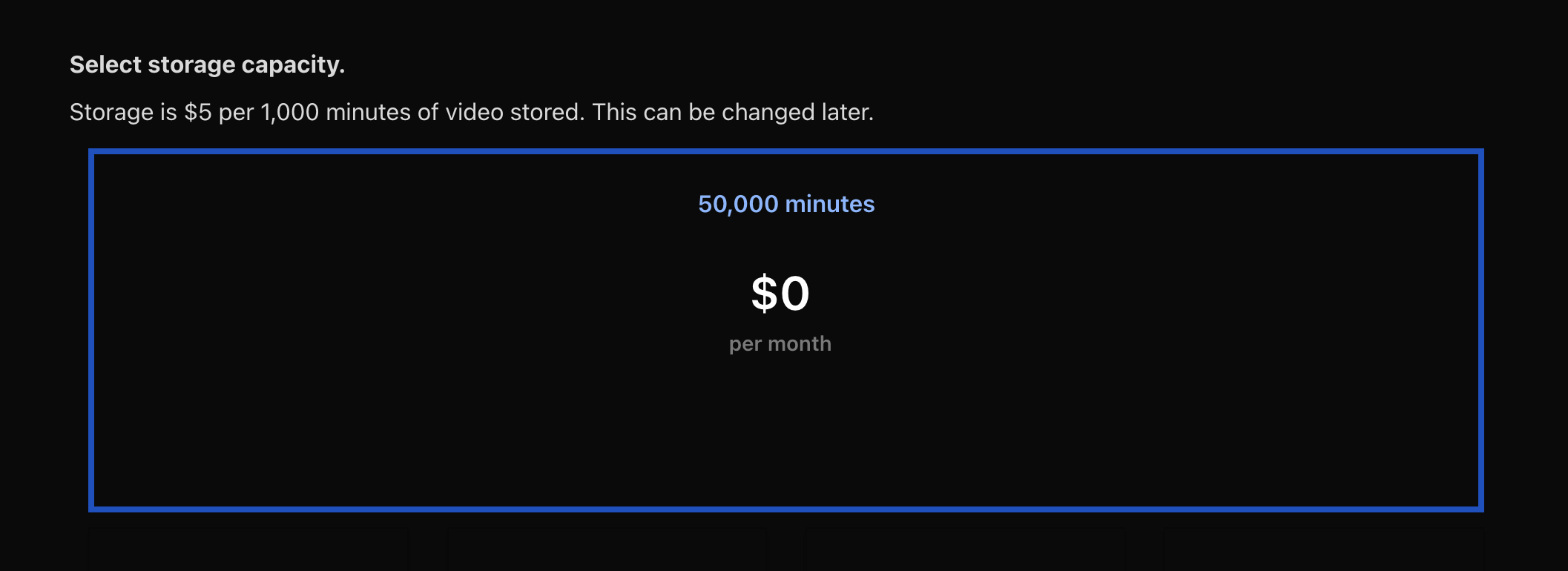
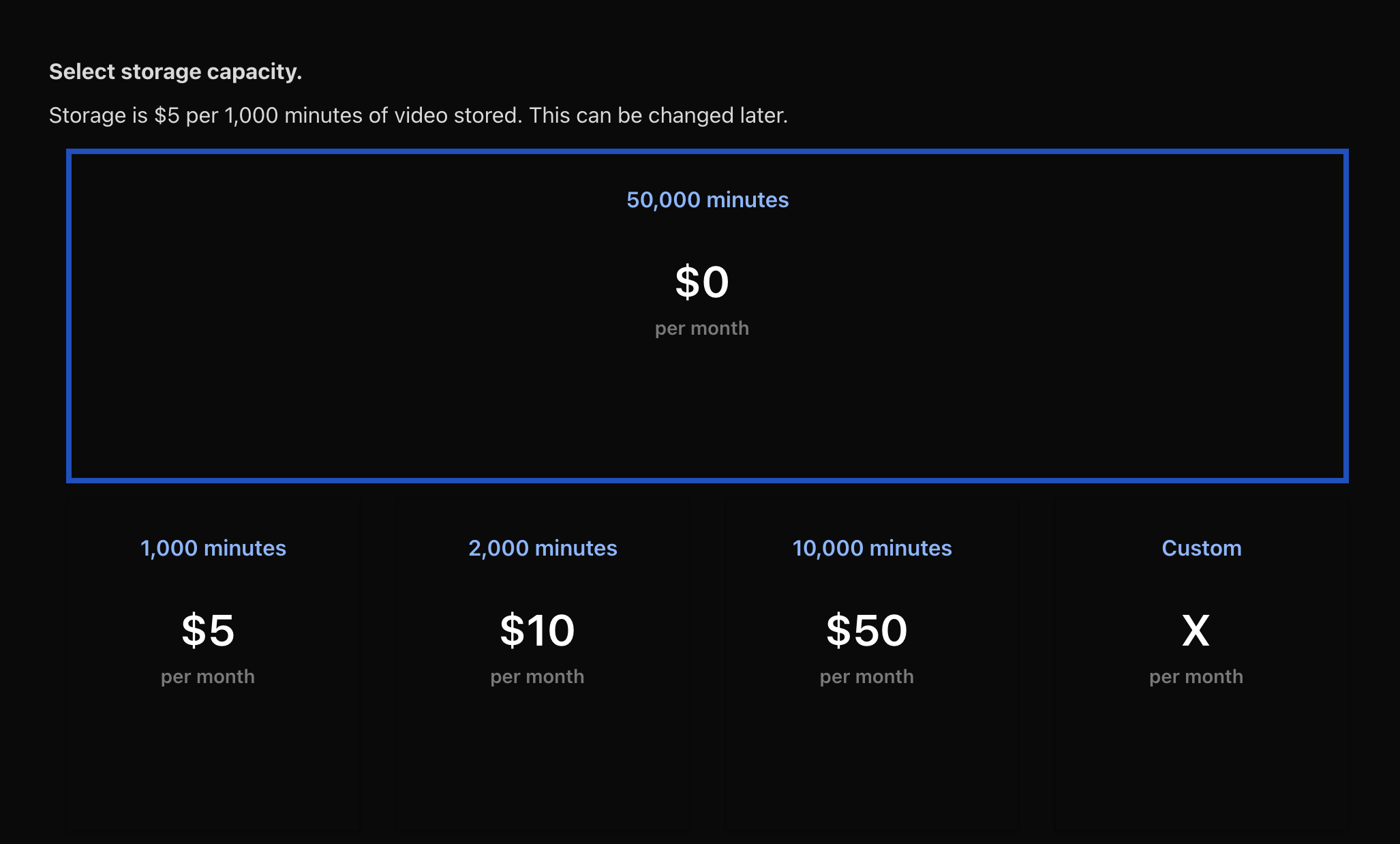
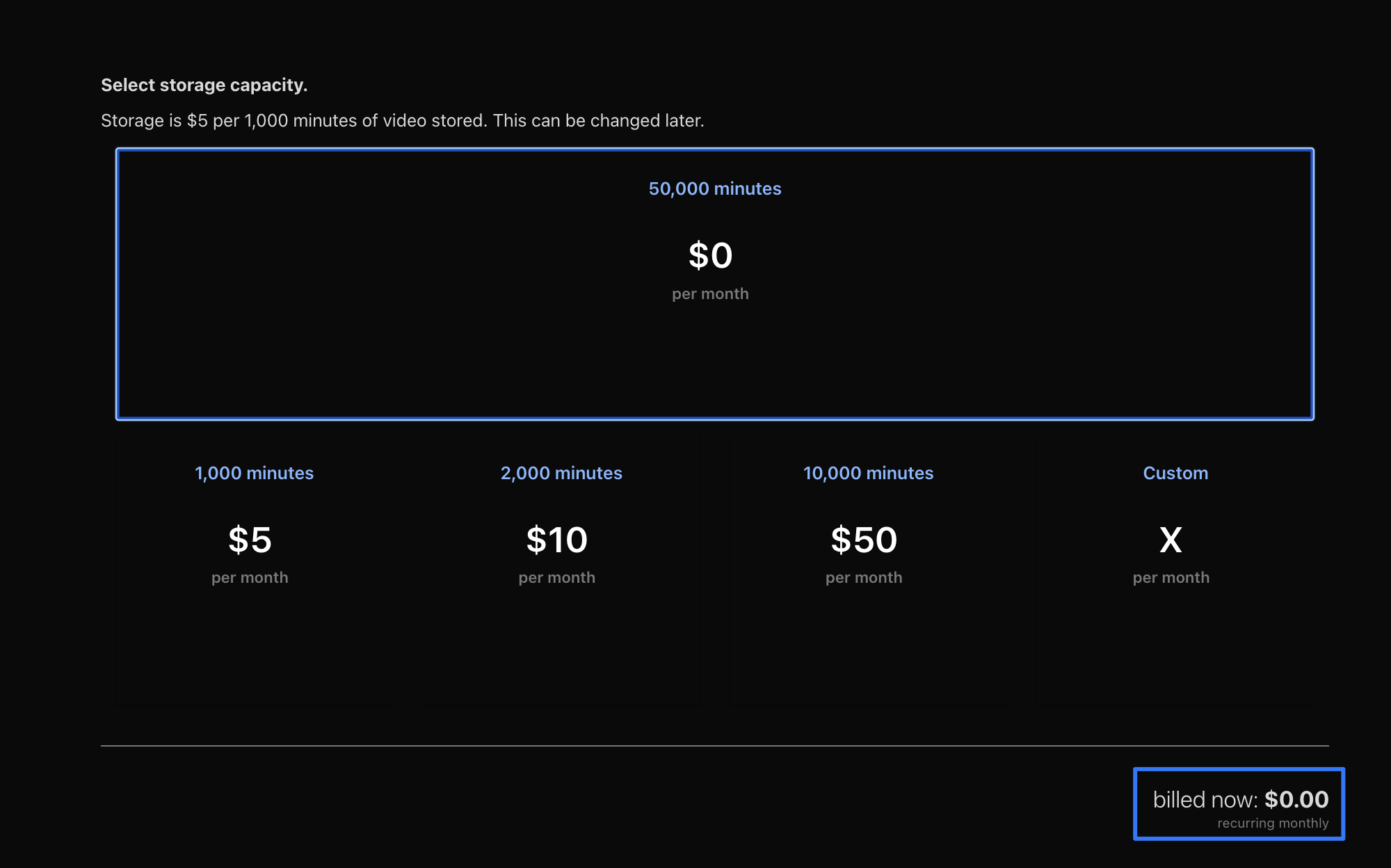
You have selected 50k minutes of storage, which you pay for regardless of how much you use. Storage is $5 per 1k mins. The $0 per month number shown would be referring to the included minutes viewed of 0
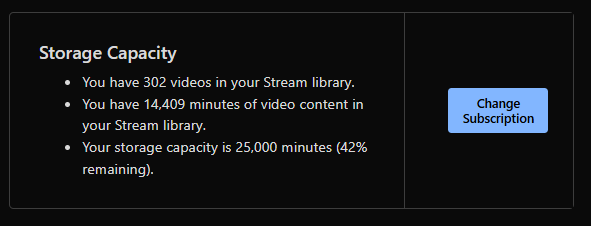
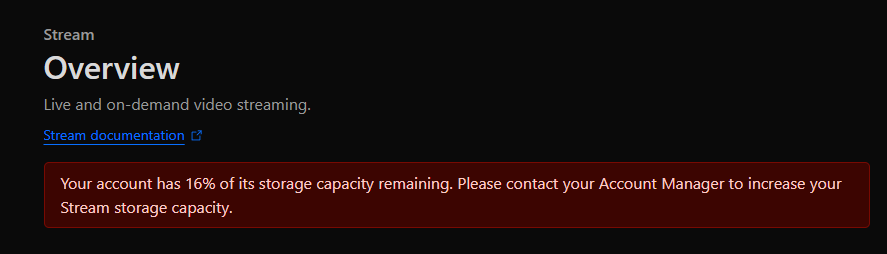
@Tobias are you running an enterprise account? We are not. Where do you see the option to select storage capacity? This is what I see on the overview page:
I have tried to send requests via normal support channels, about 10 or so over the last 6 months, but they're never answered. Probably leaving it to my non-existent account manager to pick up
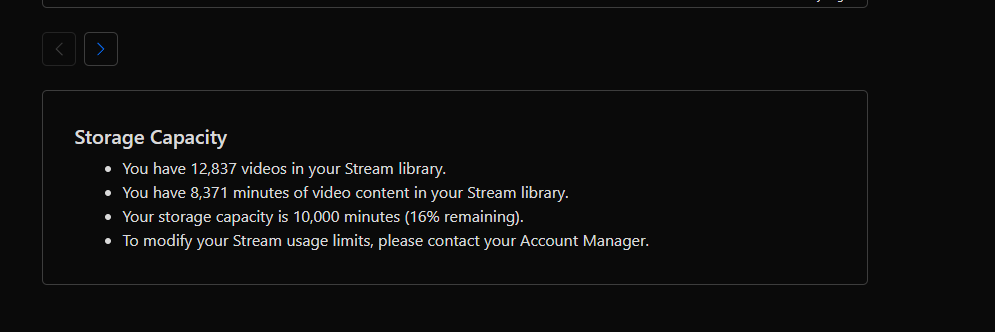
Hi, I'd appreciate if somebody educates me on Cloudflare Stream storage capacity. My Cloudflare Stream dashboard shows --- Storage Capacity You have 54 videos in your Stream library. You have 843 minutes of video content in your Stream library. Your storage capacity is 3,000 minutes (72% remaining). --- However, I received a warning email after uploading 30 minute video. --- You are using 83% of your Stream storage capacity. Once you have used 100% of your storage, you will not be able to upload new videos to Stream.
You are subscribed for 3000 minutes of storage and you have 504 minutes remaining.
To add more storage, visit the Stream Dashboard. --- Is Dashboard broken? Or is notification threshold broken?
I mean, I could - but I really don't want to migrate all my websites to a new account if possible. Based on the other examples shown, like you say, there should just be a button
Not sure if this is a bug, still investigating, but most HLS players can't work with the M3U8 manifest generated by Live Instant Clipping. I'm trying to nail down which part of the initial manifest is causing issues, but when providing a specific rendition's manifest the loading issues are gone
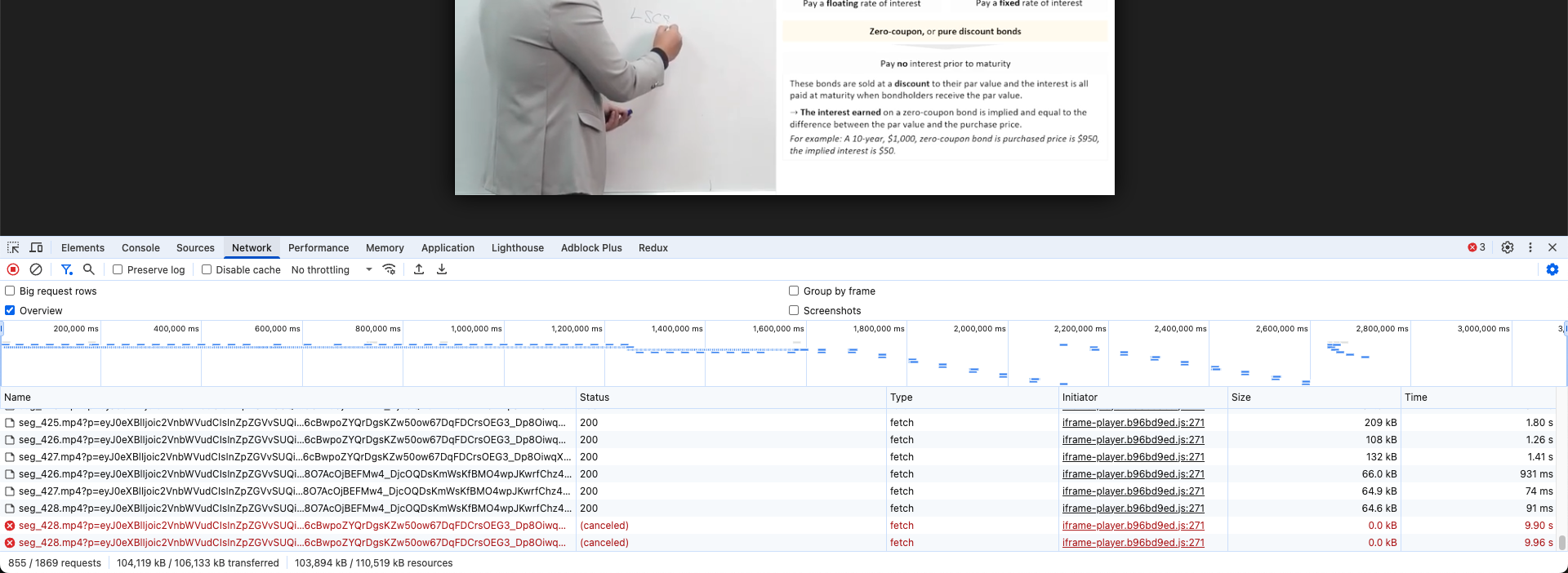
Hi, I’ve been experiencing intermittent segment errors (canceled) when streaming my video since yesterday (June 12). The video freezes and doesn’t continue loading. I’m not sure if it’s related to the Cloudflare outage on June 12.