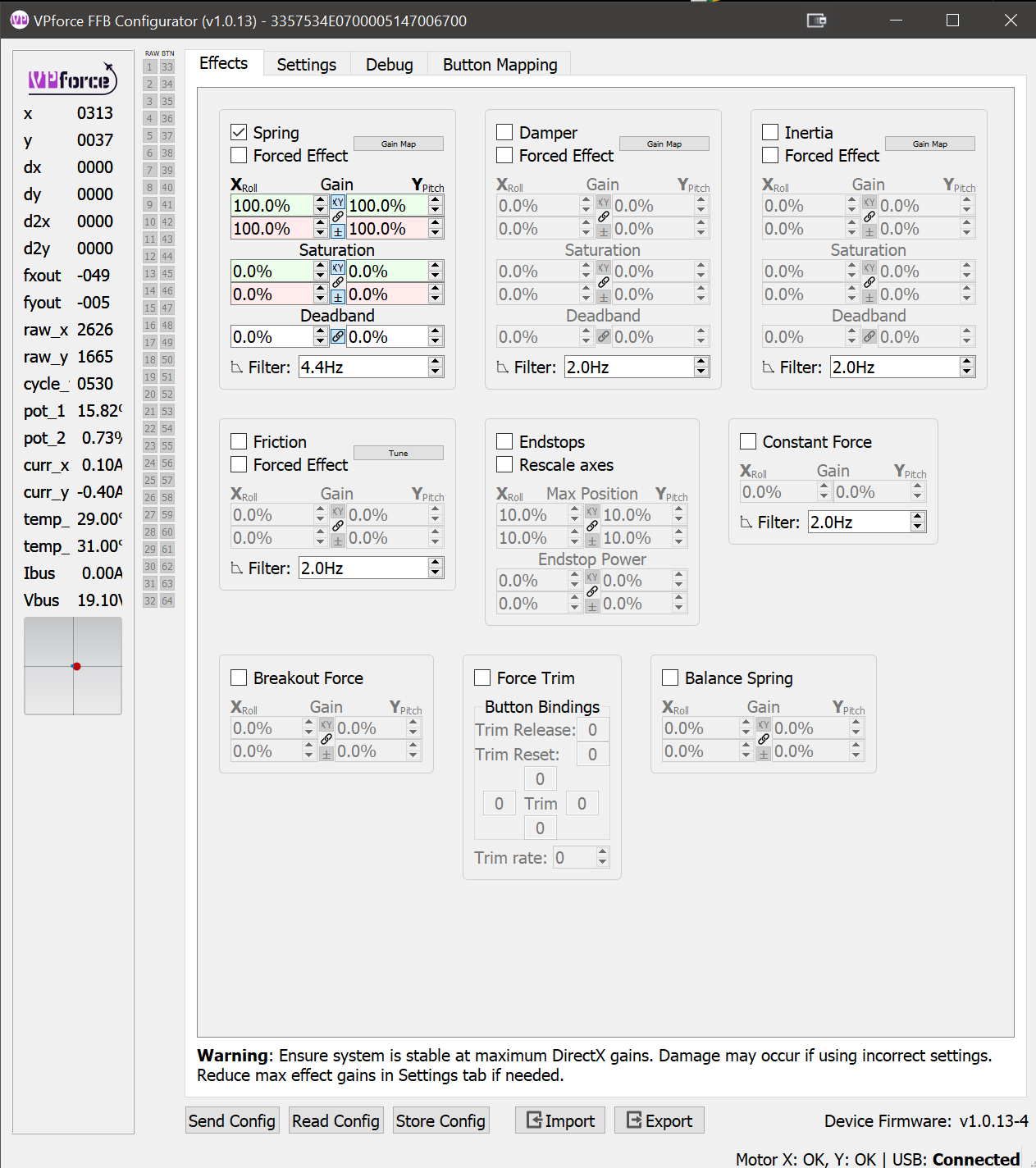
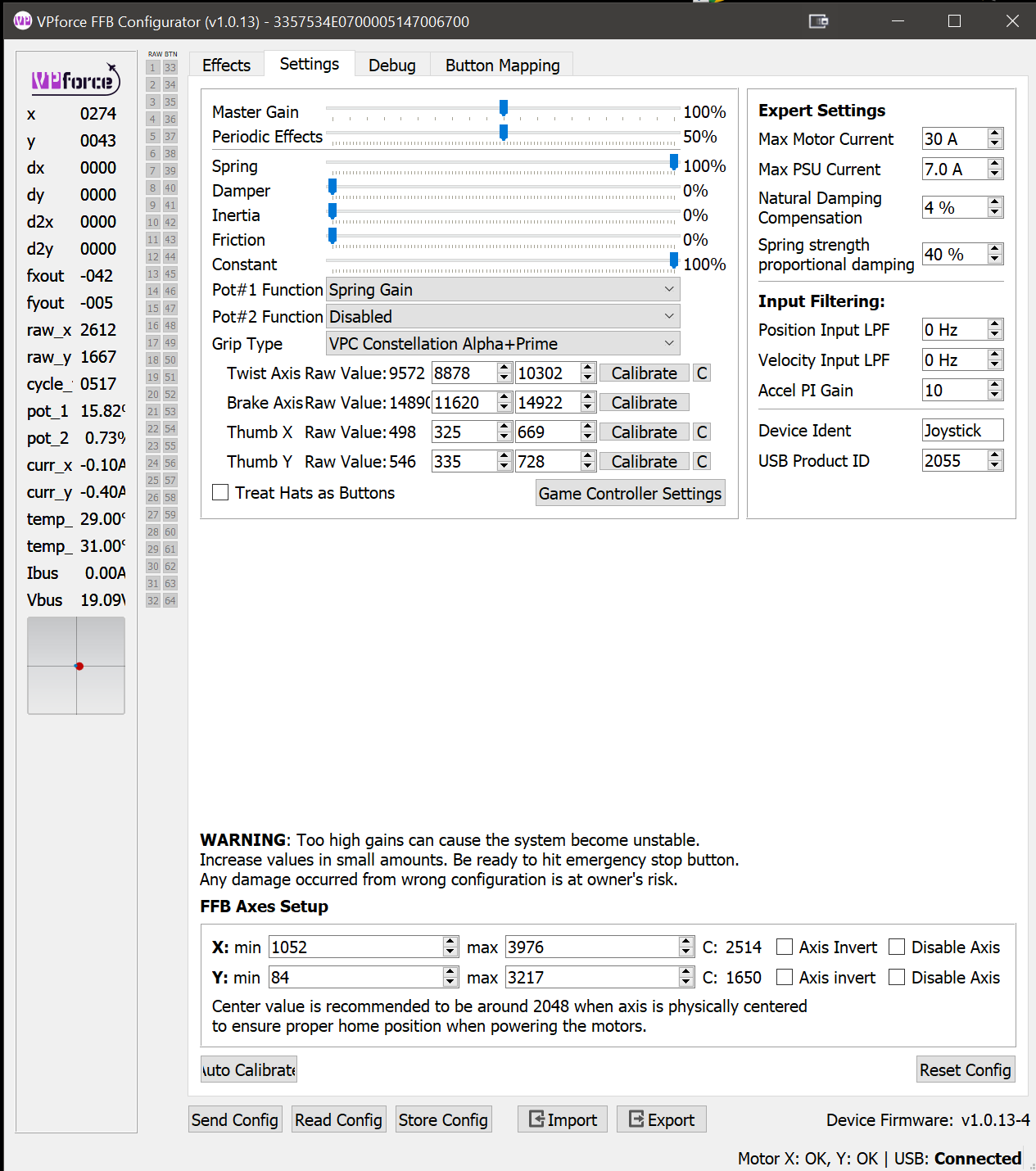
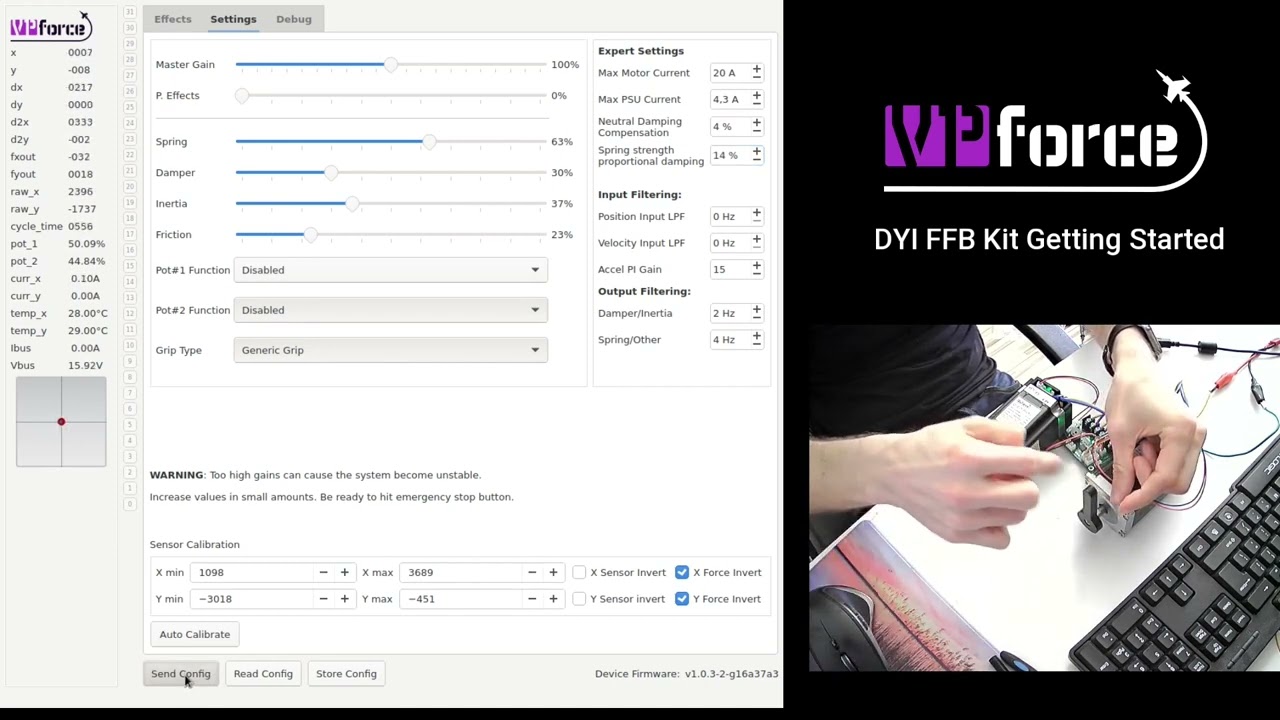
one other question... I couldn't help myself as soon as I got it and I started messing around with the settings in the configurator, trying out various effects, etc. I didn't save the default settings to a file though before I started. I did the Reset Config, but it doesn't seem like it restored exactly the same settings it had when I first went into the Configurator software. Is there a way to restore the original defaults? Or does someone have a screenshot of the Effects and Settings tabs with their default settings?
Tried to update firmware and it failed with the error "Error: TypeError: Cannot read properties of undefined (reading 'CanDnload')". Now the stick is completely unresponsive (looks like the firmware is bad), the web utility sees it as a bootloader not the stick. Keeps failing when I try to update again to reinstall the firmware.
just gave me this error on another try: Error: Error during DFU download: DFU GETSTATUS failed: ControlTransferIn failed: NetworkError: Failed to execute 'controlTransferIn' on 'USBDevice': A transfer error has occurred.
One more question... I've been really enjoying it so far, trying it out in all the planes, etc. After a few mins of intense dogfighting, the fans kick on. Am I correct to assume that the motors will not be damaged by continuous use at near max power? (with max motor current set to 30.0 A and PSU max set to 7.0 A as in the default settings) I assume they will reduce power draw if they start getting too hot?
Is there a manual somewhere? I connected it and calibrated it in windows. Then I opened VP Configurator and assigned my stick (virpil constellation) . Stored the config and sent it to (clicked those two buttons on the bottom of the configurator). In DCS no joy.
OK! it's working. Thank you @sliphavoc . Only problem now is that the stick wants to pull back (in the A10) Flying level requires constant forward pressure.
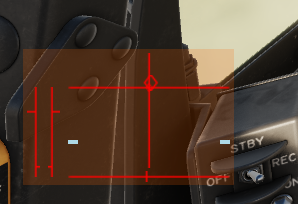
at rest, in the usb game control panel, the dot is centered. However, when I get into the A10, and press fly, the stick 'comes alive'. It wants to assume a somewhat pitch down condition at rest. If I jump in the control options window, the Y axis shows about half way to the left (down) at rest. Full excursion is possible but obviously with a good amount of 'force feedback'
Yes, most likely is. But I thought that everyone would be familiar with the smell of new plastic by now. Not 100% familiar with every component/design of your board, but it seems very unlikely that it could, even under some weird conditions, produce kV of voltage, especially with most of the things running on 3.3, 5 or 24V for motors or 48V for stronger motors.
With zero dead-zone this is hard to achieve 1. But to minimize the error you can better balance the grip 2. increase stiffness near the center using spring curve mapping.
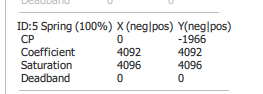
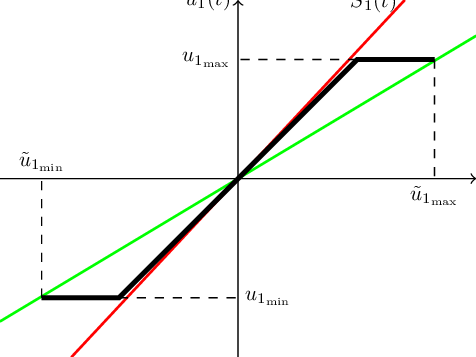
1) Balance spring is used to balance a heavy grip so it doesn't sag when you leave it at an angle. It needs to be tuned when other spring effects are disabled. 2) Saturation limits the effect when it reaches the preset level. (black line in the example). Rarely used. 3) Filter is the control bandwidth, can be tuned to get a better system response, too high can cause oscillations. Advanced feature, defaults are good. 4. "Forced effect" means this effect will be "Forced" or locked in and DirectX games will not have authority to override it. For example if you lock the spring effect, trim will not work from DCS. Advanced usage. 5. These are soft limits that will prevent/resist the stick moving further than preset throw % in each axis direction. 6. Not sure about what you mean exactly here. Could you elaborate? 7. Not yet, but will be in the works soon. There's also the FFB kit video: https://www.youtube.com/watch?v=iNhRD2Bsb8o that applies to the Rhino as well. Just the earlier version. Also the the App if you hover mouse on some controls there's a tooltip with help that pops-up.
This is a first introduction of the Rhino FFB system that will be available soon for purchase as a DYI kit. This system will enable enthusiasts to build a plug-an-play FFB joysticks with custom mechanics. Contact me for details if interested.
in my second pic posted above under FFB axes setup Xmin 1052 Xmax 3976 center 2514 effective range is 3976-1052=2324 Ymin 84 Ymax 3217 center 1650 effective range is 3217-84=3133