To get out of the PUBG MOBILE Mobile BETA program, you can uninstall the BETA version of the app and install the regular version from your app store [1]. If you need further assistance, you can contact PUBG MOBILE Mobile support through the in-game settings or the login menu [2].
The update may not be available to everyone yet. Once it becomes available, you can install it through the Play/App Store or through the PUBG MOBILE MOBILE website (https://www.pubgmobile.com/) [1].
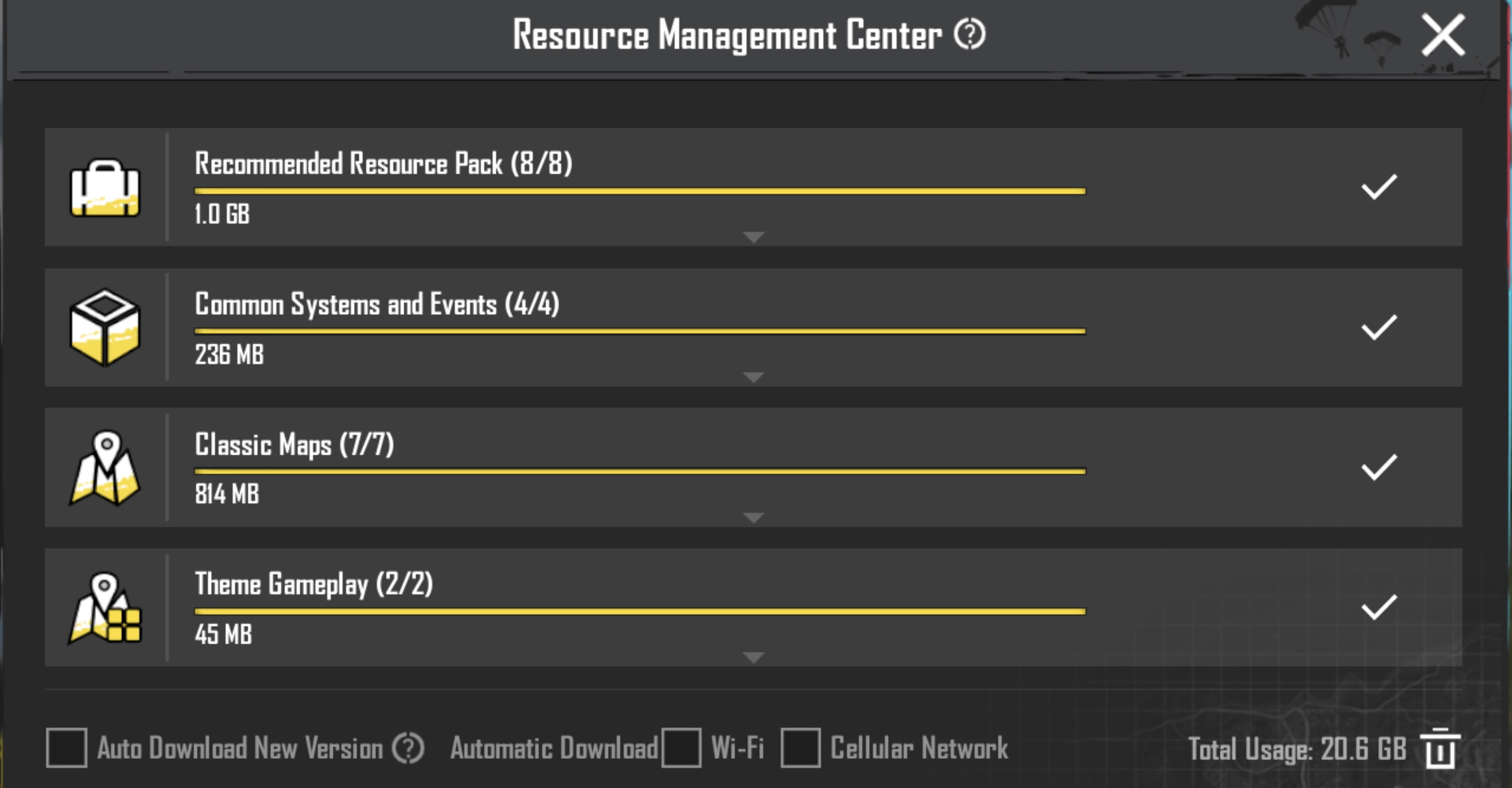
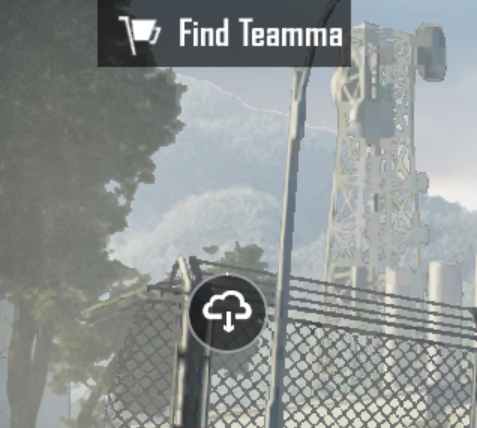
You can download resources from the Resource Management Center. This menu can be accessed by clicking on the cloud icon (located above the map selection).
We apologize for the delayed answer on your inquiry. Please let us know if you have any other questions and we will be happy to answer them.