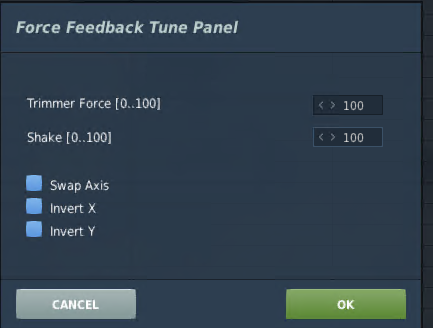
How is it I have never seen this. Use joystick gremlin for all my control box mapping, but this....I like! May help preventing the nuking of controls sometimes on DCS update.
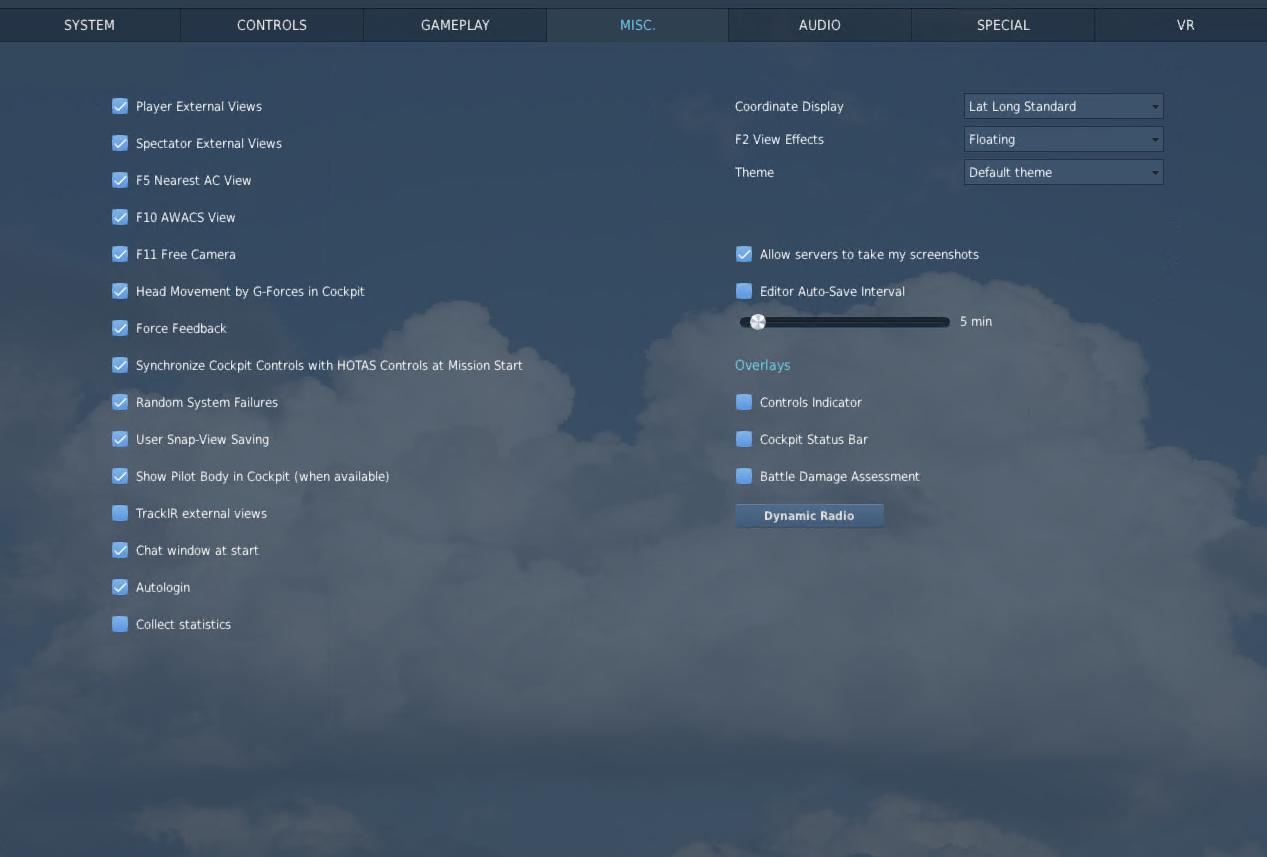
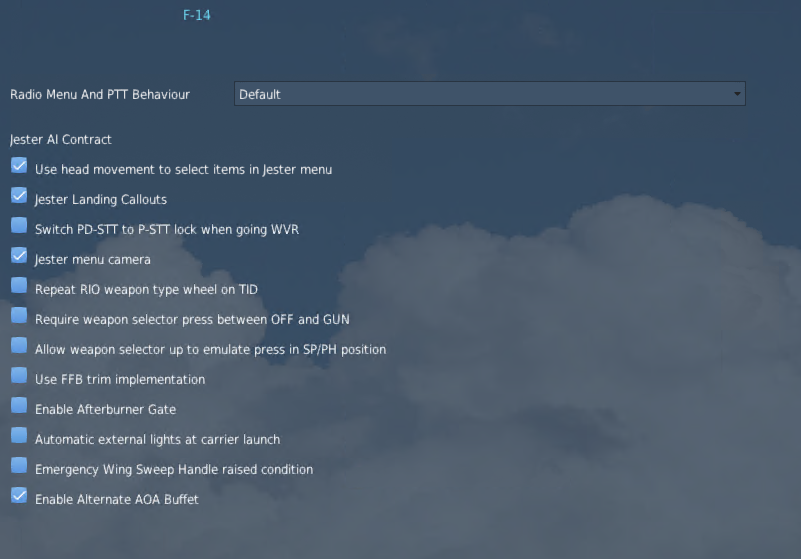
To all the Tomcat Drivers.... I am currently working through setting the Rhino up. I am struggling with getting trim adjustments to move the stick when trimmed. I have tried all combinations of turning the "FFB Trim implementation" on in DCS module and the "Force Trim" in VP Config. I can either trim the ld fashioned way as in the stick does not move but trim adjusts...or... I cannot adjust trim at all.
I have read through pretty much everything here and I must be missing something. Thanks in advance....
Sure do Even tried the Trim option in special for the F-14 on and off I can get buffet shake and those effects, but trim to work and move the stick...no bueno
strange... I had my stick fail to move properly a couple times, but I got it working eventually. Trying to remember if I did anything other than restart DCS.
You might check that your trimmer controls are bound properly. If you've got a stick preset applied in VPForce config, sometimes it got reset back to default for me after I made edits in it
@walmis Hi, I have your Rhino base with an 20 cm extension and a VPC Alpha PRIME grip. Now everty time I press one of the 4 way hats I get multiple inputs. In the configurator I seleced the apha grip. I hope somebody finds the step I'm doing wrong.
Vp settings, Hardware Force Trim currently off, but button mapping settings can be seen... These correcspond tothe Virpil VFX hat up, down, left, right
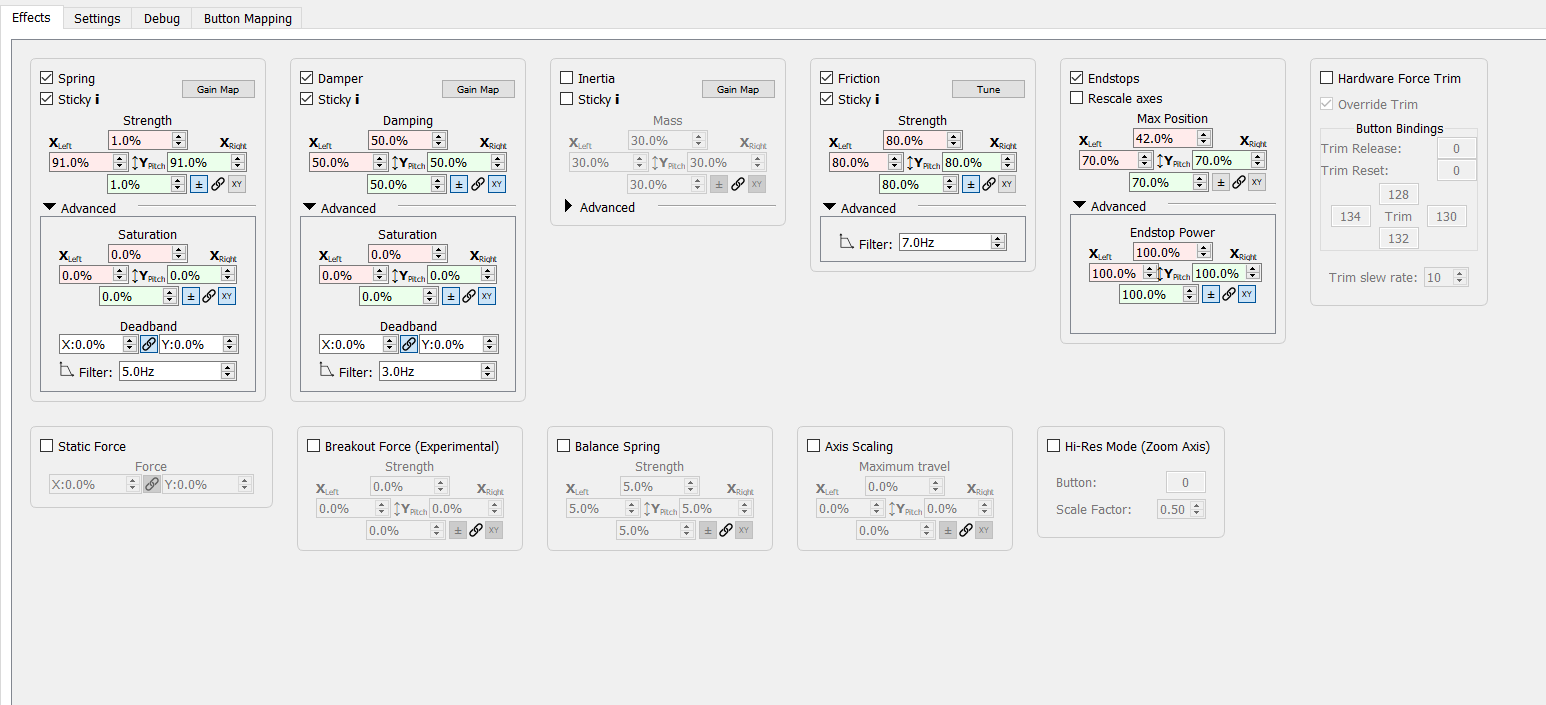
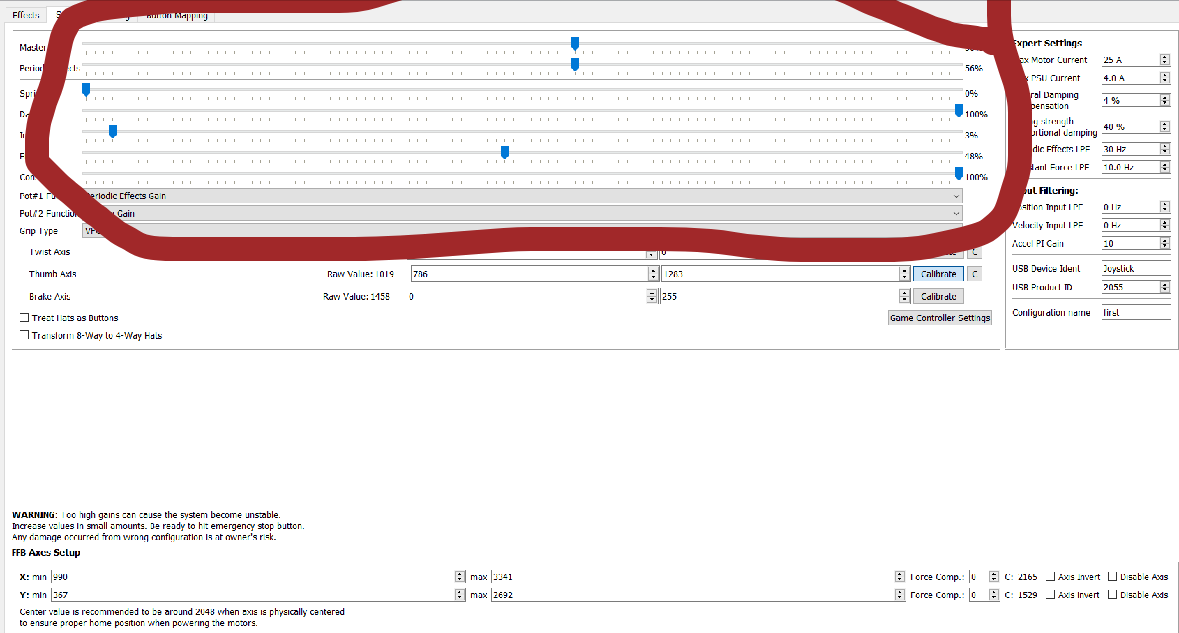
Though “Spring” looks like it might cause some issues since you’ve set pitch to just 1% and have it override game ffb. I wouldn’t say that I’m certain of it, but I imagine that it has the potential for causing issues.
Try unticking all “Sticky”, tick “Use FFB trim implementation” and see what happens re FFB trim, so we might figure out if that’s on the correct path
Thanks.....Will do! ALso, meant to ask....should I use the VP Hardwre Force trim? Or just use the DCS settings and leave VP force Trim off and map the game trim controls as normal?
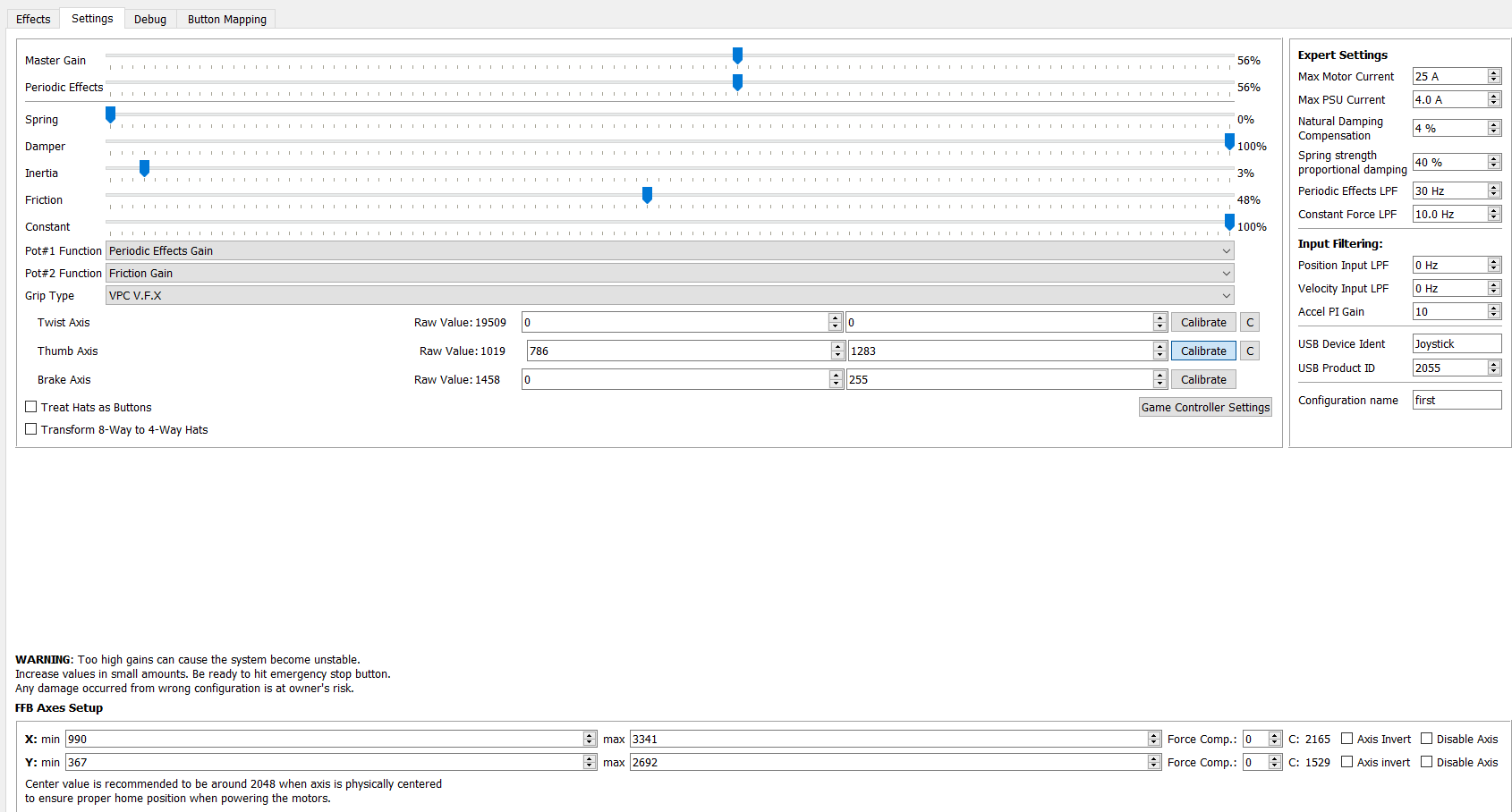
I am getting it now...if you turn on an effect, the slider itself needs to be at some value over 0. If you dont want any strength to the effect, disable it in effects tab
I’d recommend not changing any settings in the app unless you’re trying to tune an existing plane, spring centering is what gets adjusted in the f-14 when trimming