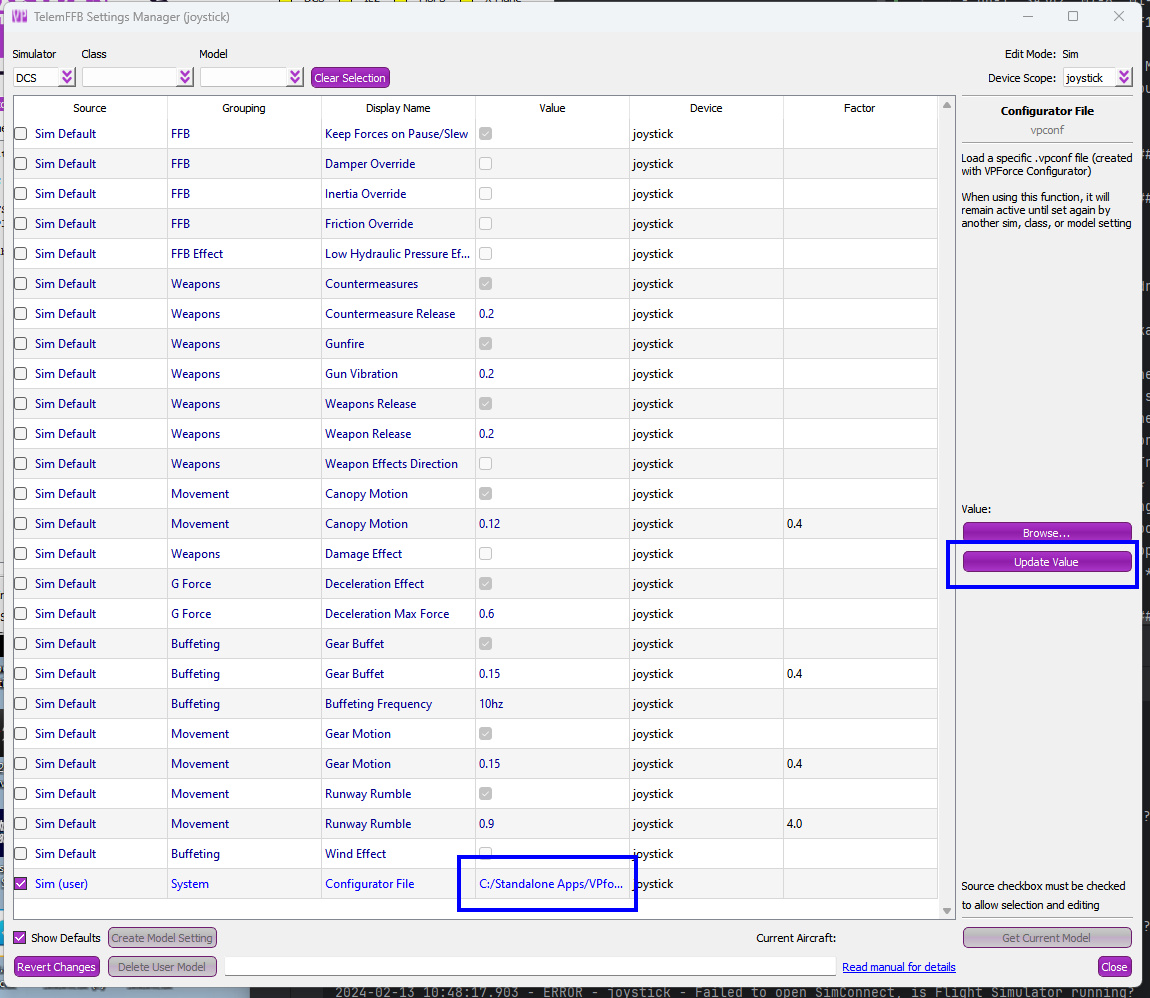
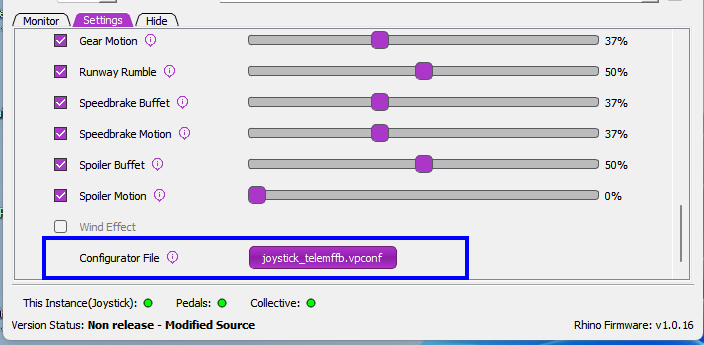
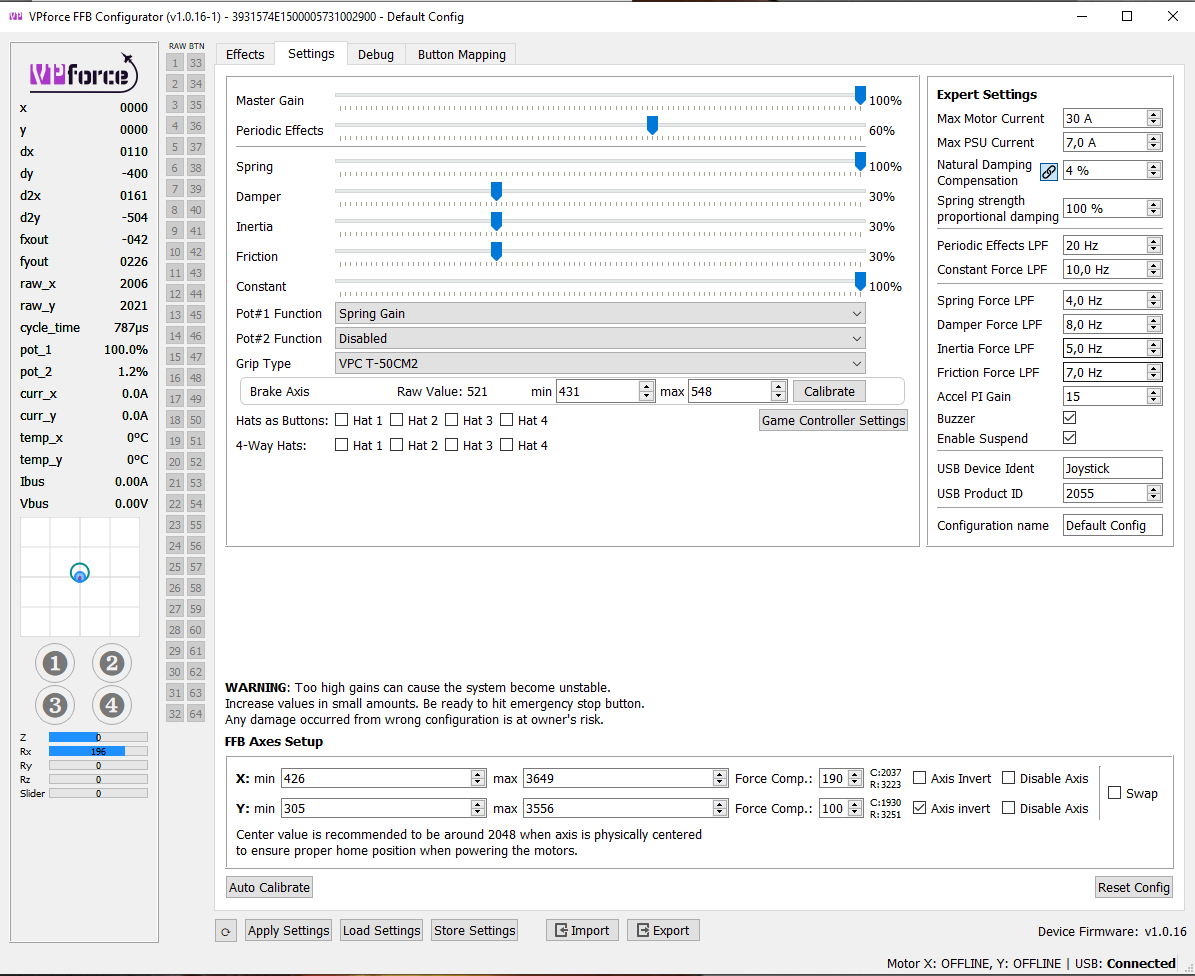
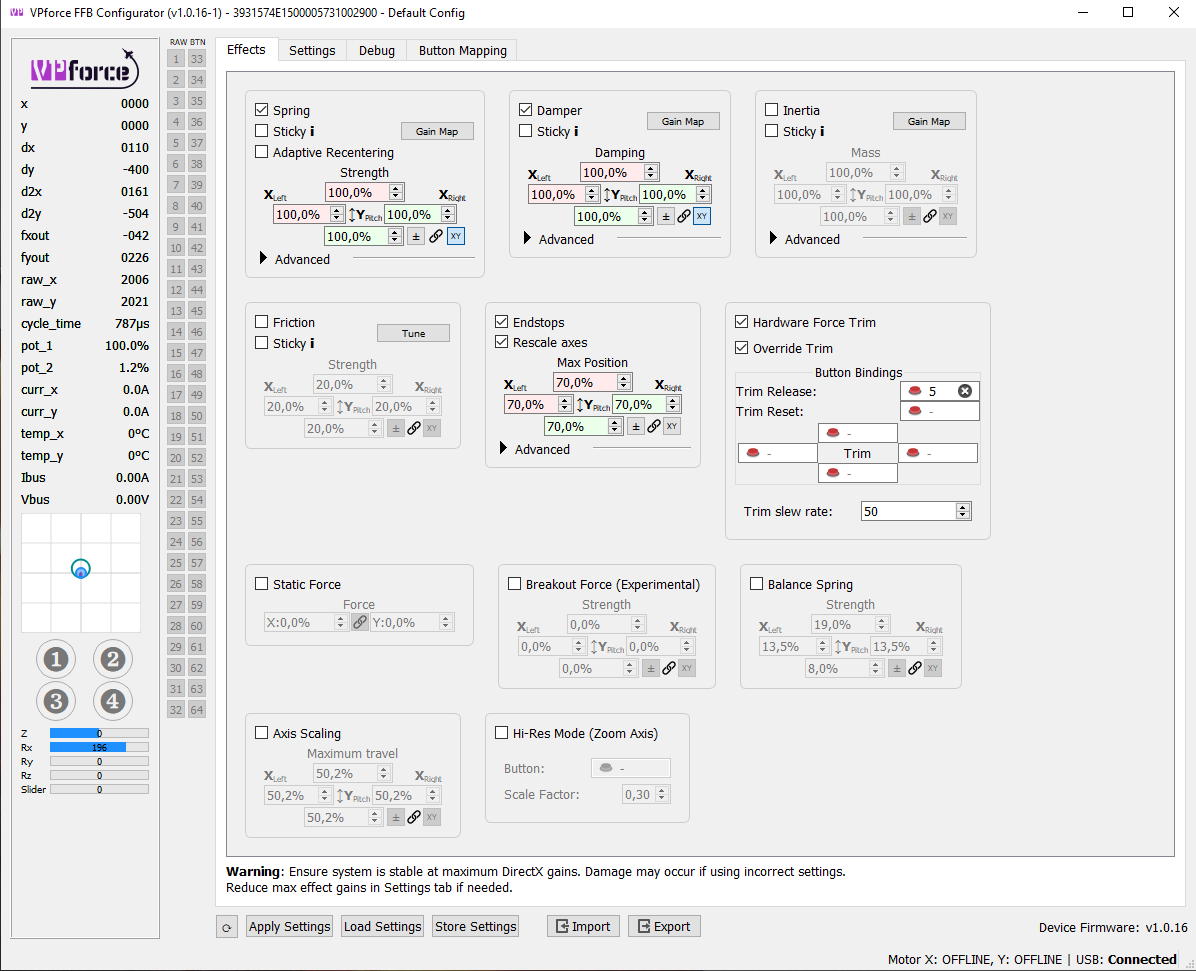
OK, have done all that. I have 3 different vpconf files, for different modules (F14, F5 and F18) To enable automatic running of each when I use that module, I went to System/Edit Sim class defaults 7 offline models. I then in the 3rd column dropdown selected all the F14 variants there ( there are 3..?) and scrolled to the bottom to configurator file. I checked this box, then I highlighted the line and used the browse button to navigate to the location of the saved config files ( in my case in "configs" in my main VPforce configurator file location) . On selection, I was returned to the GUI, but there was no where I could see that link was made. Was that the correct procedure for linking a profile to a particular module? Assuming that is correct, I can then in the same GUI edit the Telem FFB effects for that module to differing values using the slider after highlighting each one....correct?