
 S
SDo You need pull down resistors on the inputs?
 W
WNo, the inputs have pull-ups. Can you show the how it behaves ?
 S
SRebooted the PC and now it works as it should. Sorry for the trouble!
 S
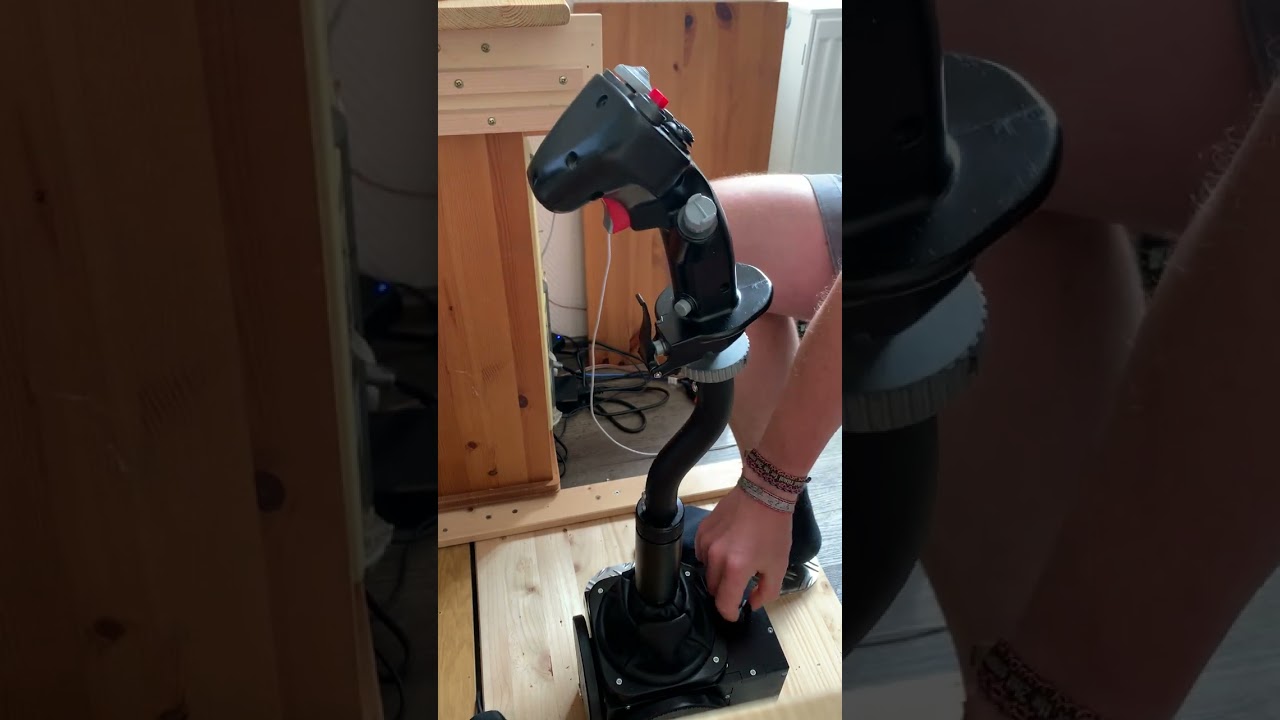
SIt's on both pitch and roll. Here is a video, the cracking is between second 33 and 37: https://youtu.be/DGEhnrvv-k0 ... thinking about it, it may be wodden construction that sqeaks. Does anyone else have these sounds too?
 W
WUsually when a problem is gimbal related it makes the creaks on a single axis.. Hmm, hard to say. Try maybe holding the base with a downward force and moving the gimbal then, also try it without the extension.
SI accidentally downloaded my collective settings to the joystick. I didn’t have any backup of the settings but I tried to restore them.
But know in DCS the F4 doesn’t work as it should, it pitches violently up when I activate “force feedback” in DCS settings. I read that this happens if You enable ffb in the F4 without a ffb joystick. It worked great before I messed up. Any tips?
Also in the F14 the joystick axis doesn’t follow the trim.
But know in DCS the F4 doesn’t work as it should, it pitches violently up when I activate “force feedback” in DCS settings. I read that this happens if You enable ffb in the F4 without a ffb joystick. It worked great before I messed up. Any tips?
Also in the F14 the joystick axis doesn’t follow the trim.
 G
GDid you apply nose trim down before take off?
 D
DI have a 86BLF04 motor which I am using for my Virpil Collective. My motor axis is 'X' but I understand it should be 'Y' for a collective. Is there firmware available to change the motor to 'Y' axis?
SThe problem came back again with the bouncing inputs. I added a resistor on the data input and the problem seems solved. I got 60cm wire between the shift register and the board.

 N
NYou might need to get beta firmware from walmis. There is a "swap axis" checkbox in configurator but I think it is not working for single motor setups in the latest configurator/firmware.
 D
DThanks. Walmis was kind enough to follow up.
 F
FI put in an order on May 20th, but have never received confirmation. Can you help?
FThanks for your help. It says that I don't have permission to send messages on this channel....
 F
Fyou can just directly message the bot
 M
MHi, just found that "Breakout Force" at 5% makes forward trim unusable in the A-10Cii
 F
FI've tried, but all it says is that it does not understand me. FRUSTATING.
Fjust type:
"!info your.email@emailhost.com"
"!info your.email@emailhost.com"
Fwith your personal e-mail obviously
 V
VHi everyone. Sometimes it happens that when I fly my roll trim get stuck, so my stick push to one of the sides. If I trim back the trim in the sim get back to full left (or right). I have more than one grip (virpil alpha and virpil vfx) and it happens with both. So I don't think it is the grips.
Did it happen to someone else?
Did it happen to someone else?
FThanks! That worked. I really appreciate the help.

 K
KIt happened to me 3 times but with nose down trim on pitch. I've switch off rhino, reloaded vpcvonfig and switched it back again, that cleared it. Unusual and very random
VOk so there must be some bug in the firmware
VIt happened to me 3 times in the same flight
WWhich aircraft? Could be DCS is sending wrong trim data
VThe F-14
VIt is not the first time it happened to me, but now it happened 3 times in a row
VIn the DCS controls indicator the trim indicator moves (when it does happen) like If I was pressing the trim left (or right)
WThere's something bugged in the F-14 trim implementation. Last time I tested, sometimes trim runs away when switching pilot/rio seats.
VTo "reset" this behavior I just press the offending input (trim left in my above example) and then of course retrim back to center
VYeah that's I know, and also ACLS is not working
WRhino only gets commands like - set this new center at (x,y)
VBut I was in MP with an human rio
VWhat I can try is to unbind trim left/right and see if that happens again
KI had that in F-4E
WI doubt it's the buttons...
VYeah me too...but to rule out stuff
 V
Vso HB modules (for now)
 B
BJust had it happen in the Av8b and I've had it happen in the F5 about 6 months ago
NCan anyone confirm if this happens without TelemFFB running? Just want to confirm the trim workaround feature isn't bugged or something. Though it is only enabled by default on the AV8B and Mig-19
BI'll try to replicate it without the Telem and let you know
VI had TelemFFB running, but the F14 has its own trim implementation, and I am sure trim workaround is not enabled on my end
KI don't use trim workaround and had it again 1h ago, short bump of trim button in the same direction as runaway, fixed the problem. It occurred when pressed and hold so I suspect ghosting issue on reading phase by DCS
Vexactly...short bump of tim button in the same direction fixes the issue (temporarly)
 I
II have a 9.5A power brick that came with my Rhino, it's set to 7.0A in the software, shoud I change this to 9.5A?
IElectricity is NOT my area of expertise, so I'm asking first lol.
IOr is the "PSU Current" in the configurator unrelated to your power brick?


 D
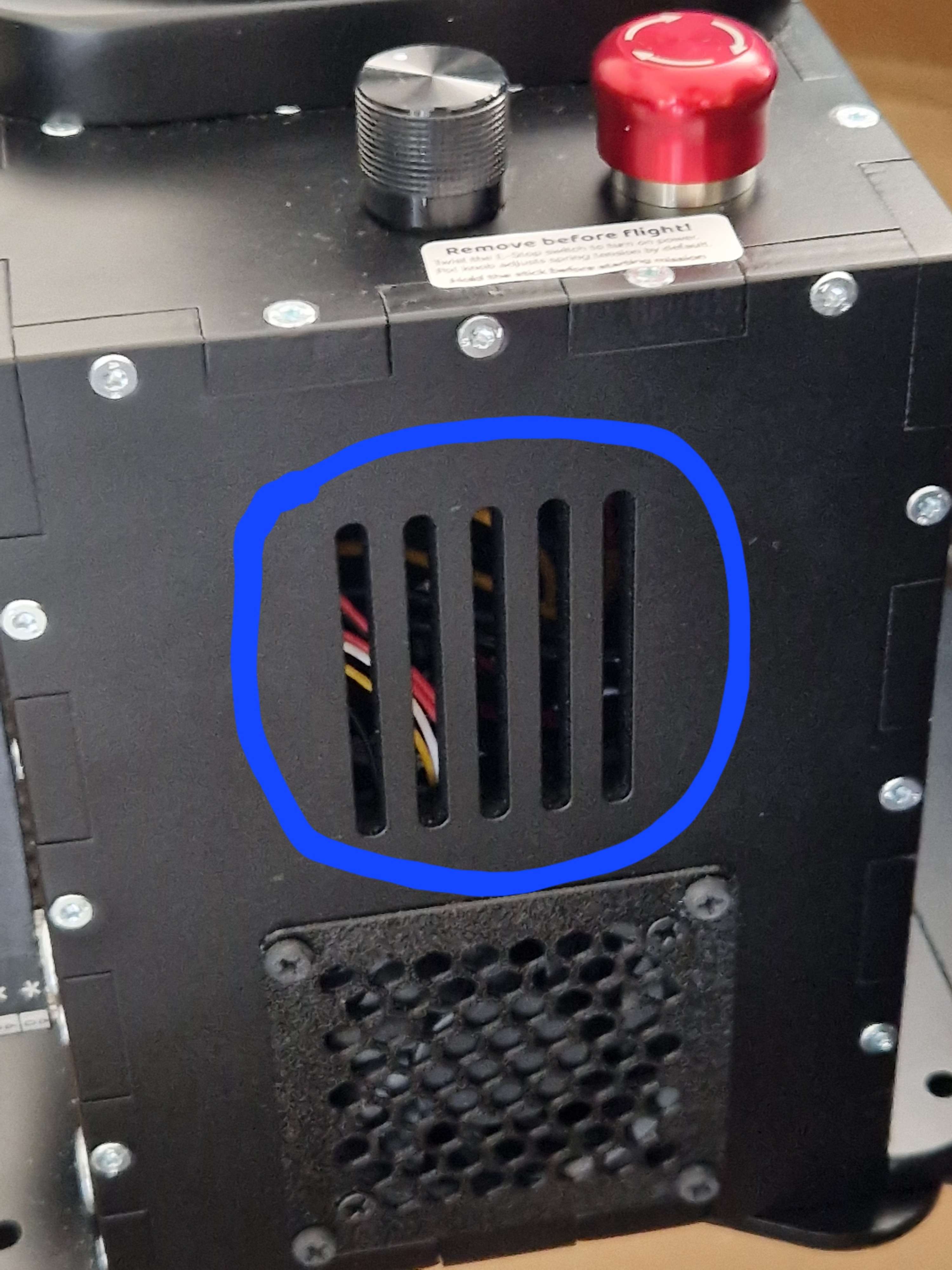
DMaybe a stupid question but is it okay if the blue marked grid is blocked?
The cooler below has unrestricted airflow but the blue marked area is directly in front of my seat cushion, so the question is how close can i put it near the cushion?
The cooler below has unrestricted airflow but the blue marked area is directly in front of my seat cushion, so the question is how close can i put it near the cushion?
 M
MJust noticed last night that the red stop button isn't disconnecting the motors when it's pressed so the only way stop the joystick moving is to physically unplug it.
Is this a known issue and if is there any way to resolve it ?
Is this a known issue and if is there any way to resolve it ?