Question: preordered the VPC FLNKR grip. It’s got an analog thumb stick instead of a trim hat.
If I connect the grip to the VPC software and configure it to have virtual buttons on the thumb stick reaching full X and Y deflection (so i.e. giving it virtual Up/Down & Left/Right buttons), store that to the grip and then connect it to the Rhino…
The Rhino should then be detecting those virtual buttons, right?
Bit of a clumsy workaround but I don’t wanna go without a trim hat for Western planes, and there’s nothing in the Rhino software to create virtual buttons from an axis
1.) Nothing is stored in the grip itself on VPC hardware... only the base. 2.) Walmis is going to have to create a profile in the firmware - whomever gets theirs first will need to send him all the mappings using the debug output 3.) The mini stick on the Alpha also has button presses (or POV events) with full excursion in each direction, depending on the "hats as buttons" setting in configurator
Our configurator versions are the same and our grip serial numbers are only ~150 apart, mine being in the 1300 range. Real strange that mine acts the way it does.
Oh, I kept reading the VPC instructions as the changes being stored and saved in the grip?
But it’s reasonable to assume it’ll be possible to get virtual/POV buttons from the mini stick by default anyway then? Those wouldn’t interfere with the axes of the mini stick btw?
What I mean is that there's no point in plugging in your grip and configuring it via vpc config tool because nothing will be saved on it. Your Rhino base and your grip will be configured via the Rhino software.
Sorry if I'm missing the point, but I don't really see the problem at this stage (apart from the fact that Walmis may have to update its software to be compatible with the latest Virpil grips).
Hey... this just happened in DCS Tomcat... stick just went full berserk forward and the weight of the Warthog stick on Virpil extension tore the thread in half... I am putting my log and config if someone can check if ther is anything wrong.... I did not really change anything to DCS profiles... maybe just created a couple MSFS profiles...
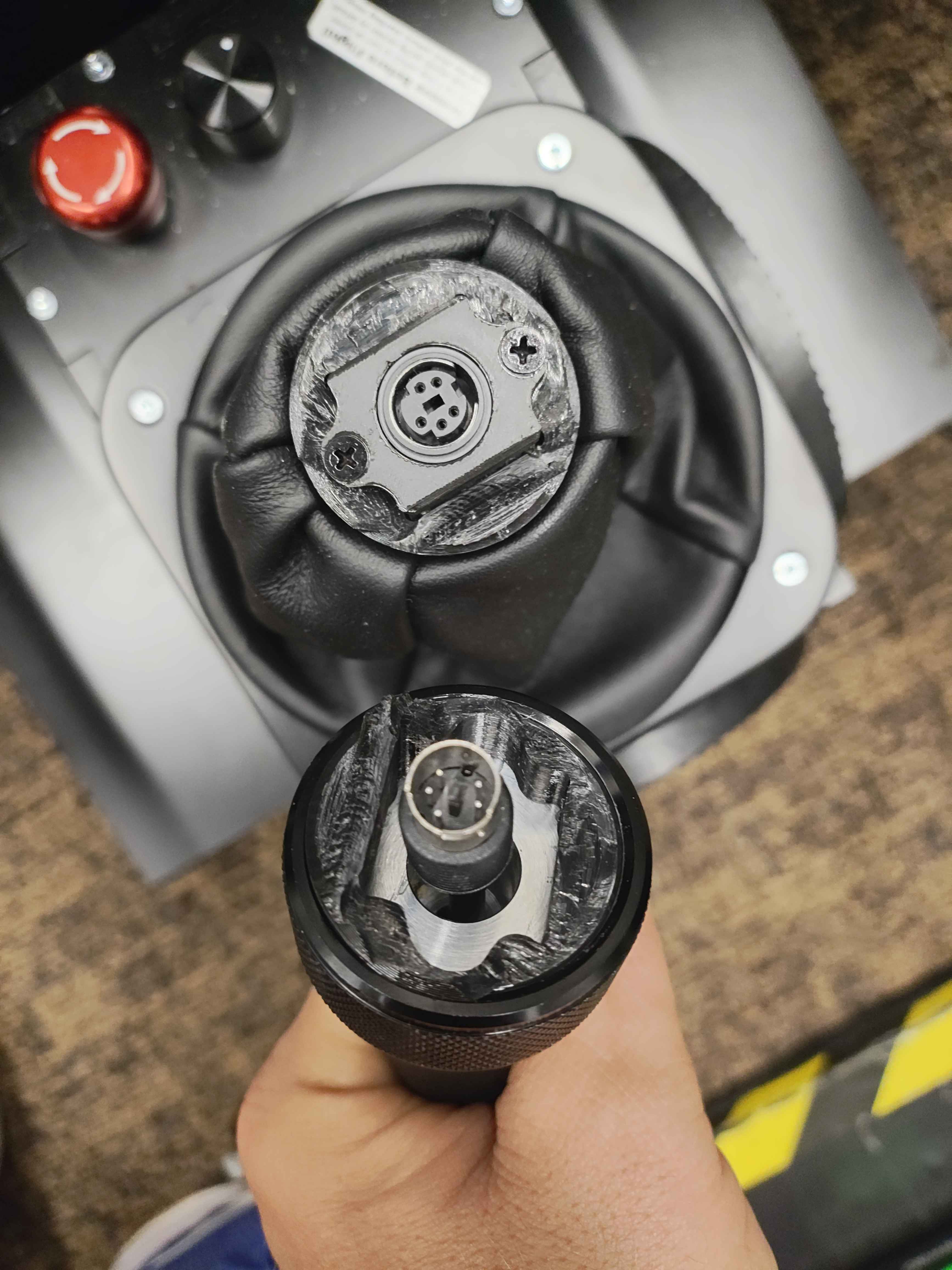
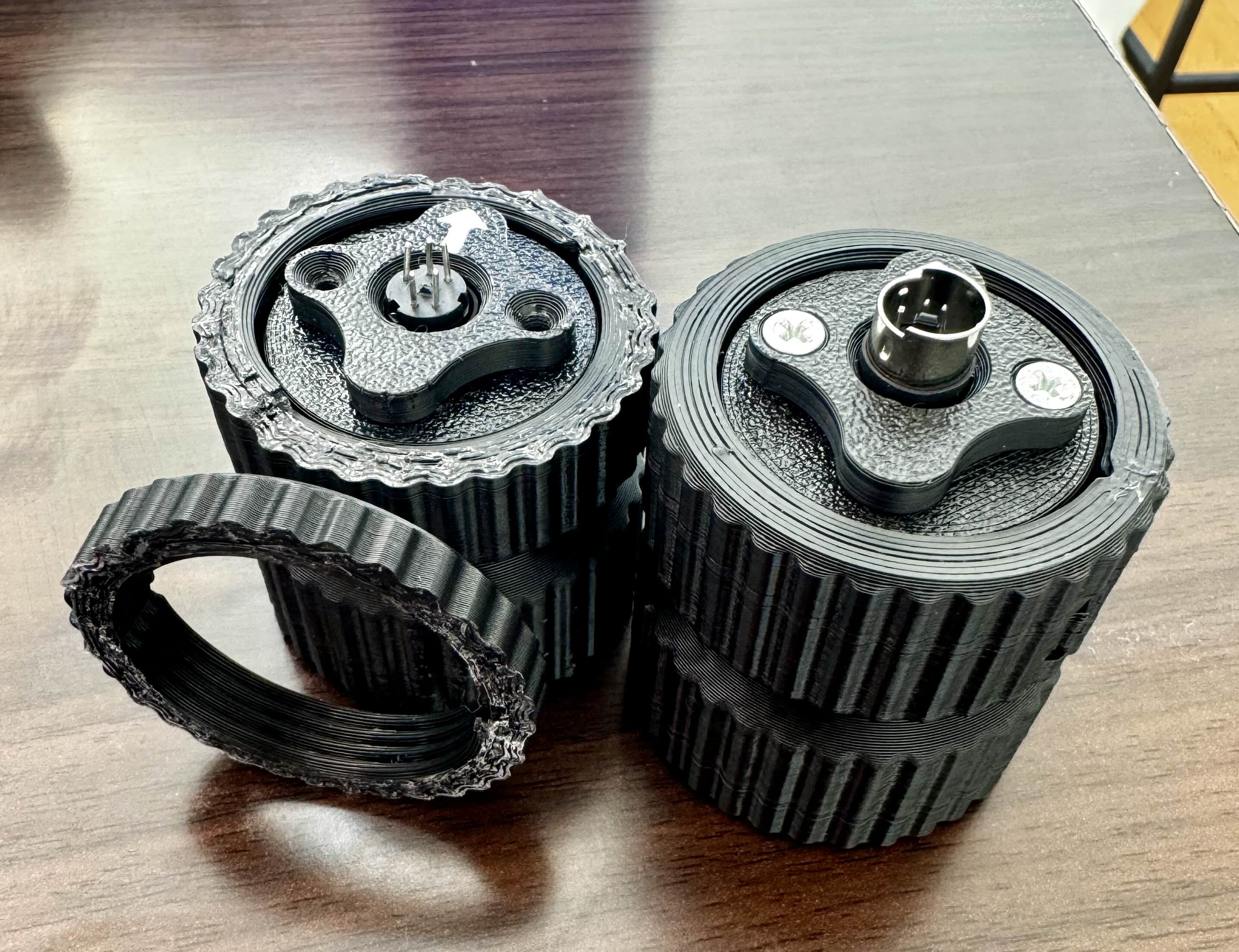
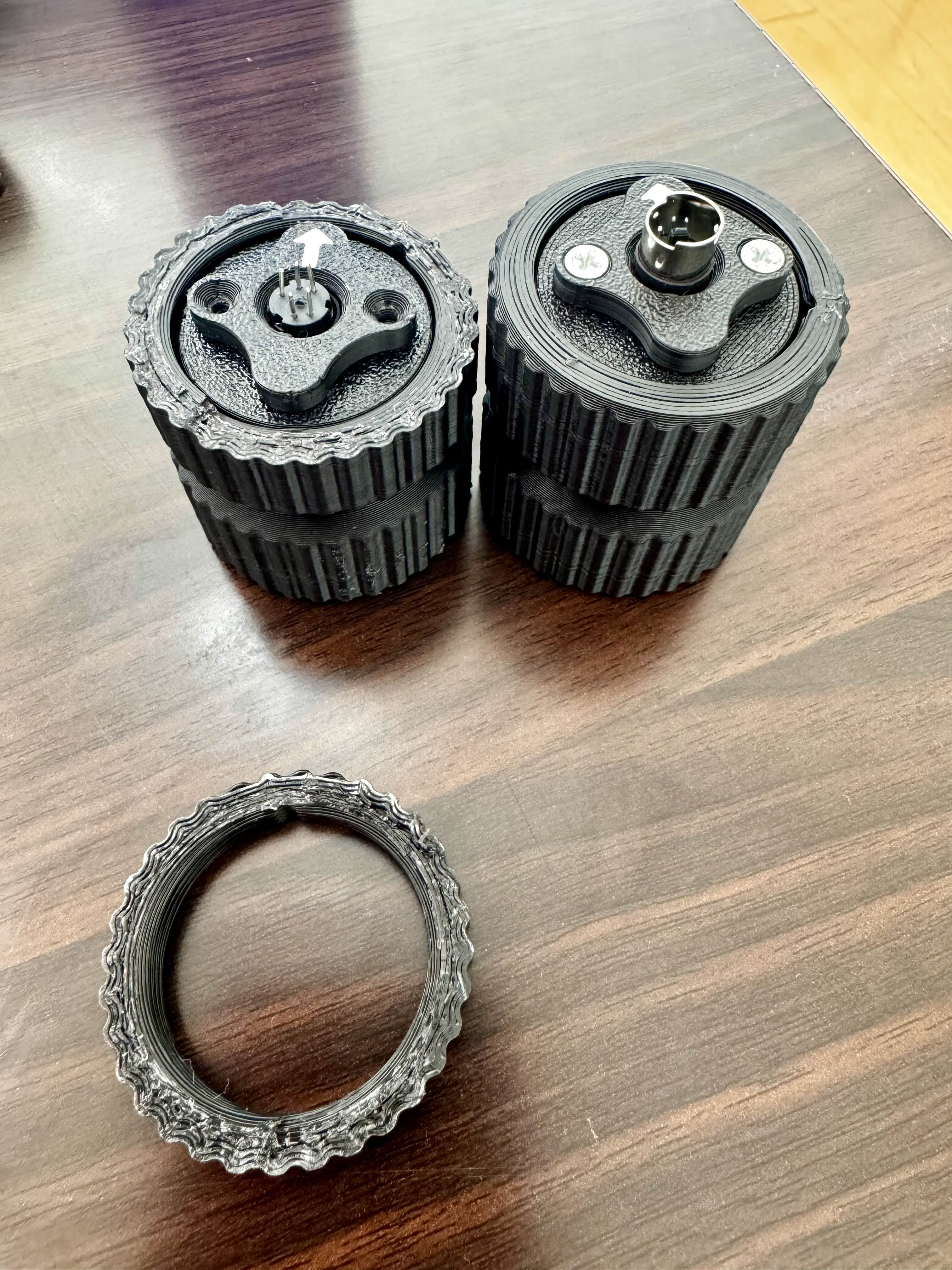
Hi @walmis just popped in an order form for the winwing adapter, the one I was using, the plastic screw on part that attaches to the base snapped in half and the joystick fell off. The adapter on the left is the one that broke, the one on the right was the original I ordered but it never worked. Just tried it again but it wouldn’t connect correctly in that the flight controls worked, but the functions on the joystick would not work such as the gun trigger or any other buttons. Might it have something to do with the metal surround under the arrow around the pins? The broken one doesn’t have one and all functions worked normally……just a thought. Cheers.
Oh well I’m not 100% sure, I just know that was my problem with mine not working. Now that I think about it though, you do have a point. Still worth it to check. Gets you back in the seat quicker.
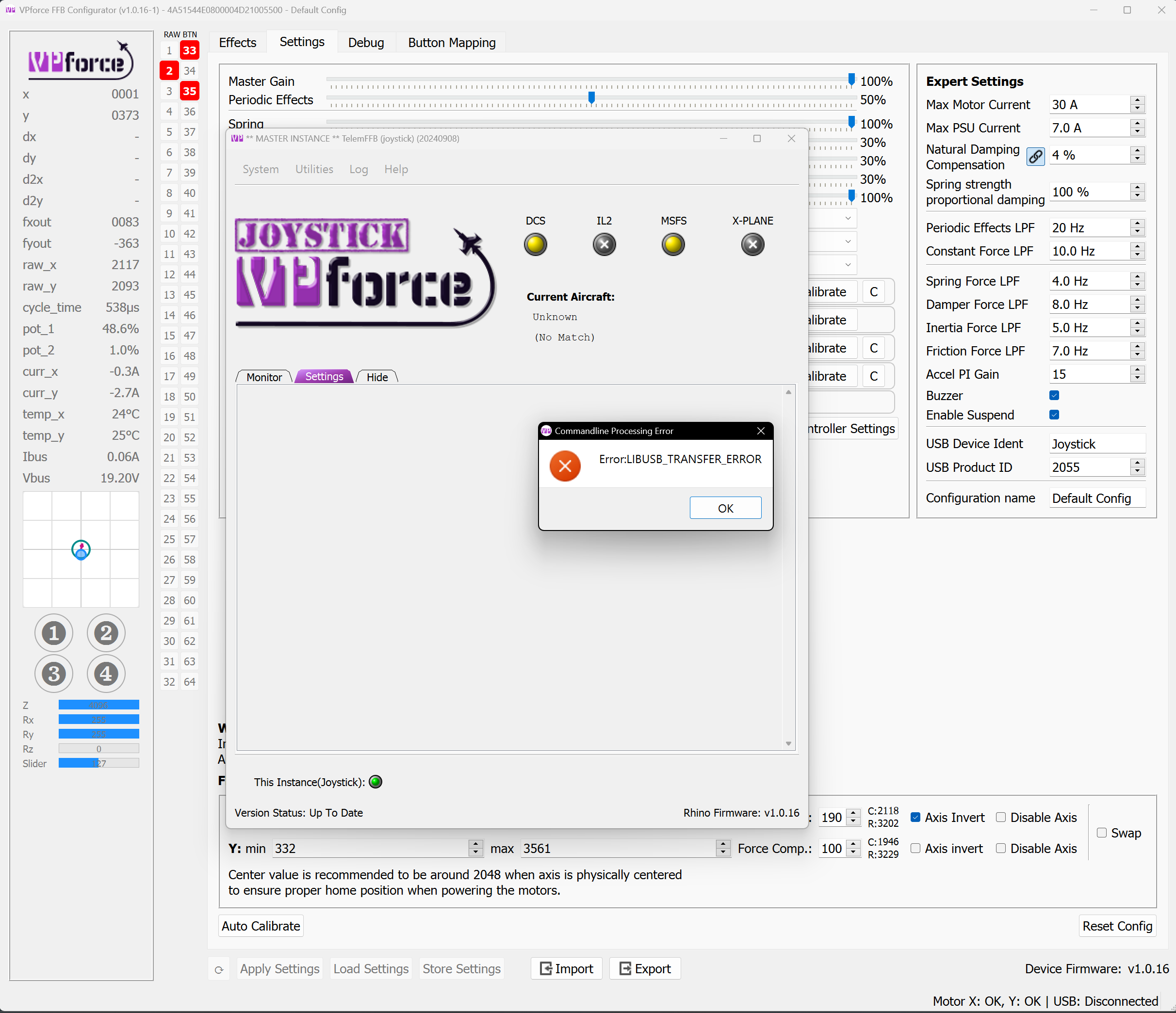
I got a lib usb transfer error, I think from telemffb while trying to fly in msfs and now my stick won't turn on and windows says device not recognized when I unplug/replug
That error isn't from TelemFFB, its actually from Configurator (occurring when TelemFFB uses the CLI to load the profile).
Suggests a USB error, commonly caused by overloaded or misbehaving USB hub. If its connected to a powered hub, try power cycling the hub, or try plugging directly into the PC
Have you switched between Rio and pilot seat by chance? There's a known issue where the Ai moves the trim to the extreme while you sit in the aft cockpit. Makes a wild ride when you go back to pilot seat.
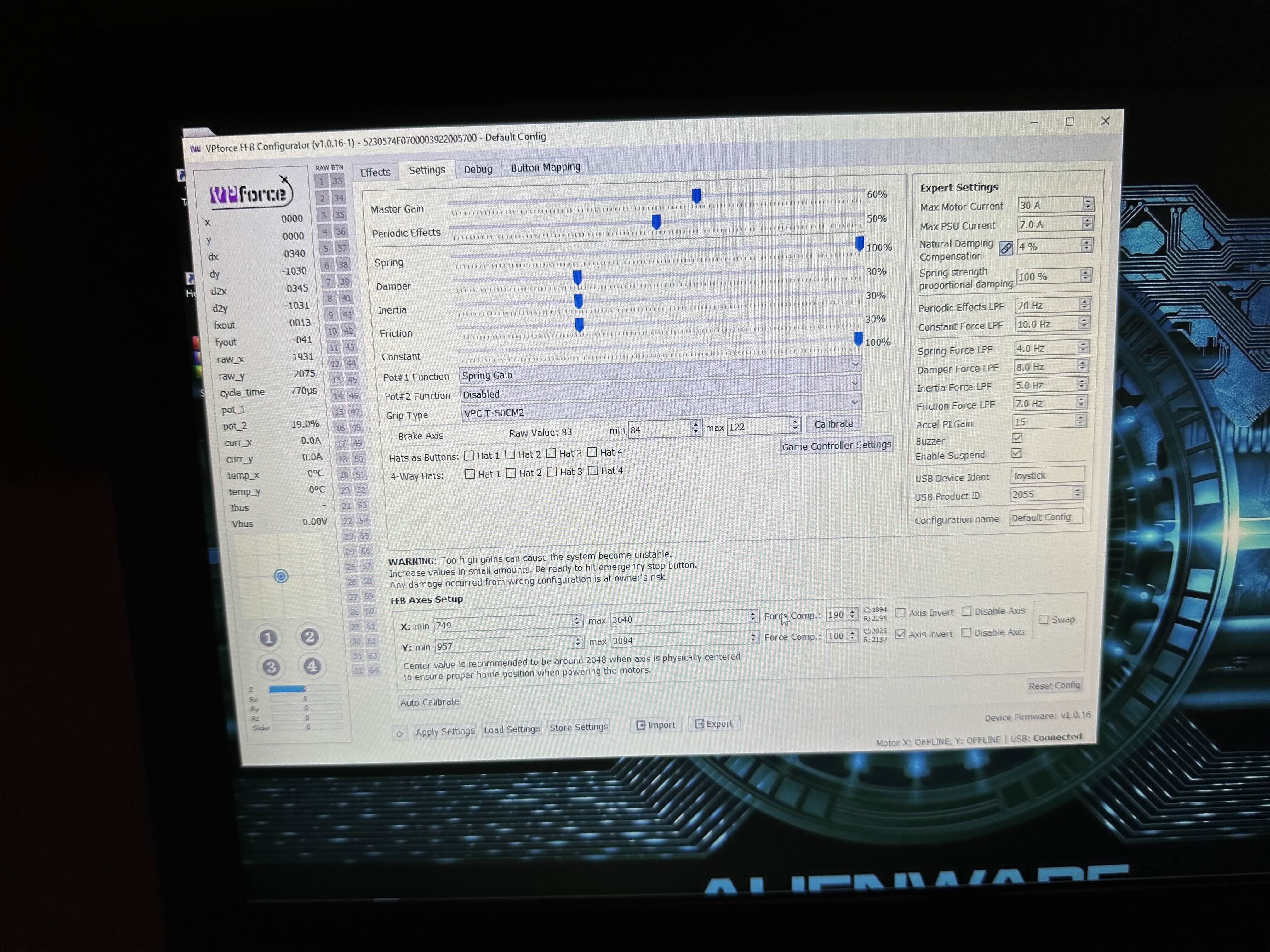
Hello guys im having some issues with ny rhino i tried to install the throw limiter and after installing the piece and hitting auto calibrate in the software im Getting this behavior