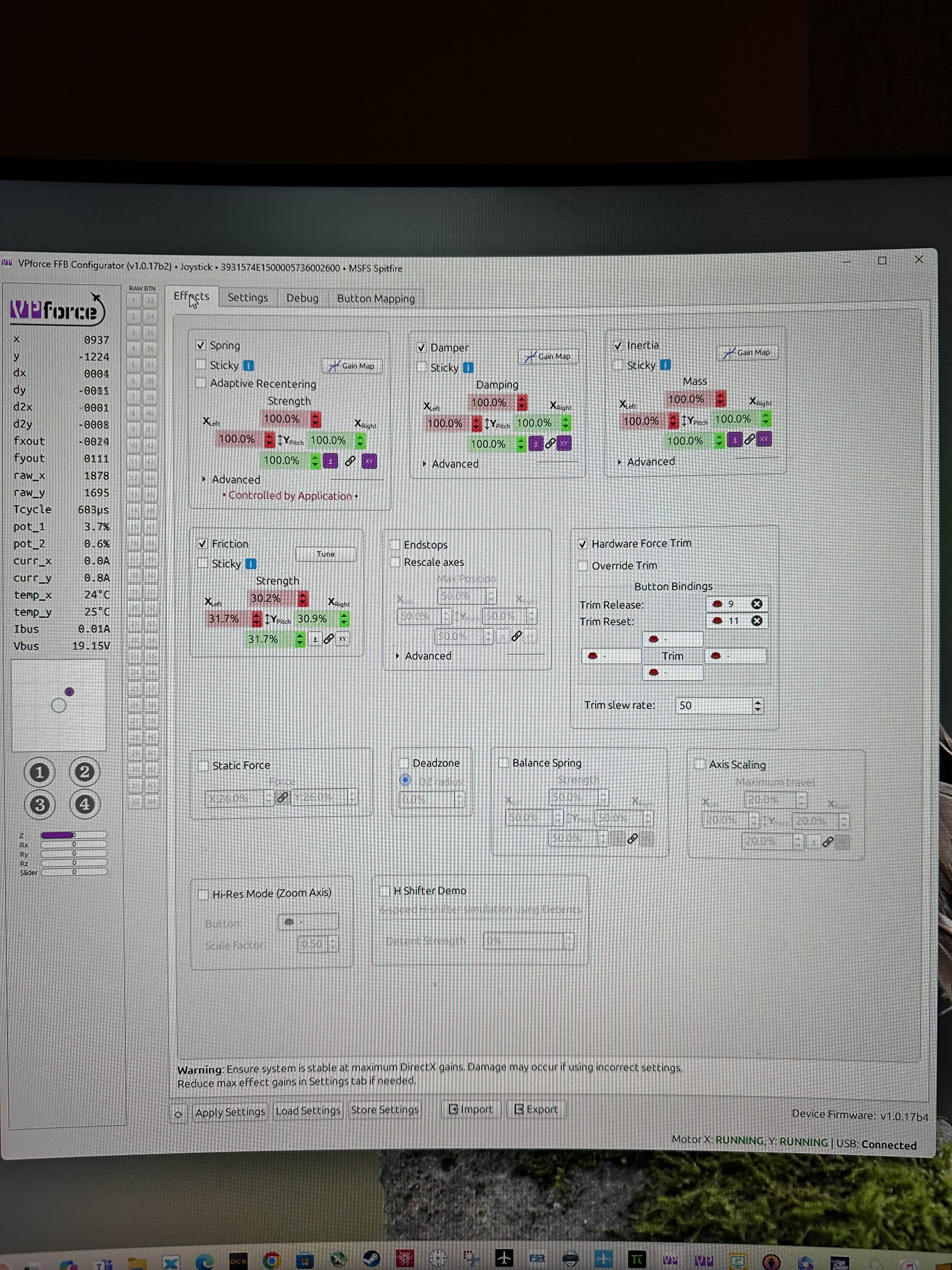
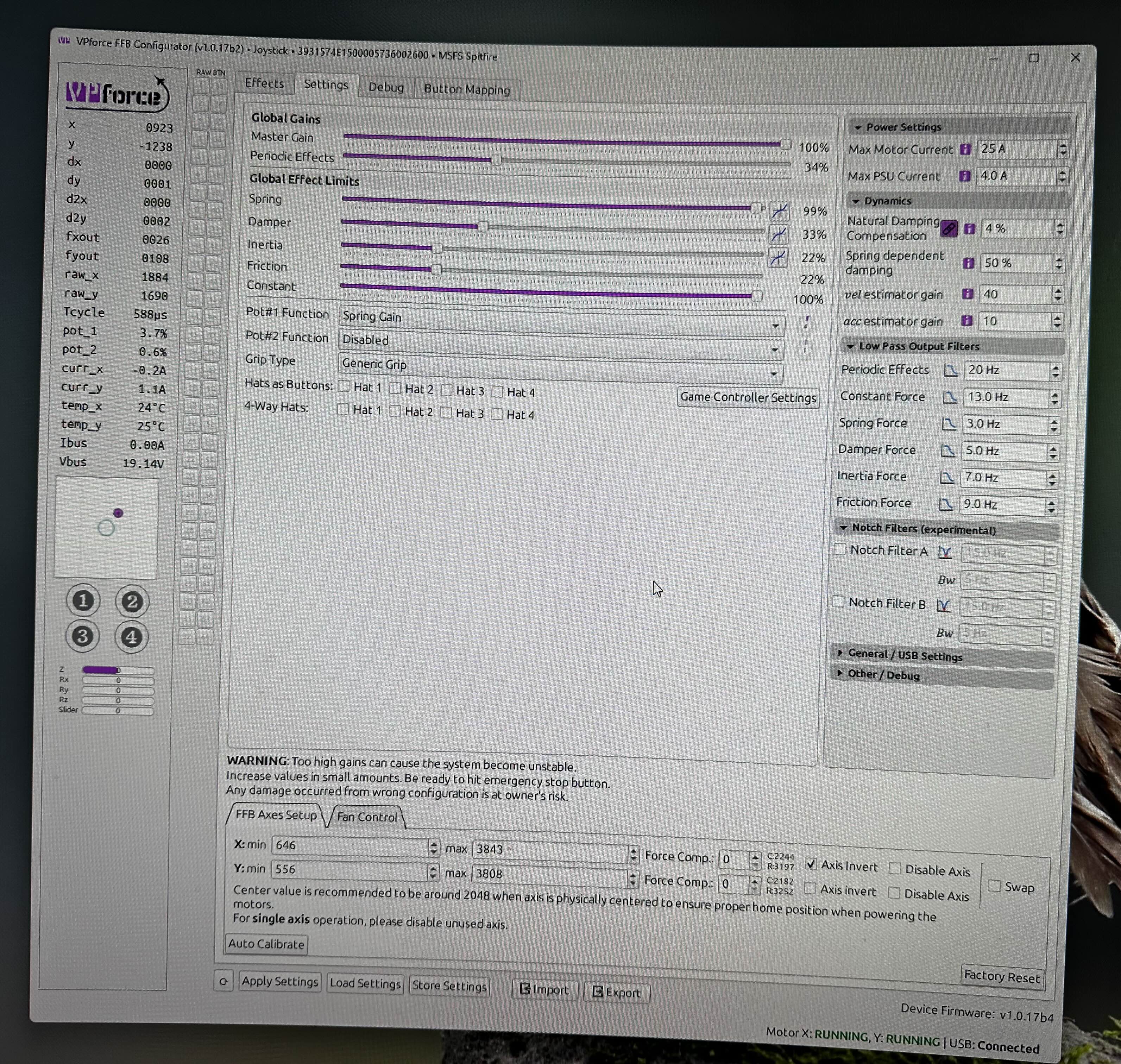
Im having some issues with oscillations when using software endstops. I think this issue is new in 1.0.17b, but Im not positive. If I move the stick towards the software endstop (with no other forces being active, or master gain to zero) it can induce oscillations, with or without holding the stick. I tried a few things, like low pass and notch filters, but nothing seems to cure it.
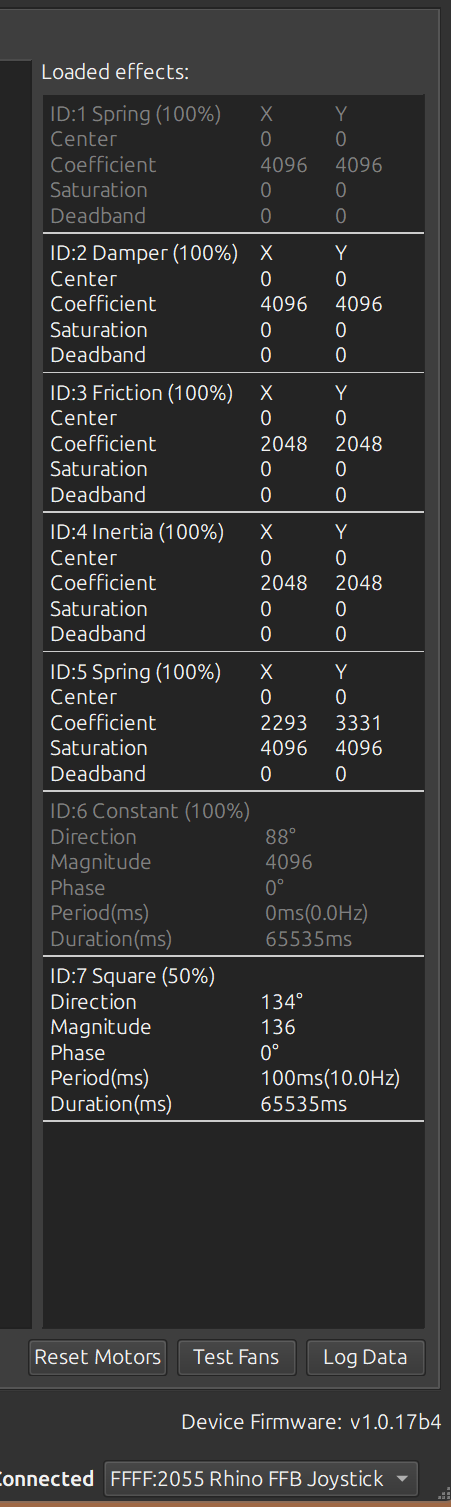
I lost trim in the A1 0 in DCS. I have the trim button properly mapped. I can see the trim button move forward in the cockpit, but my physical stick does not move in the cockpit and trim is no longer working in the A-10. Any ideas what I messed up? It was working, but I tried downloading a different profile. I have since restored my original profile, but trim has not returned. I have confirmed that “sticky” is not selected in any of my spring damper, inertia or friction effects. I also have no trim effects in the F 14 if I go into special options for the F-14 in DCS and uncheck trim, then I can make the trim cockpit indicator move with the trim hat, but with force feedback trim enabled trim does not function in the F-14 either. (For anyone who runs across this issue the solution was to go into the effects tab and check hardware for trim and relaunch DCS and trim effects returned I have since gone back to the effect tab and disabled hardware trim and it is still working in DCS so this may be a possible bug after loading a different profile)
Yes, I got it working and now when you press the trim hat, the stick moves forward and back with the trim hat. (Both the virtual stick in the cockpit and the rhino stick.)
I used the webusb tool to flash my rhino to the latest firmware. Now I'm running into some problems. Is there a way to flash the firmware back to a previous version? Like 1.0.16 I believe. Thanks.
Hey, usually when I trim the F-4 the FFB Stick would follow. So if trim nose down for fast cruise, the sticks center position (or force free position) would move forward (quite a bit). However, that doesn’t work anymore. I can see that the trim hat inputs are registered and the bob weight indicat...
Unless I‘m blind (not impossible ) there is no such option in the F-4 special options. And I didn’t change anything there either from when it worked. Does the trim following still work for you in the Tomcat?
@walmis It is working again! Thank you so much! It worked after I plugged the Rhino in a different USB port. It kept working though after I plugged it in the original USB-hub again. I can think of two possibilities here. Either the logic board needed a 5V power cycle after the firmware update or somehow the order of how the devices were plugged in the Hub mattered. (I did some cable management lately, so the order may have changed).
Thanks for the quick response! Problems wise: trim not working anymore (at all!) especially noticable off course in heli´s. But even F-18 didn´t work when telemFFB was active. Also busy with testing other device (MIGS) which apparently also had an issue when working together with the rhino. That was fixed with a software update from the migs side so I figured that was playing up again. Anyway, I´ll try the new firmware and disconnecting USB when I have some time later. However, would be nice to have at least to possibility to downgrade the firmware..
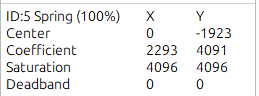
also after firmware update started having issues with spring force applied momentarily while moving joystick in about center area. In the video clip you can see that sometimes spring force jumps very high for a split second.
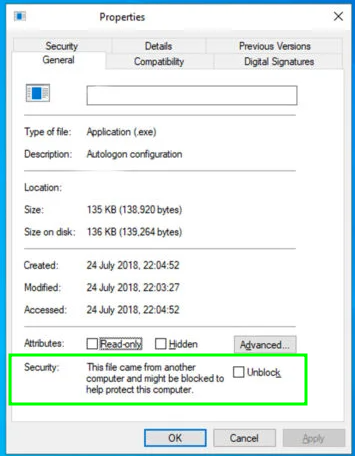
right click->properties on the EXE for the new configurator version. See if there is an option to unblock the file. This has happened to one person I know of for unknown reasons.
Thank you for an advice. I think I had issue with windows archive extract function. Once I used winrar to extract archive, configurator started working. Still having issues with jerking forces on the joystick. Seems like it happens when joystick crosses zero point on the axis.