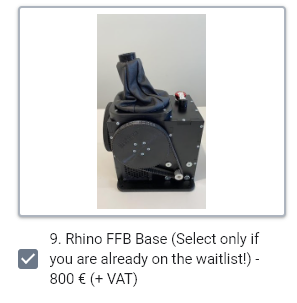
Could I request views for and against mounting the Rhino on a LONG Monstertech mount on an IKEA desk, with vibration settings turned down very low to avoid it shaking the desk to bits - thanks.
(NB: My personal interest is in the Rhinos realistic trimming and aerofoil pressure NOT sensations of gear or airbrake travelling etc.)
Everthing was working fine. I've open the case to tighten main gimbal screw and remount. The stick center wasn't correct any longer. So tried a calibration.
But now I'm unable to have motor provide force any longer. TM warthog buttons works. I can see stick moves in windows game controller window.
I have try Reset Firmware defaults. Auto calibrate. Master Gain Main 100% Effects Springs 100%
Everything works, except there is no force, stick can move freely. Motors have a green light. There is 24V on all pins with screws. Firware update button cannot be activated even if connected, may be because FW version is latest one.
I'm lost. Except return the DIY kit 57BLF03x2 for check I have no idea what to do.
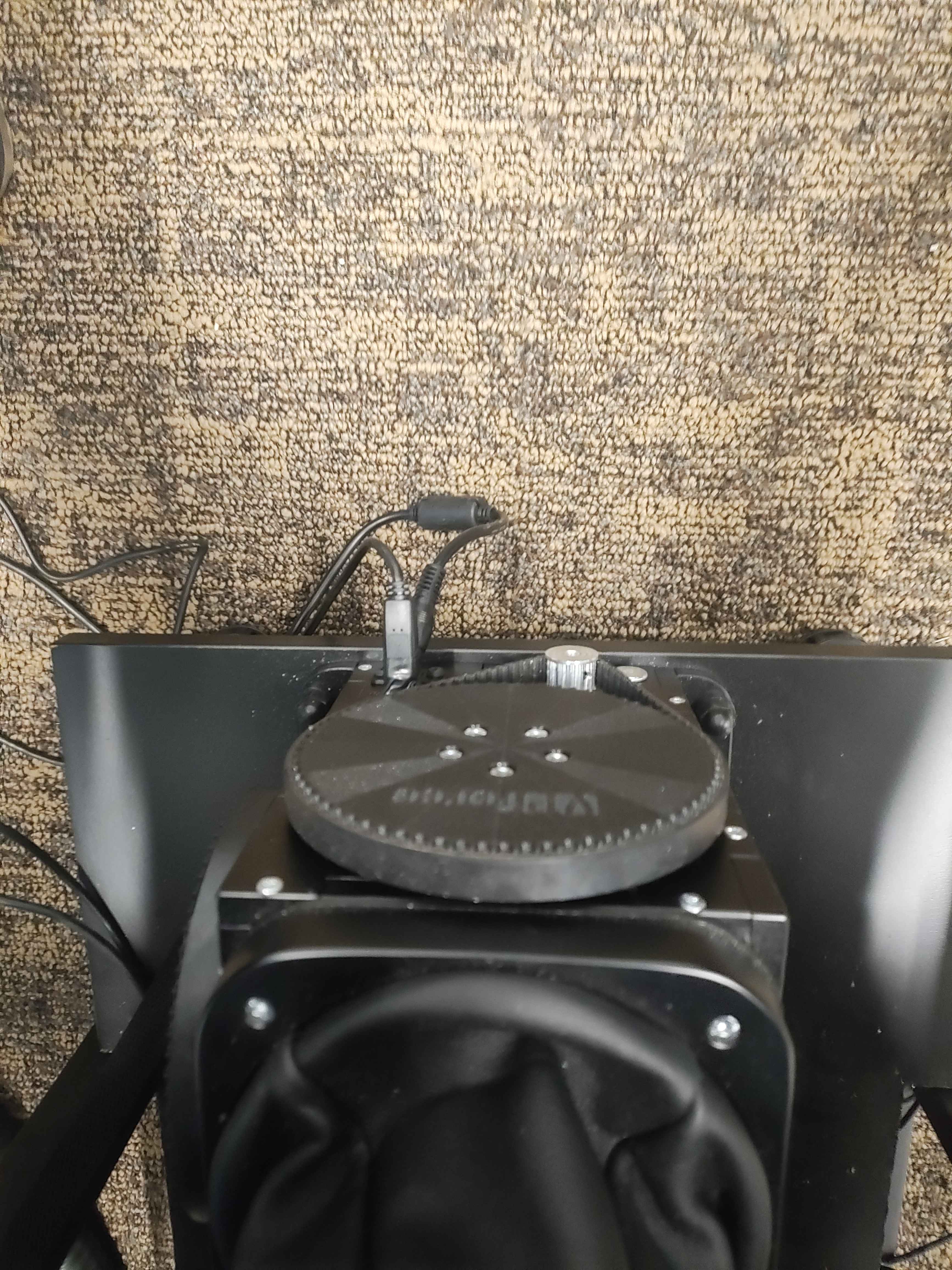
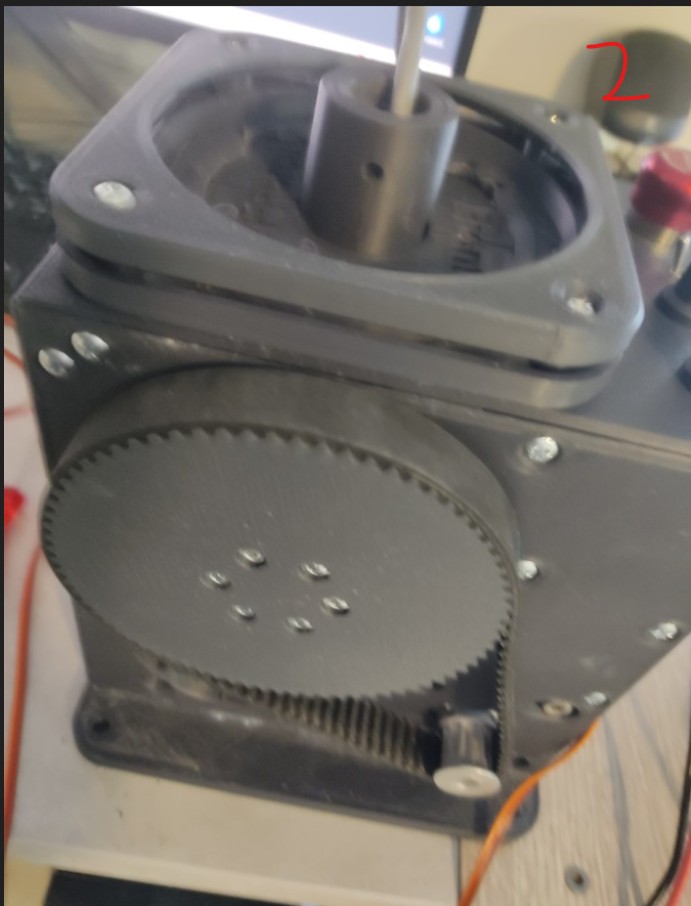
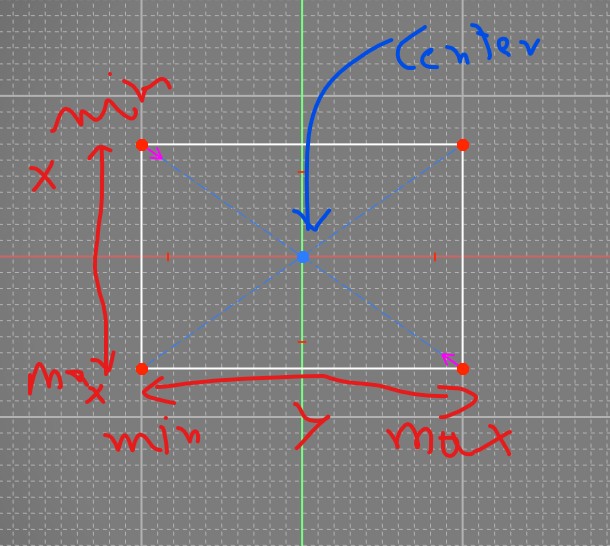
I don't understand how to have a correct center. 1) I turn the pulley to have rawX,rawY belt not installed near to 2048 in Auto calibration Than apply/store. 2) Mount centering tool. Mount the pulley. Autocalibration. Apply/store. And sitck is not center.
Do I have to unscrew the pulley to have stick center (which is impossible for my case, I need to unmount the motors to have access to pulley tiny screws) at some time ?
With centering tool set as in picture 2, how store 'this is my center' ?
You don't have to change anything more physically - your calibration is within 0-4096 bounds, which is good. Do the auto calibration routine and save the settings.
Yes, correct. You should be able to just press "auto calibrate", read what it says in the box and press OK, move the stick forward, back, left, right, and press the auto calibration button again to exit calibration mode. Then press "store settings" for it to take effect. Btw, personally I don't see the need of the centering tool but maybe it's me not thinking it through (as long as you are within the one rotation of the motors, at least when connecting/powering on). I didn't use the centering tool when I assembled mine but maybe I'm lucky
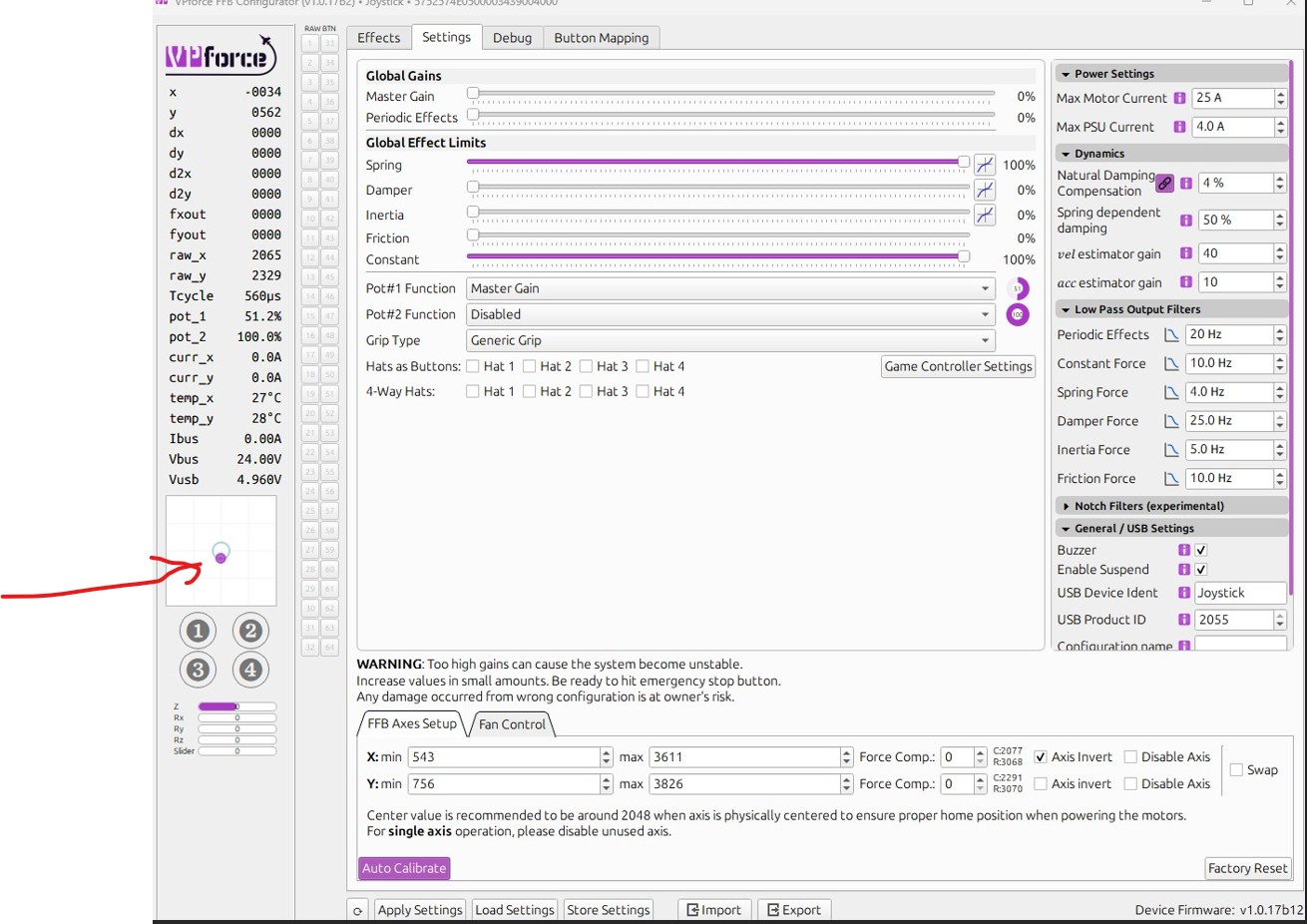
your stick is sagging from center, most likely due to grip weight and extension offset (can't see what you've got attached in your photos). Also, your pot is assigned to master gain and set to %50, so you're only getting %50 of whatever spring effect strength you have started in the effects tab.
Spring is weakest at center. You should use the Balancing Procedure to counteract the sag caused by the grip. Once you have that satisfactorily configured, I recommend using the "adaptive recentering" feature in the effects tab spring settings.
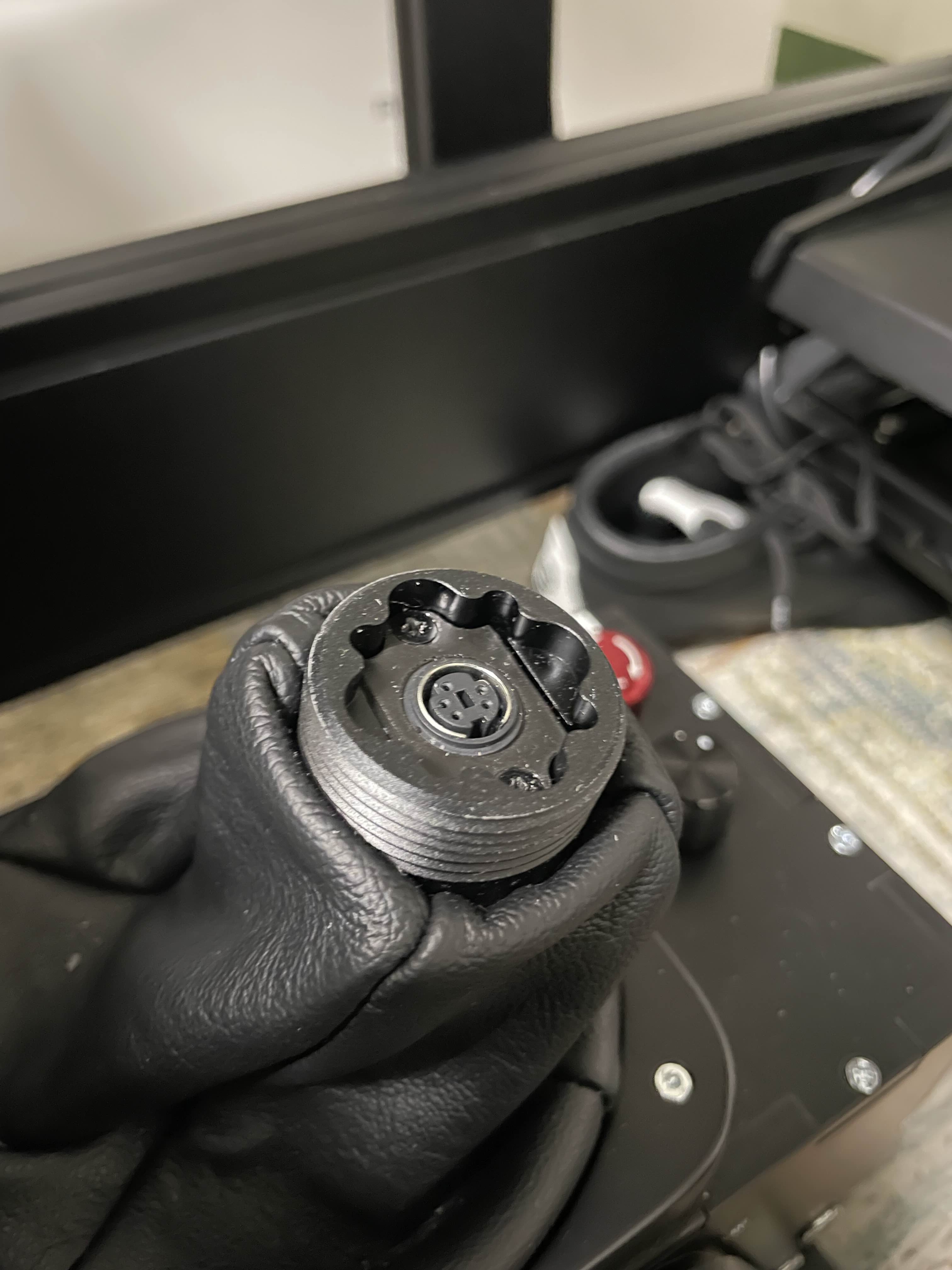
Hi guys, does anyone has the 3D print model of the threaded insert to attach the grip when I take it out from the Rhino? I need to be taking it out frequently as I have a flight/racing sim setup and would like to have a nice place to keep the grip near the rig once I take it out instead of the floor
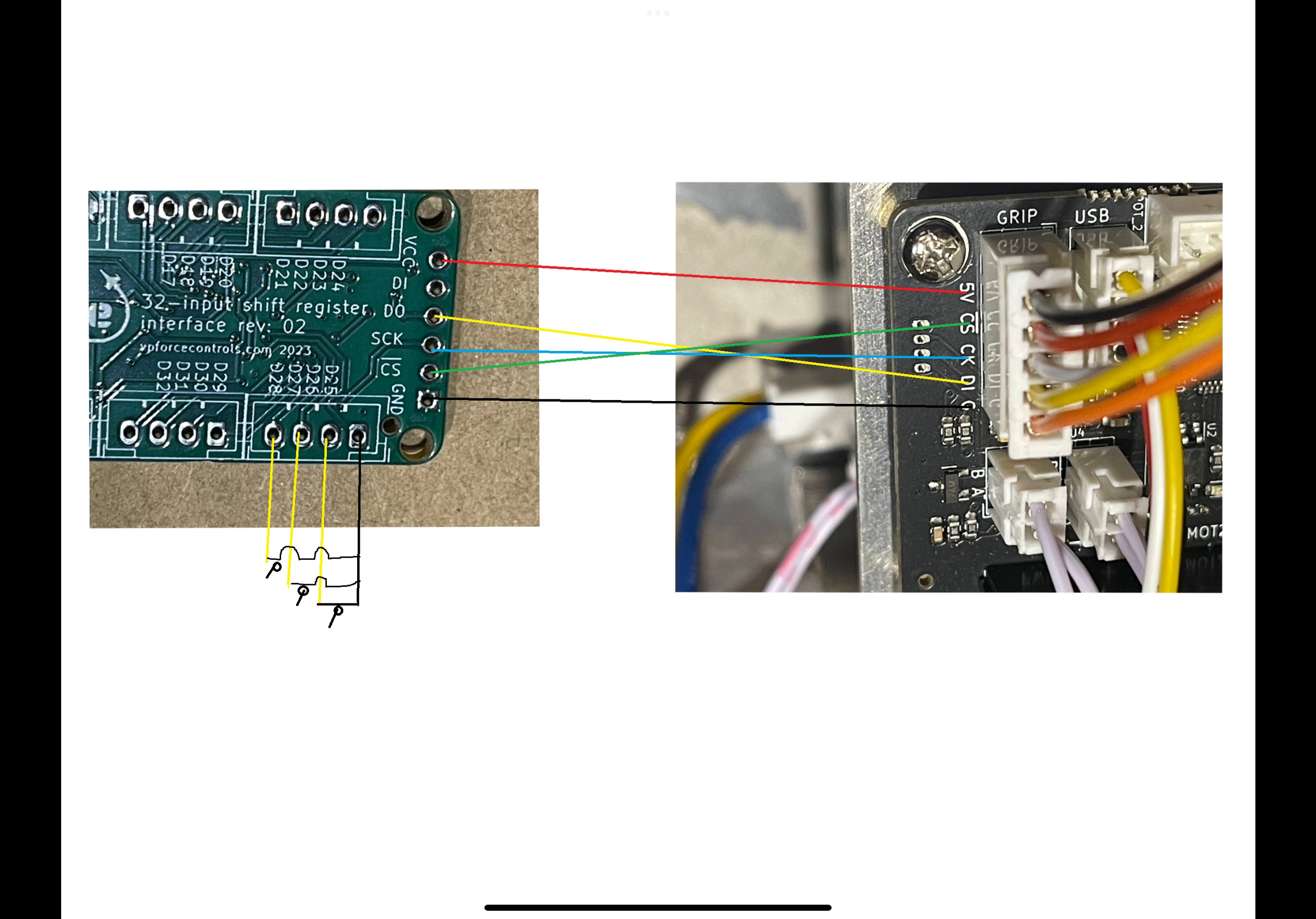
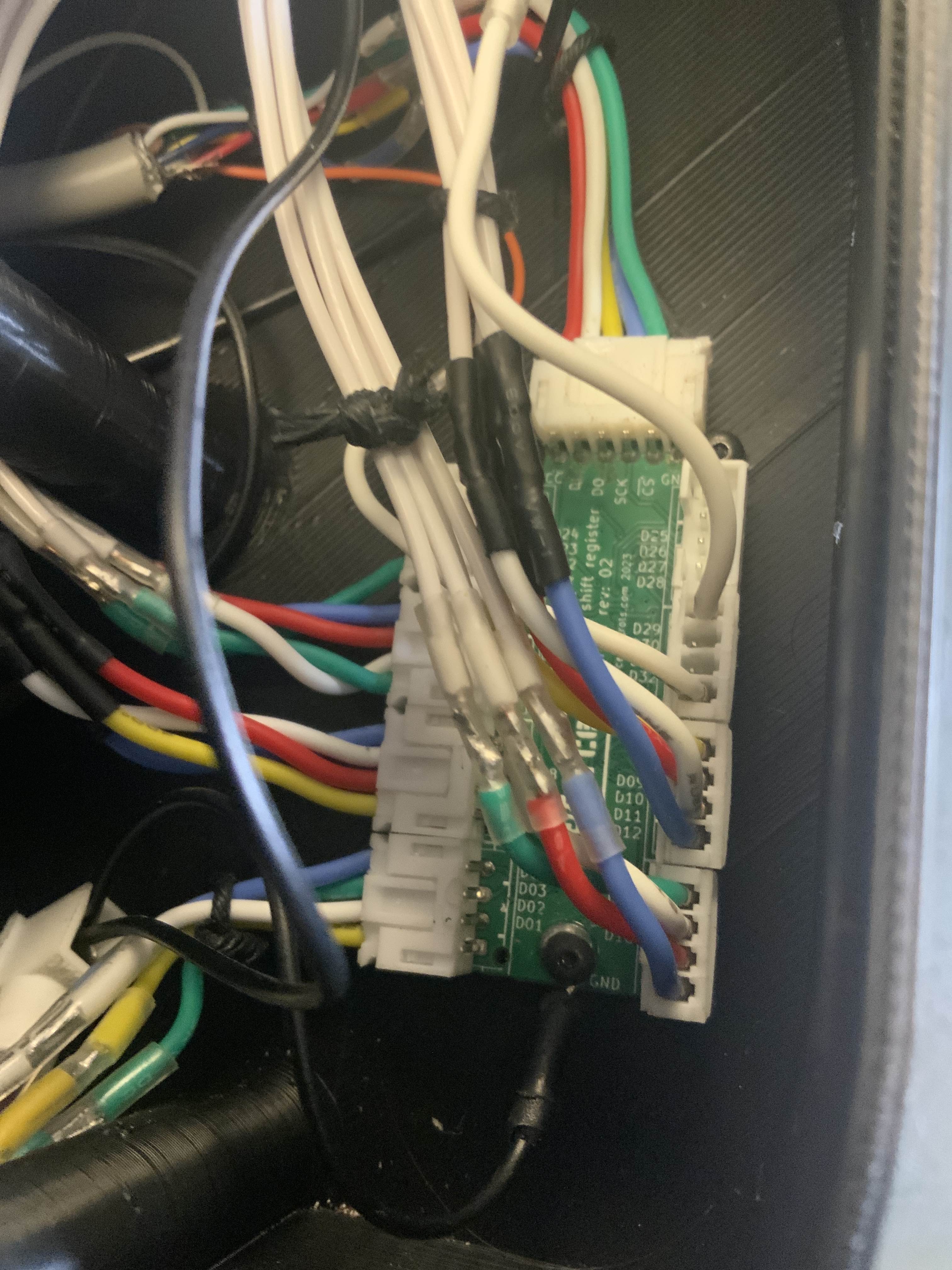
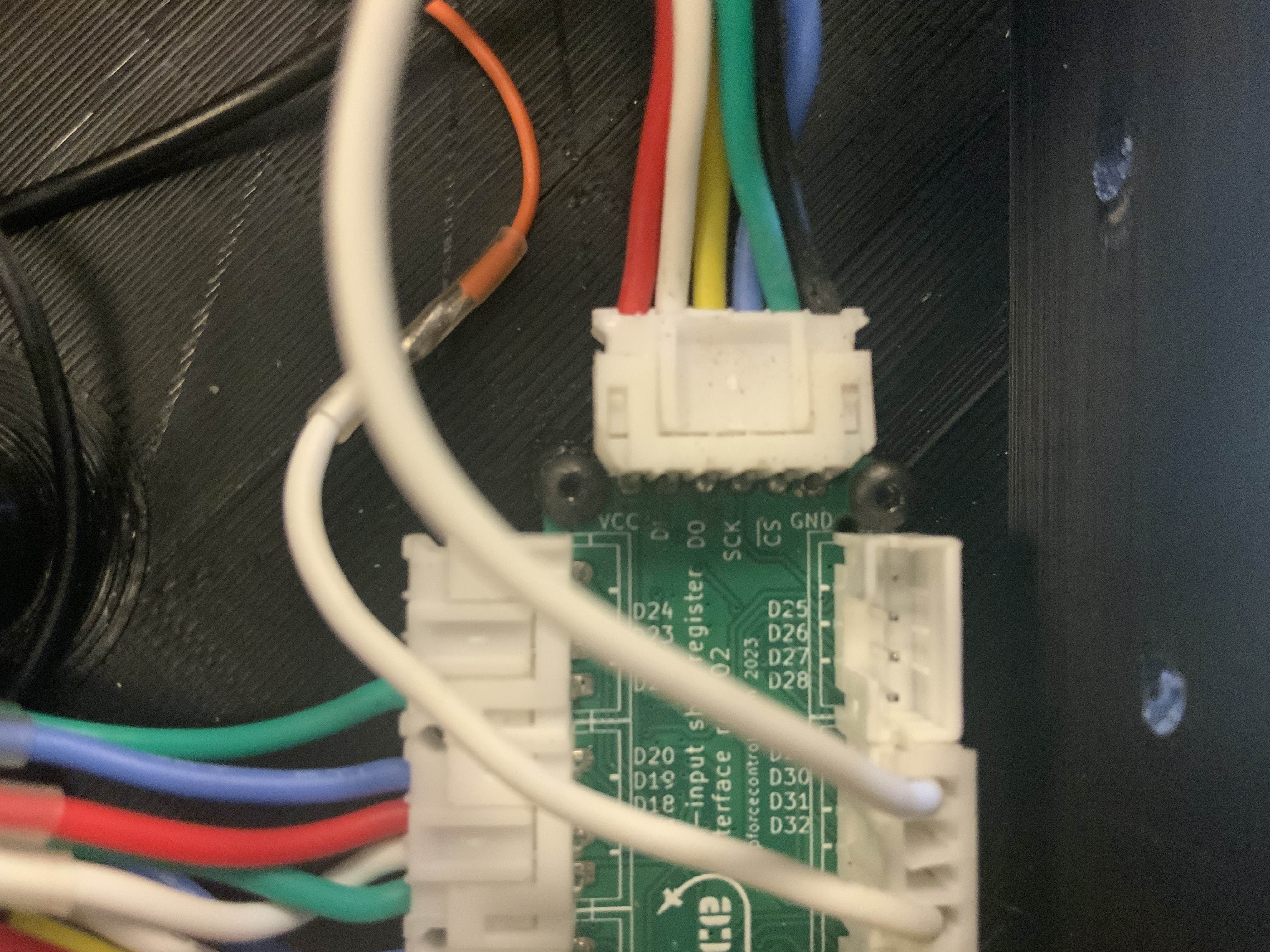
Quick support question regards the VPF shift register…….connected to VPF control board as per schematic provided on this Discord…..and checked with DIMM that connections are sound and correct. Will it work, that is button presses register in the VP Configurator app if board is only powered by USB……..motors not yet connected with power…….i thought the board itself is powered by USB 5v and so therefore the shift register should work…..right?
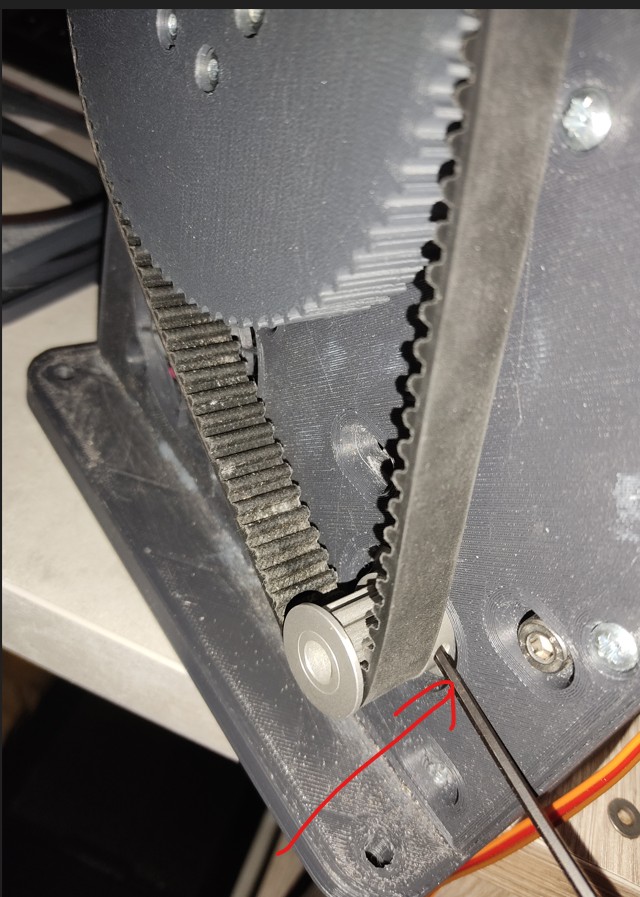
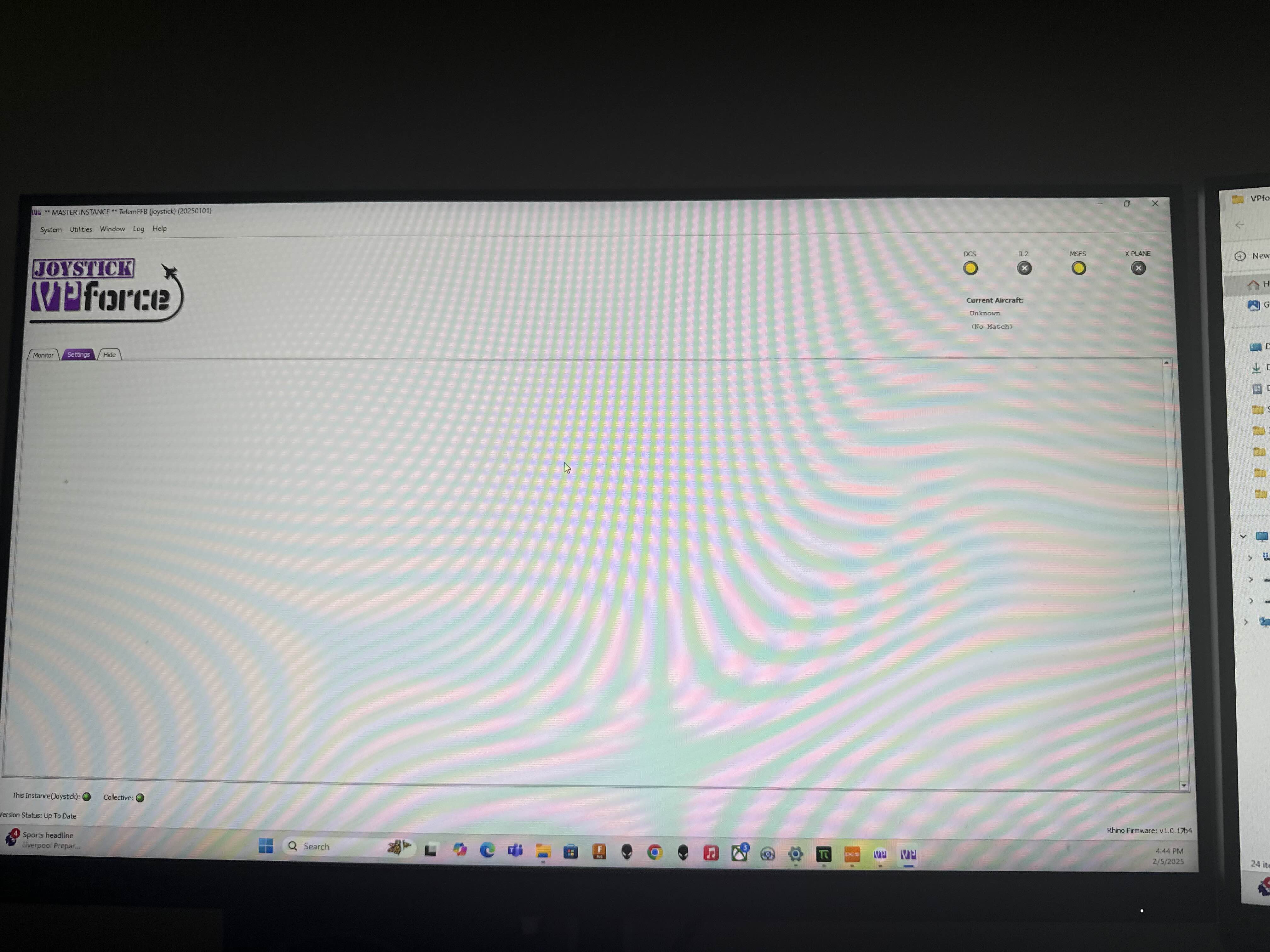
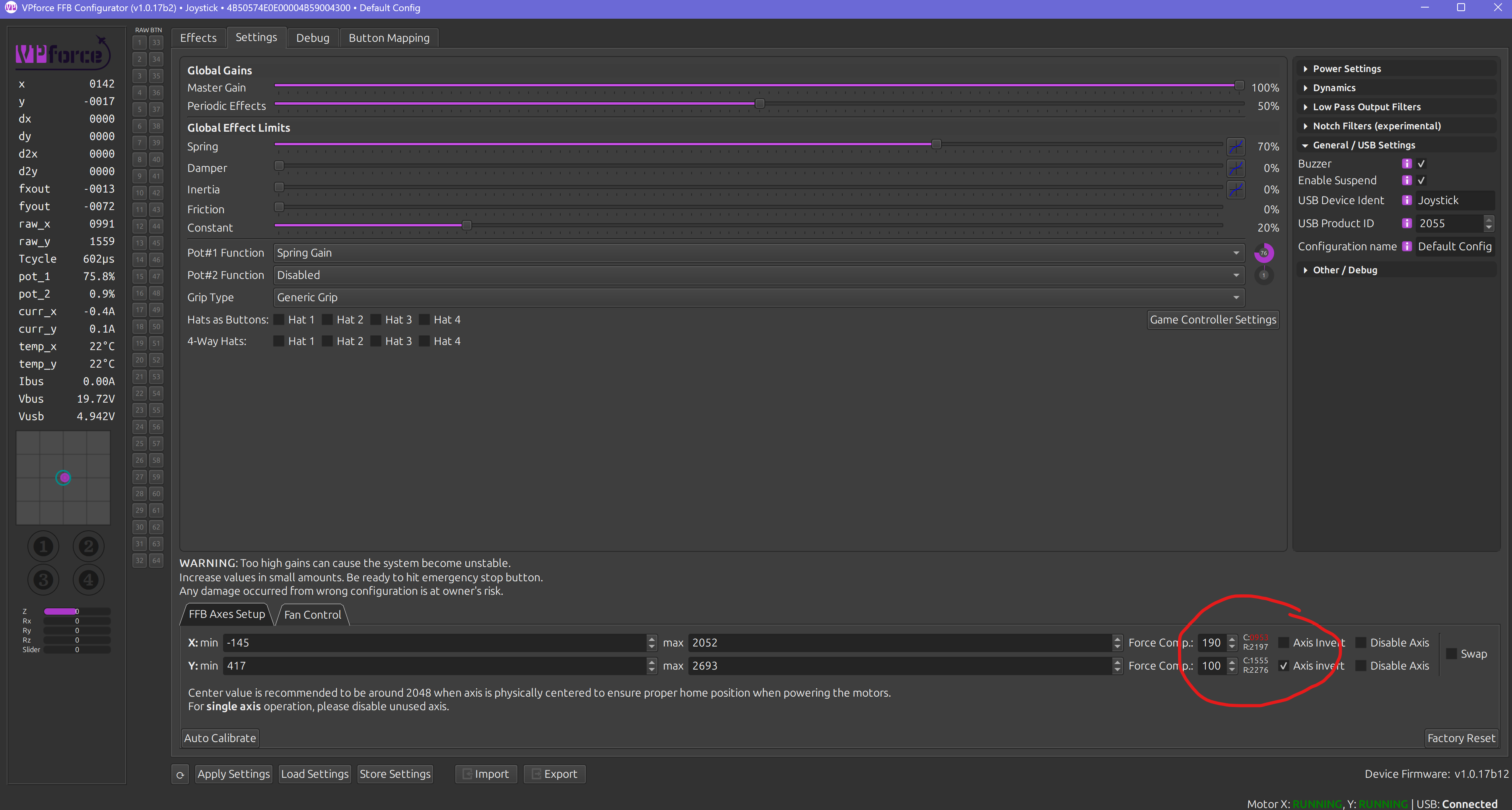
my belt got loose so I tighten it up but I was a dummy and didn't hit the E stop before taking belt off so now I had to re calibrate every single profile I had... I see this number is now RED is this a bad thing?
Red number means you have a calibration value outside 0..4096. If you turned on your base with the stick in the negative X region it would not find proper center and would lock itself to one side. To fix it you would need to take the belt off, manually set the calibration range 0..4096, then put the belt back on with your stick centered.
Thanks…..I guess I need to check the wiring again……none show up, indicating a ground issue but I’ve checked continuity and it’s fine……mmmmm I wired it up as per pic attached. Selected VP shift register as the grip selection……switches to ground on Shift register and to each of the 32 input positions, but nothing …….is there something else I have to enable?
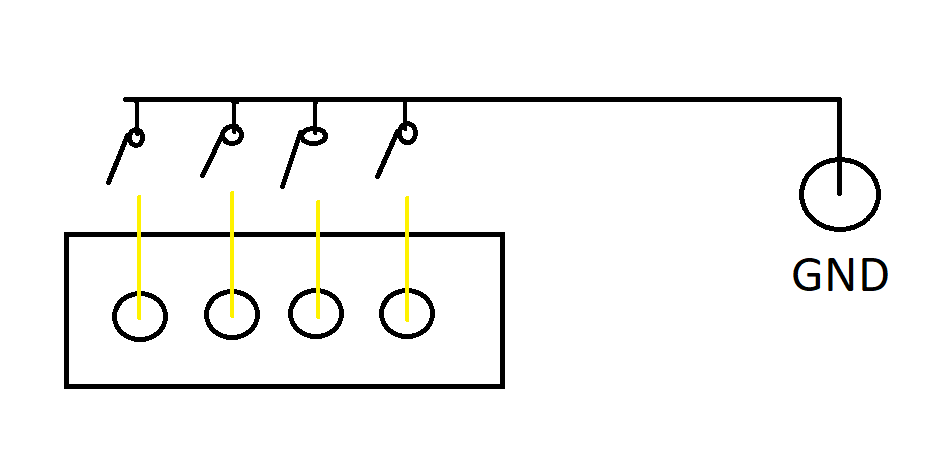
Button wiring is the issue. Each of those 4 pins are buttons. They connect to the ground from the VPF main board. So in your pic you have yellow/yellow/yellow/black
Actually as per your pic is how it’s wired…….the pic I posted was from a pic I downloaded from somewhere else on this discord to help with how the connection between shift register and VP control board. My switches are all connected to ground in series and the other side of switches to respective input on Shift register sequentially. So if there is no other requirement to do, it must be either board faulty or I’ve connected something wrong???
On the 6 pin input connector I see 5 wires which is correct but it looks like they are in positions 1-5? Hard to tell so maybe not but are you sure that is all correct? Looks like it’s missing GND but maybe that’s on the screw terminal?
Ok I see it. If the buttons are as the drawing I posted and board to board is correct it has to be an issue with the grounding or the board to board connections. This might be a dumb question but is the GND used for buttons connected to the same GND used for the board to board connection?