@walmis I feel like I’ve noticed jolts every once in a while (don’t use hardware trimming though), but usually when I’m doing smaller movements and there are engine rumble effects on, I see you mentioned jolts fixed in the new firmware update but only with hardware trim
Almost feels like there could be a series of wave effects that might be being applied and then they sorta hit a resonance point or something? Hard to describe tho
Still having an issue with axis inversion. My rhino is flipped to bring the stick closer to me. In vpforce configurator I checked both axis invert boxes. In DCS the Y axis is correct but I always have to invert the X axis in DCS. Any ideas why this is happening? Inverting in vpforce should invert both axis for DCS without having to set anything in DCS? In vpforce configurator both axis do appear inverted successfully when moving the stick.
It’s reproducible in the sense that I experience it, but there’s not a predefined way I can make it happen. Let me percolate on that, I might be able to grab logs, but if it’s in the middle of a long session, probably hard to identify
Walmis, this issue is back after updating firmware from .14 to .16, any idea what changed? Following your advice i was able to stop the crazy oscillations but they are back and its very violent if it accidentally happens.
okay, spring strength porportional damper 100%, spring force LPF 3.0hz, Damper Force LPF 10 hz is working pretty good for me, not sure it was as good as before but its damn close. Increasing spring strength proportional damping to 150% caused the rhino to shutdown after a long beep after I rapidly moved the stick on the X axis. I think it just shut off the x axis motor after tripping a saftey of some kind?
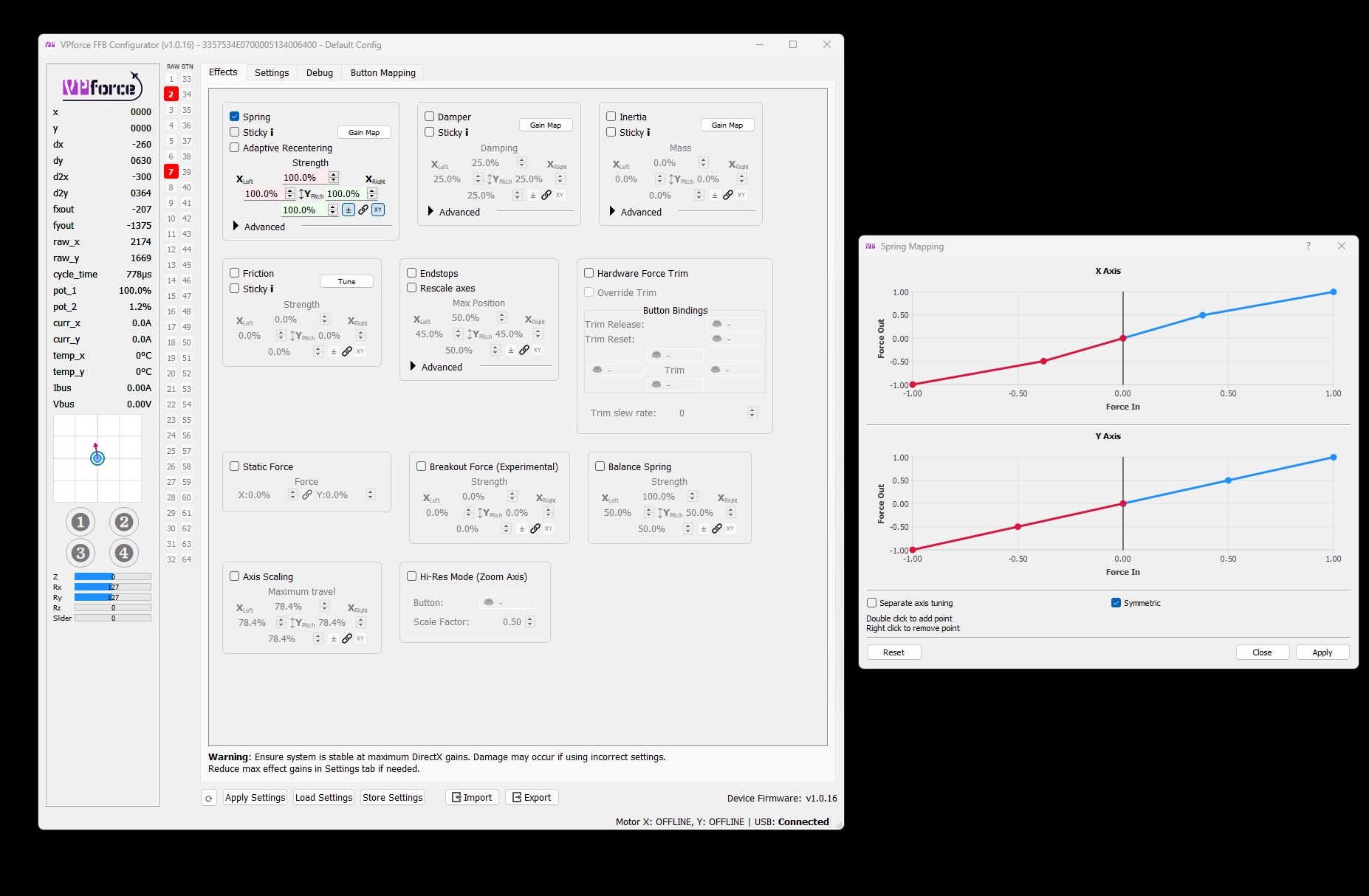
Breakout force. I was using this to help find and stay at center. But it doesn't work with trim. I know, experimental. But, seems like it was help hold center or trim center position really well.
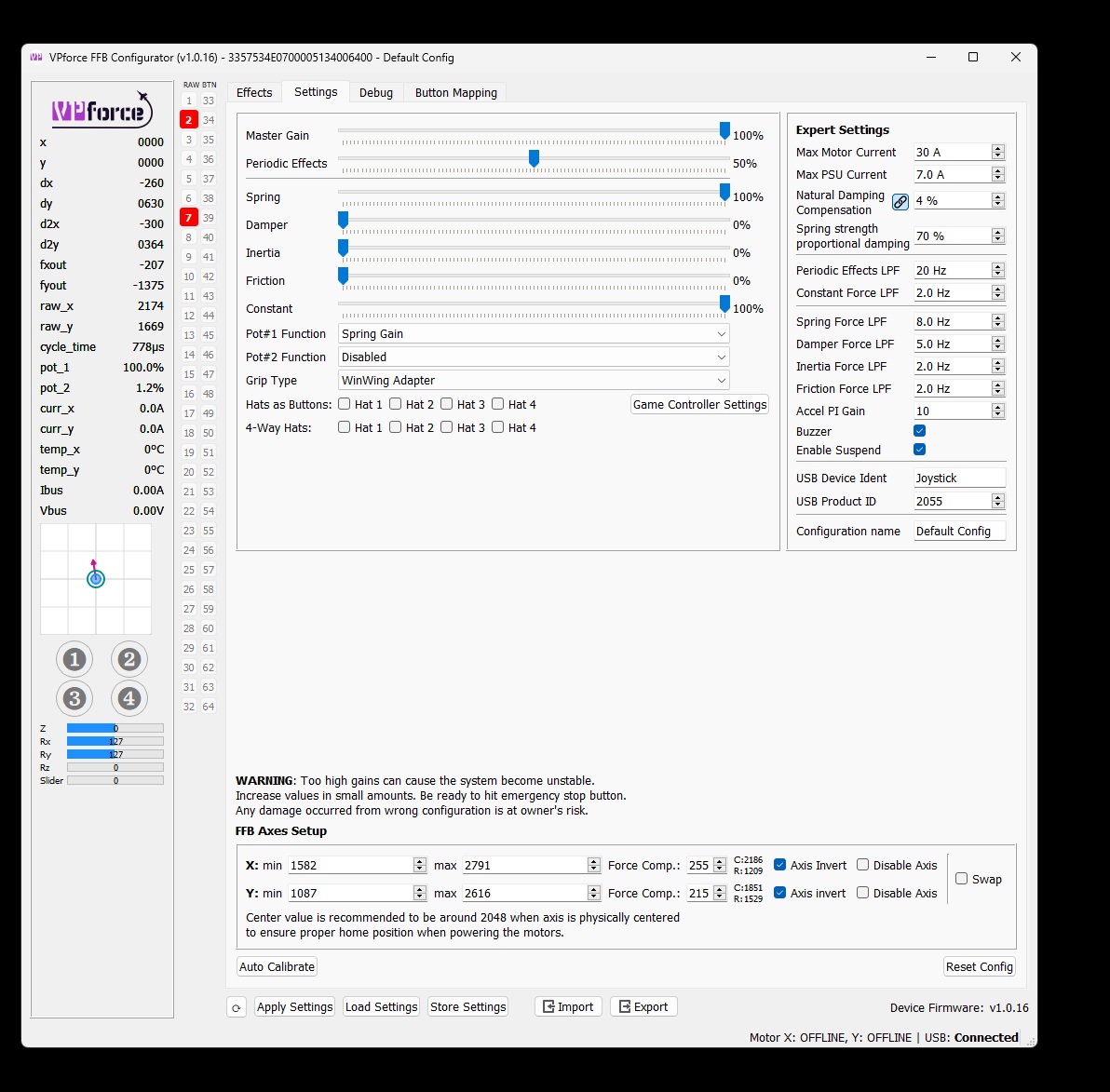
Is there somewhere some documentation about the "Expert Settings" tab? I'm by no means an Expert, but I figured out that I need to fiddle with these settings to stabilize my Rhino in certain profiles. I do this via trial and error, because I have no idea what I'm doing. The first 4 have like "tool tips" the rest doesn't.
the LPFs are filters that reduce the bandwidth from respective controllers (Spring, damper, etc) signal going to the motors. The motor coils don't energize instantly, hence it's required to reduce the bandwidth to keep it stable. Spring strength proportional damper is essentially damper force that you can adjust manually in Effect tab, but it's strength is automatically modulated related to the spring force gain, configured throw length, etc. i.e. the stiffer the spring the more the damper force is added. So in short: The damper LPF should be as high as possible, but too high will cause high frequency oscillations because the motors can't keep up with high frequency high amplitude torque requests and they will fail-safe. The spring LPF + spring strength prop. damping - best be tuned to specific moment of inertia i.e. grip weight and extension length.
Thank you. Reason I asked is, I have in some profiles a slight oszillation around center. If I stop it by holding the stick, and release it again, its fine but a slight touch will bring the vibration back. Wonder which would be the best parameter to conquer that.
That's the way to tune it, it should be resistant to such nudges. In any case try the defaults: 4Hz Spring, 8Hz damper, 100% Spring strength prop. damping