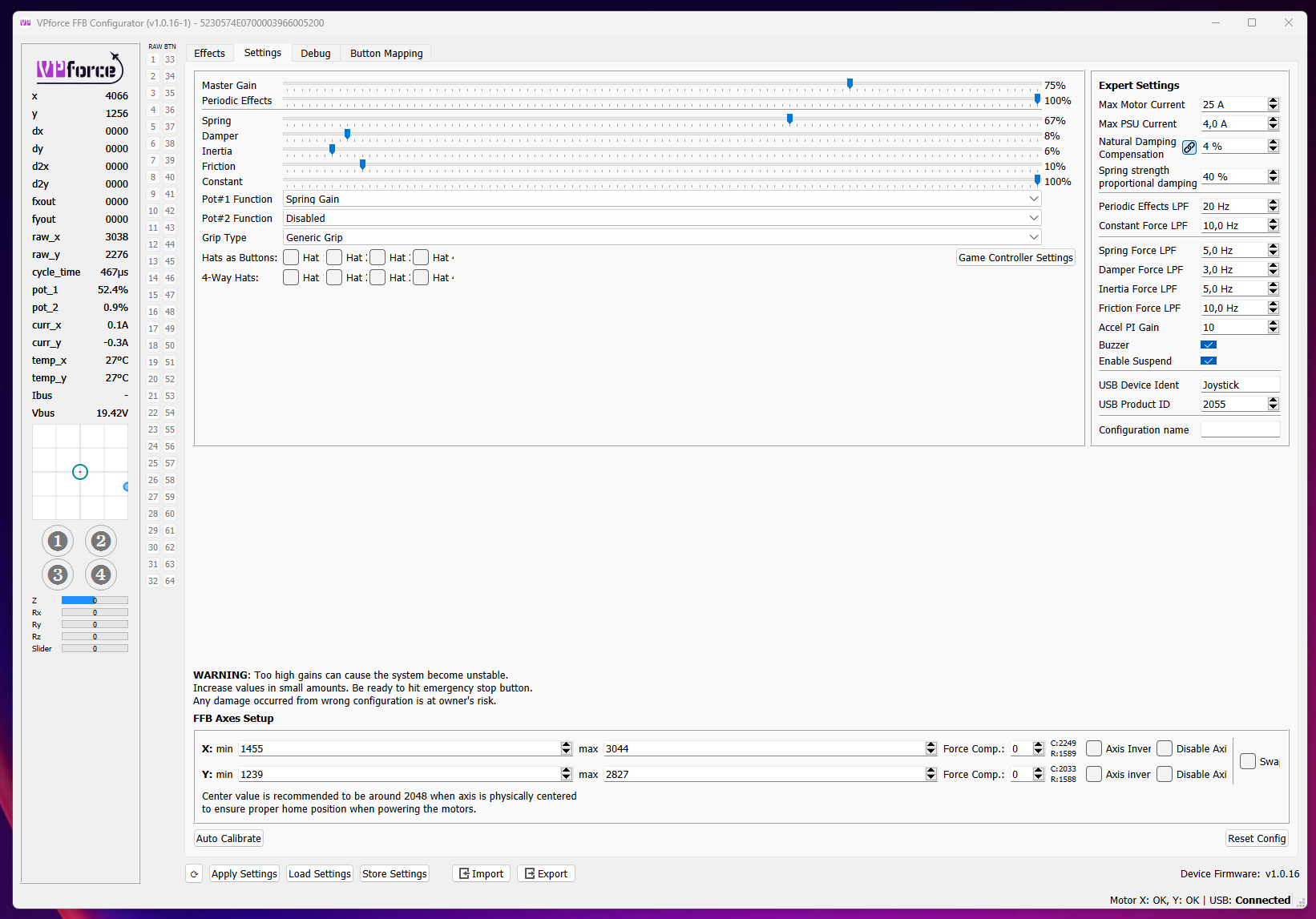
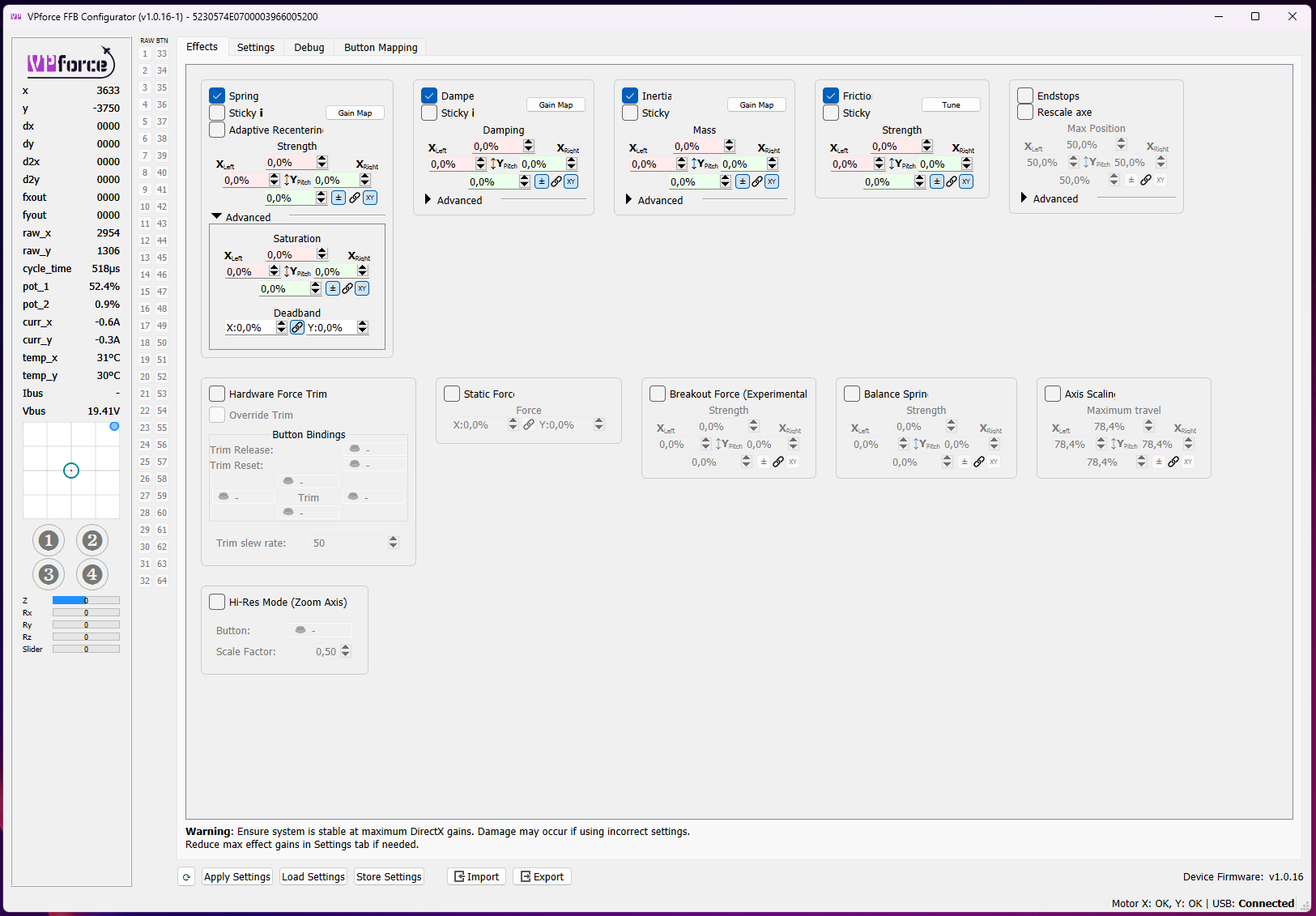
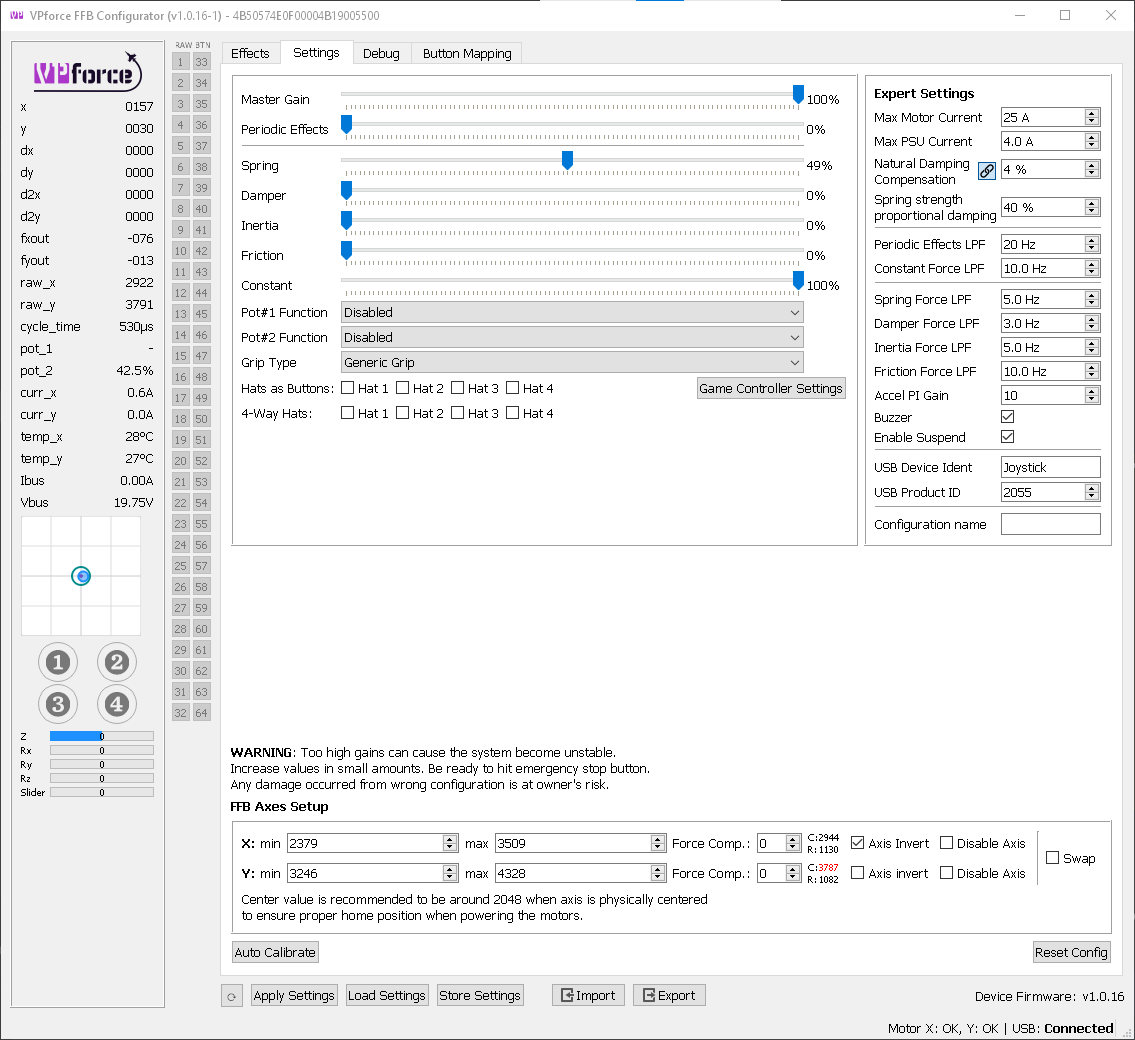
You talk about the effects gains or the settings gains? Because as I understand it, that‘s only true for the effects gains (which can be overwritten by the game) but not for the basic settings including master gain.
As I understood it, it works like factors. Master gain (100%) x Settings gain (100%) x effects gain (which can be overwritten by the game) 100% gives maximum force output. Either factor can be reduced, but you can’t get more than what is set in master and/or settings gain. An effective way to limit maximum force.
i think what I'm getting at is: with spring set to 100% in configurator is not the strongest spring force/pull you can experience is all, so you can be decieved by thinking this is the hardest a spring will pull me in, and the game can mess with it in other ways, so i worry if you mess with the spring gain curves, you might get yourself into some strange scenarios when game effects mix with gain curves
You need to specify which spring setting you are talking about. The effects tab gain will be overwritten by the game (unless you make it sticky), including the curve as far as I can tell. The spring gain on the master settings tab can’t be overwritten by the game. So, it will always limit the maximum force output.
No, of course not, because those don’t apply to a game that supports FFB. But if you preview them with a gain of 100%, I think the game can‘t exceed that.
But i cannot adjust the 15% of master spring gain when adaptive centering is pulling the stick back to center after trimming. THats what im wanting to adjust.
I'm ready to give up , my winwing adapter doesn't work. Can someone please tell me a cable I can order on Amazon or somewhere to replace it? I have properly threaded extensions so I just need the cable type. I don't even care that I'm out the money for the adapter. I just need my rig up and running. Thank you!
My suggestion was that you don't need the adaptive recentering, when the basic recentering works better. But of course your milage may vary. For me the solution worked quite well for resolving the poor centering (for pedals though).
Mike station is too long. The regular centering isn’t very accurate. I have to use balance, spring, and adaptive centering to keep the stick centered to the height of the stick unless you can show me how to keep the sinner of the stick at 100% spring gain and move towards 60% as I get away from the center
I lost all forces, the joystick itself works. Restart of stick and computer did not help. I reset it to factory settings, does not help either. Any advise?
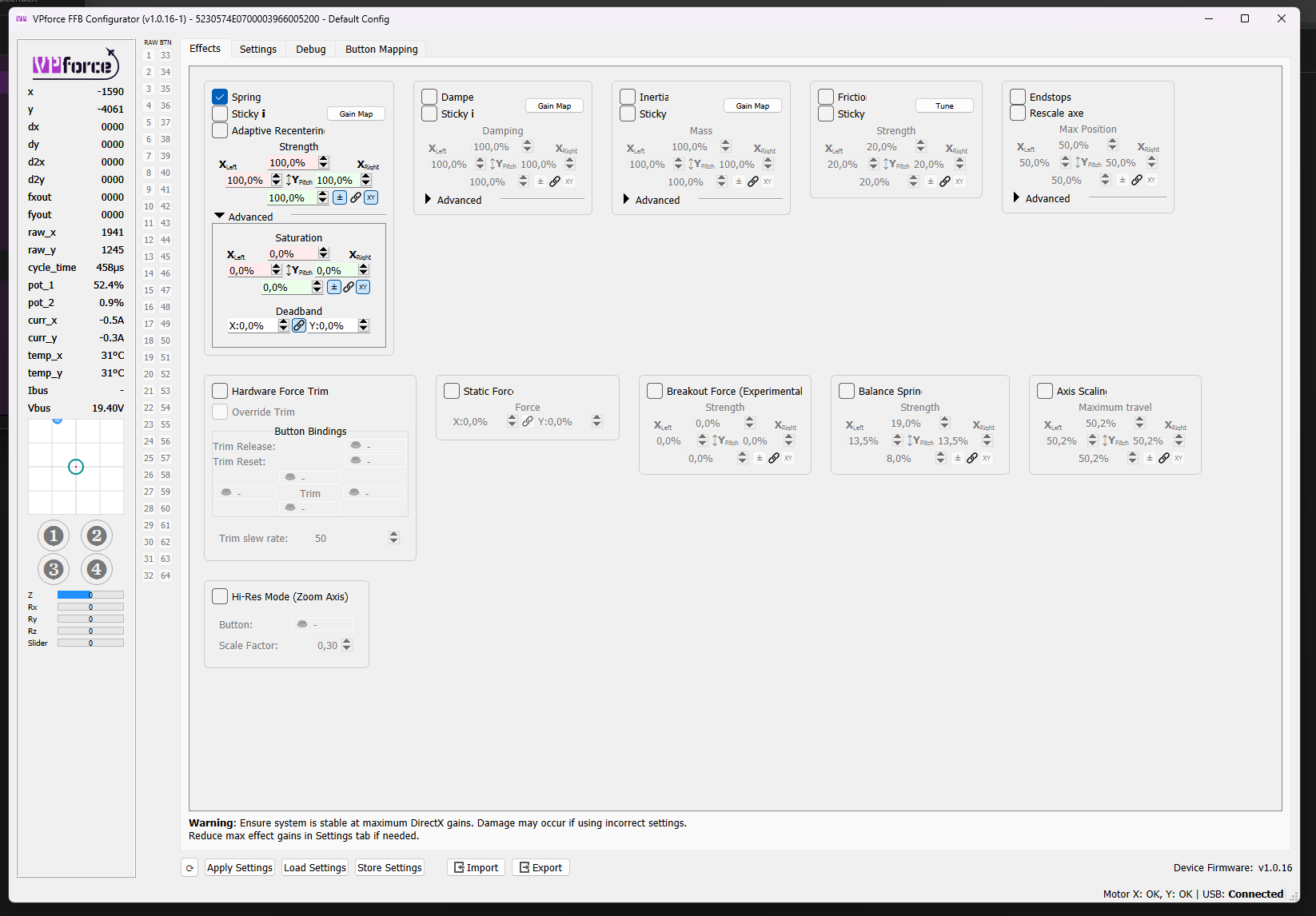
Enable Spring in the Effect tab, everything else looks good. You might want to import the default Rhino configuration file from "configs" directory inside the VP configurator folder.
Oh, that screenshot was before I loaded the default config. I missed that. Still, after loading the default Rhino config and spring effect strength at 100 the issue persist.
Looks like some application created an inactive spring force or maybe the effect left dangling. If you run DCS you need to start the actual flight, otherwise the stick will be limp in the menu.
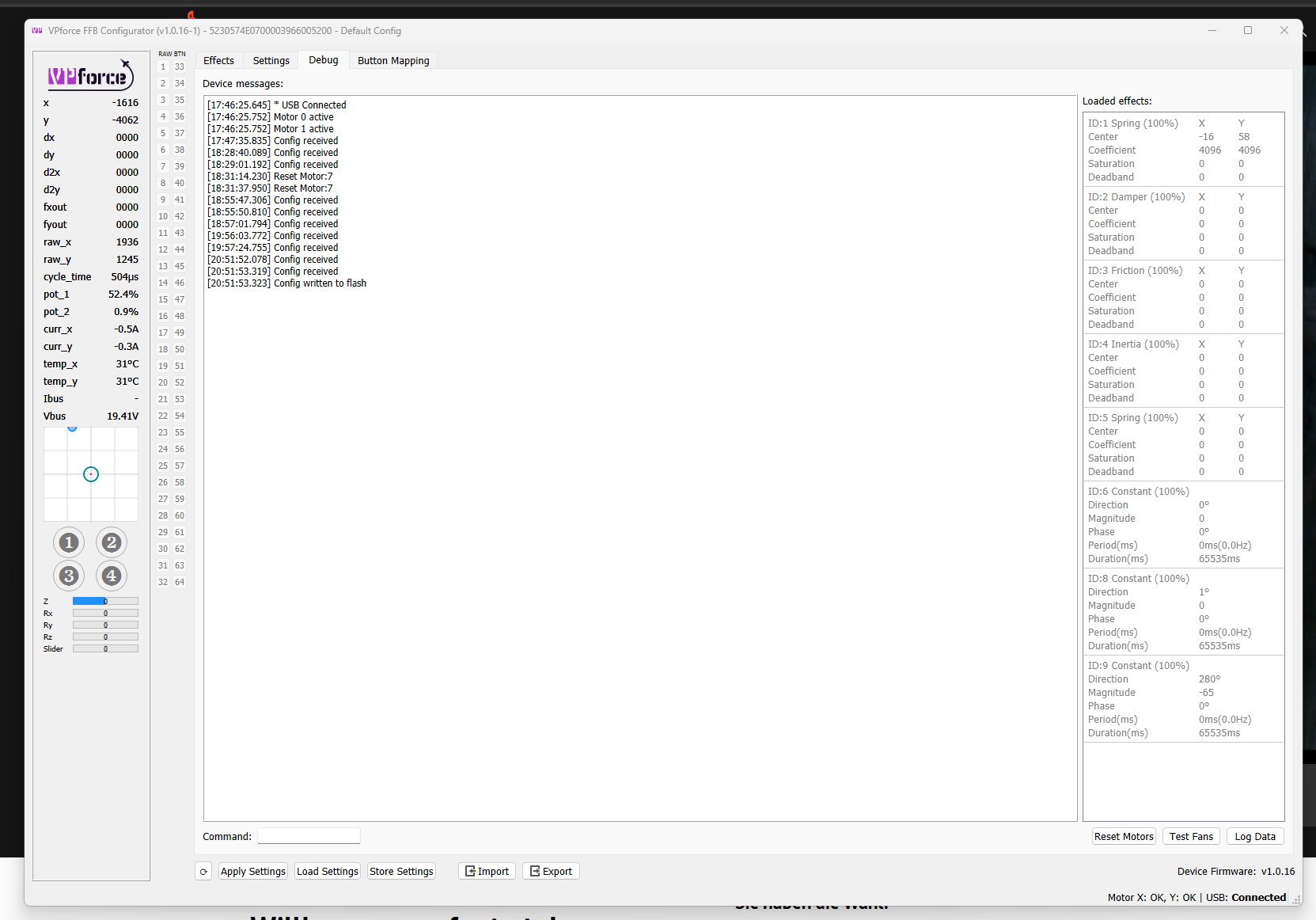
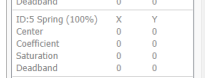
so according to your debug tab -- there are no springs applied, you said you applied a spring in your previous screenshot -- but it's not showing there, did you press apply affter setting the spring values to 100%?
@walmis Is there any ETA on the updates for RealSimulator grips? I'm using a RS F-18 grip and there are three major buttons that are not detected using the RealSimulator grip profile. They are Recce depress, Sensor Control depress and Trim hat depress. I screen shoted the debug info for these three buttons, and I was wondering if this information would help updating the RS F-18 grip. Thanks
I had mine apart yesterday for other reasons and I discovered that the plug in the Rhino had slipped down and was not making correct contact with the adaptor. You can take off the two screws and lift it up a but, push the cable up from the bottom to help. (remove the dust cover.)
Finally got my rhino base built late last night, plan on plugging it in this afternoon. I’ve yet to have time to comb thru the manual… if a few short words can someone explain the purpose of the setting vs effect vs teleffb or whatever it is. Keep in mind I only fly dcs and mainly helos! Thanks in advance!
- You have the configuration software - you have the effects software (telemffb) - you've got DCS
Read the manual carefully, because you'll have all the answers and more in just a few minutes!
You need to configure your Rhino (1st software) then DCS (important because it natively manages ffb). Then run telemffb, which gives you the effects for each plane/helicopter. Most of them are directly recognized.
After that, you're left with the little details (which will take some time).
so i somewhat had it working, downloaded telemffb, downloaded a file from the #knowledge-base and my stuff went crazy, tried to start all over agin with the first "center" calibration and now my figures arent near 2000, any ideas?
Ummmm. It does help but that’s not what I’m looking for, unless I was doing it wrong…. Think of it as I’m wanting a preloaded spring feel, or a linear spring. Almost center detent like without the bump… does that make sense
I get it. You don’t want a linear increase in spring load. So you have to work with custom spring curves. Maybe someone can explain it better. I didn’t use that feature before.