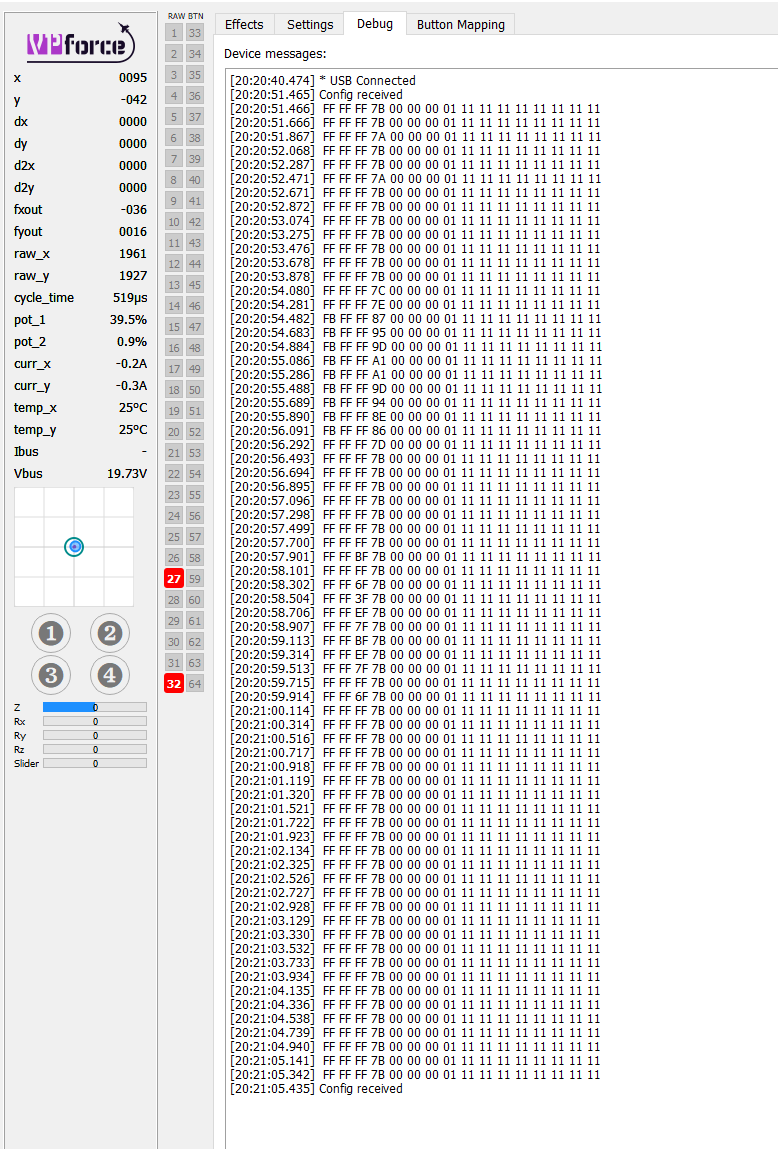
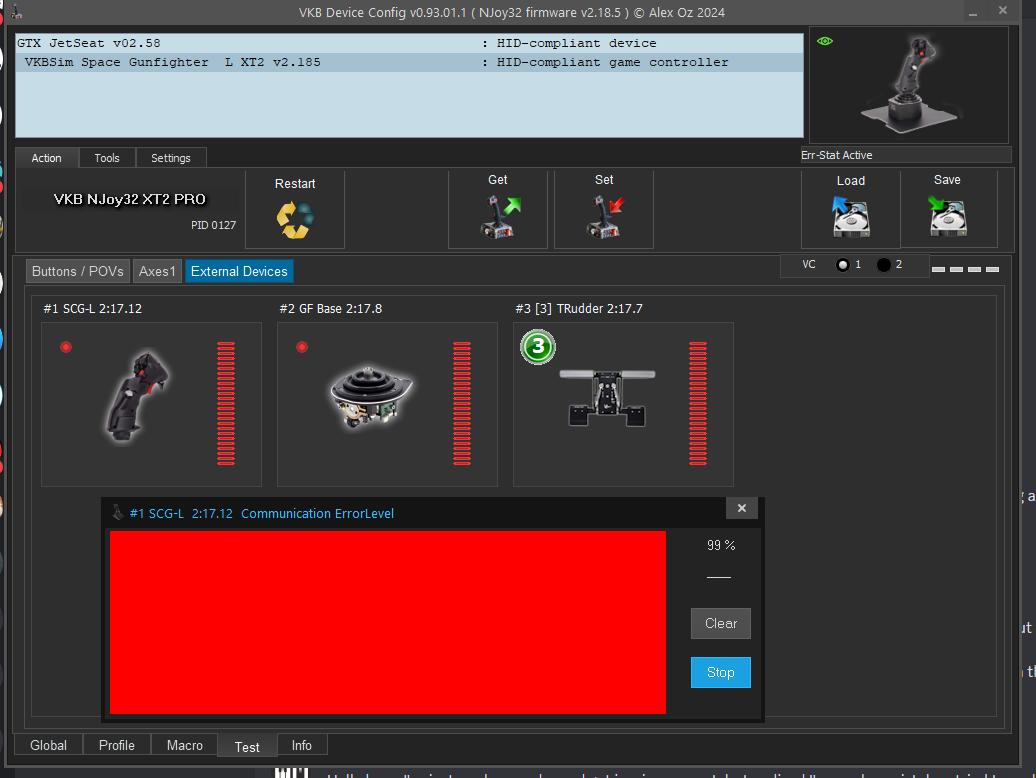
Check the debug/log file. Sounds like maybe a timeout issue on the gunner seat. But stick does go limp when starting DCS until a module/mission is loaded.
It is almost a solution, yes, but even then I have been unable to tune it so that it actually uses the entire range. I tried several tunings, but I could only get it to give me 1/4 of the axis
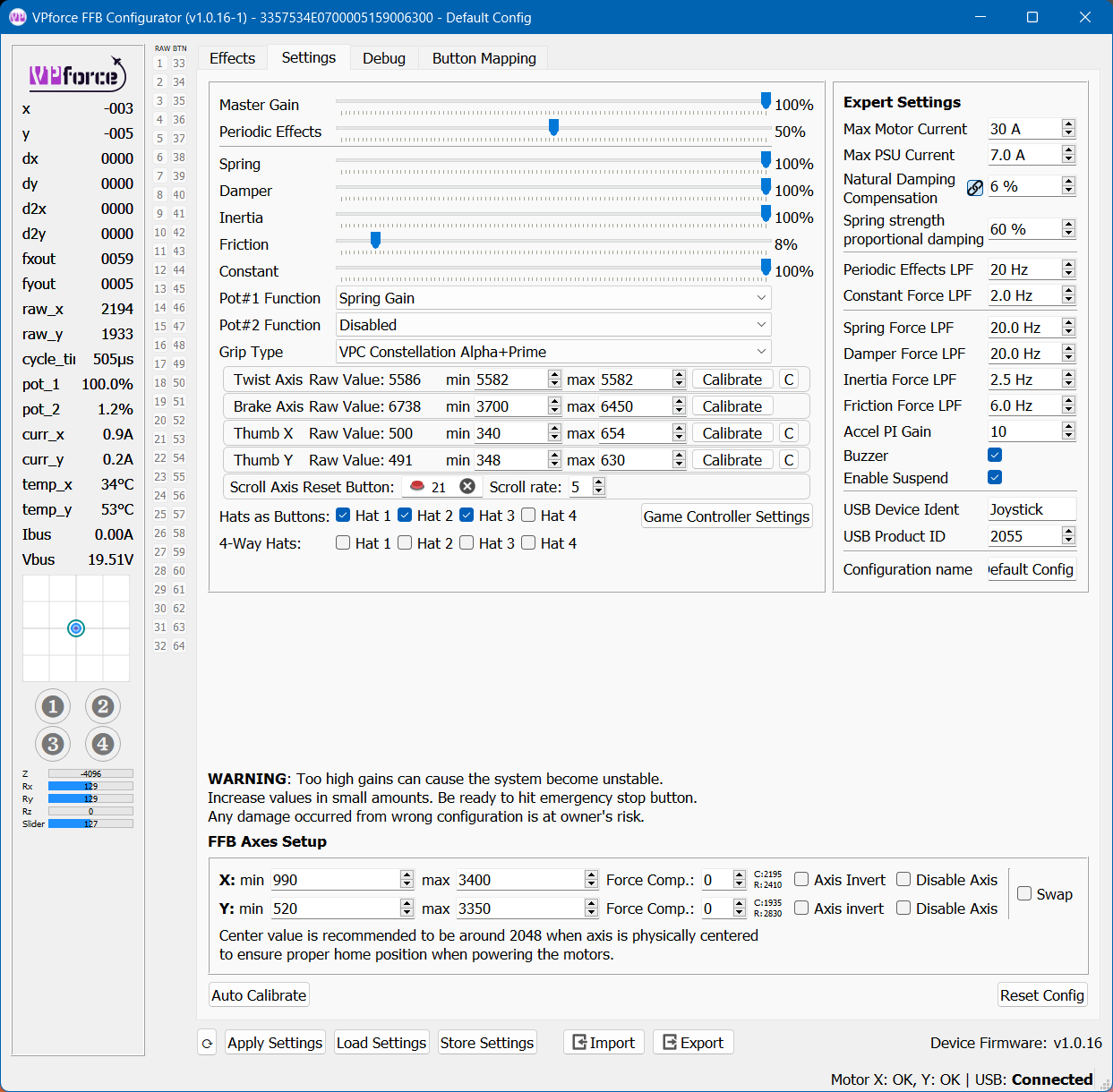
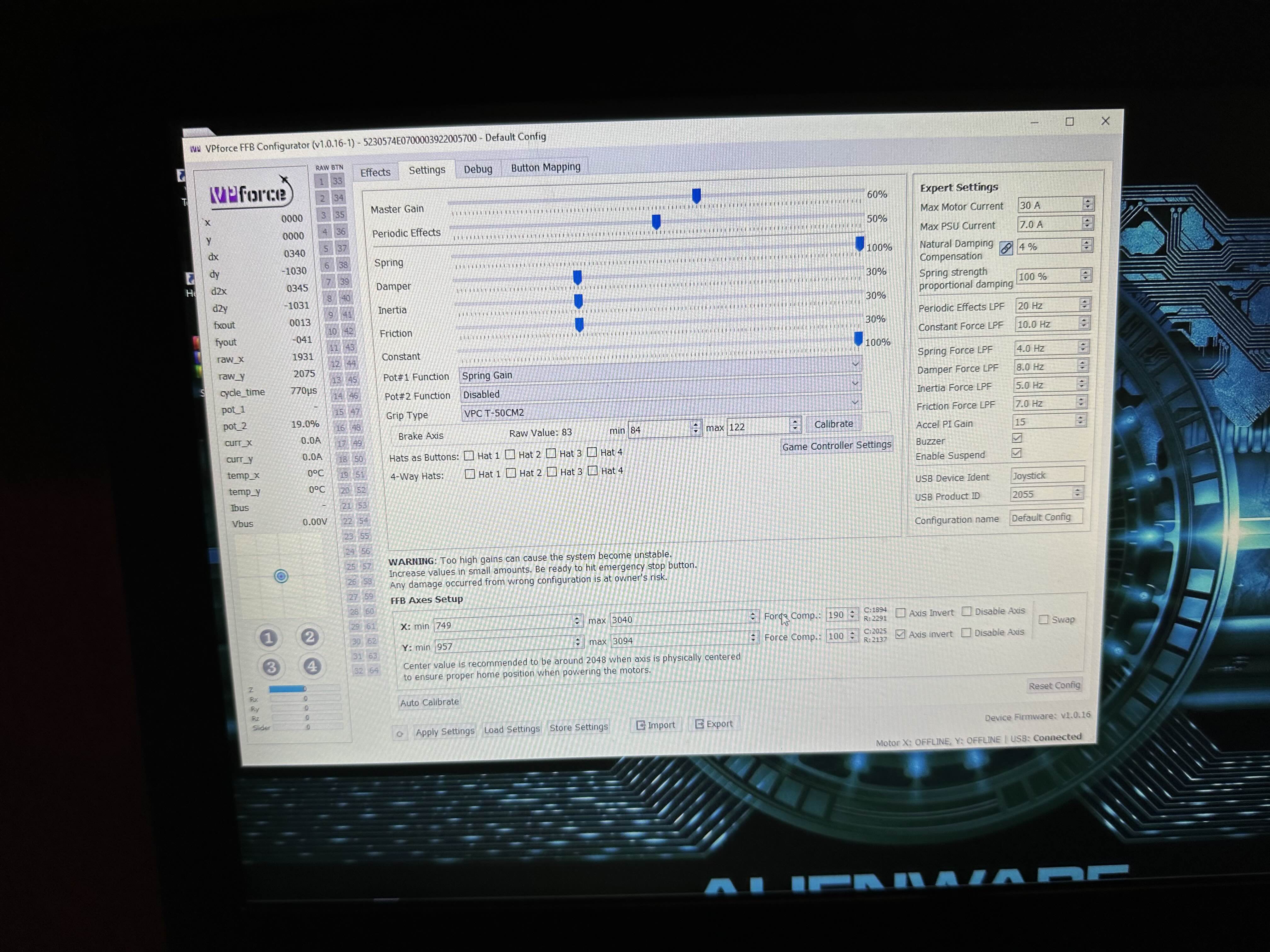
Try selecting the debug grip and post a screenshot of the debug tab. Walmis will able to ID right away if he sees it but for my sake flex the brake axis a bit while the debug is running to show how the bits are processing.
It looks like bits 5-8 are getting involved too. FF to FB when byte 4 is changing.
Unfortunately I don’t have a fix for you. I am more up on TM/WW protocols with VPF. My hope was it would look more like one of those. Might be time to ping Walmis.
Oh, the early bit is the lever "button" which works, so that ain't an issue and can be ignored.I had a feeling there was no easy fix, this is on the driver-isch level
Hey @TheAmazinGreat , I want to build your version of the stick with the 86 motors. Which motor type did you use, or does your design work with either of the 86 motors? They have different lengths
Hello here, I've just made an order and got invoice request, but realised I've made a mistake - tried to reply to the email and/or send it to vp@vpforce.eu, but it gets bounced back that it could not be delivered. How else I can get into contact with someone about that ?
Hello. Need help to troubleshoot VKB grip. MCG Pro Add-On Grip for Gunfighter IV + blackbox 3 (brand new). Rhino VKB adapter. Blackbox is blinking red - all 3 red lights. VKB software sees blackbox but not grip. I disassembled Rhino adapter checked voltage. There is +3.3 and 2.7 for signal . Any suggestions?
Yep if you have the right firmware you just have to click default anytime you switch the stick. I go between 3 vkb sticks depending on what I'm flying. Slightly annoying process but pretty simple once you remember to always do it
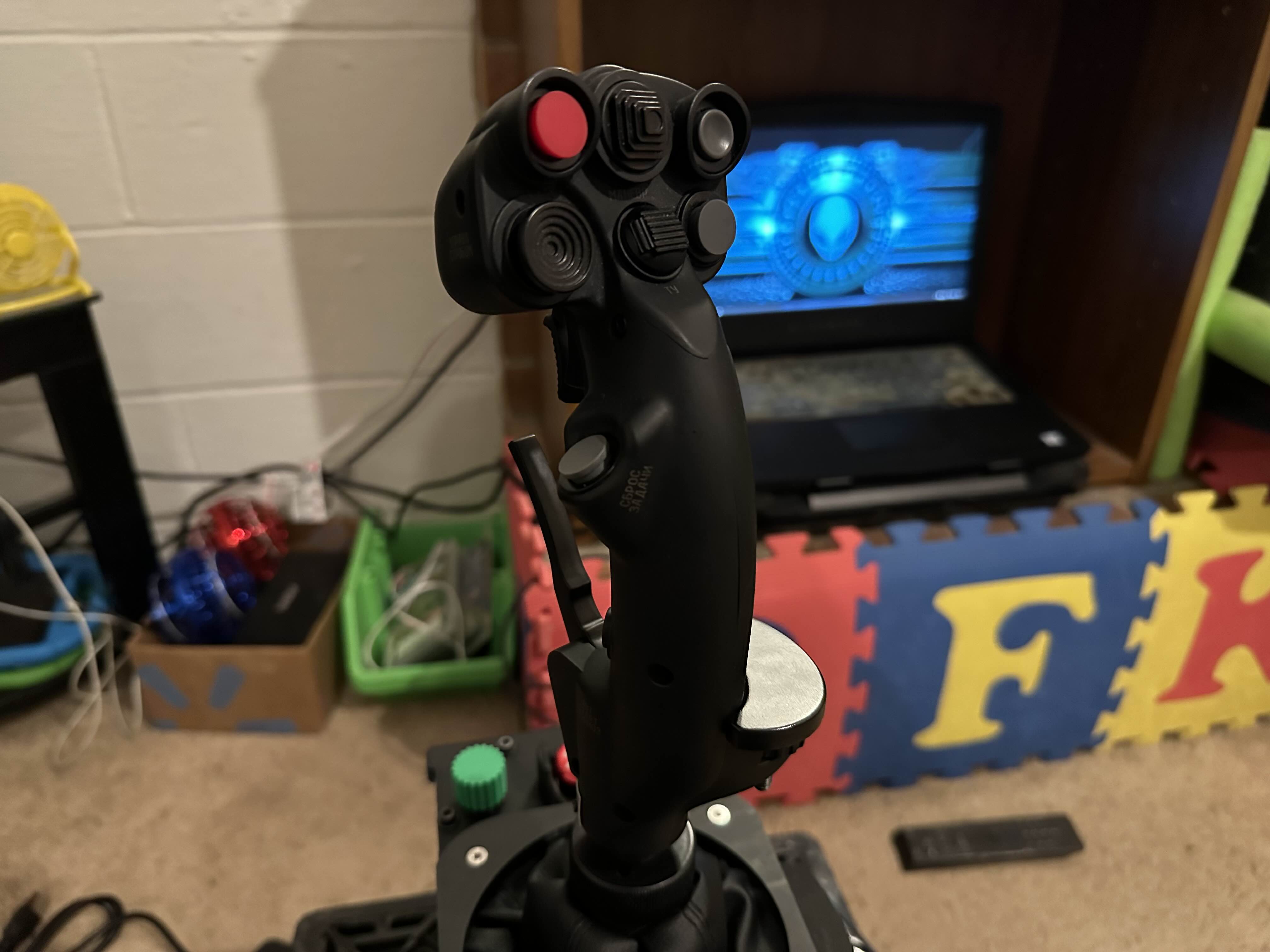
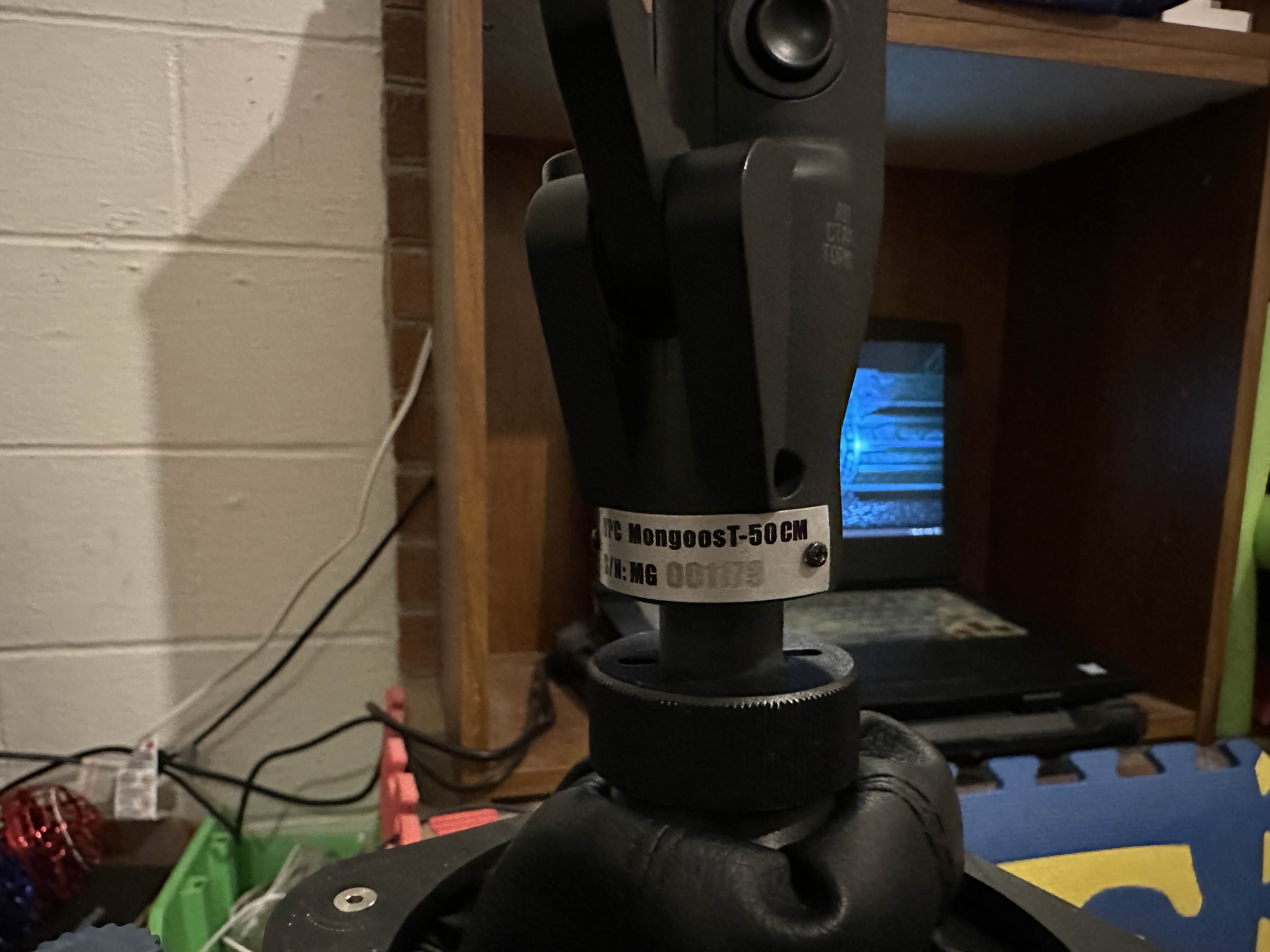
This is the second release version called “Black Edition”
It’s the original controller as you can see we don’t have the Thumb Hat we have a Button and some of our 4 ways don’t have center press where the CM2 does and some of the 4 ways are 8 way now on the CM2.
Hopefully that can help but if not I’ll try to dig around and see what I actually did…
I remember having the same issue you describe like it was acting like the brake lever was a bunch of buttons and some of them were intermittently firing at random times..
Question: preordered the VPC FLNKR grip. It’s got an analog thumb stick instead of a trim hat.
If I connect the grip to the VPC software and configure it to have virtual buttons on the thumb stick reaching full X and Y deflection (so i.e. giving it virtual Up/Down & Left/Right buttons), store that to the grip and then connect it to the Rhino…
The Rhino should then be detecting those virtual buttons, right?
Bit of a clumsy workaround but I don’t wanna go without a trim hat for Western planes, and there’s nothing in the Rhino software to create virtual buttons from an axis
1.) Nothing is stored in the grip itself on VPC hardware... only the base. 2.) Walmis is going to have to create a profile in the firmware - whomever gets theirs first will need to send him all the mappings using the debug output 3.) The mini stick on the Alpha also has button presses (or POV events) with full excursion in each direction, depending on the "hats as buttons" setting in configurator
Our configurator versions are the same and our grip serial numbers are only ~150 apart, mine being in the 1300 range. Real strange that mine acts the way it does.
Oh, I kept reading the VPC instructions as the changes being stored and saved in the grip?
But it’s reasonable to assume it’ll be possible to get virtual/POV buttons from the mini stick by default anyway then? Those wouldn’t interfere with the axes of the mini stick btw?