Hello, I’d like to ask how Cloudflare Signed URLs work in terms of access control. Are they protected in a way that only one person (e.g., from a single IP address or browser session) can use the link? Or is it possible for someone to share the signed URL and allow others to access the content as well?
By default, videos on Stream can be viewed by anyone with just a video id. If you want to make your video private by default and only give access to certain users, you can use the signed URL feature. When you mark a video to require signed URL, it can no longer be accessed publicly with only the video id. Instead, the user will need a signed url...
Yes, I have read it, but I couldn’t find any information about whether the signed URL is single-use only. I can imagine verifying access in my application and then generating a signed URL, but can those URLs be shared?
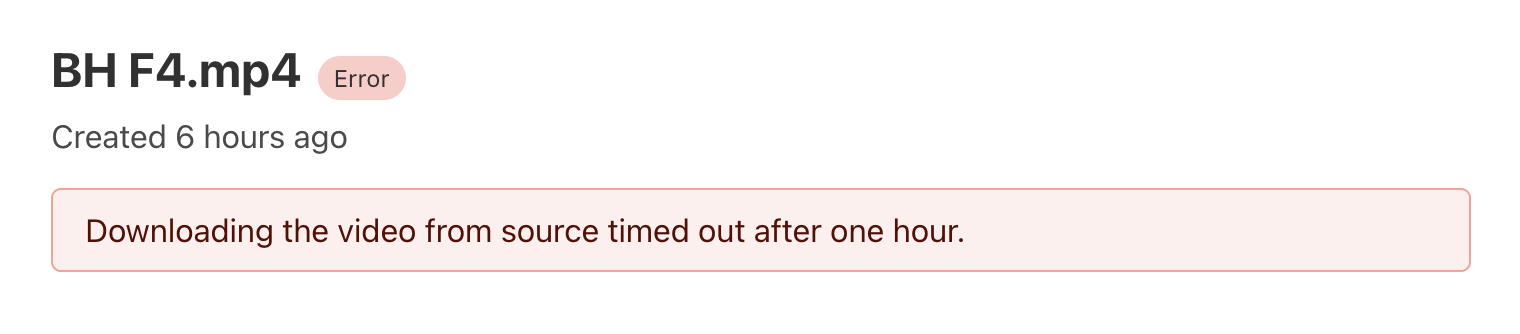
I am occasionally encountering a strange error while using Cloudflare Stream’s upload-via-link functionality. In this process, I upload a video file to R2, then provide the R2 link to complete the upload.
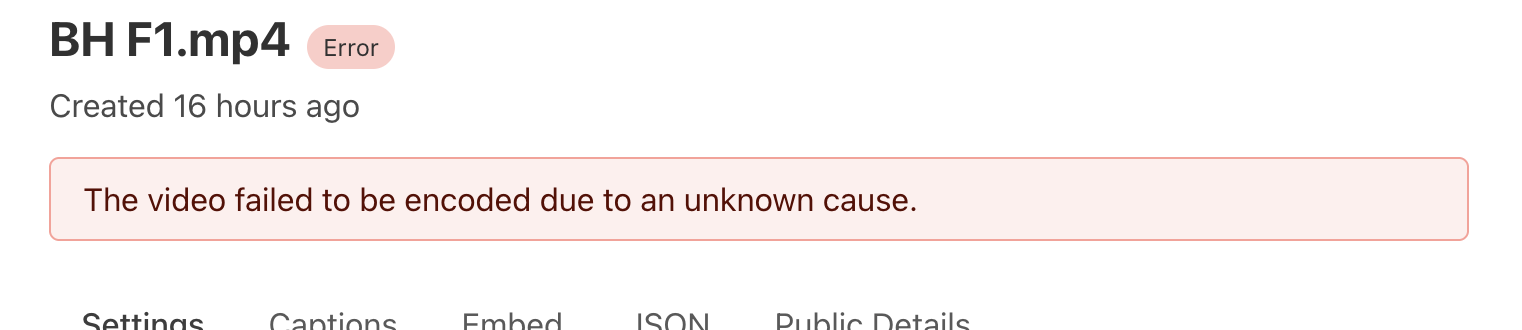
Most of the time, this works fine. However, sometimes the video gets uploaded to R2 and starts processing on Cloudflare Stream, but when accessing the Cloudflare preview or HLS links, it returns a 424 Failed Dependency error. The video does not reach the ready state and shows an error with an unknown cause.
Why is this happening? I have noticed this issue about 2-3 times out of 12-14 video uploads.
Good to see Media Transformations getting some work done. Really would love more options to it, being able to combine two videos together, or placing images/videos over the top/underneath a video would be an amazing next step. Also being able to do things like provide any HLS manifest to then have an MP4 generated
I’m uploading videos via a backend worker service that processes queue jobs—first uploading the file to R2, then providing the R2 link to Cloudflare Stream’s upload-via-link functionality.
When the video successfully uploads to R2 and starts processing in Cloudflare Stream, sometimes it fails or shows the 424 error. In those cases, I can’t re-trigger the upload-via-link process programmatically from the backend because the upload is already considered “in progress” or partially done and my job is to make the process upto provide the r2 link to cloudflare and its upto cloudflare then it queue, process and ready the video on its own.
So, to recover from this, I have to manually log into the Cloudflare dashboard, go to Stream, and use the upload-via-link option again with the same R2 link to upload the file manually. This manual step is necessary because the full upload-via-link cycle can’t be retried automatically from the code once a failure occurs during processing.
but in manually uploads as well there is one weird thing i have noticed which is if I manually upload the video and after video uploading complete it does not show in the stream dashboard, so I wait for 5-10 mins that may be it will show but still not and then need to upload again. and second time it shows. This is also weird in manual case.
these errors are showing on stream, what can I do to debug this, as I am sure this is not from my side, because most of the videos are uploading as it is showing for any 1-2 random video. which is causing issues client side. and every time I cannot fix this by uploading manually videos. Please provide a solution for this.
Also a note I'm not an employee, I'm just trying to suggest possible solutions. You won't get much direct help from the Stream team in here, if it's happening regularly then you should file a support request
I am uploading videos like 15-20 in a day of each size above 4-5 gb upto 30gb and and all are uploading one by one using queue but its upto cloudflare how fast cloudflare stream makes it to ready state. as it can happen if one video is in processing state then other would come if it has uploaded.
Is anyone else experiencing problems with video deliverability? We have users raising tickets about videos loading up to a certain point, but then the video stops (it freezes; it does not show as it is loading; it just freezes), and they are unable to watch no matter what they do (clear cache, restart computer, use a different browser, etc.). We tried to replicate this and it actually is true, even in cloudflare, the video does not run all the way to the end.
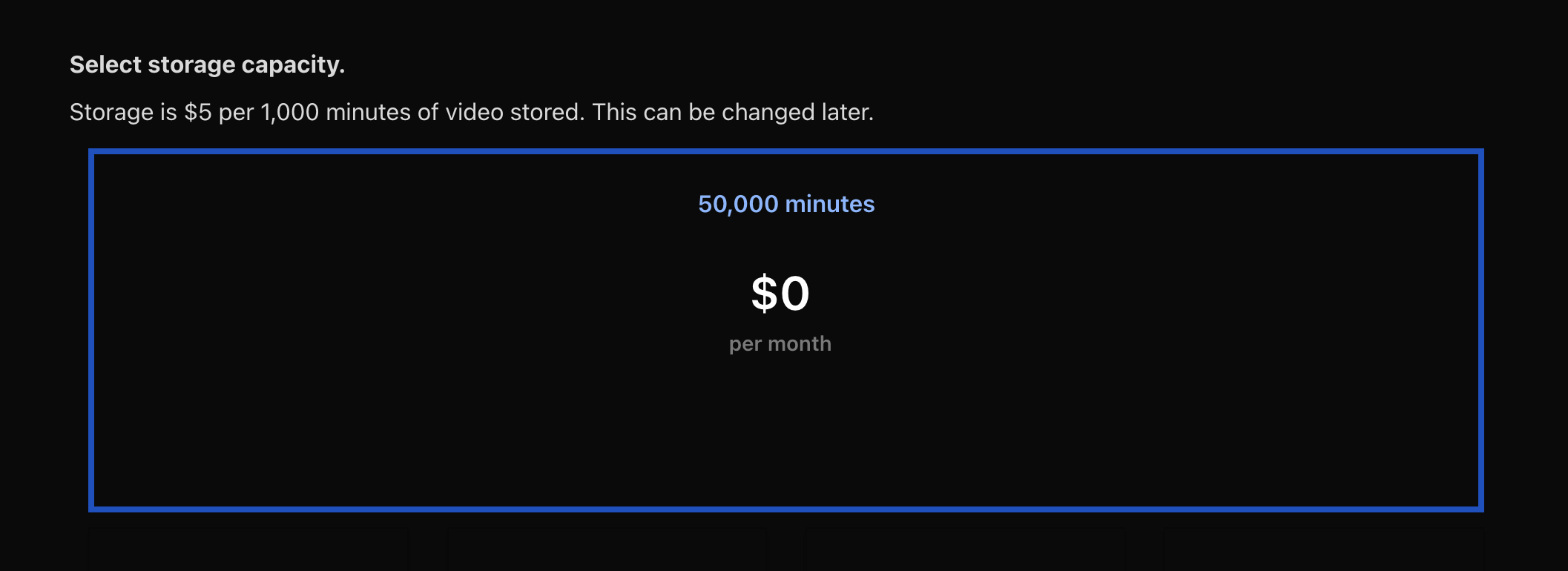
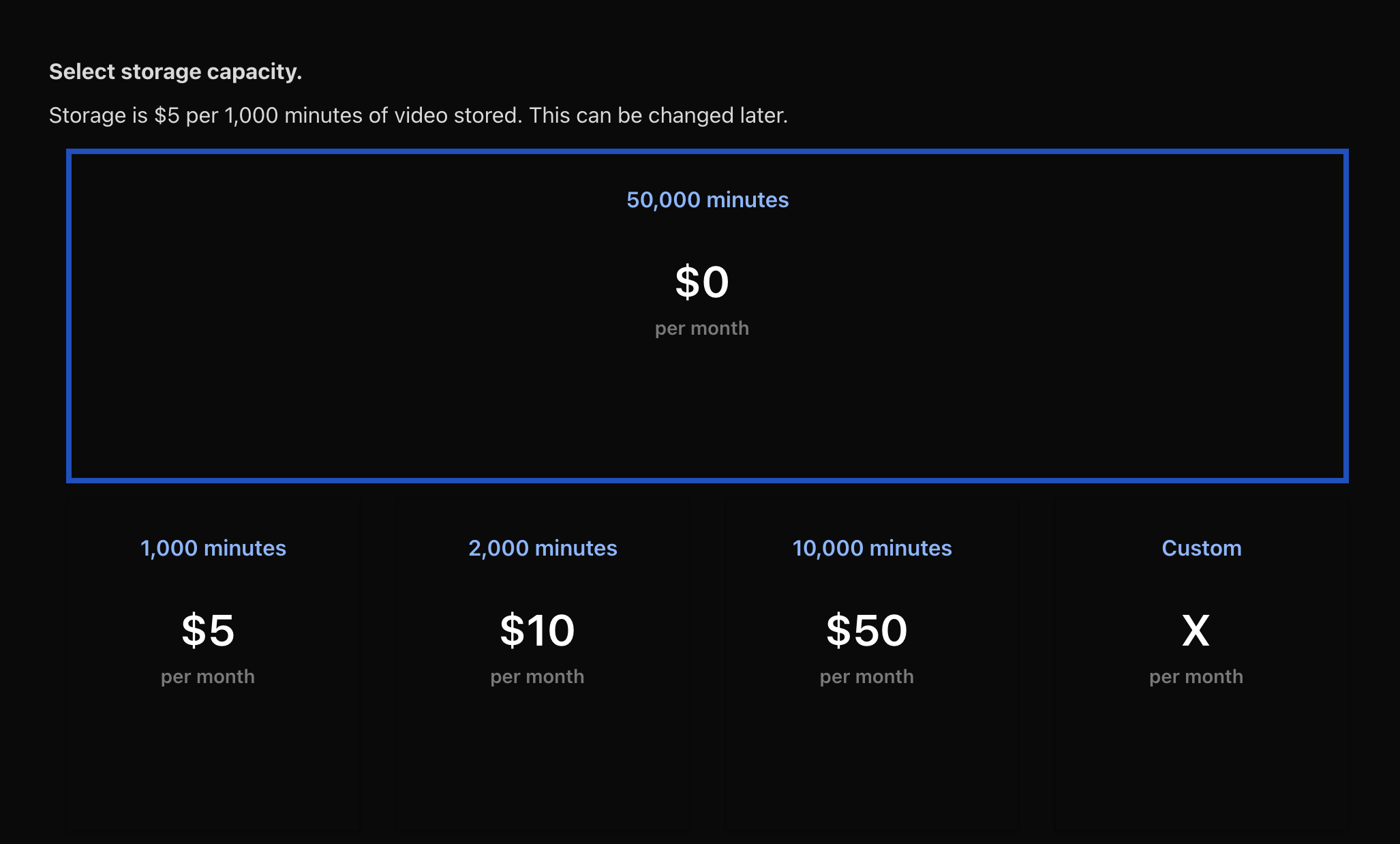
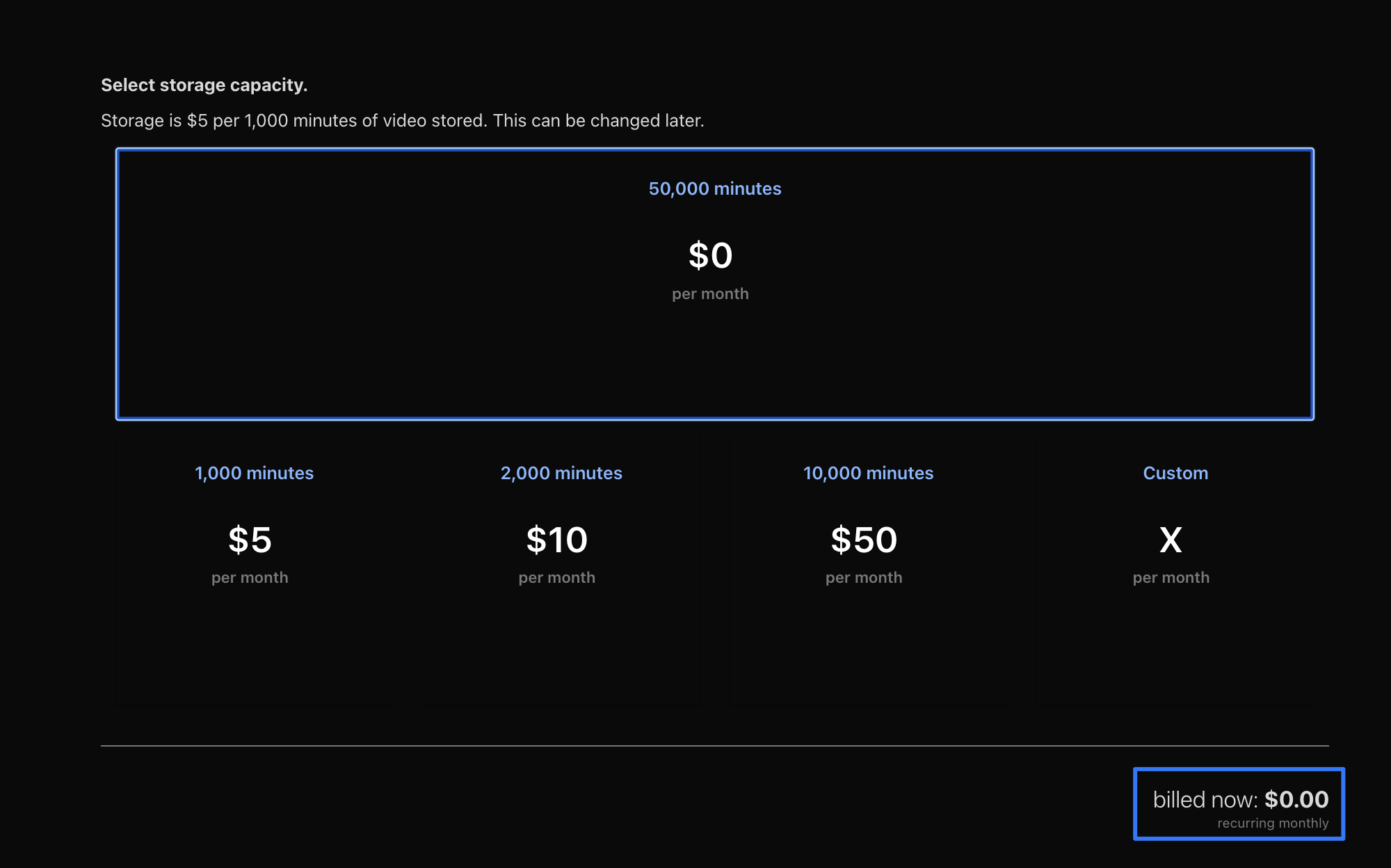
You have selected 50k minutes of storage, which you pay for regardless of how much you use. Storage is $5 per 1k mins. The $0 per month number shown would be referring to the included minutes viewed of 0
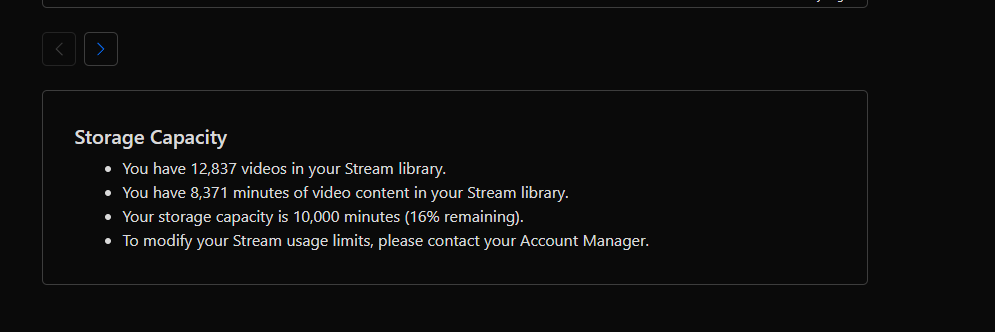
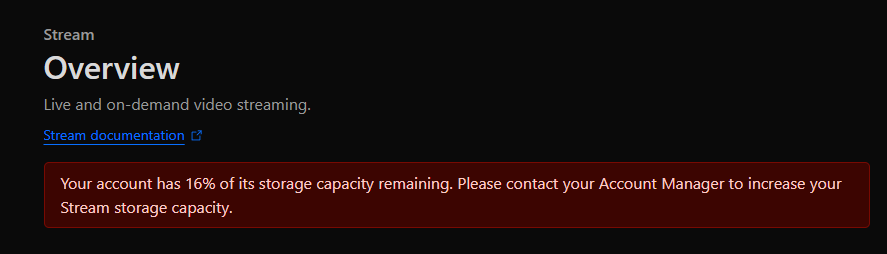
@Tobias are you running an enterprise account? We are not. Where do you see the option to select storage capacity? This is what I see on the overview page: