
https://github.com/microsoft/DirectXTex/blob/e102d0bd3e1a9e59e9aa7276b3ff27c484b783b6/DirectXTex/Dir
GitHub
DirectXTex texture processing library. Contribute to microsoft/DirectXTex development by creating an account on GitHub.
 NN
NNALIGNMENT = 256NtextureWidth = 1, getComponentCount(textureFormat) = 4 (because 4 components), getComponentSize(textureFormat) = 1 (becuse 1 byte)NunalignedBytesPerRow = 4 and then bytesPerRow = 256N SSS
SSS QQS
QQS A
A LA
LA PPAPA
PPAPA J
J IN
IN
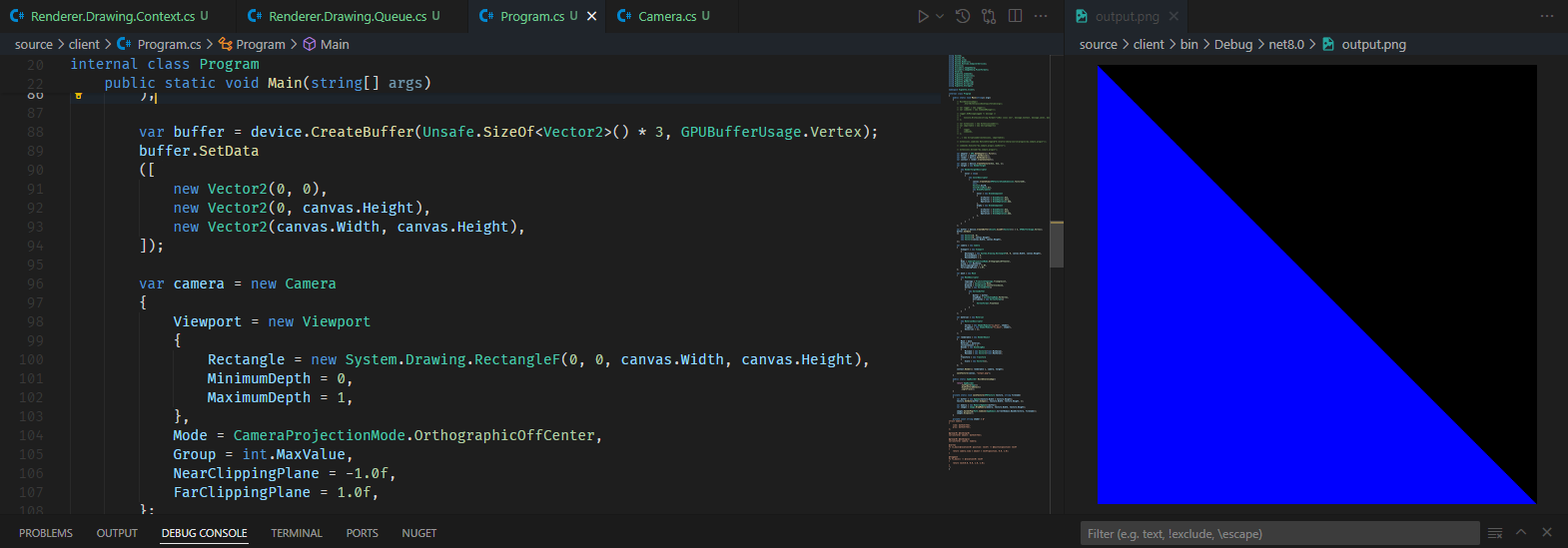 P
PAndroidAsset:PIAssets/**/*.* to AndroidAsset seems to make it be detected by the AssetManager. I think that does it for now, though if I could have that Assets folder exist in a shared assembly (i.e., one the Desktop entry point and the Android entry point can reference), that'd be nice. Would you happen to know about that too?PAssets directory in some common path and reference that from both projects i.e. for the console/desktop app, <Content Include="../Assets/**/*.*" CopyToOutputDirectory="CopyIfNewer" CopyToPublishDirectory="CopyIfNewer" />; and for Android <AndroidAsset Include="../Assets/**/*.*" />IP IIII
IIIIAssetManager.List(""); gives me the 3 defaults plus my 14 assets instead of the 3 defaults + the content folder.S S
S SQQ
SQQ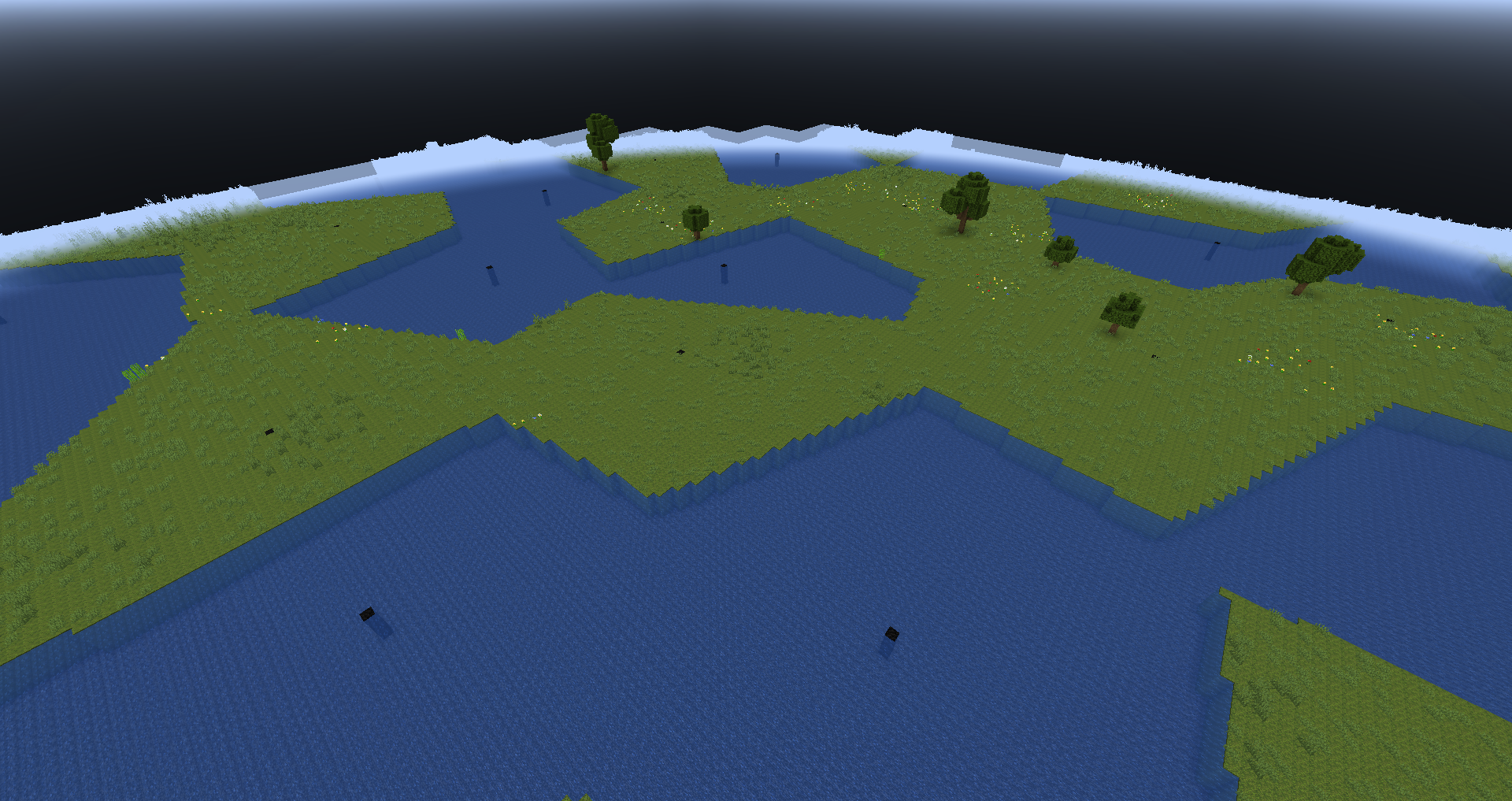
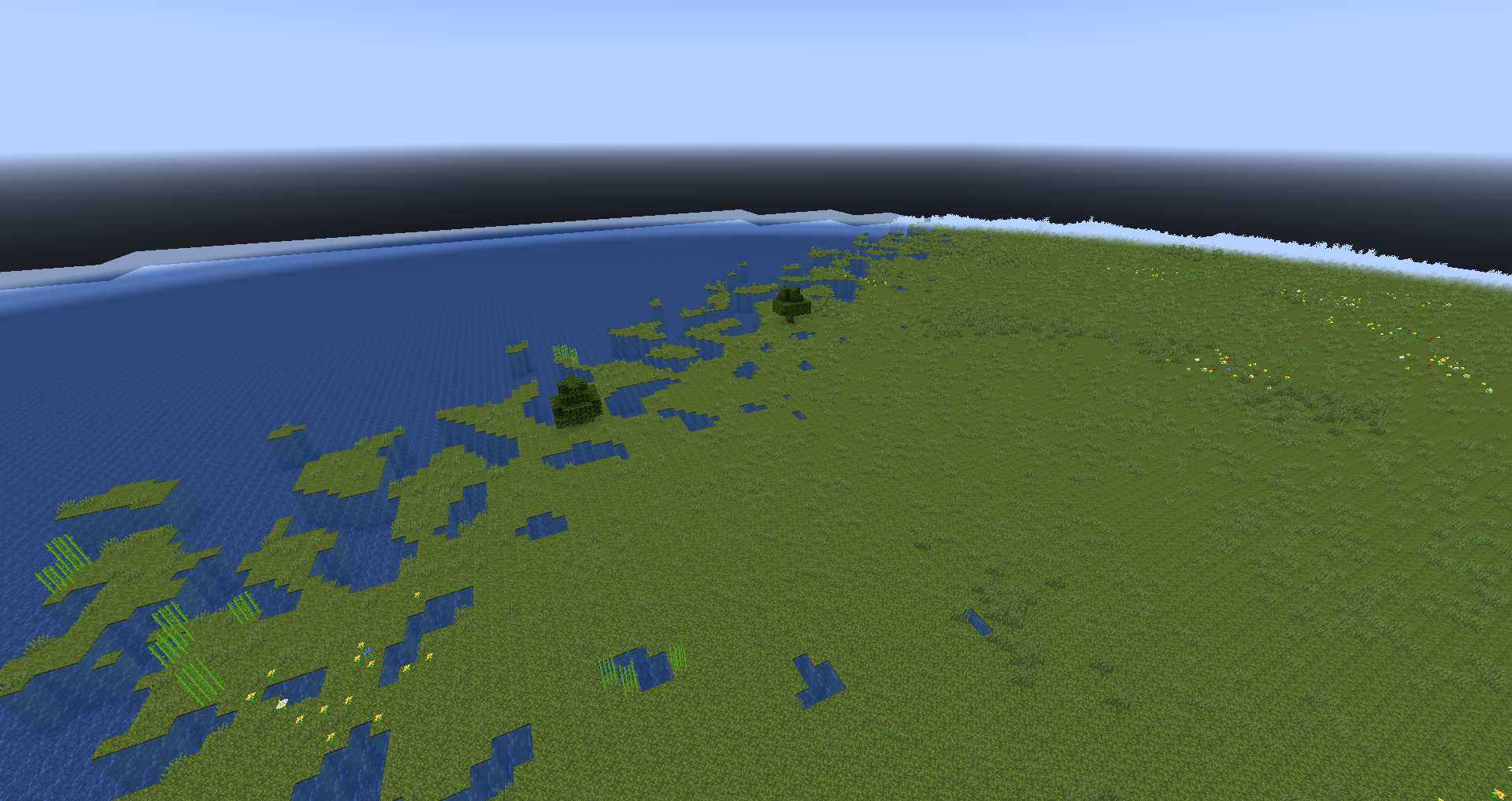 Q
Q TTQQQA
 A
A S
S SSQ
SSQDictionary object as its interface type IDictionary Q
QALIGNMENT = 256textureWidth = 1getComponentCount(textureFormat) = 4getComponentSize(textureFormat) = 1unalignedBytesPerRow = 4bytesPerRow = 256AndroidAssetAssets/**/*.*Assets<Content Include="../Assets/**/*.*" CopyToOutputDirectory="CopyIfNewer" CopyToPublishDirectory="CopyIfNewer" /><AndroidAsset Include="../Assets/**/*.*" />AssetManager.List("");DictionaryIDictionaryuint unalignedBytesPerRow = textureWidth * (getComponentCount(textureFormat) * getComponentSize(textureFormat));
uint bytesPerRow = ((unalignedBytesPerRow / ALIGNMENT) + 1) * ALIGNMENT;<ItemGroup>
<AndroidAsset Include="Assets\sound.mp3" />
</ItemGroup> <AndroidAsset Include="../Content/**/*.*">
<CopyToOutputDirectory>PreserveNewest</CopyToOutputDirectory>
</AndroidAsset>


